Free Neumorphism UI Generator
Create soft 3D neumorphic UI effects with customizable shadows and shapes.
How to Use Neumorphism UI Generator?
Customize Settings
Adjust the controls to get your desired output. All changes preview in real-time.
Preview Live
See your changes reflected instantly in the live preview panel.
Copy Code
Copy the generated CSS code and paste it into your website.
Design Soft 3D Neumorphic UI Elements
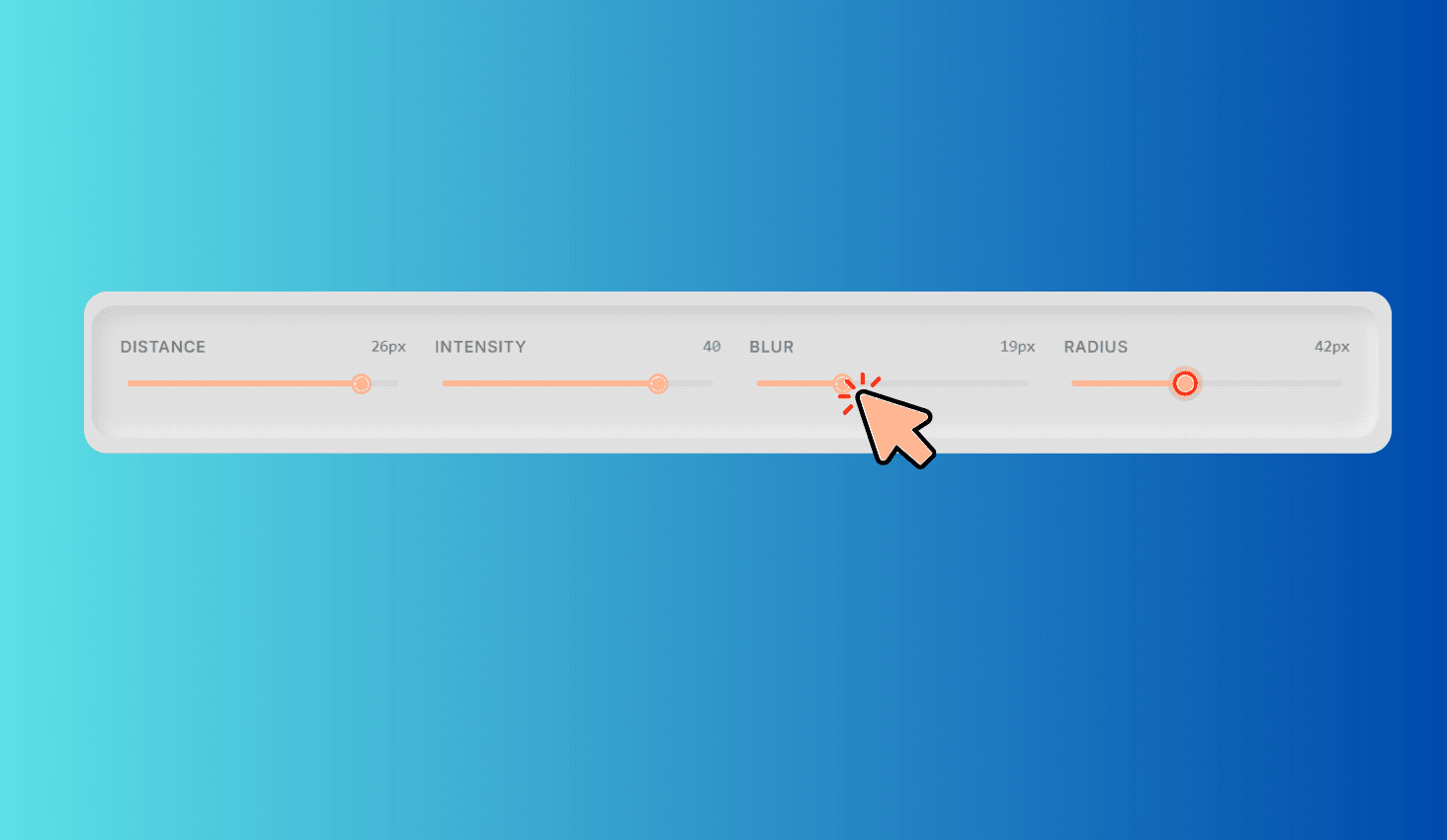
Neumorphism UI Generator is a free visual tool for creating soft, extruded UI components. Choose from four shape types — Flat, Concave, Convex, and Pressed — and fine-tune the effect with sliders for shadow distance, light/dark intensity, blur radius, and corner radius. Pick any background color and the tool automatically calculates matching light and dark shadows. Preview your element live and copy clean CSS with border-radius, background (including gradients for concave/convex), and multi-layer box-shadow.
Four Shape Types & Automatic Shadow Calculation
Flat produces a classic raised surface with outer light and dark shadows. Concave adds a subtle inward curve using a gradient background plus inset shadows. Convex creates a dome-like highlight with a reversed gradient. Pressed simulates an element pushed into the surface using inset-only shadows.
Set any background color with the color picker — the tool automatically derives the light and dark shadow colors from it. Adjust distance (1–30px), intensity (1–50), blur (0–60px), and border radius (0–100px) to get the exact neumorphic look you need.