
Free iFrame Generator
Generate customizable iFrame code for embedding content on your website.
URL
Dimensions
Options
Live Preview
Want an iFrame your team can manage?
Poper turns one-off embeds into branded widgets with no-code editing, one-line install, and analytics.
How to Generate iFrame Code?
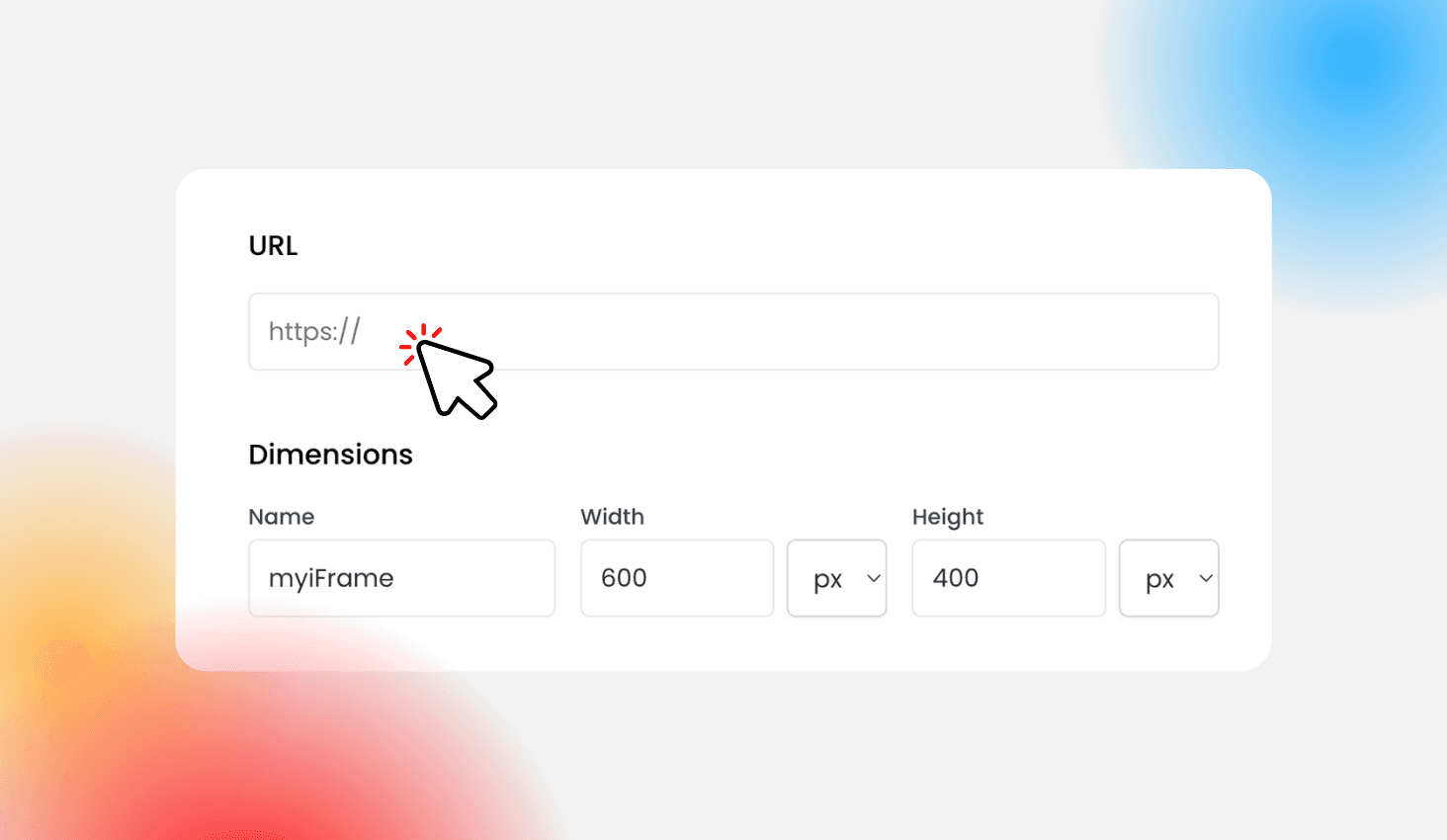
Enter URL and Customize Settings
Enter the URL you wish to embed and customize the iframe settings. Adjust dimensions, margins, and borders. Our tool lets you create iframes with options for scrollbars, border types, and more. This step helps you generate iframe embed code that fits perfectly with your website’s design
Generate, Preview, and Copy Code
Click 'Generate' to produce your iframe code. Preview the iframe in real time and ensure it displays correctly. Once satisfied, copy the generated iframe code to embed a URL on your site.
Why Use Our iFrame Generator?
Our iframe generator is ideal for web developers, digital marketers, and business owners who need to embed external content seamlessly.
Key Benefits:
- Easy Integration: Quickly generate iframe code without any coding skills.
- Versatility: Embed videos, maps, forms, and other URL-based content using our free online iframe generator.
- Customization: Create responsive iframes and adjust settings like dimensions, margins, and borders to match your site design.
- Time-Saving: Whether you’re using it as an iframe generator for Google Maps, videos, or external pages, our tool simplifies the process.
Try our tool today to experience why it’s the best iframe generator and iframe tool available!
Create Custom iFrame Code Easily
Welcome to our Free iFrame Generator your ultimate tool to create iframes effortlessly. Our online iframe generator, also known as an iframe maker or iframe creator, lets you create iframe code for any URL. Whether you need an iframe embed code generator for Google Maps, videos, forms, or external pages, our tool covers it. It's designed for anyone who wants to generate iframe code without any technical hassle. Explore our tool and see why it's the best choice among online iframe generators.
What is an iFrame?
An iFrame (Inline Frame) is an HTML element that allows you to embed one webpage within another. Using our iframe generator, you can easily create an iframe to display external content—be it a video, map, form, or another webpage—without redirecting your visitors
This method is especially useful when you need to integrate third-party content seamlessly.
Our tool focuses on URL-based iframe embed code with customizable dimensions, margins, scrollbars, and borders.

How is it Different from a Normal Website?
A normal website loads independently, while an iframe is displayed inside another webpage. It lets you combine your content with external content in a single view.
Unlike a full website, an iframe is embedded within a page, giving you the flexibility to combine content from different sources in a single view.

Similar Tools
Best Practices & Troubleshooting Tips
When using our iframe generator, keep these tips in mind
Make sure the URL you input is accessible and uses HTTPS.
Adjust the width and height to create a responsive iframe.
Experiment with different border and margin settings to get the best appearance.
If your iframe isn’t displaying as expected, double-check that the URL is public, uses HTTPS, and allows iframe embedding.
Explore options like 'twitter iframe generator' or 'instagram iframe generator' if you are embedding social media content. These practices will help you generate the perfect iframe every time