Free Multi-Step Form Conversion Estimator
Estimate how converting a long form into a multi-step form affects conversion rates and total form completions.
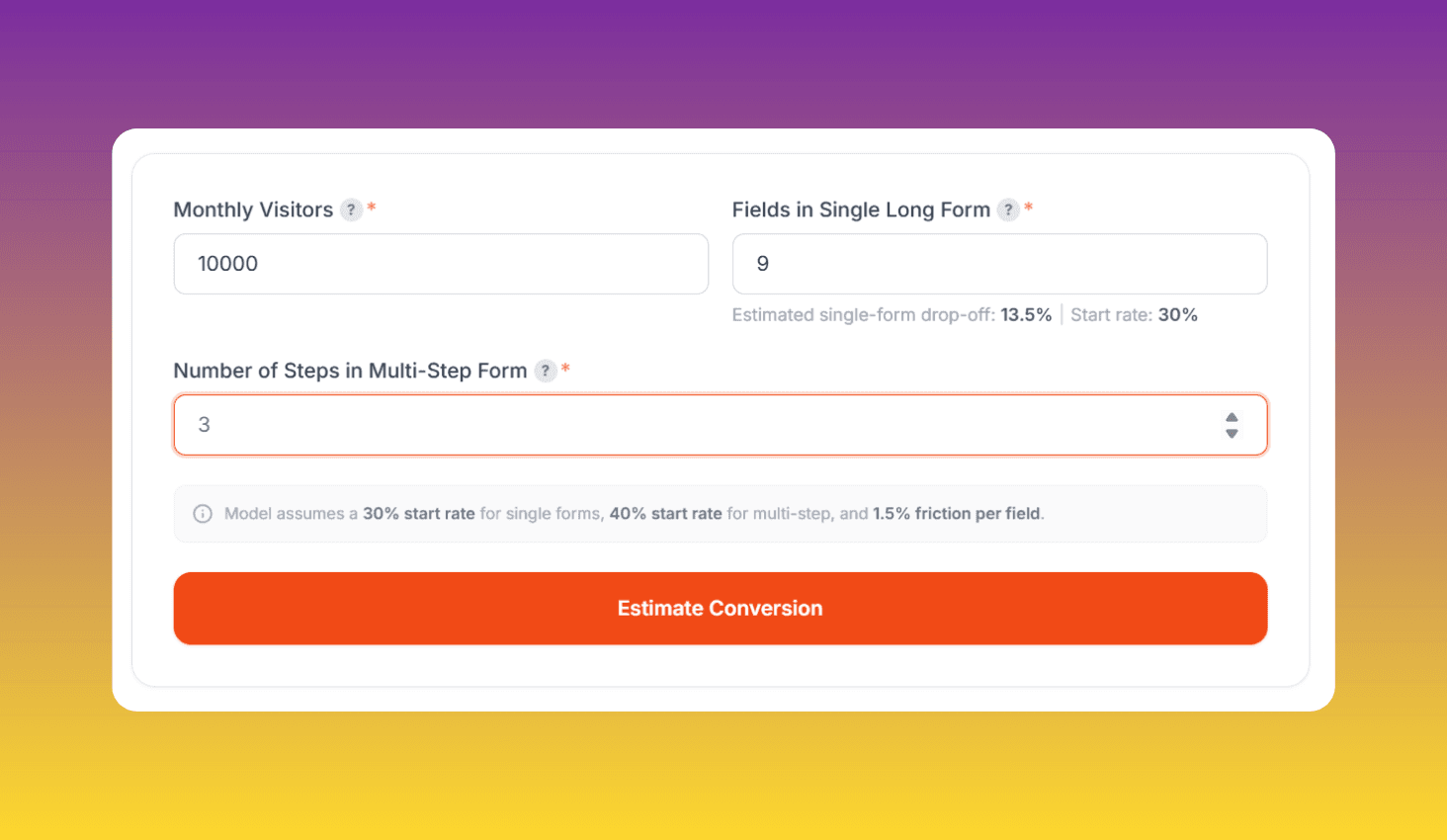
Model assumes a 30% start rate for single forms, 40% start rate for multi-step, and 1.5% friction per field.
Enter your form metrics above
Configure visitors, single-form fields, and multi-step fields to see estimated results
How to Use Multi-Step Form Conversion Estimator?
Configure Your Form
Enter your monthly visitors, single form field count, and set how many steps you want to split the form into.
Define Fields Per Step
Assign field counts to each step. The tool auto-calculates estimated drop-off using the 1.5% per-field friction model.
Compare & Download Report
See a side-by-side comparison of single vs multi-step conversions with a visual funnel. Download the full PDF report.
About Multi-Step Form Conversion Estimator
Compare single long forms against multi-step forms. This tool models start-rate improvement, per-step drop-off, and sequential completion to give you a realistic conversion estimate.
How the Calculation Works
The tool uses a realistic funnel model. For single forms, only ~30% of page visitors actually start filling out the form (the start rate). The drop-off is then calculated as total fields x 1.5% per field. For example, a 12-field form has an 18% drop-off, giving a completion rate of 82% among starters.
Multi-step forms boost the start rate by ~40% because the first step looks simple and inviting. Each step then has its own drop-off (fields x 1.5%), and visitors flow through each step sequentially. The combination of higher start rates and distributed friction typically yields 30-50% more conversions than a single long form.