Free Glassmorphism UI Generator
Create frosted glass UI effects with customizable blur, transparency, and borders.
How to Use Glassmorphism UI Generator?
Customize Settings
Adjust the controls to get your desired output. All changes preview in real-time.
Preview Live
See your changes reflected instantly in the live preview panel.
Copy Code
Copy the generated CSS code and paste it into your website.
Create Frosted Glass CSS Effects Visually
Glassmorphism UI Generator lets you design frosted glass card effects with full control over blur, white overlay opacity, border color and opacity, border radius, shadow blur, and shadow opacity. Preview your glass card live on 6 gradient background presets or pick a custom background color. The tool auto-adapts text color for light and dark backgrounds. Copy the generated CSS — including backdrop-filter, -webkit-backdrop-filter, border, border-radius, and box-shadow — with one click.
Full Control Over Every Glass Property
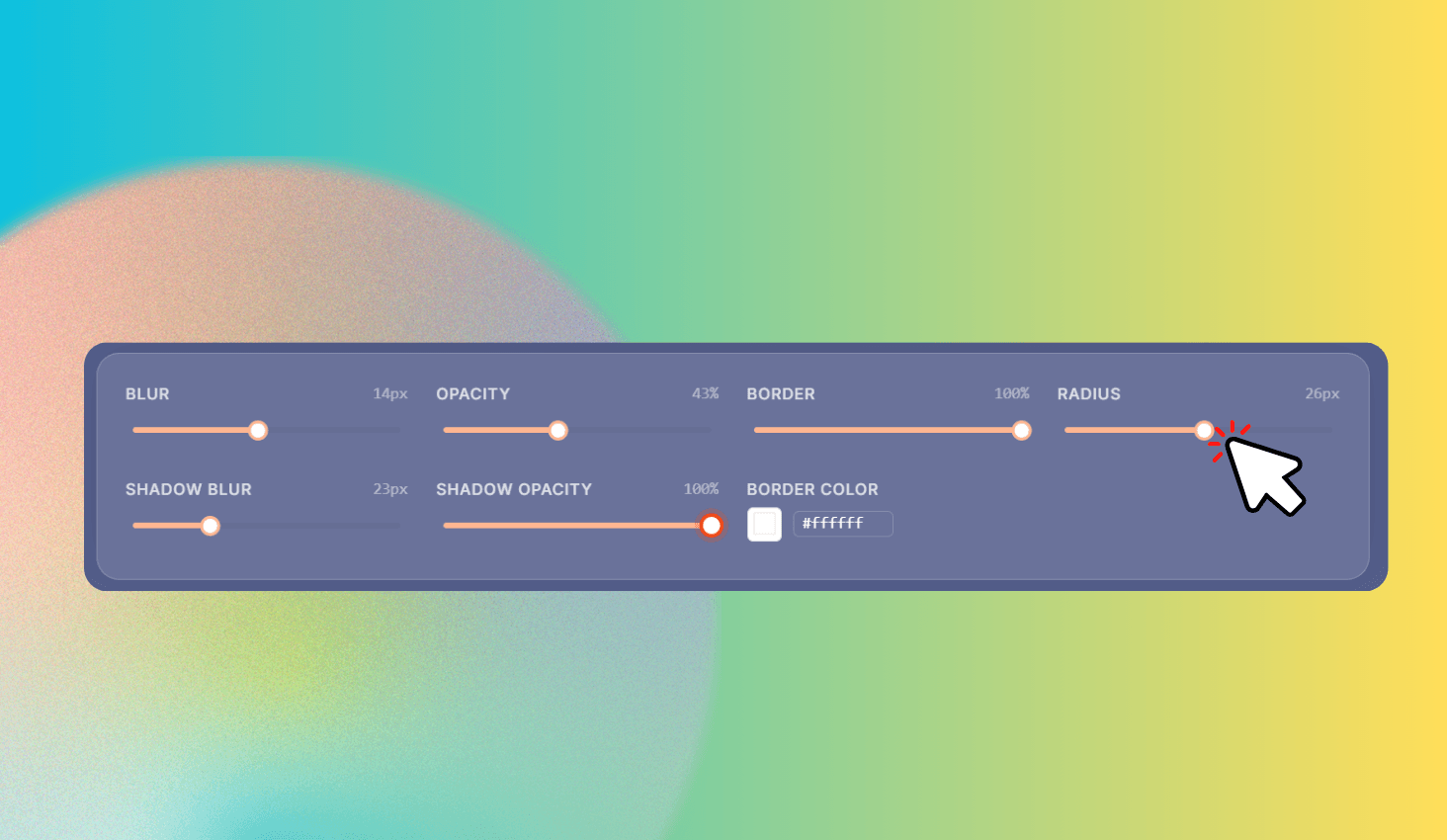
Adjust six sliders in real time: Blur (0–30px), Opacity (0–100%), Border opacity (0–100%), Border radius (0–50px), Shadow blur (0–80px), and Shadow opacity (0–100%). Pick a custom border color with the color picker.
Switch between 6 gradient background presets — Purple, Ocean, Sunset, Forest, Dark, and Warm — or choose any custom solid color to see how your glass card looks on different backgrounds.