Free CTA Button Generator
Design eye-catching call-to-action buttons and get the HTML code instantly. No coding required.
Quick Start with a Theme
Live Preview
Your button updates in real-time as you customize
Preview on dark background
How to Create a CTA Button?
Customize Your Button
Enter your button text and URL. Choose a style, colors, size, border radius, and optionally add an icon or animation to make it stand out.
Preview in Real Time
Watch your button update live as you adjust settings. Preview it on both light and dark backgrounds to ensure it looks great everywhere.
Generate and Copy Code
Click 'Generate Code' to get clean HTML code. Copy it with one click and paste it into your website, landing page, or email template.
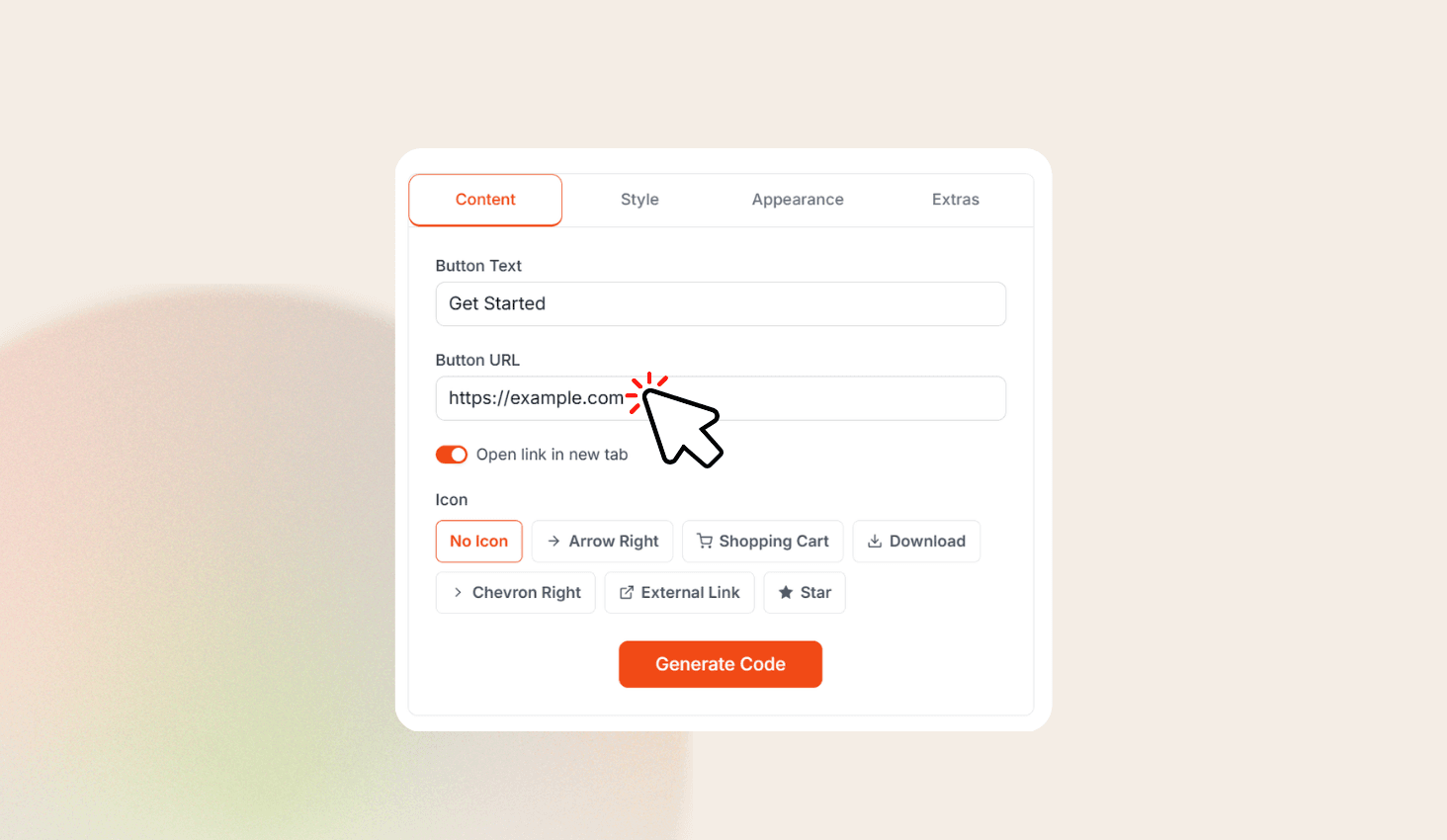
Design Custom CTA Buttons Visually
CTA Button Generator is a free visual tool that lets you design call-to-action buttons without writing any code. Pick from four button styles — Solid, Outline, Gradient, and Soft — and customize colors, sizes, border radius, font weight, shadows, and animations. Add icons, preview your button live on light and dark backgrounds, then generate clean HTML and CSS code ready to paste into your website.
Full Customization at Your Fingertips
Start with a preset theme or build from scratch. Adjust background color, text color, gradient direction, border width, and shadow intensity. Choose from multiple size options and border radius presets ranging from sharp corners to fully rounded pill shapes.
Add icons like arrows, shopping carts, or stars and position them on either side of your button text. Apply eye-catching animations such as Pulse, Bounce, Shake, or Glow to draw visitor attention to your CTA.