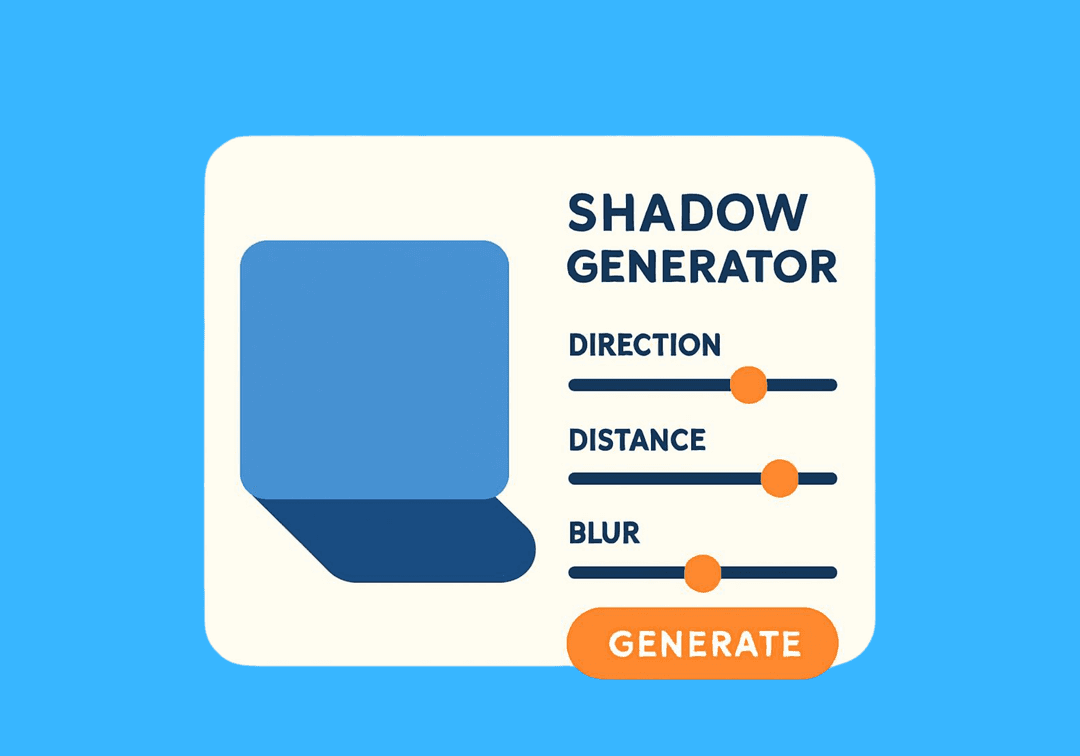
Free CSS Shadow Generator
Create beautiful box shadows with visual controls for offset, blur, spread, and color.
How to Use CSS Shadow Generator?
Customize Settings
Adjust the controls to get your desired output. All changes preview in real-time.
Preview Live
See your changes reflected instantly in the live preview panel.
Copy Code
Copy the generated CSS code and paste it into your website.
About CSS Shadow Generator
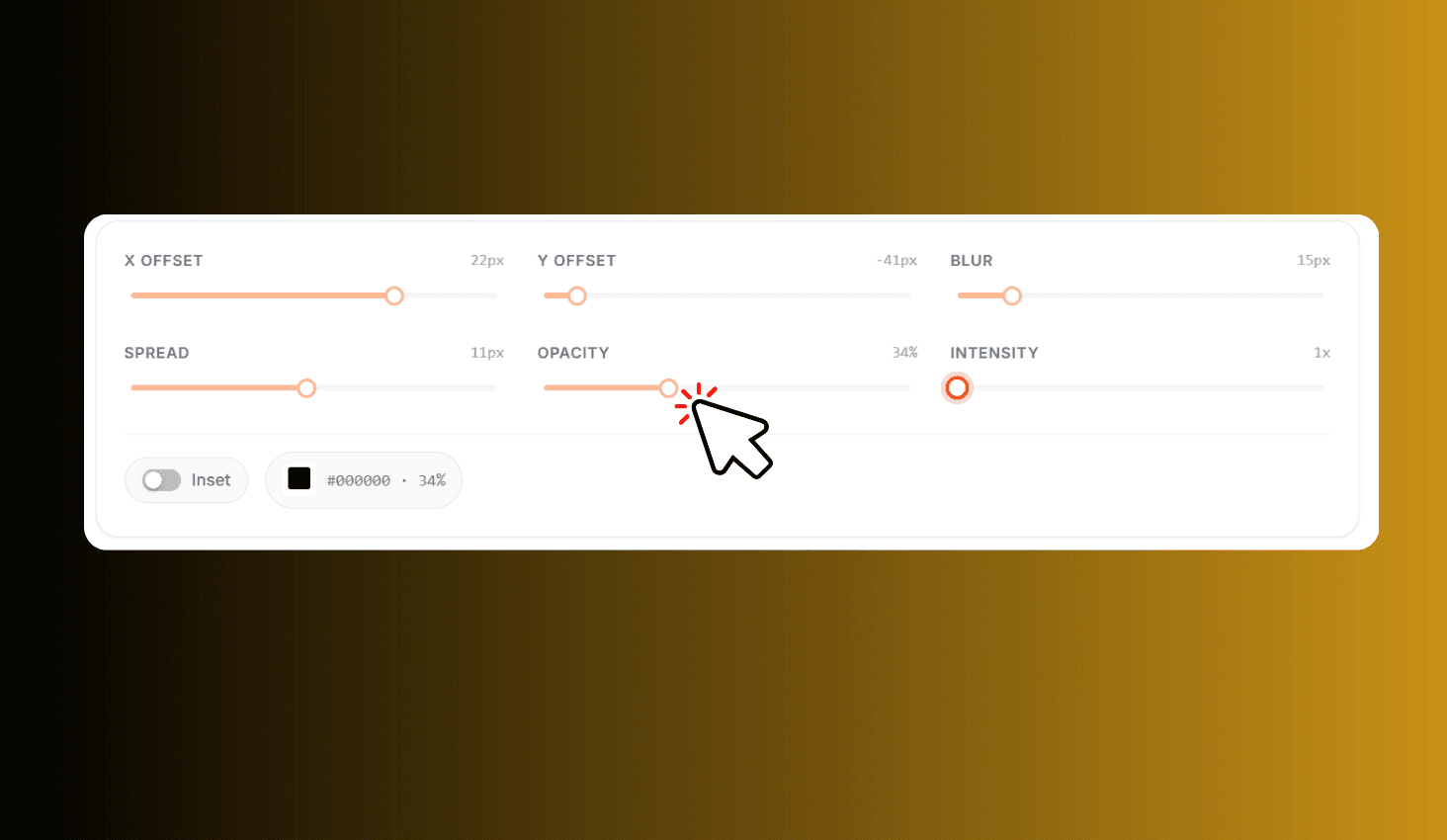
Design CSS box shadows visually with precise controls for X offset (-50 to 50px), Y offset (-50 to 50px), blur radius (0-100px), spread (-25 to 50px), an inset toggle, and a color picker. Every change previews instantly on a live element, and you get both the CSS and HTML code ready to copy.
Fine-Tune Every Shadow Property
Use four dedicated sliders to dial in the exact shadow position, softness, and size. The X and Y offset sliders range from -50 to 50 pixels so you can place shadows in any direction. Blur goes up to 100px for ultra-soft diffused effects, and spread ranges from -25 to 50px to shrink or expand the shadow beyond the element.
Toggle the Inset switch to flip the shadow inside the element for pressed or sunken effects. Pick any shadow color with the built-in color picker. The live preview element updates in real time so you see the exact result before copying the generated CSS and HTML code.