Free Color Palette Generator
Generate color palettes from a base color or with AI. Apply the 60-30-10 rule with smart role suggestions, and export to CSS, Tailwind, or SCSS.
Base Color
#F14A16
Orange
Click to copy#18BFF2
Cyan
Click to copy#F78E6E
Soft Orange
Click to copy#6ED7F7
Soft Cyan
Click to copy#9F3C1D
Orange
Click to copyThe 60-30-10 Rule
A proven design balance for any color palette. Here's how to apply your generated colors:
#F78E6E
Soft Orange
Dominant (60%)
Backgrounds, large surfaces, body area
Use this as your main background color. It should feel calm and not compete for attention.
#F14A16
Orange
Secondary (30%)
Headings, cards, sidebars, sub-sections
Apply to supporting elements like cards, navigation bars, and section headers.
#F78E6E
Soft Orange
Accent (10%)
CTA buttons, links, highlights, badges
Reserve for call-to-action buttons, important links, and elements that need to pop.
How to Use Color Palette Generator?
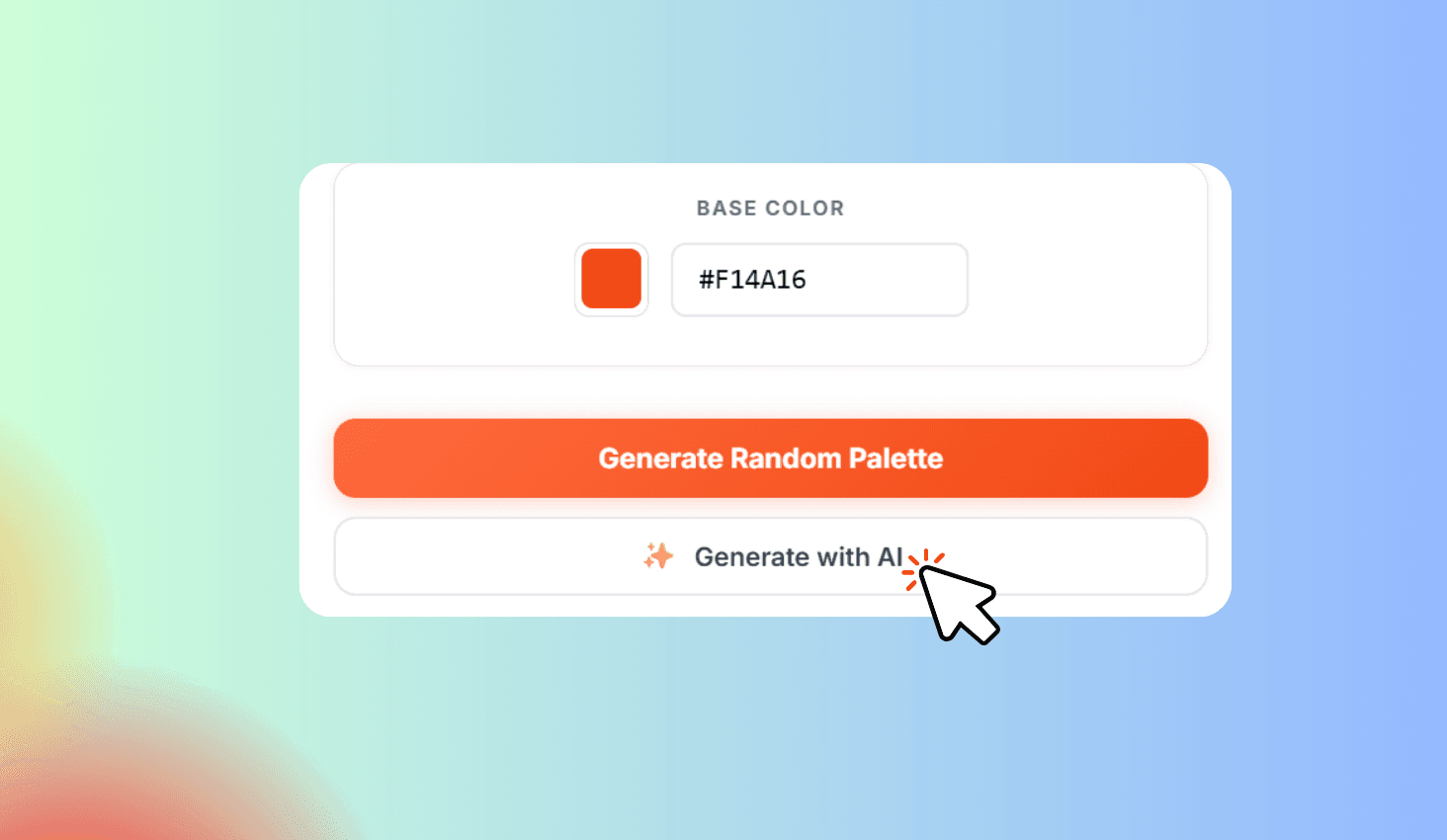
Choose a Base Color or Generate with AI
Pick a color, enter a hex code, or use AI to generate a palette from a text description.
Explore Your Generated Palette
View 5 color swatches with hex codes and names. Click any swatch to copy its code.
Apply the 60-30-10 Rule
Assign Dominant, Secondary, and Accent roles to your colors with AI suggestions.
Generate Color Palettes with Harmony Schemes & AI
Color Palette Generator is a free tool that creates 5-color palettes from any base color using six harmony schemes — Complementary, Analogous, Triadic, Split Complementary, Tetradic, and Monochromatic. Apply the 60-30-10 design rule to assign Dominant, Secondary, and Accent roles. Use AI to generate palettes from a text description or get smart role suggestions.
Harmony Schemes, AI Generation & Smart Export
Pick a base color or describe a theme and let AI generate a palette for you. The tool instantly produces 5 harmonious colors per scheme, with click-to-copy hex codes and named color labels.
Apply the 60-30-10 rule to see which color works best as background, heading, or accent. Save palettes to your browser for later and export everything to CSS in one click.