Free Button Style Generator
Generate CSS button styles with custom colors, padding, border radius, borders, and animations.
How to Use Button Style Generator?
Customize Settings
Adjust the controls to get your desired output. All changes preview in real-time.
Preview Live
See your changes reflected instantly in the live preview panel.
Copy Code
Copy the generated CSS code and paste it into your website.
About Button Style Generator
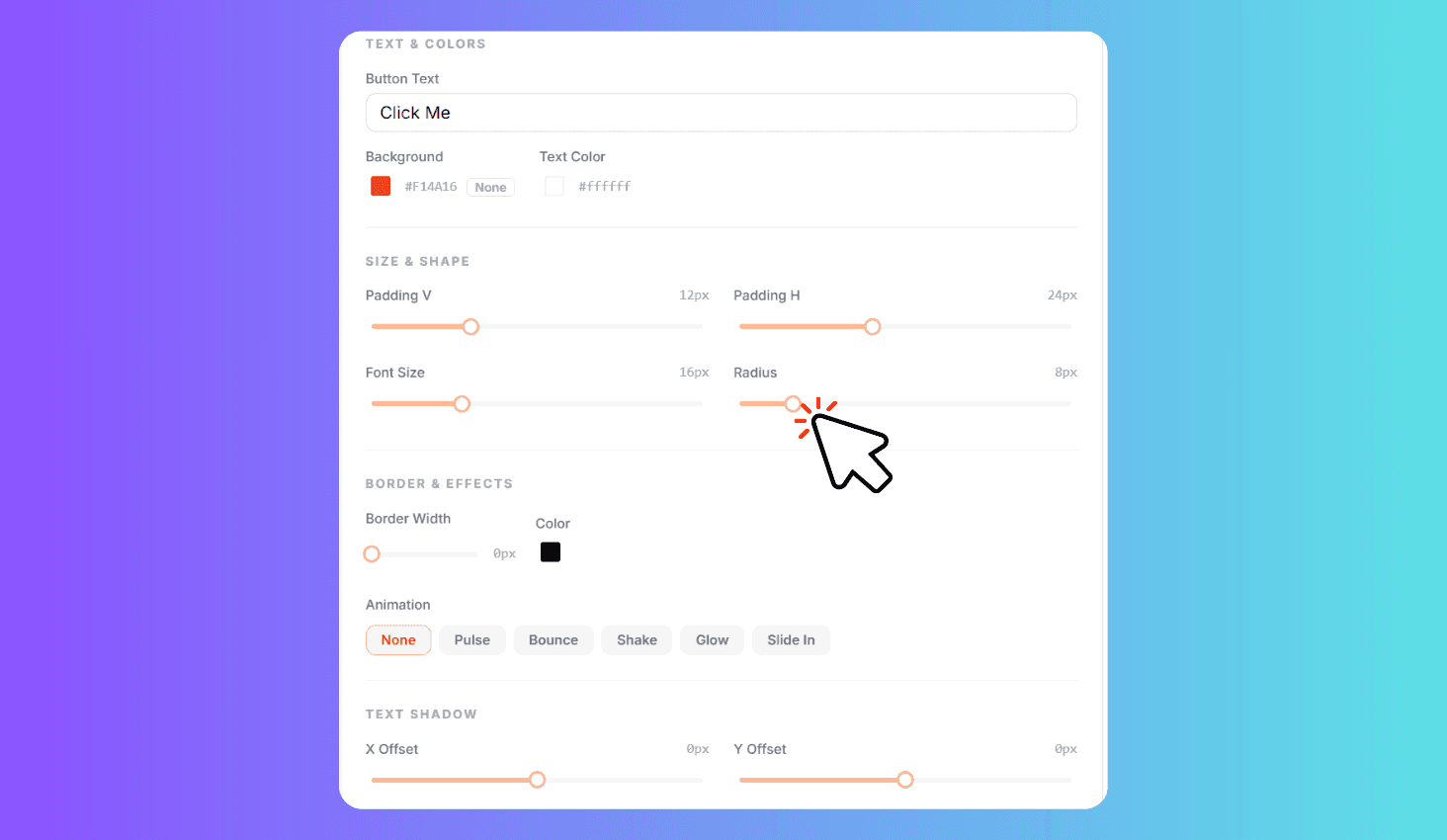
Design CSS buttons with 8 one-click presets (Primary CTA, Outline, Pill, Ghost, Gradient Feel, Danger, Success, Animated CTA) and full customization. Adjust background and text colors, vertical and horizontal padding, border radius, font size, border width and color, plus choose from 5 animations — Pulse, Bounce, Shake, Glow, and Slide In. Edit the button text, preview everything live, and copy the generated CSS code.
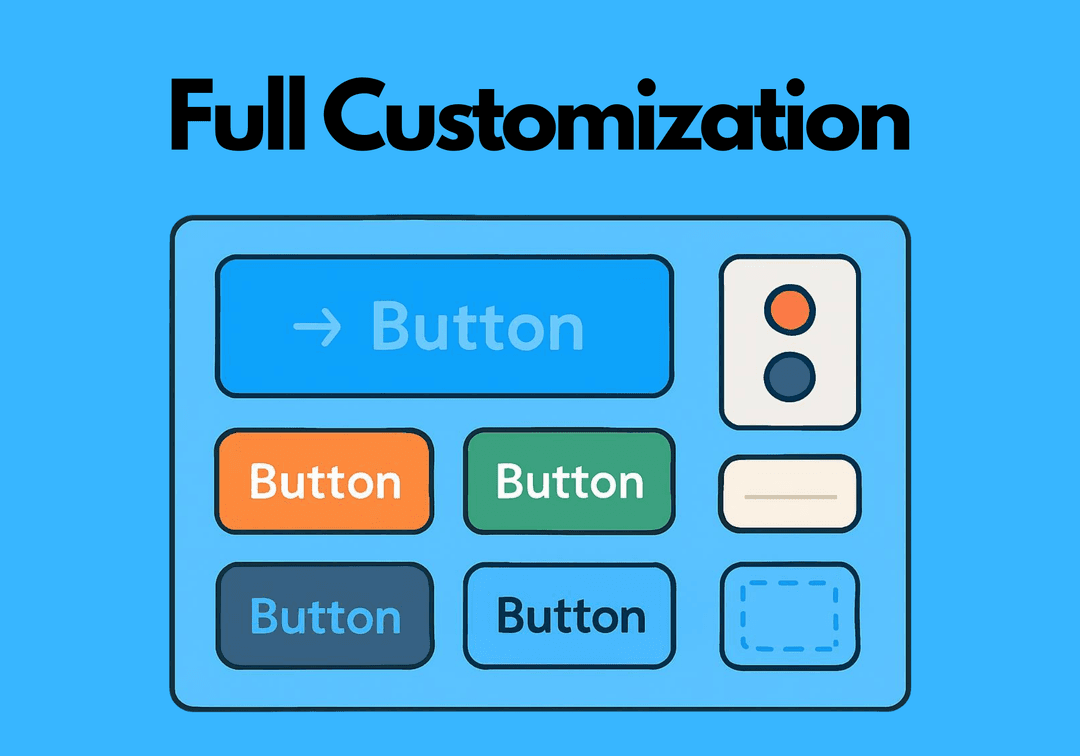
Presets and Full Customization
Start fast with 8 ready-made button presets that instantly apply a complete style — from solid CTAs and pill buttons to ghost and gradient designs. Each preset sets all properties at once so you can preview different looks in seconds.
Fine-tune every detail with sliders for vertical padding (0-40px), horizontal padding (0-60px), font size (10-32px), and border radius (0-50px). Pick background, text, and border colors with the color pickers. Add motion with 5 built-in animations that preview live on the button. When you are happy with the result, copy the CSS code including keyframes for any animation you selected.