Free Bounce Rate Simulator
Calculate your website bounce rate by entering single-page sessions and total sessions.
How to Use Bounce Rate Simulator?
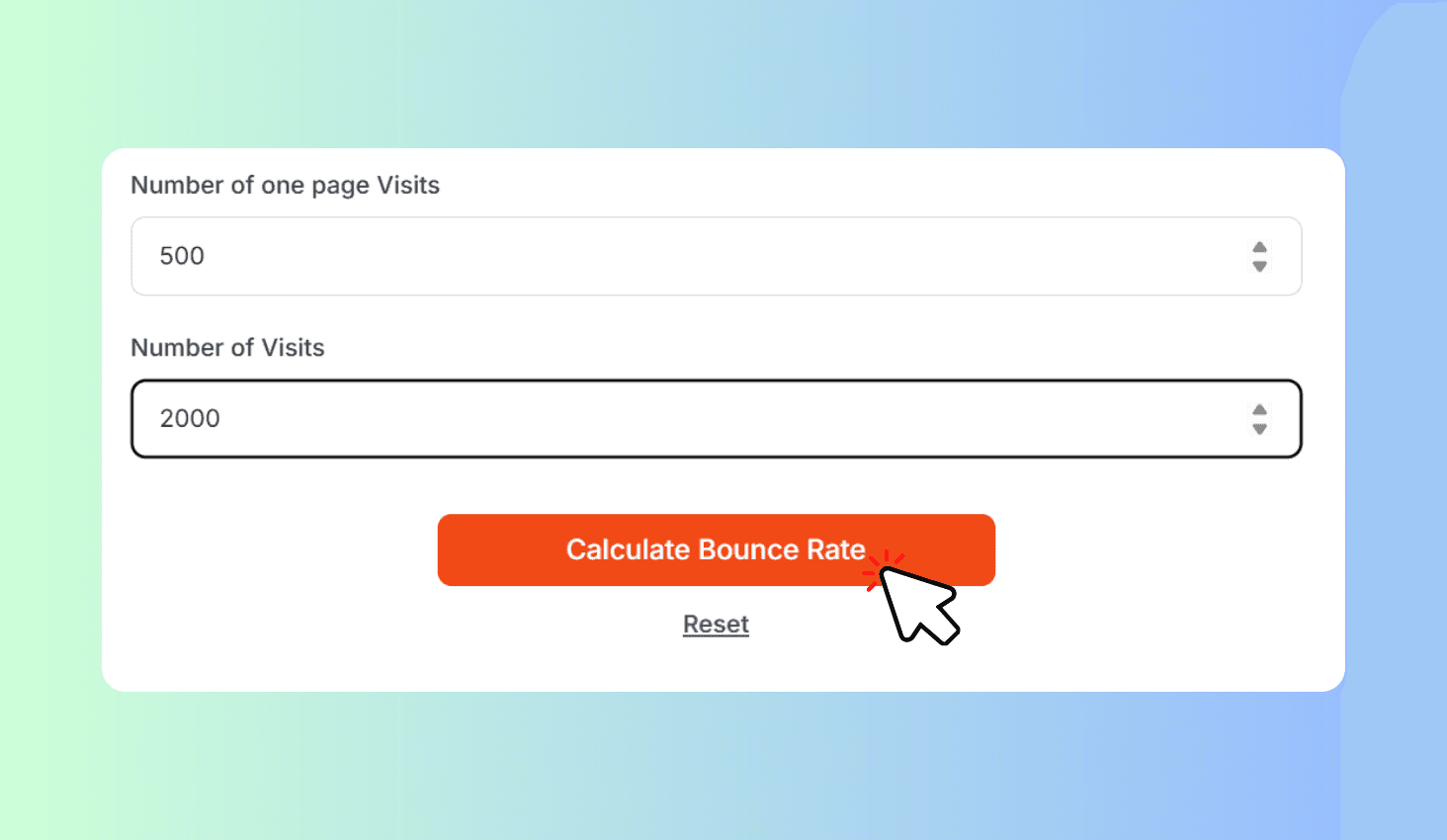
Enter Your Data
Enter the number of one-page visits and total visits from your analytics.
Get Results
Click Calculate to see your bounce rate with a performance rating and tips.
Copy Report
Copy the full report to share with your team or track progress over time.
About Bounce Rate Simulator
Calculate your website bounce rate instantly by entering single-page sessions and total sessions. Get a color-coded performance rating (Excellent, Good, Average, Needs Improvement, High) with personalized optimization tips to reduce bounces and improve visitor engagement.
How Bounce Rate is Calculated
Bounce rate is calculated using the formula: (Single-page sessions ÷ Total sessions) × 100. A single-page session, also called a bounce, occurs when a visitor lands on your page and leaves without clicking any link, filling a form, or navigating to another page.
Your result is rated on a 5-tier scale: Excellent (0-25%), Good (25-40%), Average (40-55%), Needs Improvement (55-70%), and High (70%+). Each tier comes with specific, actionable tips tailored to your performance level.