Free Border Radius Generator
Drag the corner handles or use sliders to design CSS border-radius visually.
How to Use Border Radius Generator?
Drag or Use Sliders
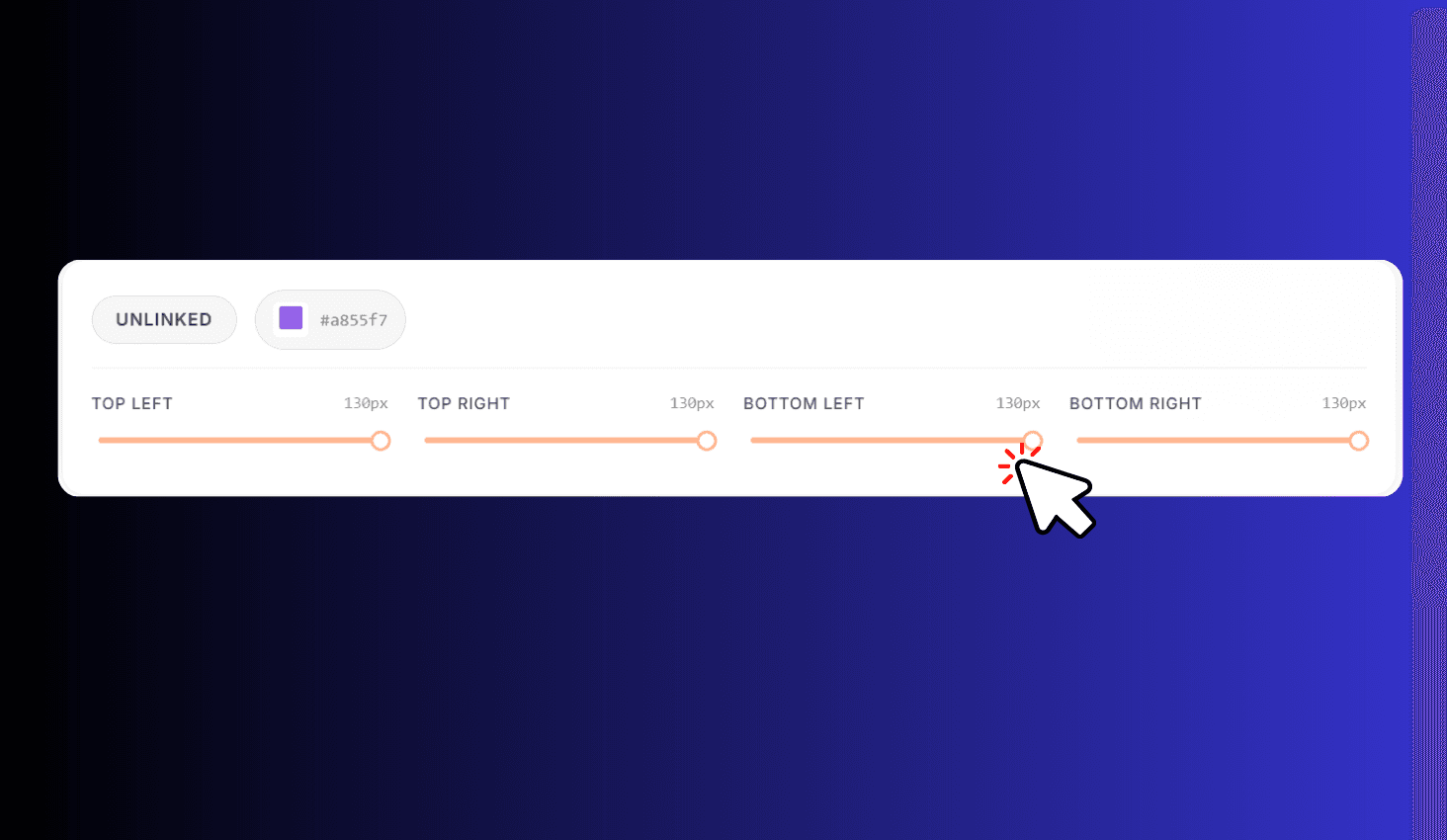
Drag the corner handles on the preview shape, or use the sliders below for precise control.
Preview Live
See your changes reflected instantly in the live preview panel.
Copy Code
Copy the generated CSS code and paste it into your website.
Design CSS Border-Radius Visually
Border Radius Generator is a free visual tool for creating CSS border-radius values. Drag the white corner handles directly on the preview shape, or use sliders for precise pixel control. Toggle between Linked mode (all four corners move together) and Unlinked mode (control Top Left, Top Right, Bottom Left, and Bottom Right independently). Pick a custom shape color with the color picker and copy the generated CSS code instantly.
Drag Handles, Link/Unlink Corners & Live Preview
In Linked mode, a single slider adjusts all four corners at once — perfect for uniform rounded rectangles or circles. Switch to Unlinked mode to get four individual sliders and drag handles for Top Left, Top Right, Bottom Left, and Bottom Right, letting you create asymmetric shapes.
The live preview shows a dashed bounding box with your shaped element inside. Each corner displays a draggable handle that snaps to the edge, and value badges show the exact pixel value. Choose any background color with the color picker to see how your shape looks.