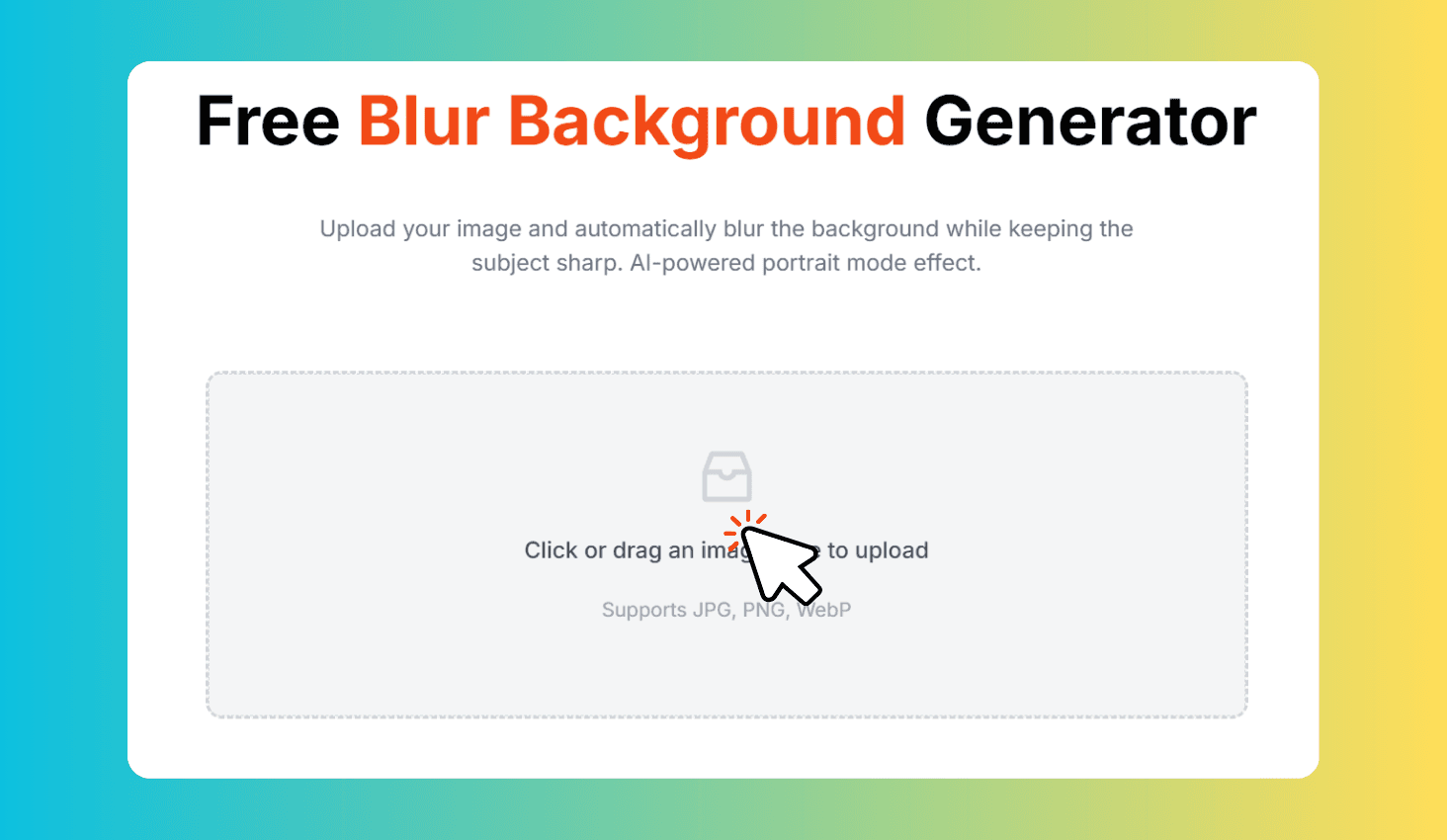
Free Blur Background Generator
Upload your image and automatically blur the background while keeping the subject sharp. AI-powered portrait mode effect.
Click or drag an image here to upload
Supports JPG, PNG, WebP
How to Use Blur Background Generator?
Upload Your Image
Click or drag and drop any JPG, PNG, or WebP image.
AI Detects & Blurs
AI detects the subject and blurs only the background.
Adjust & Download
Fine-tune the blur amount and download the result as PNG.
AI-Powered Background Blur for Any Image
Blur Background Generator uses TensorFlow.js-powered AI segmentation to detect people in your image, separate the subject from the background, and apply a customizable blur effect. The subject stays perfectly sharp while the background gets a smooth, professional bokeh-style blur. Everything runs locally in your browser — no uploads, no watermarks, no sign-up.
Smart Subject Detection with Adjustable Blur
The AI model detects subjects in your image, creates a precise segmentation mask with edge erosion and feathering for natural transitions, then separates foreground from background before applying blur — eliminating halos and color bleeding.
Adjust the blur intensity from 0 to 50px with the slider and see the result update in real-time. All processing happens client-side in your browser, so your images never leave your device.