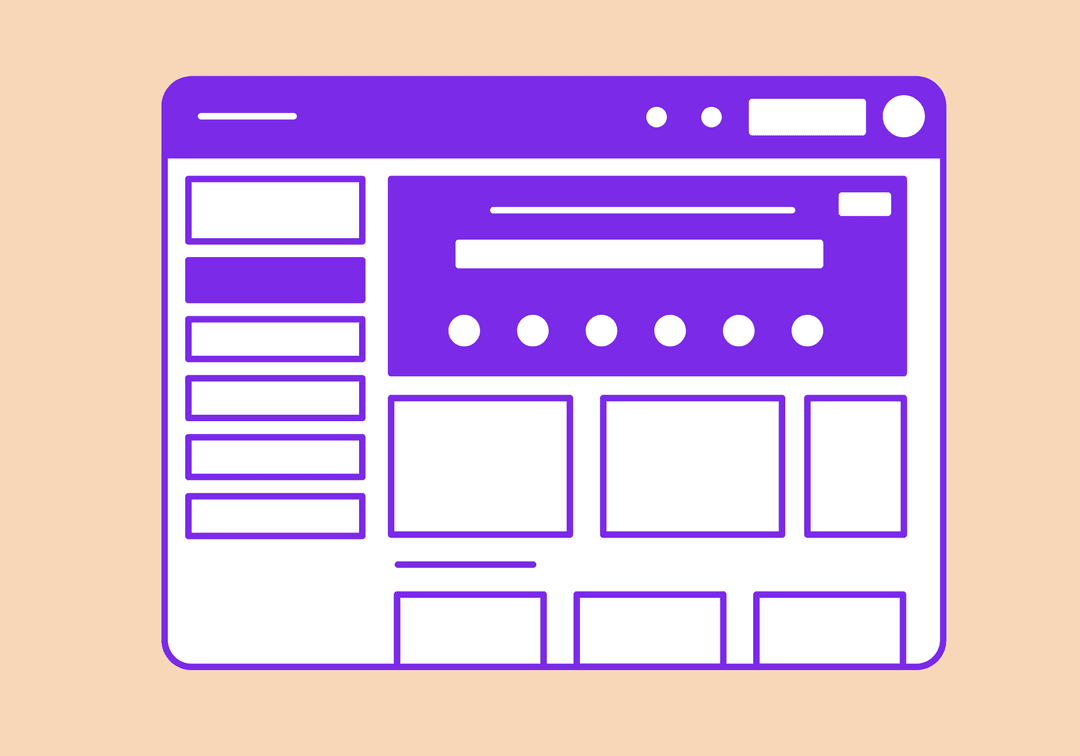
Free Website Layout Generator
Generate CSS Grid and Flexbox layouts for common website patterns. Choose from 18 layouts, customize dimensions, and copy production-ready code.
How to Use Website Layout Generator?
Select Layout & Adjust Dimensions
Choose from 18 layouts and fine-tune sidebar width, header/footer height, gap, and border radius.
Live Preview
See your layout update instantly in the color-coded visual preview as you make changes.
Generate & Copy Code
Click Generate Code to get production-ready CSS and HTML. Copy and paste into your project.
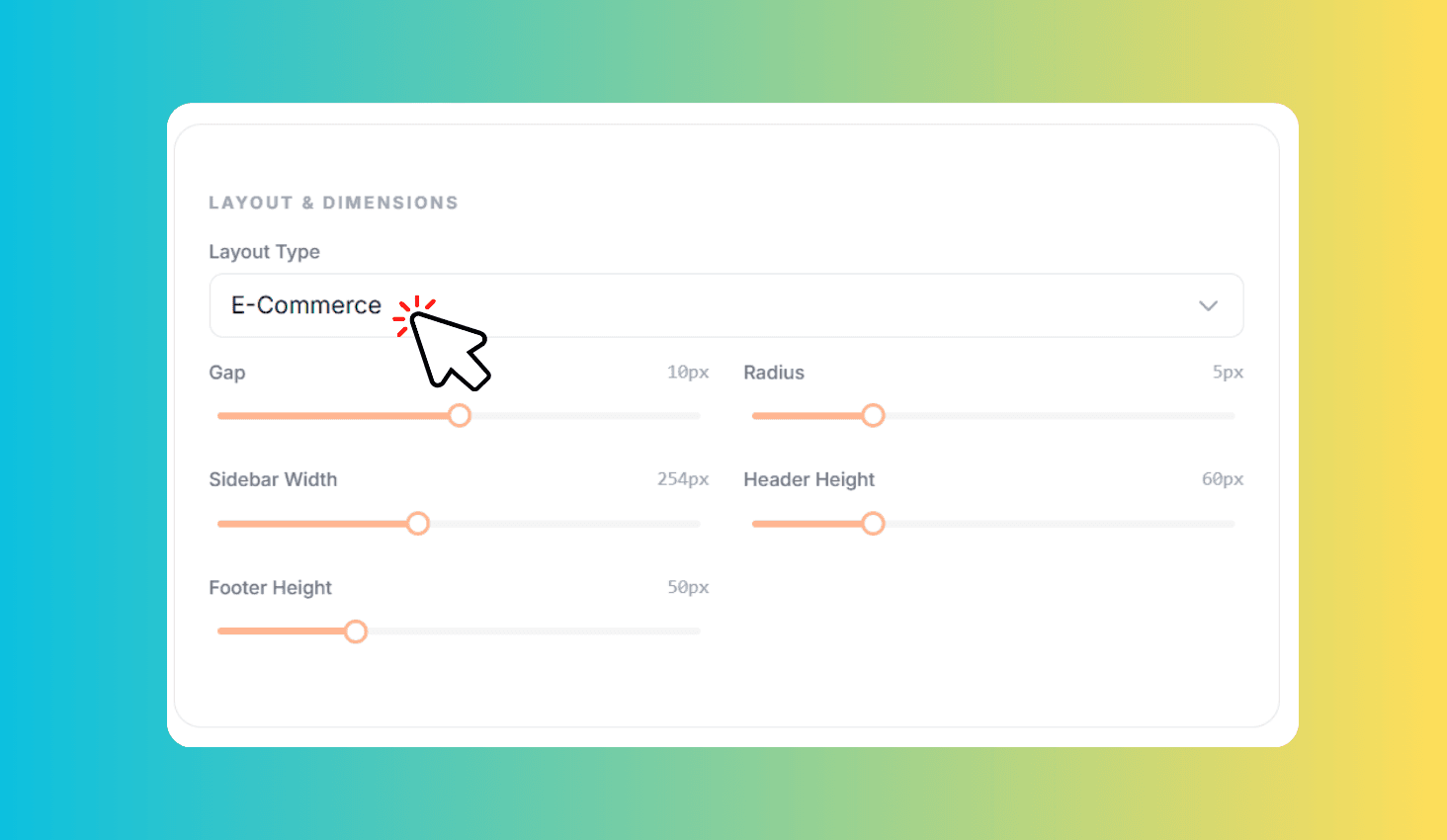
18 Pre-Built CSS Grid & Flexbox Layouts Ready to Copy
Website Layout Generator provides 18 production-ready layout patterns built with CSS Grid and Flexbox. From classic Holy Grail and sidebar layouts to modern dashboard grids, e-commerce product grids, and gallery masonry — customize dimensions and copy clean, semantic HTML and CSS code for any project.
18 Layout Patterns with Customizable Dimensions & Visual Preview
Choose from layouts designed for real-world projects: Holy Grail for traditional websites, Dashboard Grid for admin interfaces, Blog and Magazine for content sites, E-Commerce for product listings, Portfolio Grid for creative showcases, Documentation for technical sites, and Gallery Masonry for image-heavy pages. Each layout uses CSS Grid with named grid areas and semantic HTML elements.
Adjust sidebar width, header and footer height, gap spacing, and border radius with sliders that update the preview instantly. The visual preview uses color-coded grid areas so you can immediately see how each section maps to the generated code. Generated CSS includes fr units and modern Grid features that are responsive by nature.