Free Typography Pairing Tool
Tell us about your project and our AI will generate perfect Google Fonts pairings tailored to your needs.
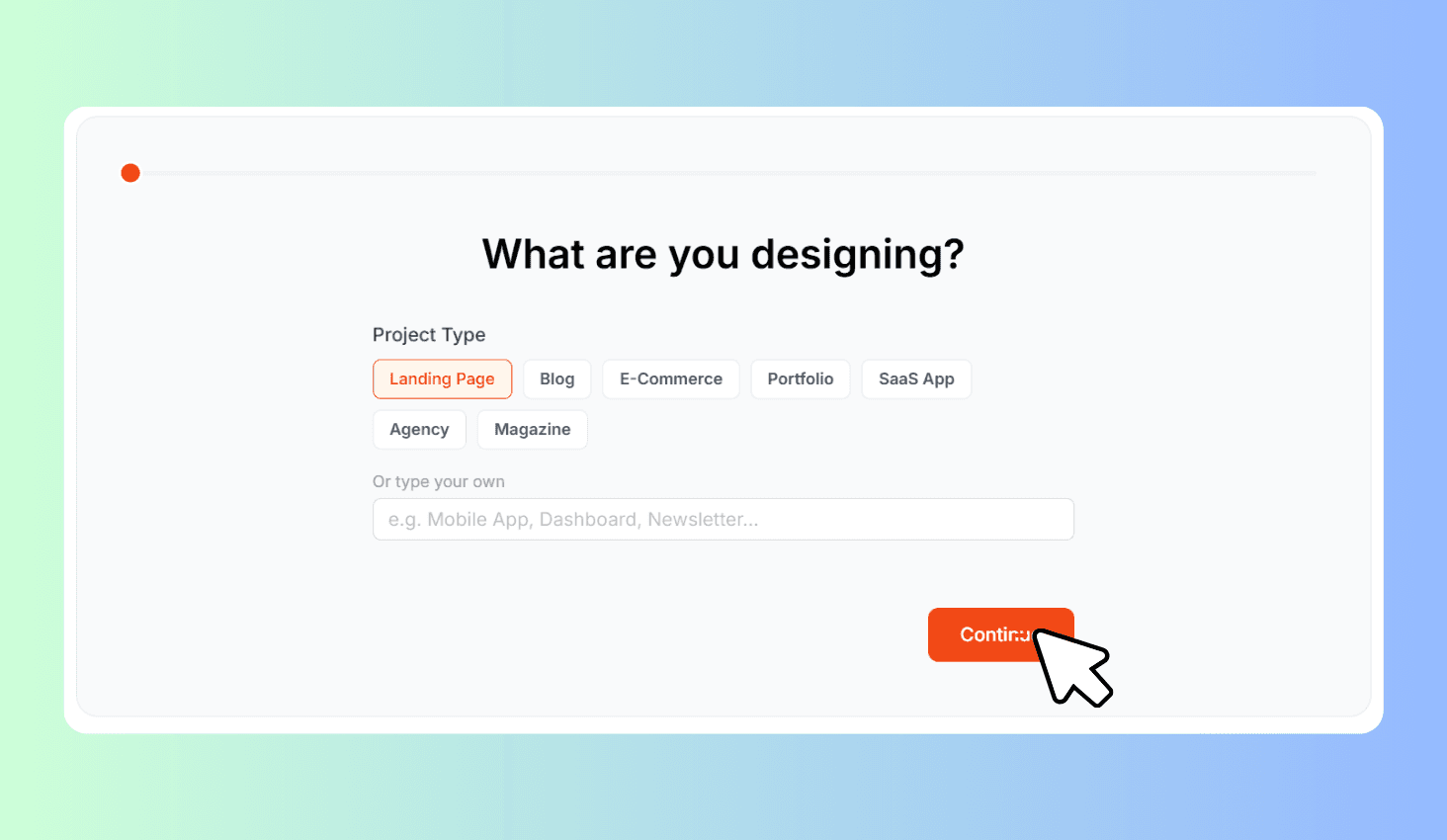
What are you designing?
How to Use Typography Pairing Tool?
Choose Your Project
Select your project type, design mood, and industry to help the AI understand your needs.
Generate AI Pairings
Click Generate to get 3 expertly curated Google Fonts pairings with live previews and explanations.
Copy the Fonts
Click any font name to copy it, then use it in your project with Google Fonts.
About Typography Pairing Tool
Get AI-generated Google Fonts pairings tailored to your project. Choose from 7 project types (Landing Page, Blog, E-Commerce, Portfolio, SaaS App, Agency, Magazine), 6 design moods, and 8 industries. The AI returns 3 heading + body font combinations with live previews, pairing reasoning, and copyable font names.
AI-Powered Font Matching in Three Steps
Walk through a guided wizard — pick your project type from 7 options like Landing Page, E-Commerce, or SaaS App, then choose a design mood (Modern & Clean, Elegant & Luxe, Playful & Fun, Bold & Strong, Minimal & Simple, or Warm & Friendly), and select your industry from 8 categories.
The AI analyzes your selections and returns 3 Google Fonts pairings, each with a heading font, body font, style label, and a reasoning explanation. Every pairing loads the actual Google Fonts so you see a live typographic preview with sample heading and body text. Click any font name to copy it instantly and use it in your project.