Free Social Media Preview Card Generator
Preview how your link will appear on Facebook, Twitter, LinkedIn, and Pinterest. See live previews as you type.
How to Use Social Media Preview Card Generator?
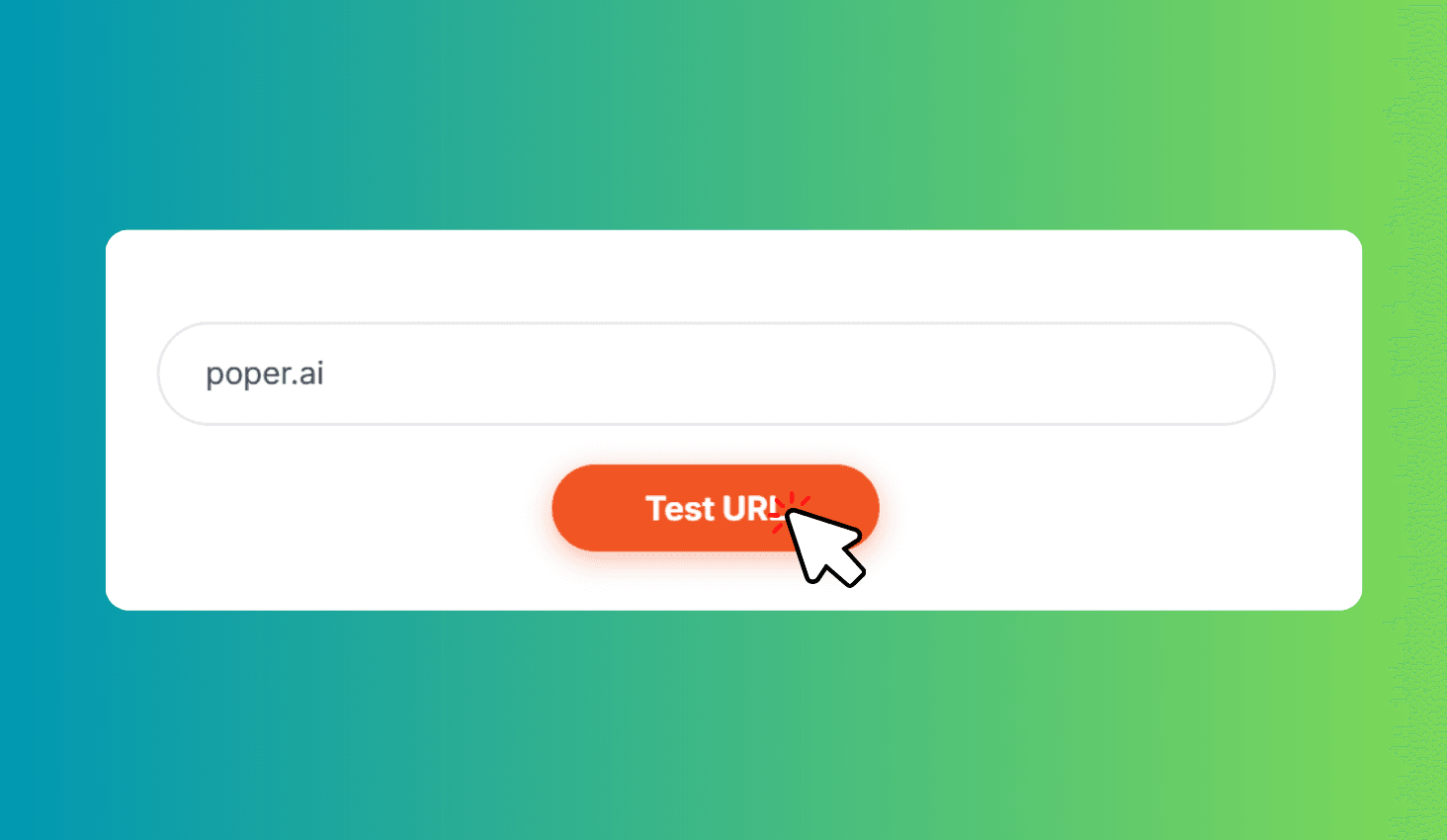
Enter a URL to Test
Paste any website URL and click Test URL. The tool fetches Open Graph meta tags automatically.
Switch Between 7 Platforms
Click through Facebook, X, LinkedIn, Pinterest, Slack, Discord, and WhatsApp preview tabs.
Optimize Your Content
Compare how your content displays across platforms. Identify and fix truncation or cropping issues.
Test How Your Links Look on Facebook, X, LinkedIn, Pinterest, Slack, Discord & WhatsApp
Social Media Preview Card Generator fetches Open Graph meta tags from any URL and shows pixel-perfect previews for 7 platforms. See exactly how your title, description, image, and domain appear on Facebook, X (Twitter), LinkedIn, Pinterest, Slack, Discord, and WhatsApp — before you share.
Pixel-Perfect Previews for 7 Social Platforms with Auto OG Tag Fetching
Each platform renders link cards differently — Facebook shows a 1.91:1 image with title and description below, X (Twitter) overlays the title on a 2:1 image, LinkedIn uses different typography, Pinterest displays a 1:1 square, and Slack, Discord, and WhatsApp each have unique embed styles. This tool replicates each platform's exact card design.
Enter any URL and the tool fetches its Open Graph meta tags automatically, populating all 7 previews instantly. Identify common issues like title truncation, missing descriptions, image cropping, or broken OG images — fix your tags and re-test to ensure every platform displays your content professionally.