Free Popup Frame Style Generator
Design popup container styles with custom sizes, border radius, shadows, overlays, and animations. Get complete CSS.
How to Use Popup Frame Style Generator?
Pick a Preset or Customize
Choose from 10 presets or manually adjust width, padding, border radius, shadow, and animation.
Add Content & Preview
Add a title, body text, and CTA button. Preview your popup on desktop and mobile with live animation.
Copy CSS & HTML
Copy the generated CSS with overlay and animation, plus the HTML code to paste into your website.
Design Custom Popup Frames with Presets, Animations & Live Preview
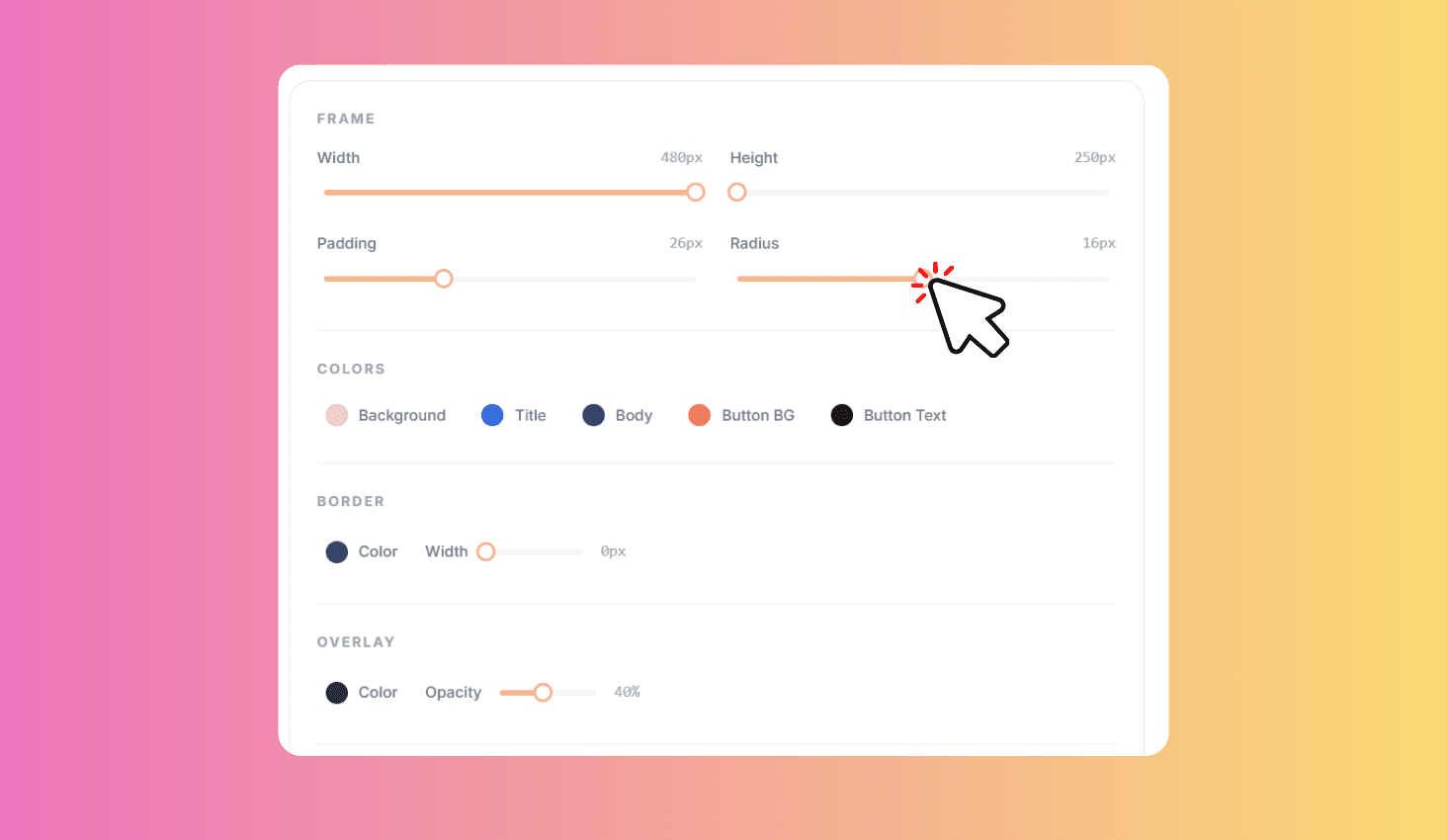
Design popup container styles with 10 one-click presets and full customization. Adjust width, padding, border radius, shadow intensity, background and border colors, overlay color and opacity, and entrance animations. Add optional popup content with title, body text, and CTA button. Preview everything live and copy the generated CSS and HTML code.
Presets and Full Customization
Start fast with 10 ready-made popup presets that instantly apply a complete frame style — from minimal and rounded to dark mode and bordered designs. Each preset sets all properties at once so you can preview different looks in seconds.
Fine-tune every detail with sliders for width (280-700px), padding (8-64px), border radius (0-32px), and shadow intensity (0-5). Pick background, border, and overlay colors with color pickers. Choose from 4 entrance animations that preview live. Optionally add popup content with custom title, body text, and CTA button colors.