Free Open Graph Image Generator
Design and download OG images (1200x630px) for Facebook, Twitter, and LinkedIn. Customize templates, colors, and text — then download as PNG.
18/100
How to Use Open Graph Image Generator?
Add Title, Tag & Author Details
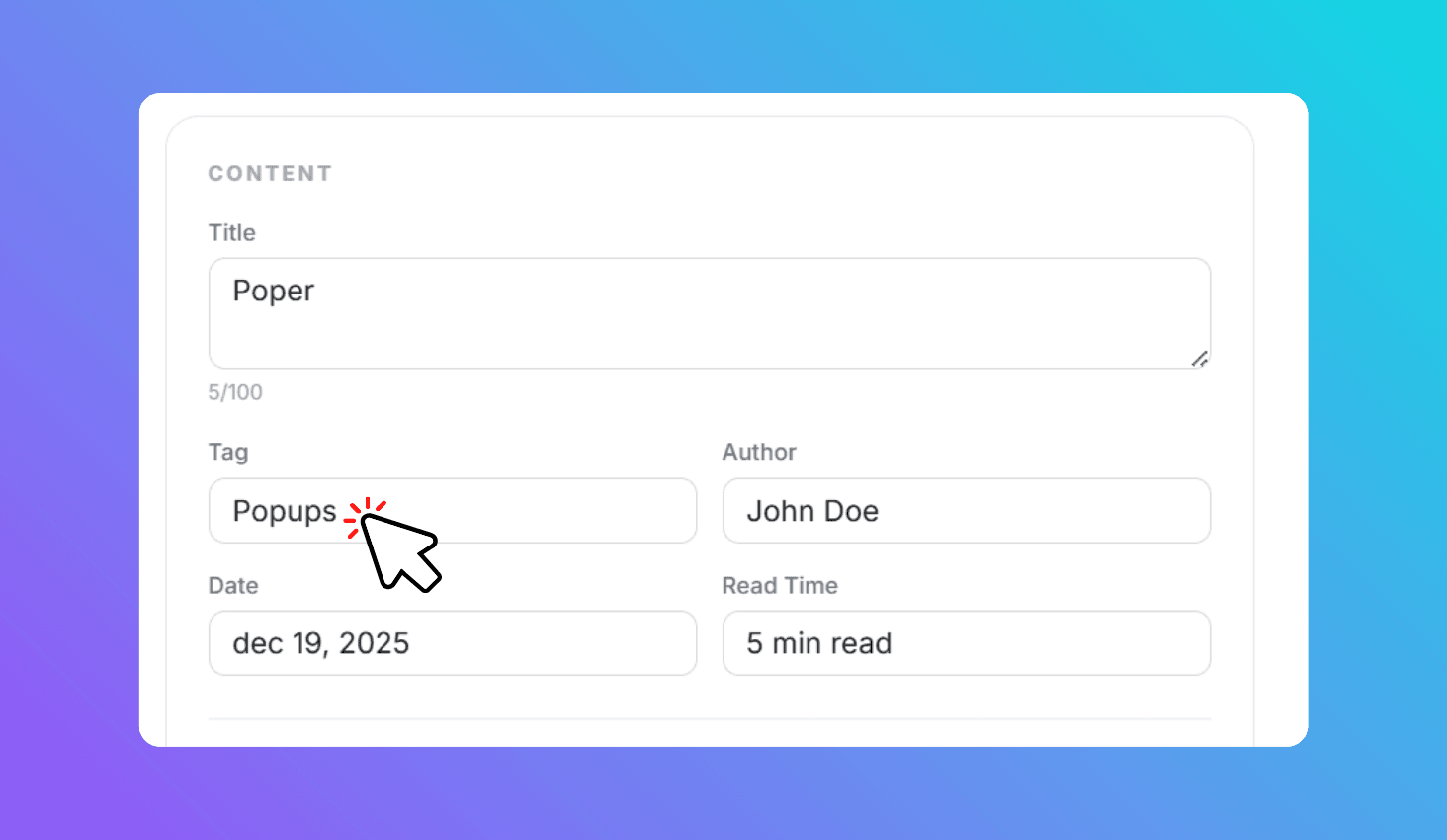
Enter your page title, category tag, author name, date, and read time. Preview updates in real-time.
Upload Images & Customize Colors
Upload a main image, avatar, and logo. Adjust background, text, and tag colors to match your brand.
Download PNG
Click Download PNG to save the 1200x630px image. Use it on your website or social profiles.
Design Professional OG Images with Custom Branding, Author Info & Content Images
Open Graph Image Generator is a free browser-based tool that creates 1200x630px social sharing images. Add your page title, category tag, author name with avatar, publication date, read time, brand logo, and a main content image. Customize all colors and font size — then download as PNG for Facebook, Twitter, LinkedIn, Slack, Discord, and WhatsApp.
Professional Blog-Style OG Card at 1200x630px Standard Size
The generated OG image follows a professional blog-card layout: brand logo, category tag pill, bold title text, author avatar with name, date, and read time — with your main content image on the right. Every element is optional, and the layout adapts gracefully so you can generate a clean OG card with just a title and colors.
Images are generated at exactly 1200x630 pixels — the recommended Open Graph size for Facebook, LinkedIn, and Twitter. All processing happens in your browser using the Canvas API, keeping your images completely private. The title font size is adjustable from 28px to 64px for fine-tuning readability.