
How to Create a Newsletter Signup Form?
Choose Fields and Layout
Start with the default fields (Email, First Name) or add more. Choose between horizontal, stacked, or card layout to match your design needs.
Customize Colors and Style
Choose a preset theme or fine-tune colors, border radius, font size, and button text. Toggle privacy text and double opt-in options. Preview your form in real-time.
Generate and Copy Code
Click 'Generate Code' to get clean, responsive HTML and CSS. Copy the code and paste it into your website, WordPress, Shopify, or any page builder.
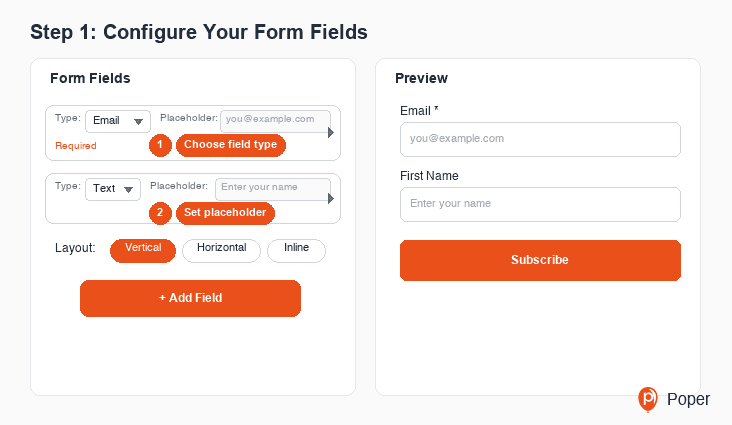
Build Custom Newsletter Signup Forms Without Code
The Newsletter Signup Form Generator is a free visual tool that lets you design professional email subscription forms for any website. Add email, name, and other fields. Choose from horizontal, stacked, or card layouts. Customize colors, fonts, and privacy text to match your brand. Generate clean HTML and CSS code that works anywhere — WordPress, Shopify, Wix, Squarespace, or custom-built sites.
Why Use This Free Newsletter Signup Form Generator?
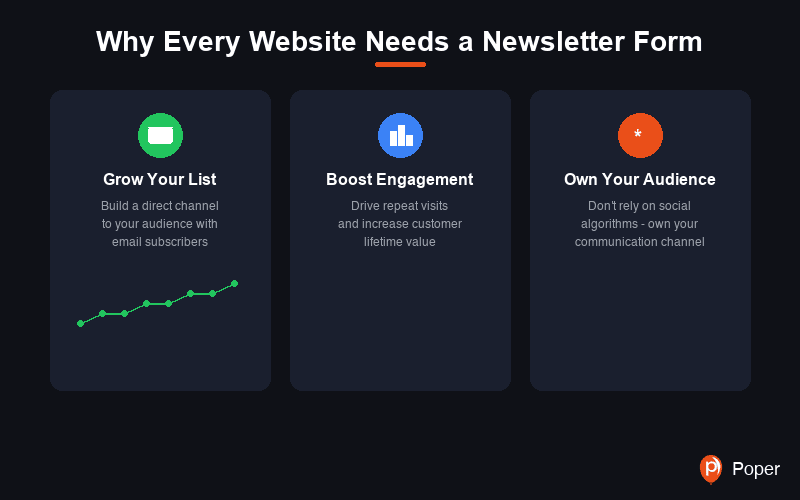
Why Every Website Needs a Newsletter Signup Form
A newsletter signup form is one of the most powerful tools for building a direct relationship with your audience. Unlike social media followers, email subscribers are contacts you own — they are not affected by algorithm changes or platform shutdowns.
Email marketing consistently delivers the highest ROI of any digital marketing channel. A well-placed newsletter form converts casual visitors into engaged subscribers who are more likely to become paying customers.
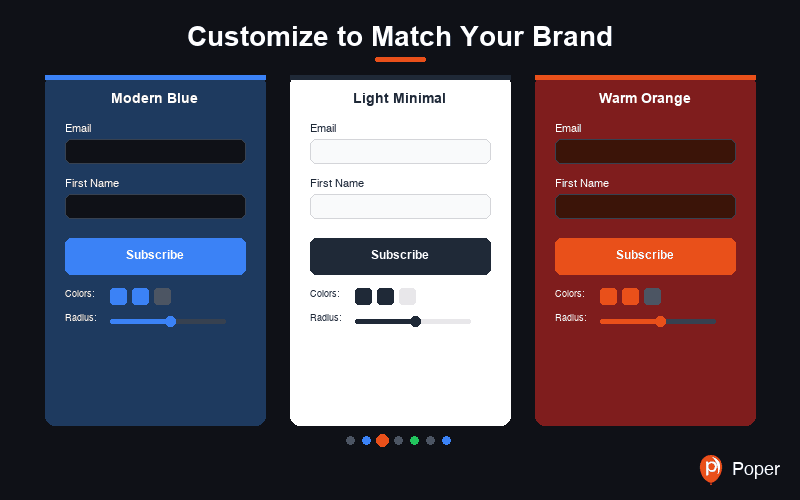
Customize to Match Your Brand
Choose from six preset themes including Modern, Minimal, Warm, Dark, Glassmorphism, and Poper. Every aspect is customizable — background colors, text colors, border styles, button colors, border radius, and font sizes.
Three layout options give you flexibility: use the horizontal layout for headers and footers, the stacked layout for sidebars and popups, or the card layout for standalone signup sections. Toggle privacy text and double opt-in notices to meet your compliance needs.
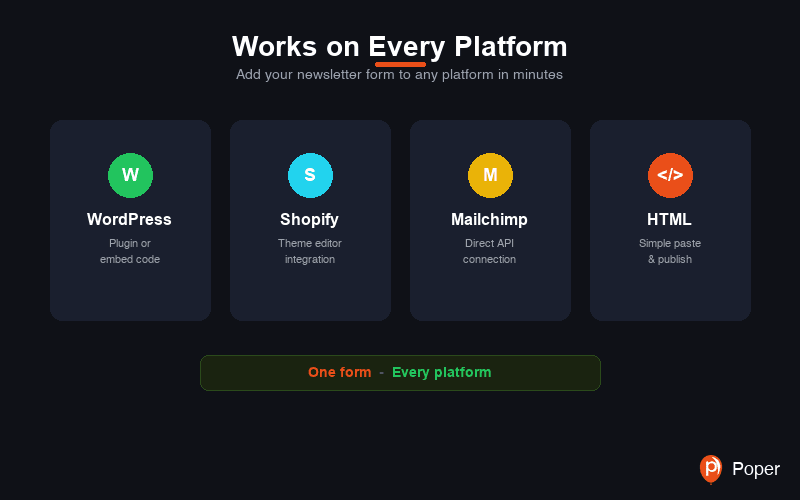
Works on Every Platform
The HTML and CSS code generated by this tool is platform-agnostic. Paste it into a WordPress Custom HTML block, a Shopify Liquid section, a Wix HTML embed, or directly into your static website. The form renders beautifully on any device with fully responsive styling.
The horizontal layout automatically stacks on mobile screens, ensuring a seamless experience for subscribers on any device. No additional media queries or JavaScript required.
Connect with Your Email Marketing Tool
The generated HTML form can be connected to any email marketing service by updating the form action URL. Services like Mailchimp, ConvertKit, ActiveCampaign, and Sendinblue all support custom HTML form integrations.
For a seamless no-code experience, use Poper which connects to 96+ email marketing and CRM tools out of the box — including Mailchimp, ConvertKit, HubSpot, ActiveCampaign, Zapier, and more. No coding or API setup required.
Similar Tools
Newsletter Signup Form Best Practices
Follow these proven tips to maximize your email subscriber conversion rate
The fewer fields you ask for, the higher your conversion rate. Many successful newsletters use just an email field. Adding a first name field enables personalization but every extra field reduces signups.
Avoid generic button text like 'Submit'. Use action-oriented text that communicates value: 'Get Weekly Tips', 'Join 10,000+ Subscribers', 'Start Learning Free'. The button text should tell visitors what they are getting.
Position signup forms after valuable content (end of blog posts), in the sidebar, in the footer, or as an exit-intent popup. Visitors who have consumed content are more likely to subscribe.
Give visitors a reason to subscribe beyond 'stay updated'. Offer a free guide, template, discount code, or exclusive content. Mention the incentive in your form description.
A short privacy notice like 'We respect your privacy. Unsubscribe at any time.' reduces friction and builds trust. It reassures visitors that their email is safe.
The horizontal (inline) layout with email field and subscribe button side-by-side works perfectly in website headers, navigation bars, and announcement bars where vertical space is limited.