Free Lighthouse Score Explainer
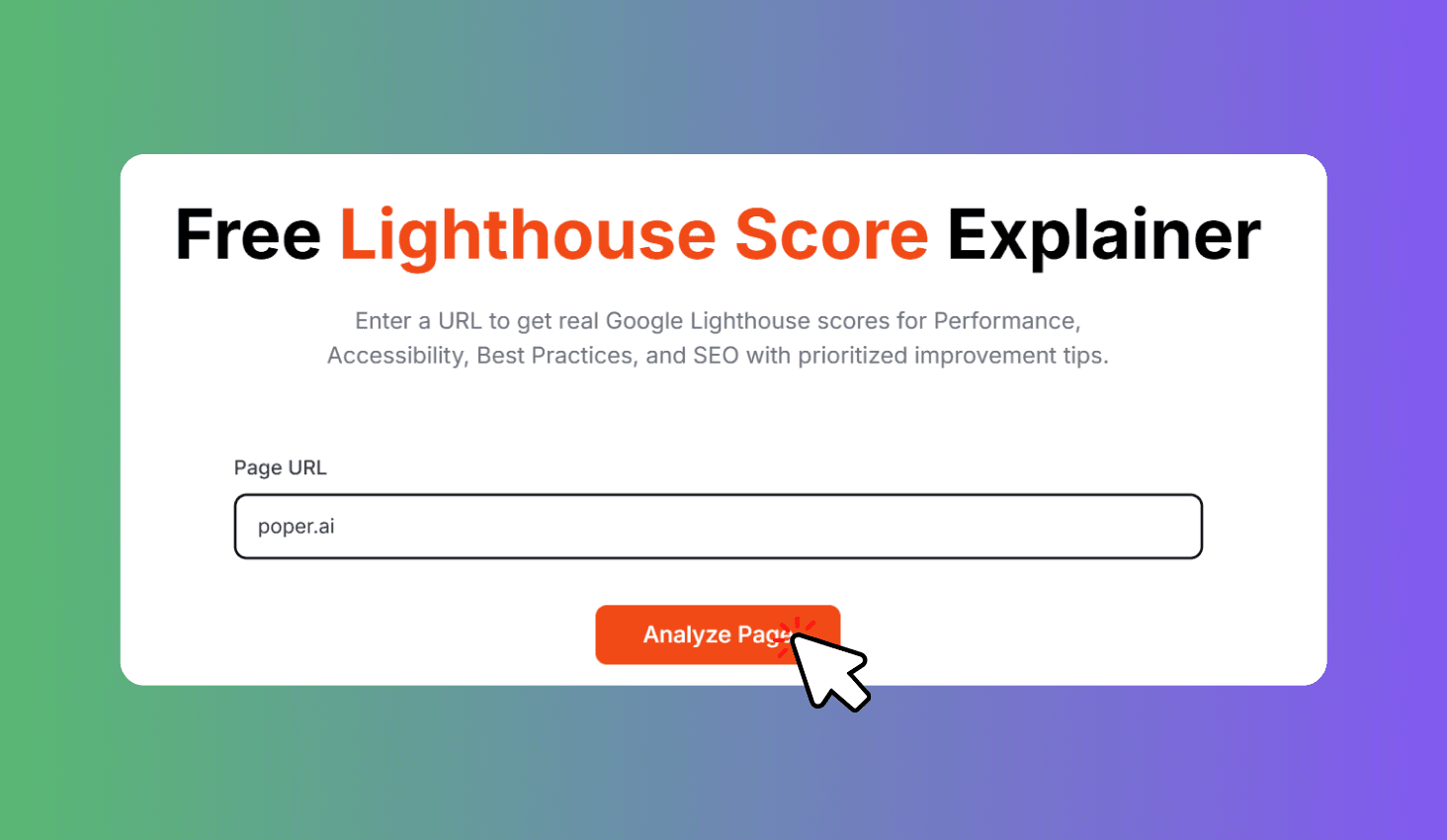
Enter a URL to get real Google Lighthouse scores for Performance, Accessibility, Best Practices, and SEO with prioritized improvement tips.
How to Use Lighthouse Score Explainer?
Enter Your URL
Paste any website URL to analyze.
Run the Lighthouse Audit
The tool runs a real Google Lighthouse audit on your page.
Review Scores & Improve
Review scores and apply the prioritized improvement tips.
Real Google Lighthouse Scores with Actionable Tips
Lighthouse Score Explainer runs a real Google Lighthouse audit via the PageSpeed Insights API and displays scores for Performance, Accessibility, Best Practices, and SEO alongside Core Web Vitals metrics and prioritized improvement tips.
4-Category Audit with Core Web Vitals
Performance measures FCP, LCP, TBT, CLS, and Speed Index. Accessibility checks contrast, alt text, ARIA, heading order, and form labels. Best Practices validates HTTPS, image formats, and console errors. SEO audits meta tags, crawlability, and structured data.
Every failing audit includes a severity level and specific fix suggestion. Core Web Vitals are displayed separately so you can track the metrics Google uses for ranking.