Free Image Aspect Ratio Fixer
Upload an image to analyze its aspect ratio, get platform recommendations, and generate CSS to display it at any target ratio.
Upload an image to preview
How to Use Image Aspect Ratio Fixer?
Upload Your Image
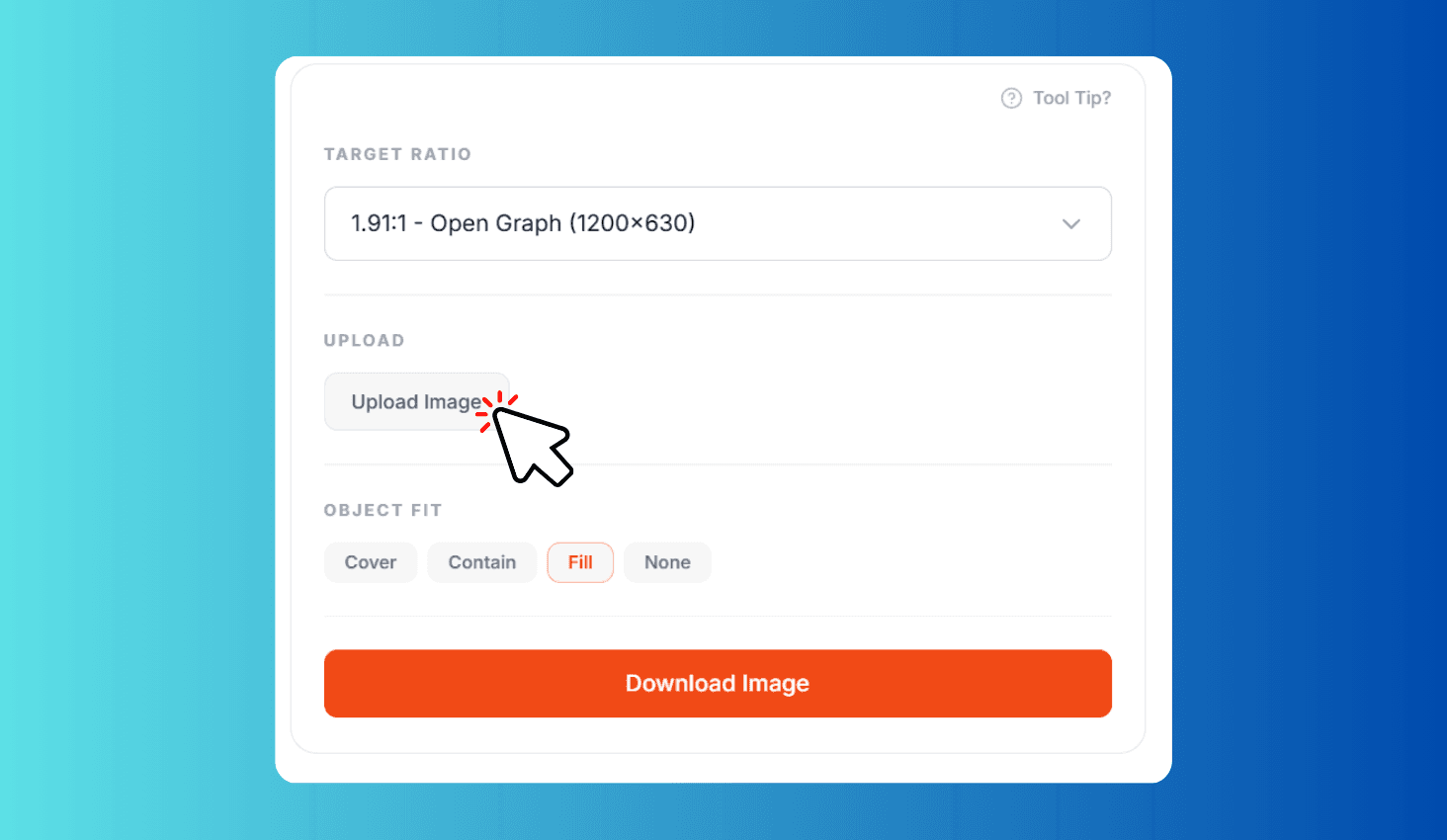
Upload any JPEG, PNG, WebP, or GIF file. The tool detects original dimensions and aspect ratio.
Select Target Ratio & Fit Mode
Choose from 14 platform-specific ratios and pick a fit mode — Cover, Contain, Fill, or None.
Preview & Download
See the result in the live preview. Click Download Image to save the adjusted image as PNG.
Resize Images to the Perfect Aspect Ratio for Any Social Media Platform
Image Aspect Ratio Fixer is a free browser-based tool that lets you upload any image, select from 14 platform-specific aspect ratios, and download the adjusted result as PNG. Supports Instagram (1:1, 4:5), YouTube (16:9), Reels and Stories (9:16), Open Graph (1.91:1), Pinterest (2:3), Twitter headers (3:1), LinkedIn banners (4:1), and custom ratios.
14 Platform-Specific Ratios with Four Fit Modes
Choose the exact ratio each platform requires: 1:1 for Instagram posts, 4:5 for portraits, 16:9 for YouTube, 9:16 for Reels and Stories, 1.91:1 for Open Graph images, 2:3 for Pinterest pins, and more. Four object-fit modes — Cover, Contain, Fill, and None — give you full control over how the image fills the new frame.
Everything runs in your browser — your images are never uploaded to any server. The tool uses the HTML5 Canvas API to resize images client-side, preserving quality while adjusting to the target dimensions. Preview the adjusted image live before downloading, and the exported PNG filename automatically includes the selected ratio.