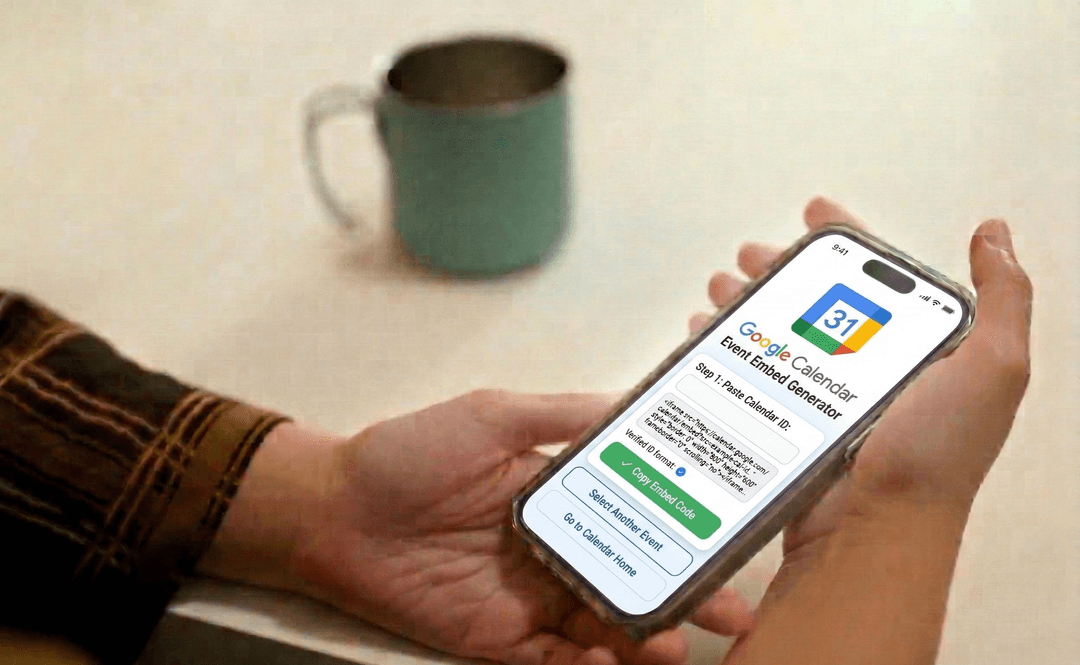
Free Google Calendar Event Embed Generator
Create 'Add to Google Calendar' event links and buttons. Enter event details and get a ready-to-use link or styled button for your website.
Enter event details and click Generate Link to see your results here
How to Use Google Calendar Event Embed Generator?
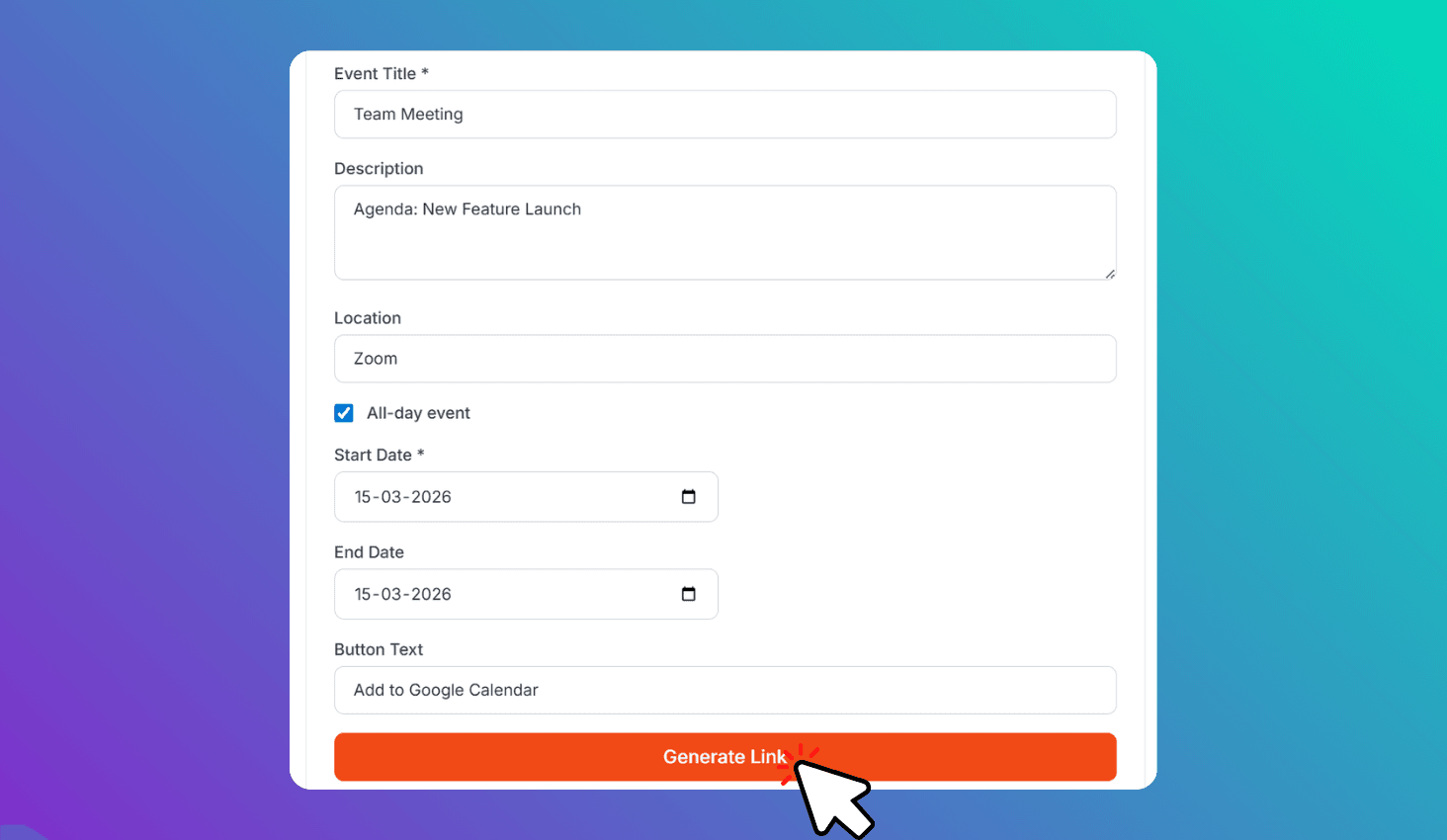
Enter Event Details
Add event title, description, location, and date/time.
Customize Button
Set button text like 'Add to Calendar' or 'Save the Date'.
Copy & Embed
Click Generate Link and copy the embed code for your website.
About Google Calendar Event Embed Generator
Create 'Add to Google Calendar' event links and styled buttons for your website. Enter event title, date, time, location, and description — then copy the ready-to-use embed code.
Create Add-to-Calendar Buttons for Webinars, Events, and Launches
Enter your event details — title, description, location, start/end date and time. The tool generates a Google Calendar URL that opens with all details pre-filled. Visitors click Save and the event is added to their calendar.
Perfect for webinars, product launches, live streams, workshops, and conferences. Add the button to landing pages, email campaigns, event pages, or confirmation screens so visitors can save the date in one click.