Free Form Optimization Analyzer
Enter a URL or paste your HTML code to scan forms and get conversion scores with actionable optimization tips.
How to Use Form Optimization Analyzer?
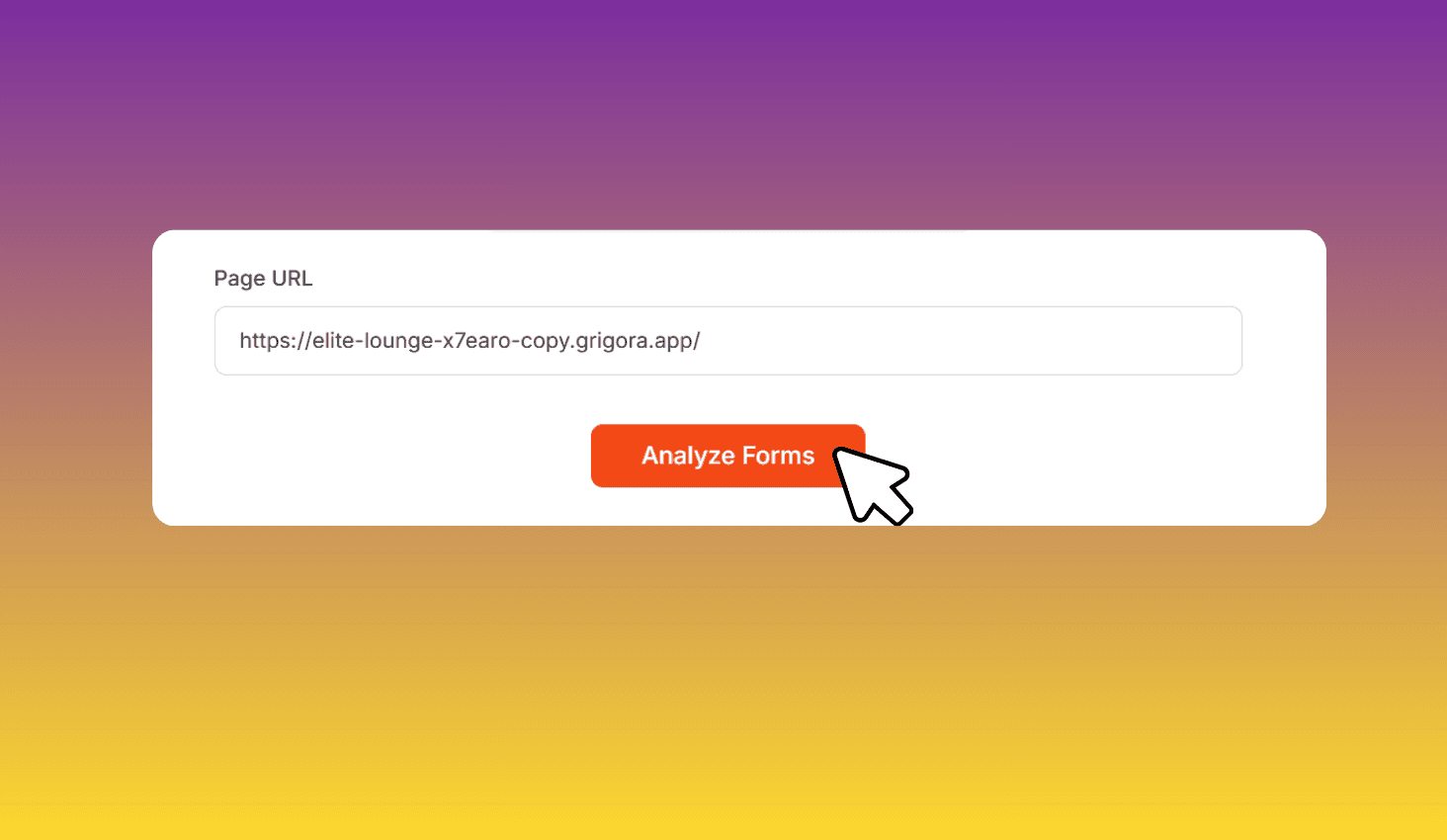
Enter URL or HTML
Paste a page URL or switch to HTML mode and paste your form code directly.
Analyze
Click Analyze. The tool detects all forms, fields, labels, and CTA buttons.
Optimize
Review each form's score, field breakdown, and tips to improve conversions.
Scan Any Web Form and Get Conversion Optimization Tips
Form Optimization Analyzer scans forms from a URL or pasted HTML. It detects every field, checks labels, placeholders, and autofill support, then scores each form with actionable tips to reduce friction and boost completions.
Field-by-Field Conversion Analysis
The tool identifies each field type — email, phone, name, address, file upload, and more. High-friction fields are flagged with specific recommendations to reduce drop-off.
It also checks for missing labels, empty placeholders, missing autofill attributes, and generic CTA text like 'Submit' that hurt conversions.