Free Floating Bar Generator
Create floating notification bars with custom text, CTA button, and 6 position options. Adjust margin to keep the bar floating away from screen edges. Get production-ready code.
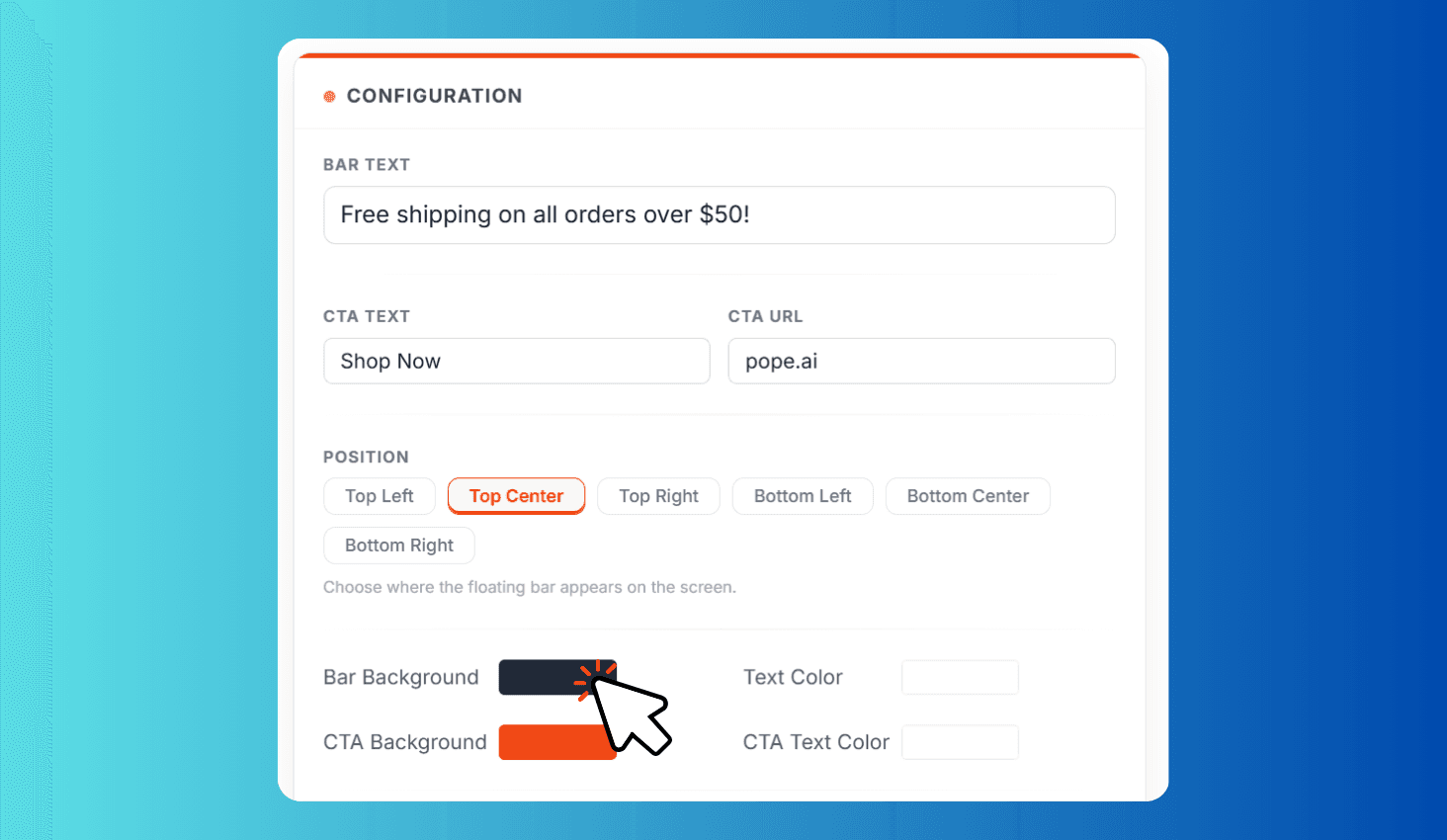
Choose where the floating bar appears on the screen.
Space between the bar and the screen edge.
How to Create a Floating Notification Bar?
Set Position, Text, and CTA
Choose from 6 positions and enter your announcement text, CTA button label, and link URL.
Customize Style and Colors
Pick colors, adjust font size, padding, margin, border radius, and toggle the dismiss button.
Preview and Copy Code
Check the live desktop/mobile preview. Click Generate Bar to get production-ready HTML and CSS.
Build Floating Notification Bars with Live Preview and Production-Ready Code
Floating Bar Generator lets you create notification bars that hover over your webpage at any of 6 positions — top left, top center, top right, bottom left, bottom center, or bottom right. Customize the announcement text, CTA button with link, bar and text colors, font size, padding, margin from screen edges, border radius, and an optional dismiss button. Preview your bar in real-time on both desktop and mobile views, then generate clean HTML and CSS code ready to paste into any website.
Six Floating Positions with Adjustable Margin and Full Style Control
Floating bars are one of the most effective ways to promote announcements, sales, free shipping offers, and CTAs without disrupting the browsing experience. Unlike sticky bars that attach to the page edge, floating bars hover with configurable margin from the viewport, creating a modern, non-intrusive look with rounded corners and shadow.
The live preview updates instantly as you adjust every setting — bar text, CTA button, colors, font size, padding, margin, border radius, and dismiss controls. Switch between desktop and mobile preview to verify responsiveness before generating the final code.