Free Favicon Text Generator
Generate text-based favicons with custom letter, colors, font, and shape. Get a data URL you can use directly as your favicon.
Preview
Browser tab preview
How to Use Favicon Text Generator?
Enter Letter, Font & Shape
Type 1–2 characters, choose a font or type any Google Font name, and pick a shape.
Customize Colors & Size
Pick background and text colors. Adjust font size and see your favicon update in real-time.
Preview & Download
Select a download size from 16x16 to 512x512. Click Download PNG to save the file.
Create Letter-Based Favicons with Custom Fonts, Shapes & Download Sizes
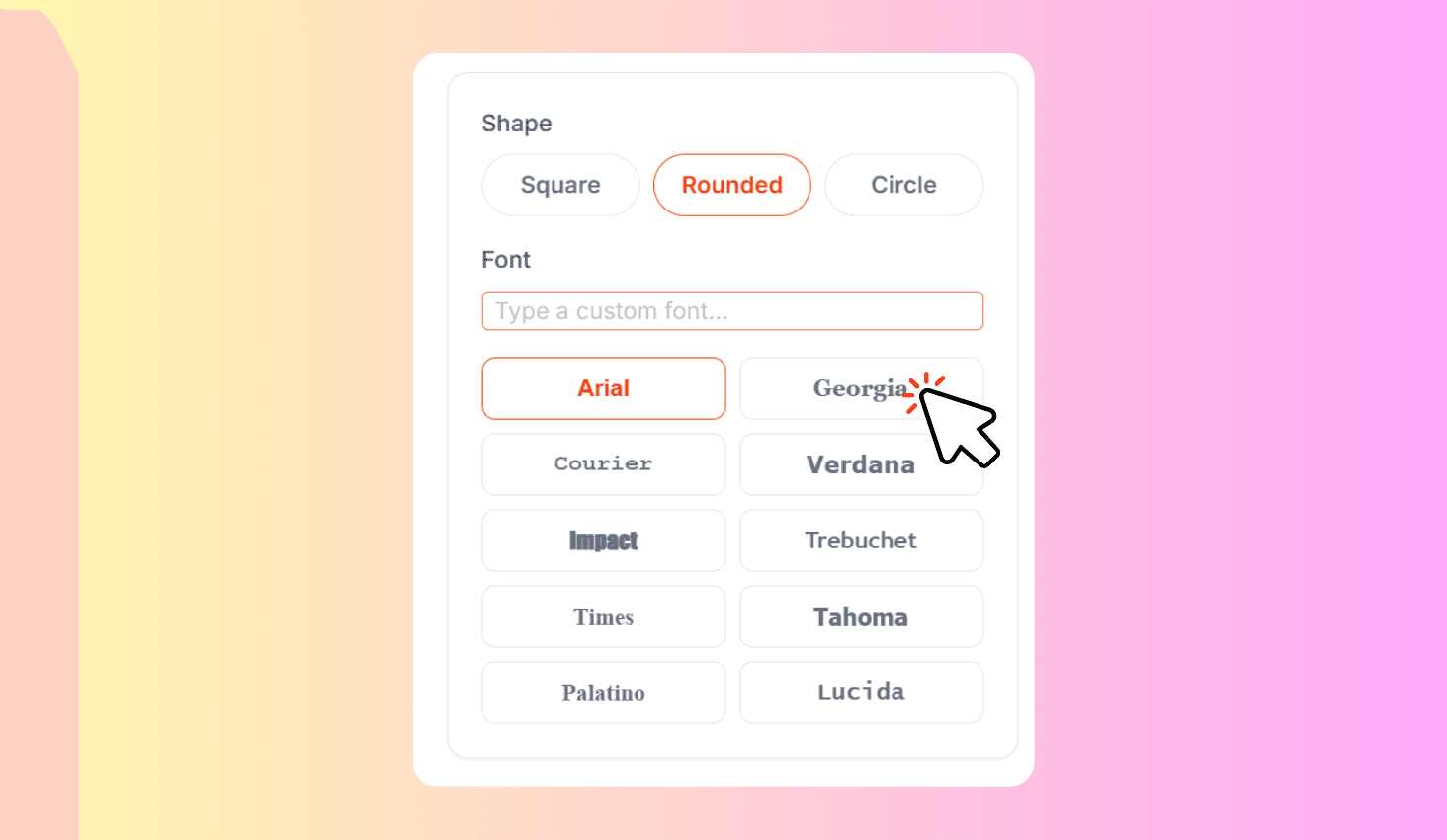
Favicon Text Generator is a free browser-based tool that creates text-based favicons from 1–2 characters. Choose from 10 system fonts or any Google Font, pick square, rounded, or circle shapes, customize colors and font size, then download at 7 standard sizes — from 16x16 browser tab icons to 512x512 PWA icons.
10 Built-In Fonts, Google Fonts & 7 Download Sizes
Choose from 10 pre-loaded system fonts or type any Google Font name — the tool dynamically loads it from the Google Fonts CDN and renders it on your favicon. Each font renders crisply at small sizes for maximum legibility in browser tabs, bookmarks, and mobile home screens.
Download at 7 standard sizes from 16x16 browser tab icons to 512x512 PWA splash screens. The tool renders at 512px internally and downscales with high-quality smoothing. Three shape options — square, rounded corners, and circle — let you match your brand's icon style.