Free Email Pre-Filled Message Generator
Generate mailto links and QR codes with pre-filled recipient, subject, and body. Create one-click email links for your website.
Fill in email details and click Generate Link to see your results here
How to Use Email Pre-Filled Message Generator?
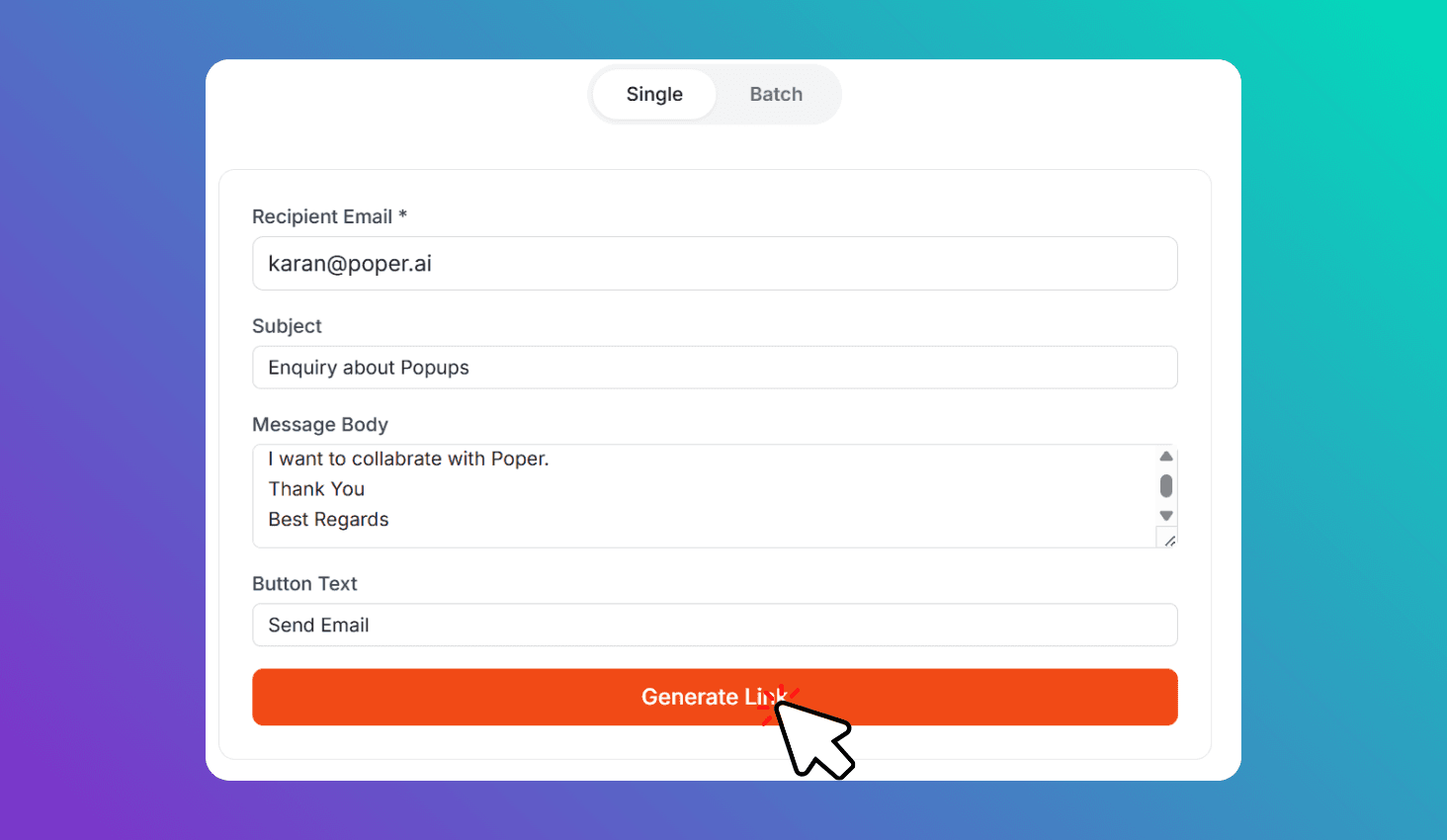
Enter Email Details
Add recipient email, subject, and body message.
Generate Link & QR
Click Generate Link to get your mailto link and downloadable QR code.
Try Batch Mode
Generate links and QR codes for up to 5 emails at once.
About Email Pre-Filled Message Generator
Generate mailto links and QR codes with pre-filled recipient, subject, and body. Use Batch mode to create links for up to 5 email addresses at once — perfect for outreach and team communications.
Generate Mailto Links and QR Codes with Pre-filled Subject and Body
The tool generates a mailto: protocol link with your recipient email, subject line, and message body pre-filled. When visitors click the link, their default email app opens with everything ready to send. Each link also gets a scannable QR code you can download as PNG.
Use Single mode for one email address, or Batch mode for up to 5 addresses at once. In Batch mode, each gets its own mailto link and QR code sharing the same subject and body — ideal for outreach campaigns, team contacts, or department directories.