
Free Contact Form Generator
Build custom contact forms visually and get clean HTML & CSS code. No coding or sign-up required.
Live Preview
Contact Us
Fill out the form below and we'll get back to you shortly.
Need more than a static form?
With Poper, you can create smart contact forms with conditional logic, multi-step flows, spam protection, integrations with 96+ tools, and AI-powered lead qualification — all without code.
How to Create a Contact Form?
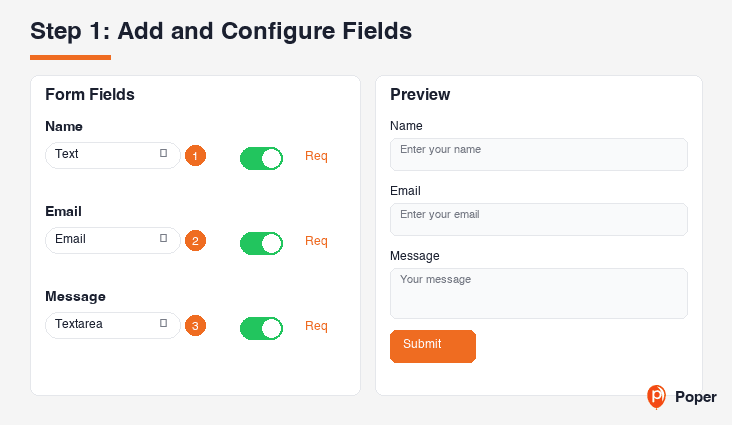
Add and Configure Fields
Start with the default fields (Name, Email, Subject, Message) or customize. Add new fields, change types (text, email, phone, dropdown, date), set placeholders, and mark fields as required.
Customize the Design
Choose a preset theme or fine-tune colors, border radius, font size, and layout. Preview your form in real-time on the right side as you make changes.
Generate and Copy Code
Click 'Generate Code' to get clean, responsive HTML and CSS. Copy the code and paste it into your website, WordPress, Shopify, or any page builder.
Build Custom Contact Forms Without Code
The Contact Form Generator is a free visual tool that lets you design professional contact forms for any website. Add text fields, email inputs, phone numbers, dropdowns, text areas, and more. Customize colors, fonts, and layout to match your brand. Generate clean HTML and CSS code that works anywhere — WordPress, Shopify, Wix, Squarespace, or custom-built sites.
Why Use This Free Contact Form Generator?
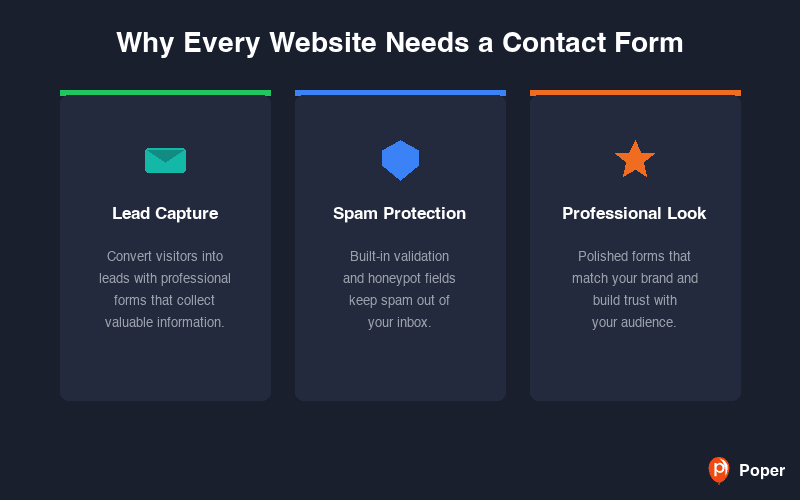
Why Every Website Needs a Contact Form
A well-designed contact form is one of the most important elements on your website. It gives visitors a direct way to reach you, captures valuable leads, and provides a professional experience compared to simply listing an email address.
Contact forms also protect you from spam by keeping your email address hidden, and they ensure you receive structured information from every inquiry — making it easier to respond quickly and close more deals.
Fully Customizable to Match Your Brand
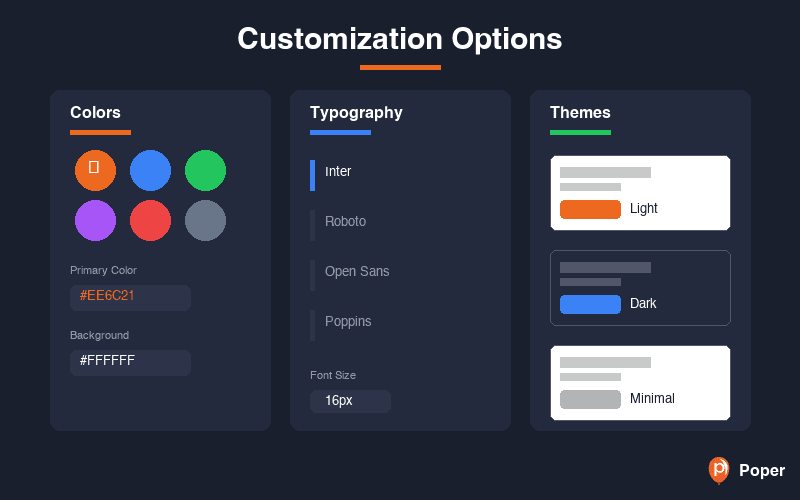
Choose from six preset themes including Modern, Minimal, Warm, Dark, Glassmorphism, and Poper. Every aspect is customizable — background colors, text colors, border styles, button colors, border radius, and font sizes.
Switch between stacked and inline label layouts. Toggle the form title and description on or off. The generated code is clean, semantic HTML with well-structured CSS that is easy to modify further.
Works on Every Platform — WordPress, Shopify, and More
The HTML and CSS code generated by this tool is platform-agnostic. Paste it into a WordPress Custom HTML block, a Shopify Liquid section, a Wix HTML embed, or directly into your static website. The form renders beautifully on any device with fully responsive styling.
Whether you are building a landing page, a portfolio, or an e-commerce store, this contact form generator gives you production-ready code that integrates seamlessly with your existing design.
8 Field Types for Any Use Case
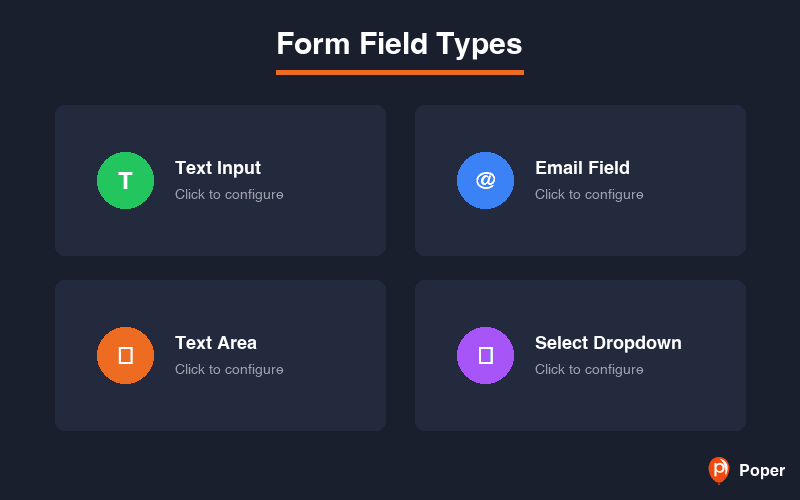
Go beyond simple text fields. This form builder supports text, email, phone, textarea, dropdown select, number, URL, and date inputs. Each field can be configured with custom labels, placeholder text, and required validation — giving you full control over the data you collect.
Need a feedback form? Add a dropdown for categories and a textarea for details. Building a booking form? Include date and phone fields. The flexibility lets you create contact forms, inquiry forms, feedback forms, quote request forms, and more — all from one tool.
Similar Tools
Contact Form Best Practices
Follow these proven tips to maximize form submissions and lead quality
Only ask for information you truly need. Studies show that reducing form fields from 11 to 4 can increase conversions by up to 120%. Start with Name, Email, and Message.
Avoid generic labels like 'Field 1'. Use descriptive labels such as 'Work Email' or 'Company Name' so visitors know exactly what to enter.
Use a visible required indicator (like an asterisk) on mandatory fields. This prevents frustration from failed submissions.
Use placeholder text to show the expected format, such as '[email protected]' for email or '+1 (555) 123-4567' for phone numbers.
A form that looks like part of your website builds trust. Use your brand colors for buttons and accents to create a cohesive experience.
If the contact form is the primary goal of the page, make sure visitors can see it without scrolling. Use a prominent heading and short description above the form.