Free ARIA Label Checker
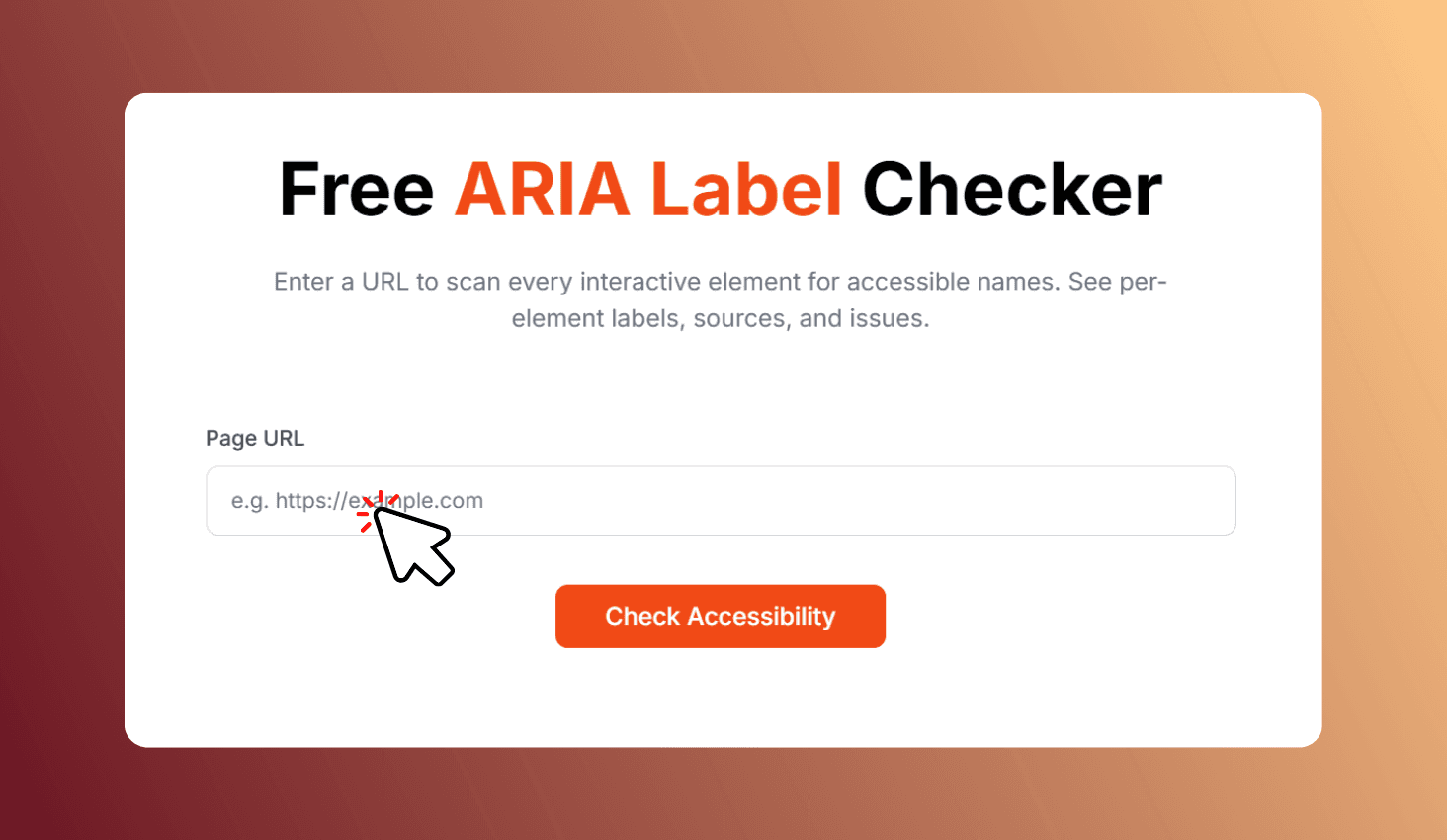
Enter a URL to scan every interactive element for accessible names. See per-element labels, sources, and issues.
How to Use ARIA Label Checker?
Enter Your URL
Paste the URL of any publicly accessible page.
Check Accessibility
Click Check Accessibility to scan all interactive elements.
Review & Fix
Browse per-element results and fix flagged issues.
Scan Any URL for Missing ARIA Labels and Accessibility Issues
ARIA Label Checker scans every interactive element on your page — links, buttons, images, inputs, selects, and textareas — and checks for accessible names using aria-label, aria-labelledby, alt text, form labels, text content, and title attributes. Get pass/fail results and fix suggestions.
Comprehensive Accessibility Scanning
The tool checks every interactive element for labels using aria-label, aria-labelledby, alt text, associated labels, text content, and title attributes. Missing names are flagged as errors, weak labels as warnings.
Accessible websites reach a wider audience, comply with ADA and WCAG requirements, and rank better in search engines. This tool helps you identify and fix issues quickly.