
Free Feedback Form Generator
Build custom feedback forms with star ratings, emoji reactions, and text fields. No coding or sign-up required.
Live Preview
We Value Your Feedback
Help us improve by sharing your experience.
Your feedback is anonymous and helps us improve.
Need smarter feedback collection?
With Poper, you can create feedback widgets with smart triggers, conditional logic, sentiment analysis, analytics dashboards, and integrations with Slack, email, and CRMs — all without code.
How to Create a Feedback Form?
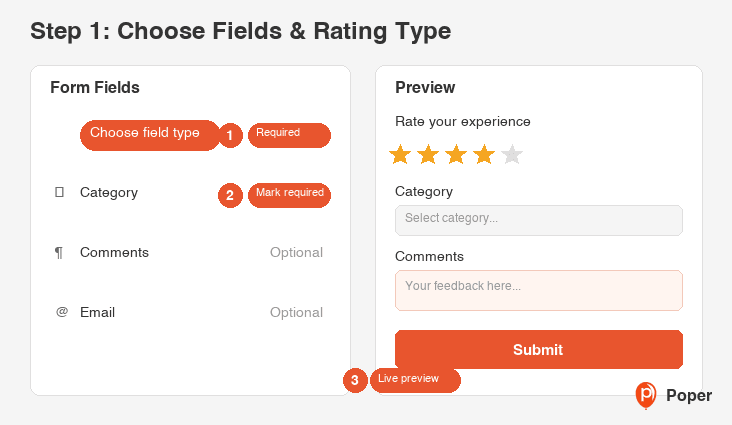
Choose Fields and Rating Type
Select your feedback fields — add star ratings, emoji ratings, text inputs, dropdowns, or open-ended text areas. Configure labels, placeholders, and required validation.
Customize the Design
Choose a preset theme or fine-tune colors for background, text, ratings, and buttons. Adjust border radius and font size to match your website's look.
Generate and Copy Code
Click 'Generate Code' to get clean HTML, CSS, and JavaScript. Copy the code and paste it into your website, WordPress, Shopify, or any page builder.
Build Custom Feedback Forms with Ratings
The Feedback Form Generator is a free visual tool that lets you create professional feedback collection forms for any website. Add star ratings, emoji ratings, text fields, dropdowns, and text areas. Customize colors, fonts, and layout to match your brand. Generate clean HTML, CSS, and JavaScript code that works anywhere — WordPress, Shopify, Wix, Squarespace, or custom-built sites.
Why Use This Free Feedback Form Generator?
Why Customer Feedback Matters
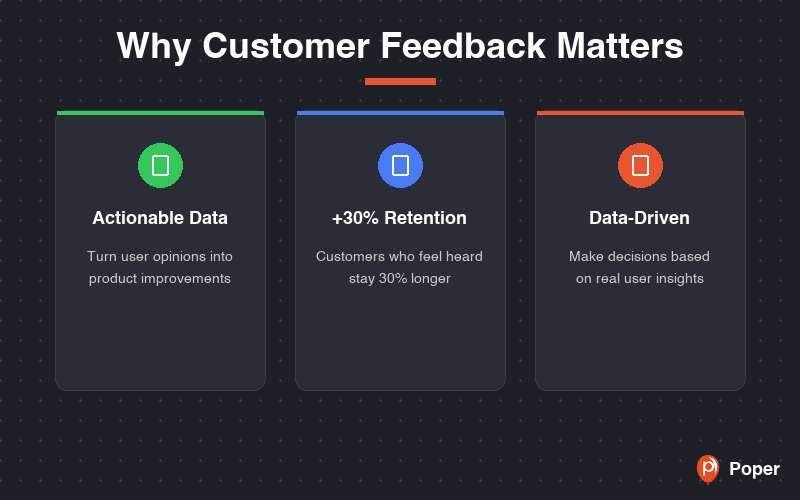
Collecting feedback directly from your users is one of the most valuable things you can do for your business. It reveals pain points you can't see from analytics alone, surfaces feature requests that drive product decisions, and shows customers that you care about their experience.
Businesses that actively collect and act on feedback retain more customers, reduce churn, and build products that people actually want. A simple feedback form on your website is the easiest way to start this feedback loop.
Star Ratings and Emoji Reactions
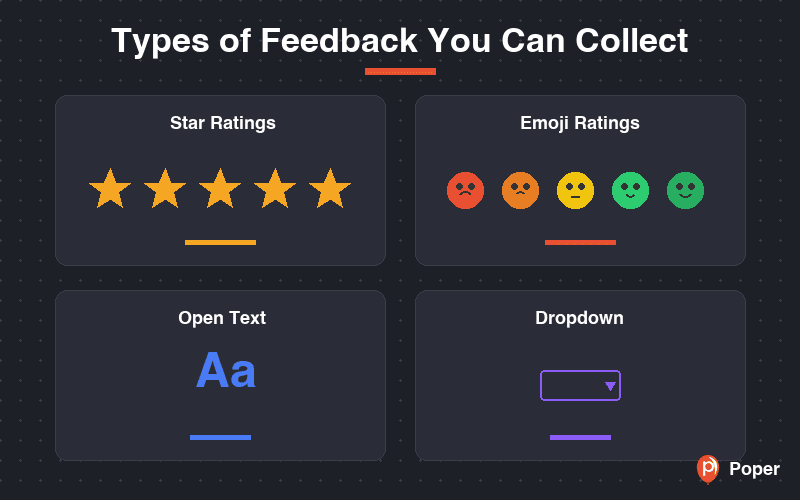
Go beyond simple text fields with visual rating options. Star ratings (1-5 stars) provide quantitative data you can track over time. Emoji ratings (from angry to delighted) add a human touch that feels more natural and inviting for users to interact with.
Both rating types are fully interactive in the generated code with pure CSS hover effects and click handling. The visual feedback makes forms feel more engaging and results in higher completion rates compared to text-only feedback forms.
Works on Every Platform
The HTML, CSS, and JavaScript code generated by this tool is platform-agnostic. Paste it into a WordPress Custom HTML block, a Shopify Liquid section, a Wix HTML embed, or directly into your static website. The form renders beautifully on any device.
Star and emoji ratings are touch-friendly with large tap targets for mobile users. The responsive layout adapts to any screen size without extra configuration.
6 Field Types for Any Feedback Scenario
This form builder supports text, email, textarea, dropdown, star rating, and emoji rating fields. Each field can be configured with custom labels, placeholder text, and required validation — giving you full control over the feedback you collect.
Building a post-purchase survey? Add a star rating and a dropdown for categories. Creating a feature request form? Use a text field for the suggestion and an emoji rating for urgency. The flexibility lets you create any feedback form you need.
Similar Tools
Feedback Form Best Practices
Follow these proven tips to collect actionable feedback from your users
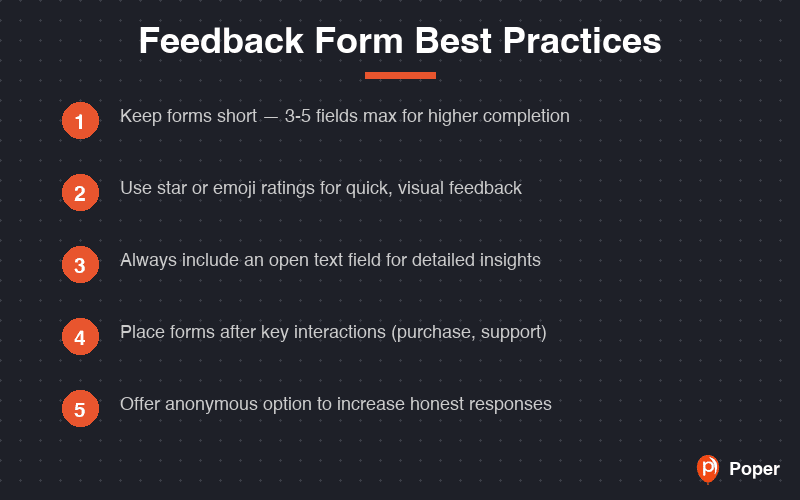
The shorter the form, the more responses you will get. A rating + one open-ended question is enough for most use cases. Save detailed surveys for dedicated research.
Start with a star or emoji rating. It takes one click and immediately engages the user. Follow up with optional text fields for those who want to elaborate.
Instead of 'Any feedback?', ask 'How would you rate your checkout experience?' or 'What feature would you most like us to add?' Specific questions get specific answers.
If you want higher response rates, make the email field optional. Users are more honest when they can give feedback anonymously.
Trigger the feedback form after a completed action — post-purchase, after reading an article, or when a support ticket is resolved. Context matters.
Show users that their feedback led to changes. A simple 'You asked, we built' section builds trust and encourages more feedback in the future.