
A friend who runs a small furniture studio called me last year, a little frustrated. She had a contact form on her website, a phone number in the footer, and an email address nobody seemed to use. Leads trickled in, but slowly.
I asked her one question. Where do your customers already talk to their own friends and family? She laughed and said WhatsApp, obviously. That was the whole answer.
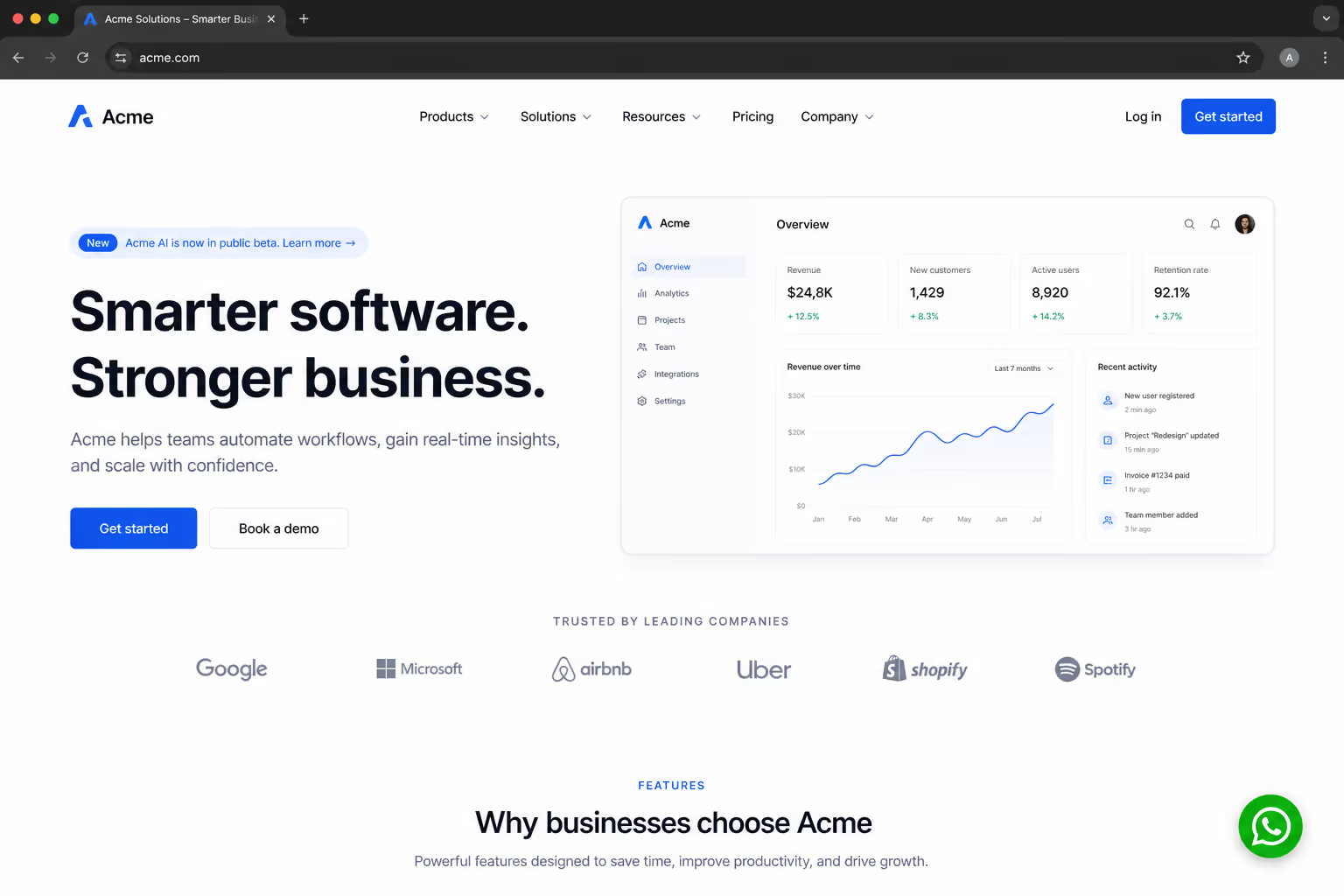
So we added a WhatsApp chat button to her website that afternoon. Within a week her inquiries roughly doubled. I am telling you this story because I want to be honest from the start. A WhatsApp chat button website setup is one of the highest return changes you can make, but it is not right for everyone. In this guide I will show you how to add one, and just as importantly, when you should not.
What a WhatsApp Chat Button actually does
Let me keep this simple. A WhatsApp chat button is a small floating element, usually in the bottom corner of your site. When a visitor taps it, their WhatsApp opens with a chat to your business already started. No form, no waiting, no copying a number by hand.
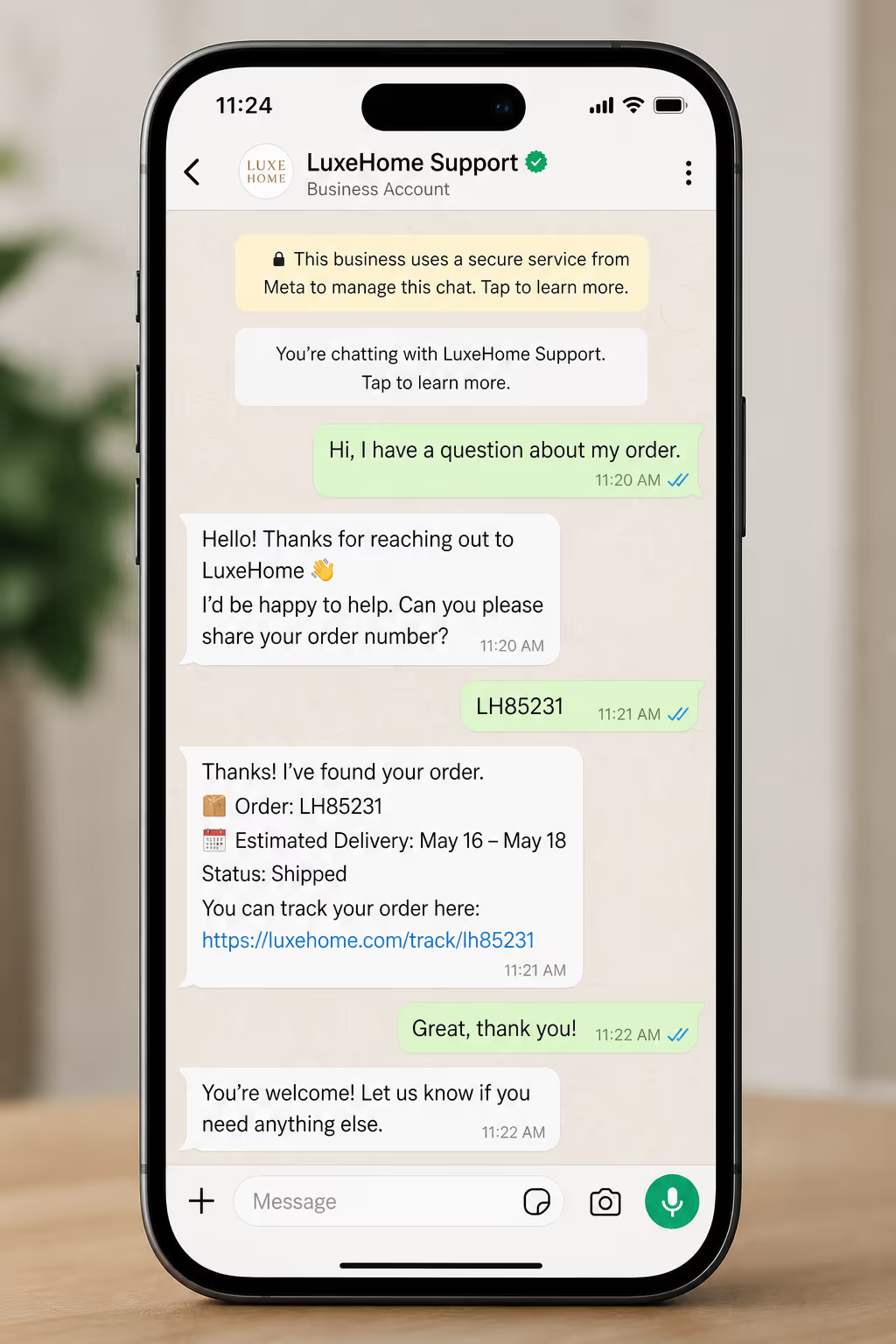
That tiny shortcut matters more than it looks. The reason a WhatsApp chat button website flow converts well is that it removes friction at the exact moment someone is curious. Your visitor does not switch tools or learn anything new. They use an app they already check dozens of times a day.
The scale here is hard to ignore. As of today, WhatsApp has more than 3.2 billion users worldwide, according to WhatsApp business data [1]. When your customers already live inside an app, meeting them there is the easy win.
Put a Floating WhatsApp Button on Every Page, No Code
You do not have to edit a theme file or hand build a wa.me link. Pick the WhatsApp button widget in Poper, set your number and greeting, then paste one line into your site. The button appears in the corner on every page.
<script id="poper-js-script" data-account-id="YOUR_ACCOUNT_ID" src="https://app.poper.ai/share/poper.js" defer></script>The case for adding a WhatsApp chat button to your website
I want to back this up with numbers, not just my friend's furniture studio. Messaging beats older channels on the metrics that actually pay your bills.
Start with attention. WhatsApp messages see an average open rate near 98%, far above email, based on recent marketing statistics [2]. A message that gets opened is a message that can convert. Email simply cannot promise that anymore.
Then there is speed. A WhatsApp API benchmark report from Interakt found that companies replying within the first 15 minutes see up to 80% higher conversion rates in sales and lead generation [3]. A WhatsApp chat button website setup makes that fast reply realistic, because the conversation lands on your phone, not in a dashboard you forget to open.
Volume improves too. Several 2026 implementation guides report that WhatsApp buttons generate two to five times more inquiries than email or phone alone, simply because the channel feels convenient and human. One business documented a 40% jump in conversions after switching its primary contact path to WhatsApp. That is the pattern I keep seeing repeated.
How to add a WhatsApp chat button to your website
There is no single correct method. The right one depends on your platform, your budget, and how much you want to manage. Here is the comparison table my team uses when we advise someone on a WhatsApp chat button website project.
| Method | Best for | Setup effort | Main limitation |
|---|---|---|---|
| No-code widget tool | Most websites and small teams | Very low, no code | Depends on the tool you pick |
| Manual wa.me link | A single text link or basic button | Low, but needs code edits | No floating button, no styling, no analytics |
| WhatsApp Business app share link | Solo owners testing the channel | Low | One number only, limited customization |
| WhatsApp Business API | High volume teams and automation | High, needs a provider | Cost and approval process |
The No code Widget method
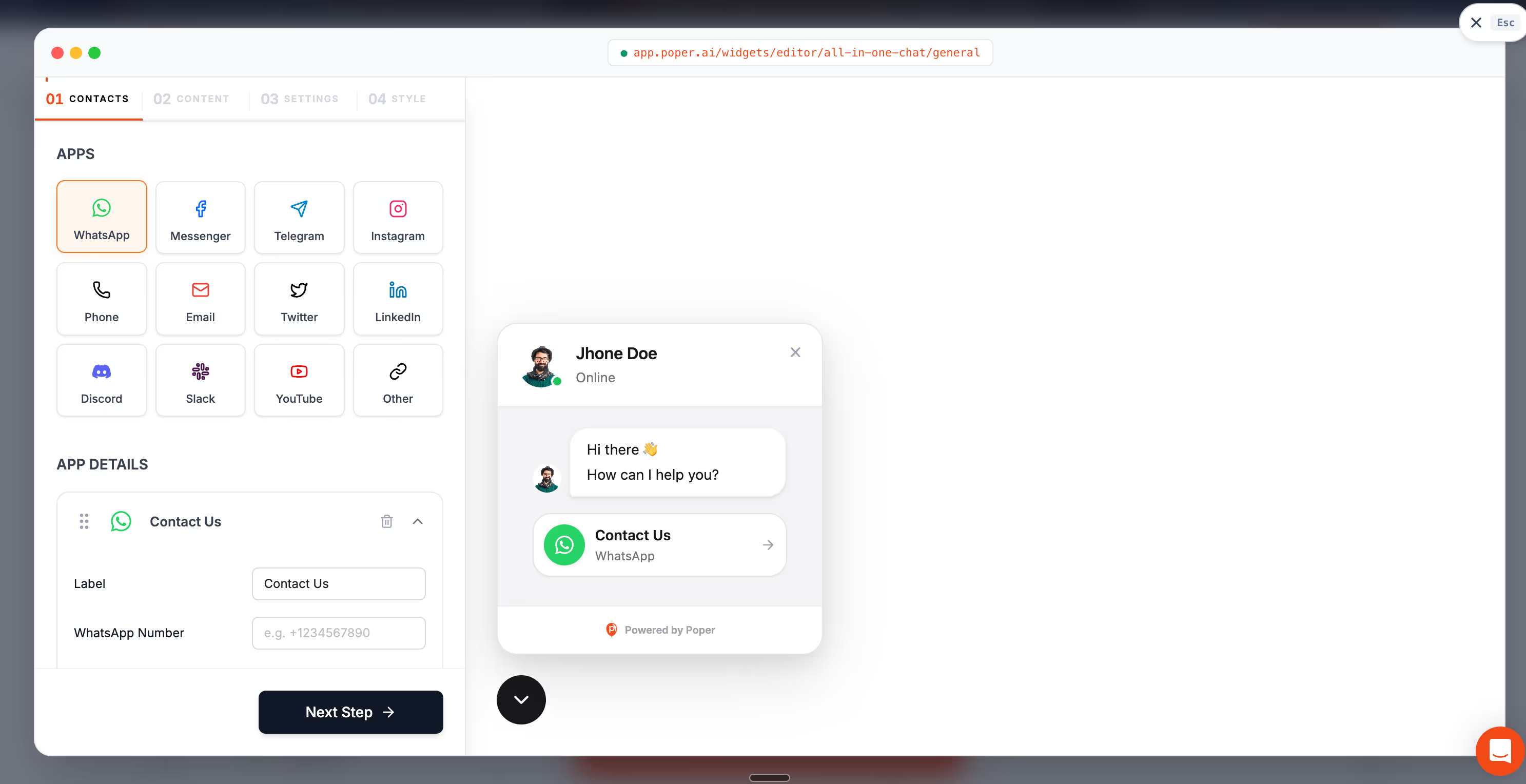
This is what I recommend to most people. A no-code widget gives you a proper floating button, a custom greeting, and click tracking, without touching your code. You paste one snippet, or in some cases you do not even do that.
For a WhatsApp chat button website rollout that you want done in minutes rather than days, this is the sweet spot.
The manual wa.me method
The simplest version uses a link in the format https://wa.me/yourphonenumber. You can attach it to any button or image. It works, and it costs nothing. The catch is that you get a plain link, not a real floating WhatsApp chat button.
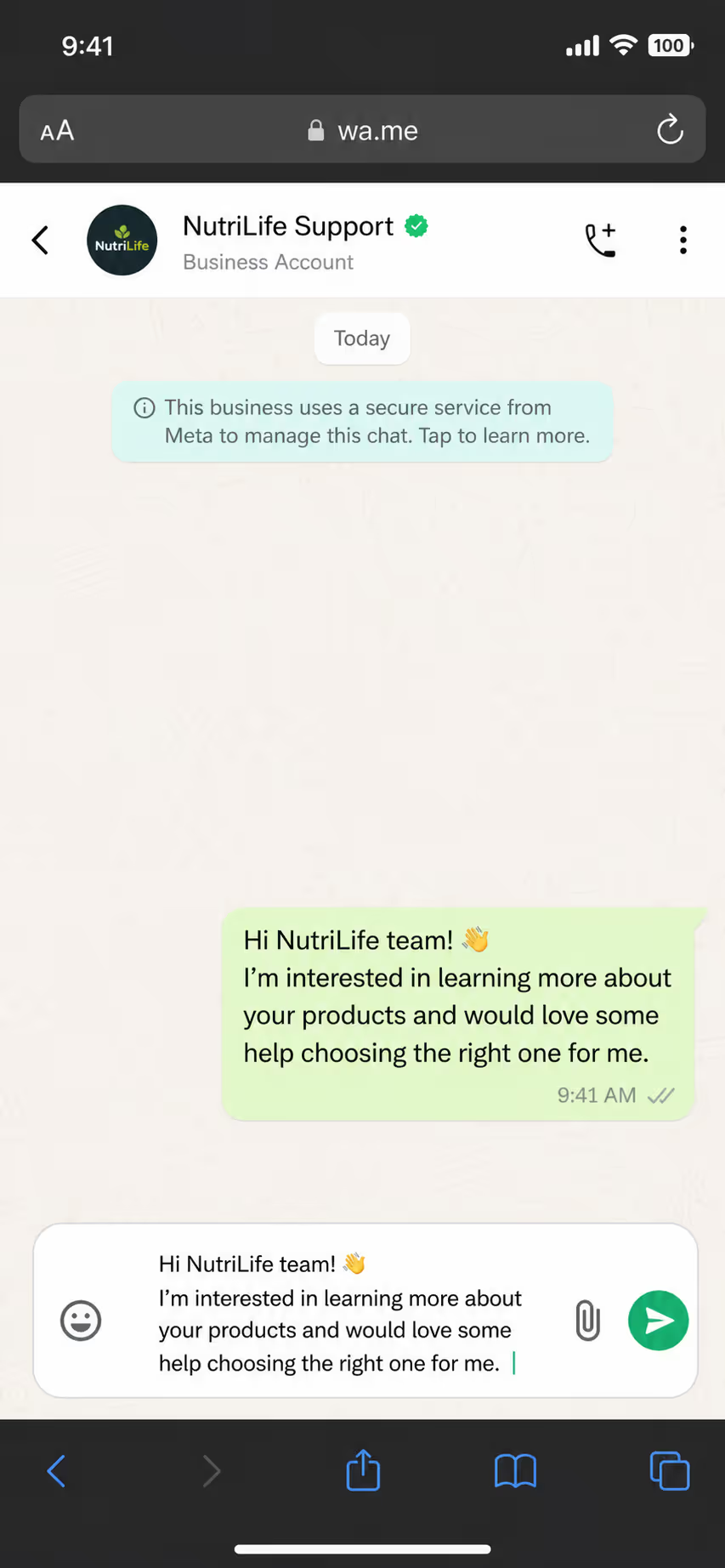
There is no styling, no greeting message, and no way to see how often people click. For a quick test it is fine. For a serious WhatsApp chat button website plan, you will outgrow it fast.
The WhatsApp Business API method
If you are running real volume, automated replies, and a support team, the API is worth it. It unlocks chatbots, multiple agents on one number, and rich automation.
It also costs money and takes longer to approve. Do not start here. Start with a widget, prove the channel works, then graduate to the API when the inquiries justify it.
Prove the Channel Before You Pay for an API
The advice above is to start small and graduate later. Poper's widget gives you the parts a raw wa.me link cannot: a launcher that stays visible, a first message already written, and numbers on how often people tap it.
When you should not add a WhatsApp chat button
I promised honesty, so here it is. A WhatsApp chat button website setup is not always a good idea. Skip it, or delay it, in these situations.
First, if nobody can answer. A chat button that leads to silence is worse than no button at all. Remember that 15 minute window. If your messages sit unread for two days, you are training visitors to distrust you. Add the button only when someone, even just one person, can reply within a reasonable time.
Second, if your audience does not use WhatsApp. In parts of North America and East Asia, other apps dominate. A WhatsApp chat button website strategy shines in India, Latin America, the Middle East, Africa, and much of Europe. Check where your traffic actually comes from before you commit.
Third, if you need a written record for compliance or complex deals. Some regulated industries need every customer exchange logged in a formal system. Casual WhatsApp threads can make that messy. In that case, route chat into a tool that stores transcripts properly.
Setup mistakes I see most often
Even when WhatsApp is the right call, the execution can go wrong. The most common mistake is hiding the button. If a visitor cannot see it without scrolling, it might as well not exist. Keep your WhatsApp chat button visible in a fixed corner on every page.
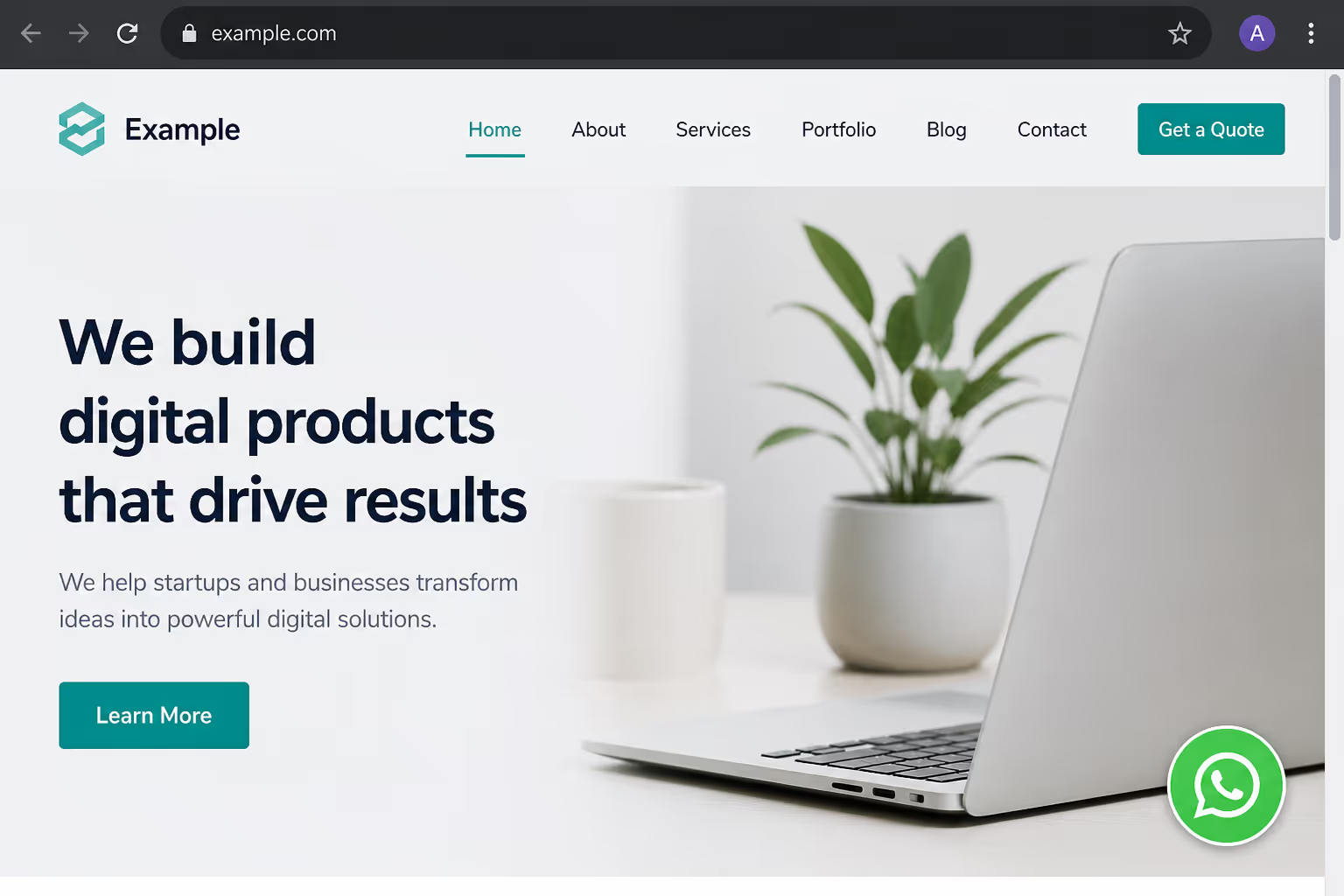
The second mistake is a cold opening. An empty chat makes the visitor do all the work. Pre-fill a friendly greeting like, "Hi, I saw your products and have a quick question." A warm first line lifts reply rates noticeably.
The third mistake is using a personal number with no plan to scale. It works at first. Then you get popular, one phone cannot keep up, and you cannot hand the chats to a teammate. Decide early whether this number will need to grow.
Doing it the fast way with Poper
This is where I will be upfront about what we build. Poper offers an All-in-One Chat widget that includes a WhatsApp chat button alongside Messenger, Slack, Telegram, and more, all behind a single launcher. You can run a WhatsApp chat button website setup on WordPress, Shopify, Webflow, Wix, Squarespace, or any platform in under two minutes, with no code.
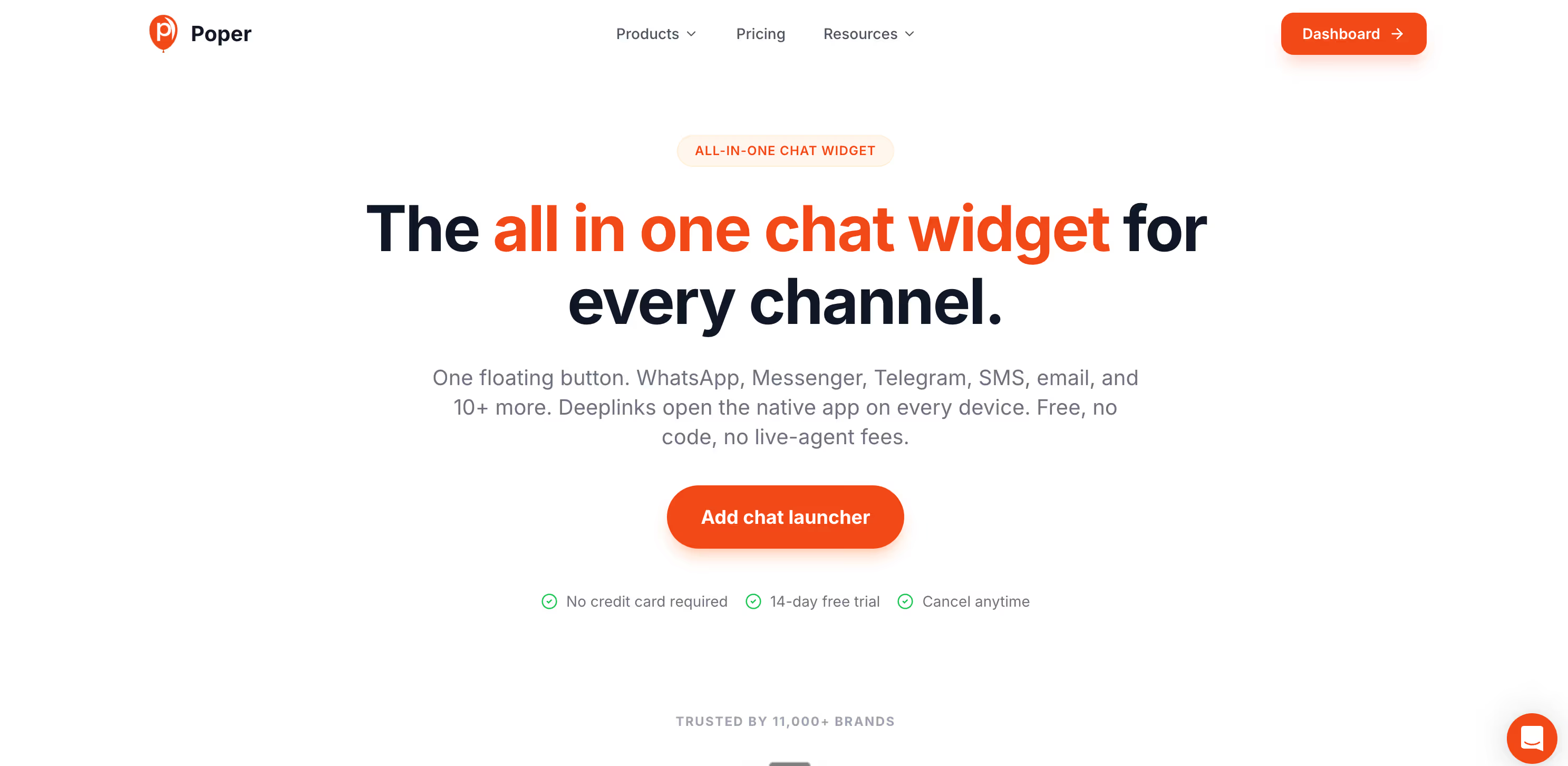
What I like about handling it this way is the flexibility. You can start with WhatsApp only, then add other channels later as you learn where your customers prefer to talk. You also get a custom greeting and a button that stays visible without slowing your page down. For most small teams, that is the most realistic version of a professional WhatsApp chat button website setup.
So here is my closing advice. If your customers use WhatsApp and someone on your side can reply, add the button today. Start simple, watch your inquiries, and scale up only when the demand is real. My friend with the furniture studio did exactly that, and she has never gone back to a quiet contact form.
References
Give Visitors a Chat Button They Will Actually Tap
If your customers use WhatsApp and someone on your side can reply, add the button now. Set it up in Poper, choose the corner and the greeting, and add Messenger, Telegram, or Slack behind the same launcher later if your audience asks for them.
Create Your Chat ButtonFree plan available. No credit card required.


