

A few months ago a teammate dropped a screenshot into our team channel. It was a customer message that had sat unanswered for nine hours. Nobody ignored it on purpose. We were simply busy, the queue was loud, and that one ticket slipped through. That screenshot is the reason I spent the next quarter figuring out how to reduce response time customer support teams can actually sustain, without walking into a finance meeting and asking for three new hires.
I want to share what worked for us. We will look at why slow replies cost far more than they appear to, and then I will walk you through the exact moves that helped us reduce response time customer support style, using better habits and tools instead of extra headcount. None of it is fancy. All of it is repeatable, and you can start most of it this week.
Why First-Response Time Matters More Than Ever
Speed is now the headline metric in support. According to a reporting from Ringly, 63% of customers rank speed of response as the number one factor in a good support experience, ahead of speed of resolution at 57% and channel availability at 49%. People will forgive a slow fix. They will rarely forgive silence.
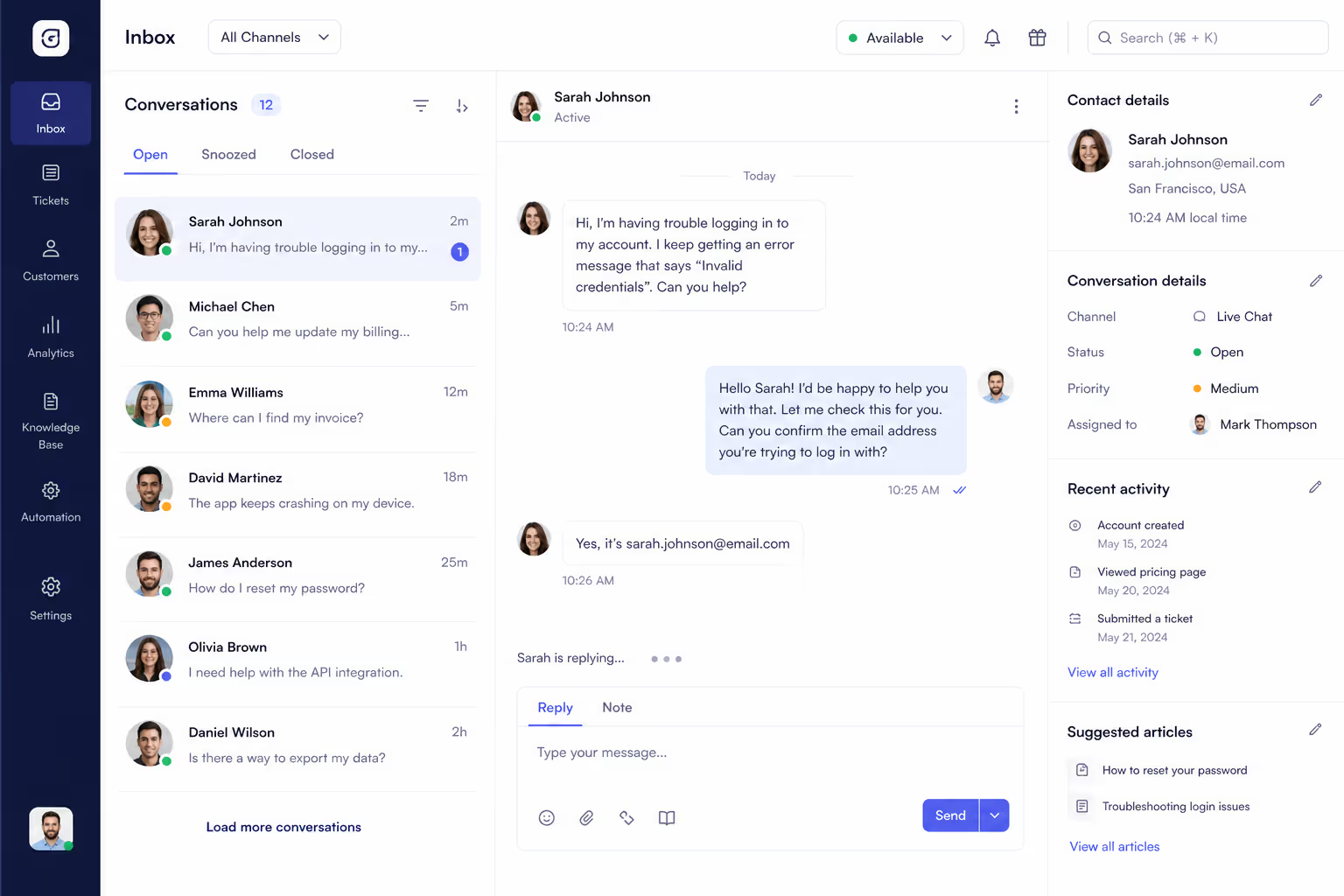
The money follows the same pattern. Current benchmark data shows that replies sent within one hour reach 71% customer retention, while replies that take a full day drop retention to 48%. So when you reduce response time, customer support stops looking like a cost center and starts protecting real revenue.
Here is the trap most teams fall into. They assume the only way to get faster is to add people. That is expensive, slow to onboard, and it does not touch the structural reasons replies are late in the first place.
Set a Target Before You Change Anything
You cannot reduce response time customer support work without a clear number to chase. Vague goals like "let us be faster" never stick. So pick a first-response benchmark for each channel and write it down where the team can see it.
| Channel | Strong first-response target (2026) | Typical industry average |
|---|---|---|
| Live chat | Under 40 seconds | Around 2 minutes |
| Chat widget or in-app message | Under 5 minutes | Highly variable |
| Social media | Under 60 minutes | Several hours |
| Under 4 hours | Around 12 hours |
Those targets come from Zendesk and Freshworks benchmark data summarized across recent years reports. Look closely at the email row. The average first response sits near 12 hours, and only 36% of companies manage to reply within 4 hours. That gap is not a weakness. It is your easiest opportunity to reduce response time customer support competitors are still ignoring.
The 5 moves that Reduce Response Time Customer Support Teams can Sustain
Once we had targets on the wall, we stopped guessing and started fixing. These five changes did the heavy lifting for us, and not one of them required a new salary line.
1. Deflect the Repeat Questions Before They Become Tickets
Most support volume is the same handful of questions asked over and over. Self-service channels deflect 40% to 60% of incoming queries, according to data from Pylon, and a self-service contact costs roughly $1.84 against $13.50 for an assisted one. Every deflected ticket is one your team never has to touch, which is the cleanest way to reduce response time customer support has.
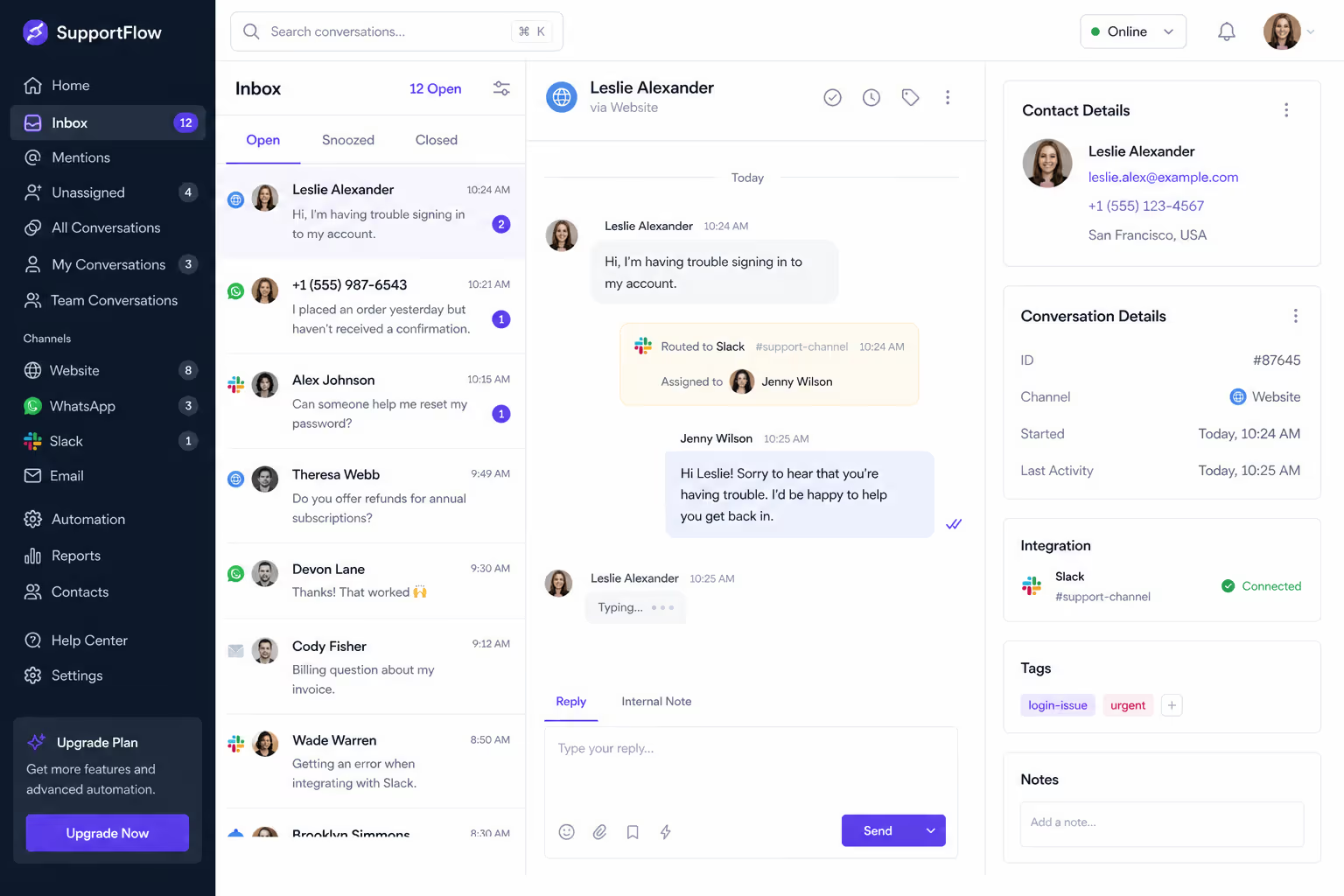
We built a short, honest FAQ section and an interactive help widget covering shipping, refunds, and account login. Within a month, ticket volume fell enough that the replies we did still send got noticeably faster on their own.
2. Route conversations to where your team already works
We were losing whole minutes simply because nobody was watching the right inbox. Messages landed in a tool we checked twice a day. The fix was to route every conversation into Slack and WhatsApp, the apps our team lives in anyway.
This single change cut our acknowledgment lag more than anything else we tried. To reduce response time customer support agents need to see the message the second it arrives, not on the next scheduled inbox sweep.
3. Use AI for the first reply, not the whole conversation
AI does not have to replace your agents to be useful. The Freshworks benchmark report found that AI-powered support cut average first response time from over 6 hours to under 4 minutes, a 55% reduction. AI agents now deflect more than 45% of incoming queries, per 2026 figures from Salesmate.
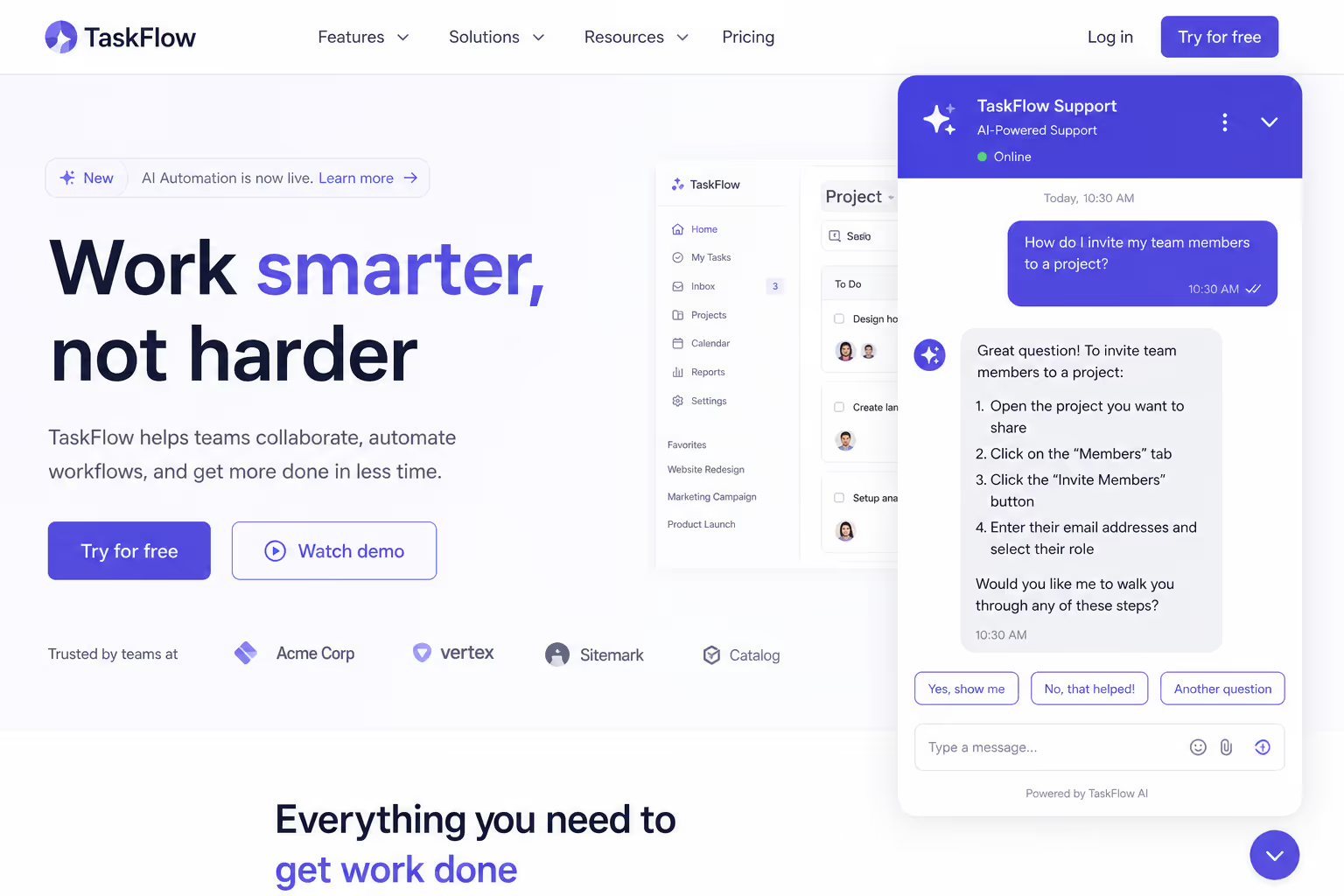
We use AI for instant acknowledgment and the simple answers, then hand anything complex to a human. The customer feels seen right away, and our agents reduce response time customer support expects while still owning the hard cases that need a real person.
4. Template the answers you write every single day
Look at your sent folder. You are probably retyping the same five replies daily. We turned those into saved responses with a fill-in-the-blank field for the customer name and order number. A reply that used to take four minutes now takes twenty seconds, and the tone stays consistent across the team. Templates are a boring but powerful way to reduce response time customer support relies on every single day.
5. Triage so urgent tickets jump the line
Not every ticket deserves the same speed. A billing failure is not a feature question. We added a simple priority tag and routed urgent issues to whoever was on shift. Skill-based routing like this helps agents resolve issues 47% faster, based on support data, because the right person sees the right ticket first.
What this looked like in real numbers
I do not want this to read like theory, so here is the proof. AssemblyAI cut its first response time from 15 minutes to 23 seconds, a 97% drop, after moving to an AI-first support workflow, per recent year reporting from Pylon. Their AI resolution rate climbed from 25% to 50% along the way.
Our own results were less dramatic but very real. Deflection and routing alone took our median first reply from several hours to under fifteen minutes, with the same headcount we started with. That is the whole point. You can reduce response time customer support leaders care about without growing the team, as long as you remove friction instead of throwing people at it.
Mistakes that quietly slow you down
A few habits will undo your progress, so watch for them. The first is measuring only averages. One ignored ticket can sit for a day while your average still looks fine, so track your slowest replies too. Those outliers are exactly where you reduce response time customer support scores depend on the most.
The second is letting your knowledge base go stale. A deflection tool is only as good as the answers behind it. We review ours every quarter. The third mistake is automating the wrong thing. AI should handle acknowledgment and easy answers, not an angry customer with a complex refund. Use it to reduce response time customer support feels, never to dodge the conversations that actually need empathy.
How Poper helps you reduce response time customer support depends on
I will be straight about what we build. Poper offers an All-in-One Chat widget that connects WhatsApp, Messenger, Slack, Telegram, and more behind a single button on your site. Because conversations route straight into apps your team already checks, the acknowledgment lag that quietly wrecks your numbers mostly disappears.
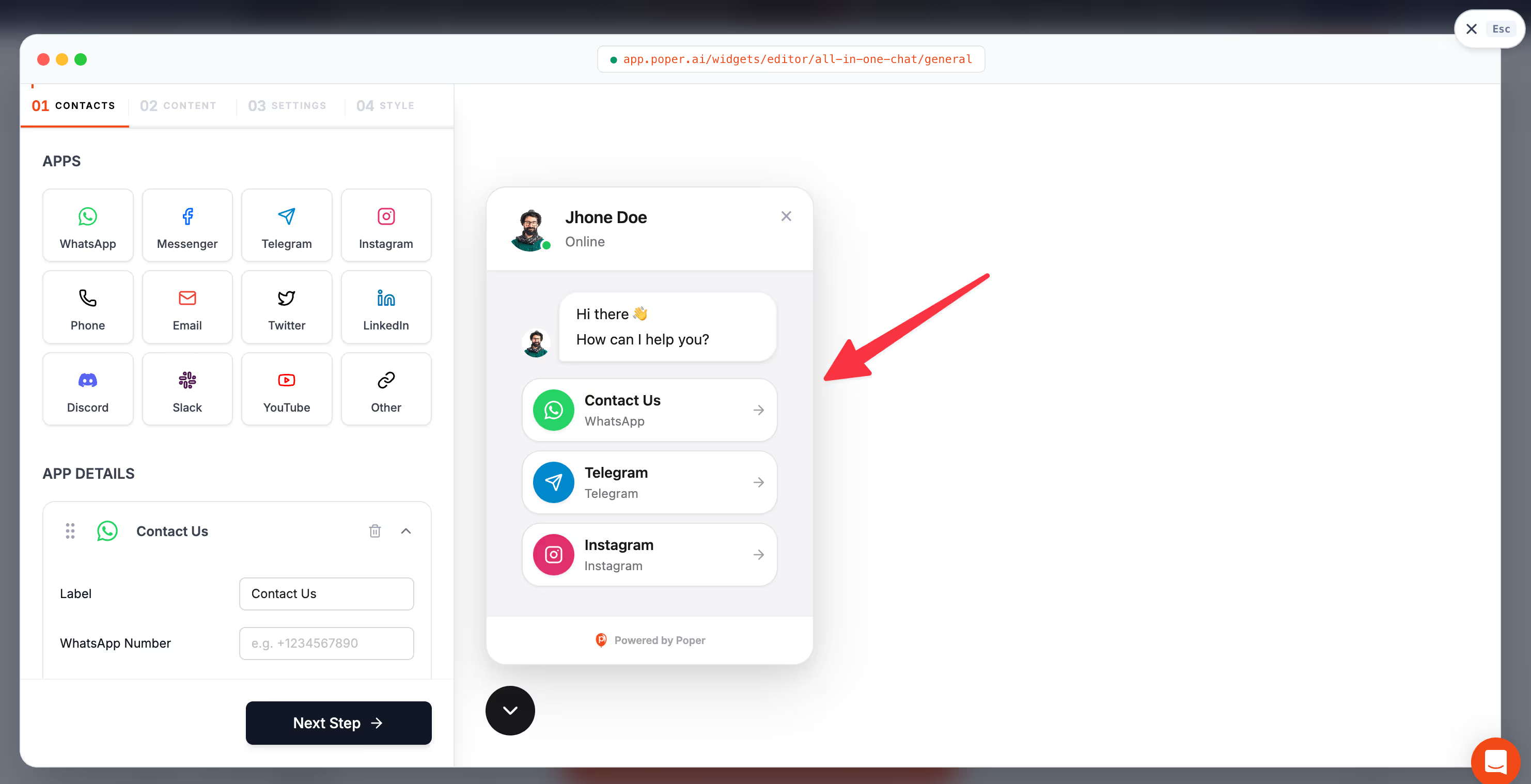
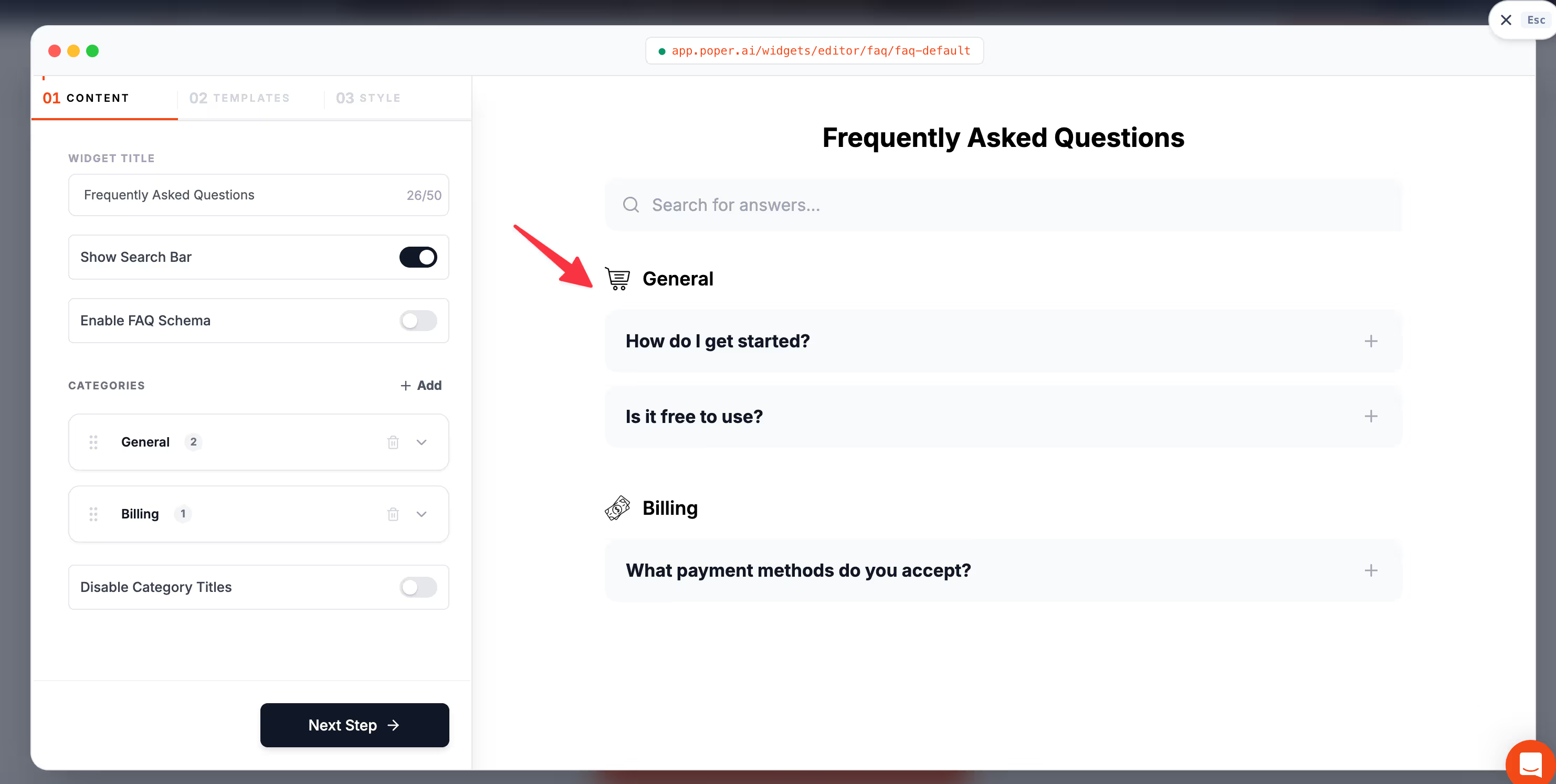
We also offer an FAQ widget for the deflection step, so the repeat questions get answered before they ever reach a human. Both embed on WordPress, Shopify, Webflow, Wix, or any other platform in under two minutes with no code, which means you can start to reduce response time customer support tracks today instead of next quarter.
So here is my closing thought. You almost certainly do not need more agents. You need fewer repeat tickets, faster routing, smart use of AI, and a target on the wall. Fix those four things, and you will reduce response time customer support quality depends on while keeping your team, and your budget, exactly the size it is now.



