
Last year I watched a recording of a visitor on our pricing page. He scrolled up and down four times, hovered over the same plan twice, and then left. No chat, no email, nothing. He had a question, and we never gave him an easy way to ask it. That single replay is what pushed our team to get serious ab/out proactive chat triggers, because the lesson was obvious: people will not always raise their hand, so sometimes you have to offer one first.
I want to walk you through the 15 proactive chat trigger rules we landed on after a lot of testing. I will give you each rule on its own, with a clear heading and a real explanation, so you can pick them up one at a time instead of guessing. Some rules are about timing, some are about behavior, and a few are simply about knowing when to stay quiet.
The whole point is to help, not to pester. Done right, proactive chat triggers feel like a helpful shop assistant. Done wrong, they feel like a pop-up that follows you around the room.
Why Proactive Chat Triggers Are Worth the Effort
Let me start with the numbers, because they surprised even me. According to data summarized by Which-50, chat-to-conversion rates now average 10% to 20%, while traditional website forms sit at just 2% to 3%. Chat is simply a better conversation starter, and proactive chat triggers are how you start that conversation at the right moment.
The proactive part matters even more. A ReveChat analysis found that sites using proactive chat invitations convert around 40% higher than sites that wait for visitors to click first. A report from Ringly went further, noting that visitors who engage through proactive chat are 6.3 times more likely to make a purchase, and that proactive chat can deliver up to a 305% return on investment.
Here is the honest catch though. The same research shows only about 2% of visitors actually respond to a proactive prompt. That low number is exactly why your proactive chat triggers have to be precise. A scattershot "Hi, need help?" on every page wastes the few chances you get. Good triggers fire for the right person, on the right page, at the right second. The 15 rules below are how you get there.
Trigger Chat On Behavior, Not On Arrival
Poper's All in One Chat widget can wait for the signals these rules describe: time on page, scroll depth, inactivity, exit intent, or a second visit. Paste one snippet into your site and the widget is available on every page, still silent until a condition is met.
<script id="poper-js-script" data-account-id="YOUR_ACCOUNT_ID" src="https://app.poper.ai/share/poper.js" defer></script>Timing-Based Proactive Chat Triggers
The first family of proactive chat triggers is all about the clock. These are the simplest to set up, and they are usually where I tell teams to begin.
Rule 1: Never trigger the moment a page loads
A chat box that opens instantly reads as desperate. The visitor has not read a single word yet, so the message has no context, and most people close it on reflex. We wait at least 15 to 30 seconds on a normal page before any proactive chat triggers fire. That short pause lets the person settle in, form a question, and actually want help when the prompt arrives. Patience here is not laziness. It is what separates a welcome offer from an interruption.
Rule 2: Match the delay to the type of page
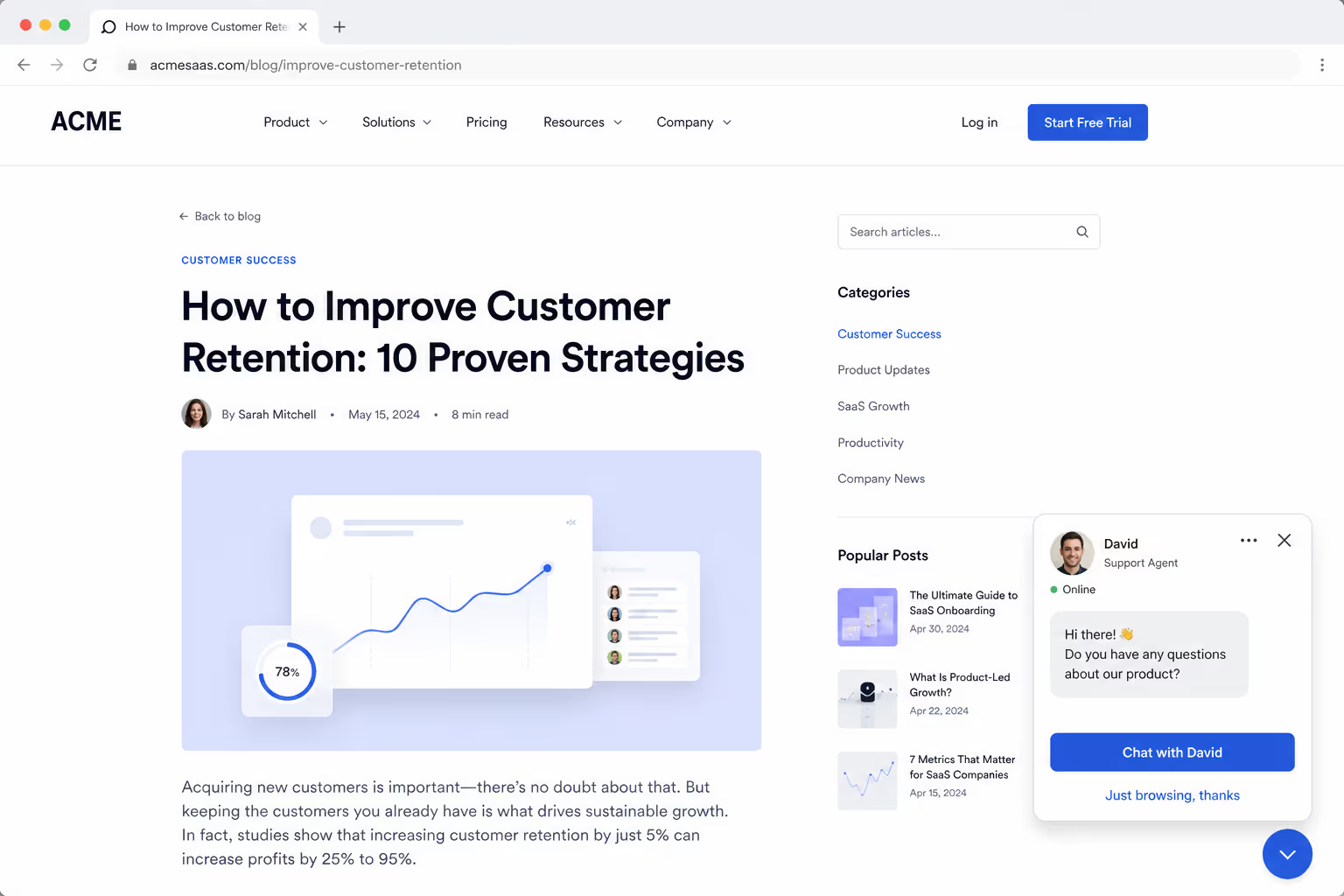
One delay does not fit every page. A long blog post deserves a longer wait, maybe 45 seconds, because reading takes time and an early prompt breaks concentration. A pricing page can fire sooner, because hesitation there usually means a real buying question. So I set the timer per page template, not globally. When your proactive chat triggers respect what the visitor came to do, the prompt feels timed instead of random.
Rule 3: Use total time on site for returning researchers
Some visitors do not spend long on any single page, but they keep coming back across several sessions. A single-page timer misses them completely. So I add a rule based on total time on site, counting every visit. When someone has spent ten minutes with you across three visits, they are clearly researching, and that is a strong moment for proactive chat triggers to step in with a helpful offer.
Rule 4: Cap the timing trigger to once per session
Nobody wants the same greeting three times in ten minutes. A timing trigger that keeps re-firing turns a helpful tool into a nuisance fast. So I cap it: the time-based prompt shows once per session, and that is it. If the visitor ignores it, the widget goes quiet. Good proactive chat triggers know when to stop talking, and a one-per-session cap is the easiest way to enforce that.
Behavior-based proactive chat triggers
Timing is a blunt instrument. Behavior is where proactive chat triggers get genuinely smart, because they react to what the visitor is actually doing right now.
Rule 5: Fire on exit intent

When the cursor moves quickly toward the browser bar or the tab close button, that visitor is leaving. This is the last second you have. A quiet message like "Before you go, can I answer anything?" recovers conversations you would otherwise lose for good. Exit-intent is one of the highest-value proactive chat triggers because it costs nothing while the visitor stays, and only speaks up when you are about to lose them anyway.
Rule 6: Trigger on scroll depth
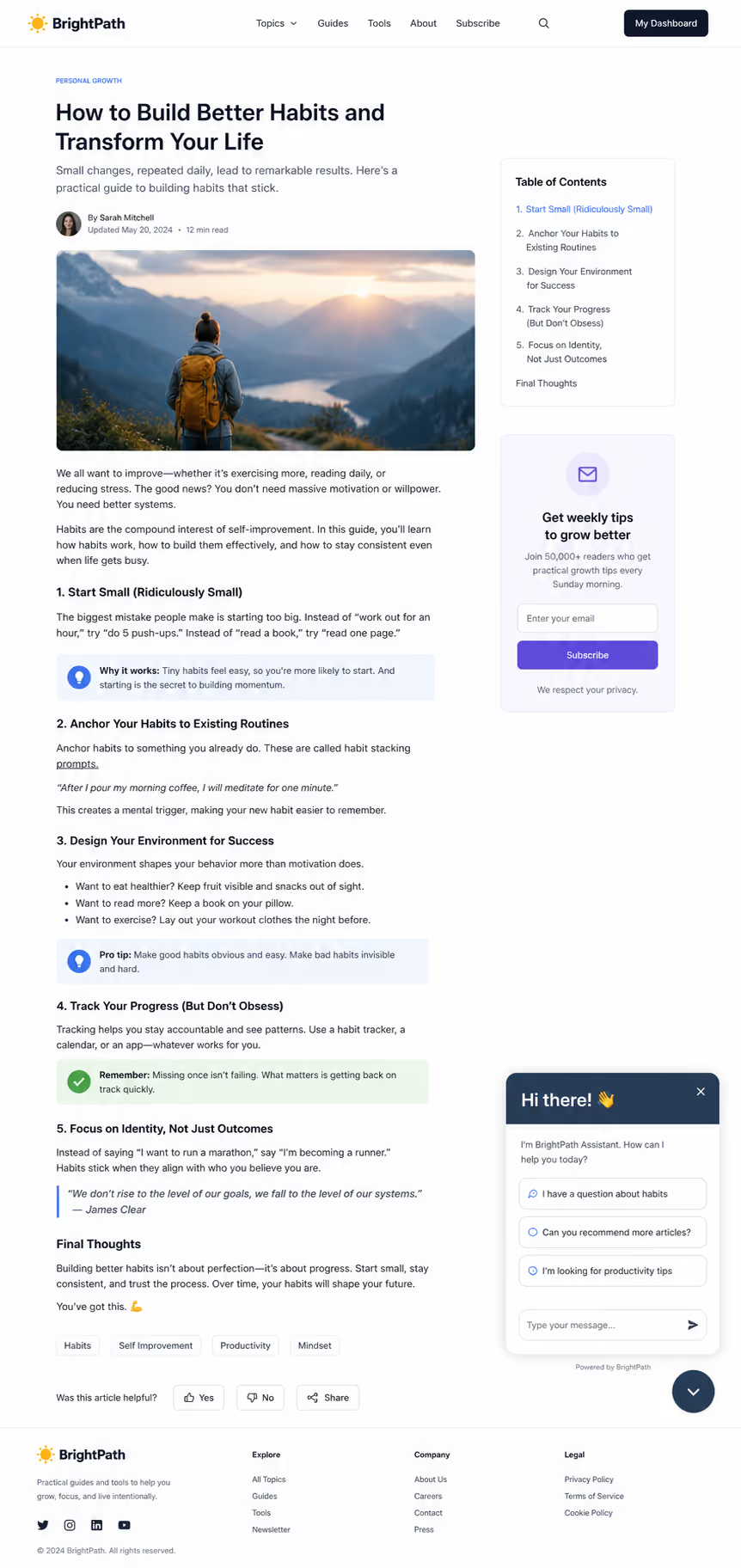
How far someone scrolls tells you how engaged they are. A visitor who has read 70% of a page is interested, not lost. That is a fair, earned moment to offer help. I tie this trigger to a real depth mark, usually two-thirds of the page, so it never fires on a quick bounce. Scroll-depth proactive chat triggers reach people who are clearly absorbing your content and may have a follow-up question forming.
Rule 7: Watch for the idle visitor
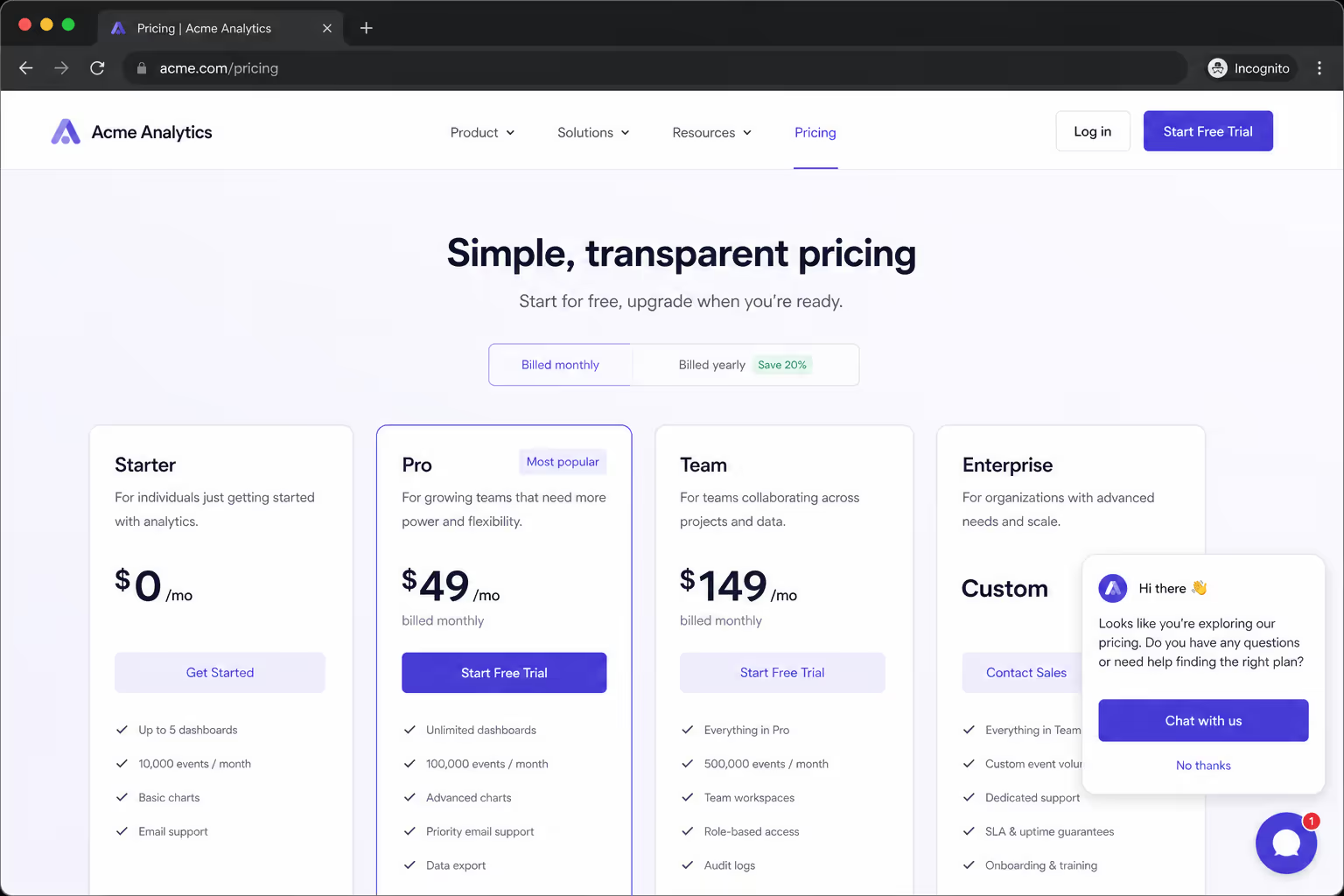
This is my favorite rule. If a visitor stops scrolling and clicking for around 60 seconds on a key page, something is happening. They are stuck, comparing options in another tab, or thinking it over. An idle trigger gently checks in at exactly that hesitation point. Of all the behavior-based proactive chat triggers, this one catches the quiet, undecided visitor that every other rule misses.
Rule 8: React to repeated visits to the same page
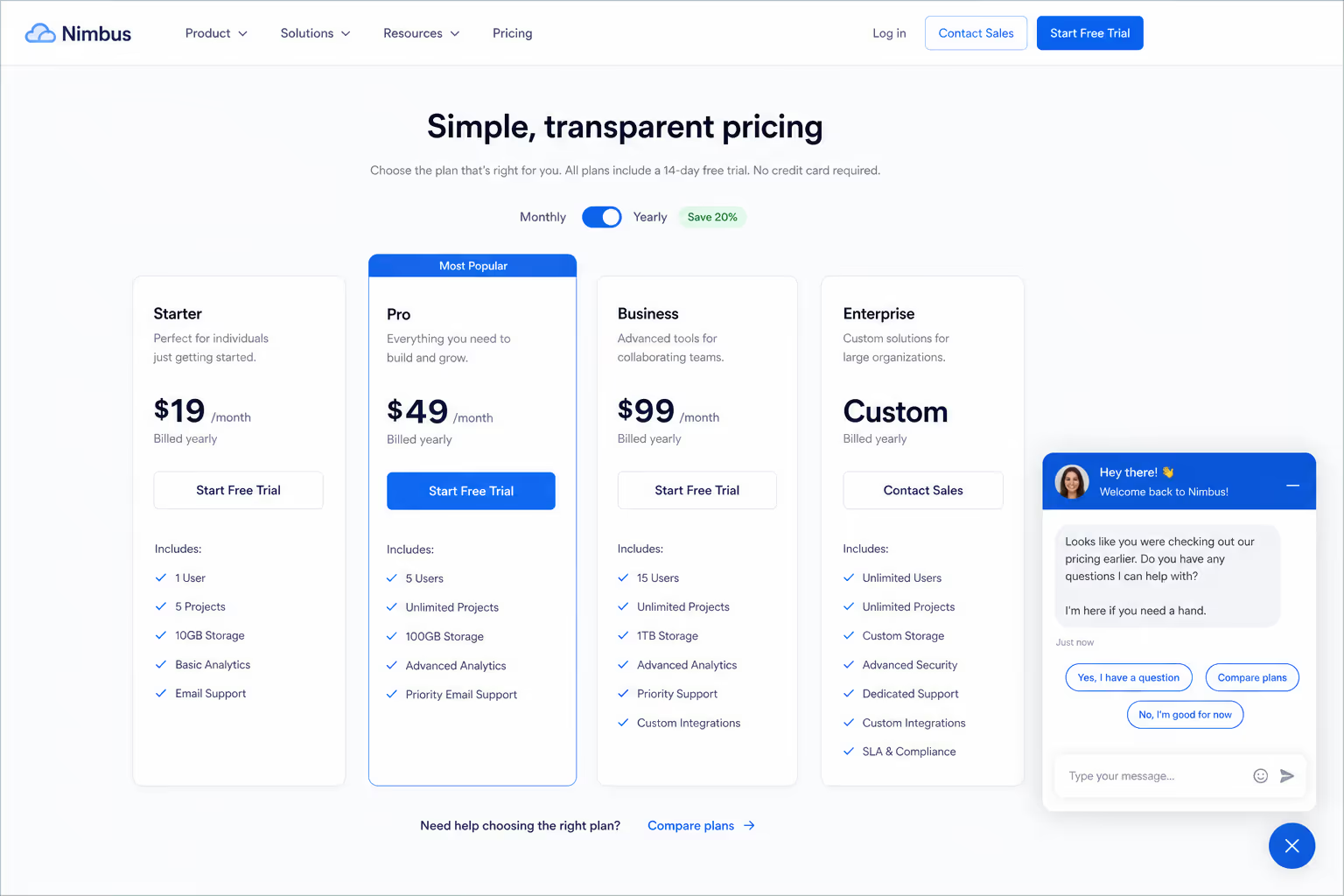
When the same person views your pricing or product page three or four times, that repetition is a signal. They want to buy but something is holding them back. A trigger that counts repeat visits to a single page lets you reach that exact hesitation. These proactive chat triggers turn an invisible pattern into a chance to remove whatever doubt keeps pulling them back.
Rule 9: Catch form abandonment
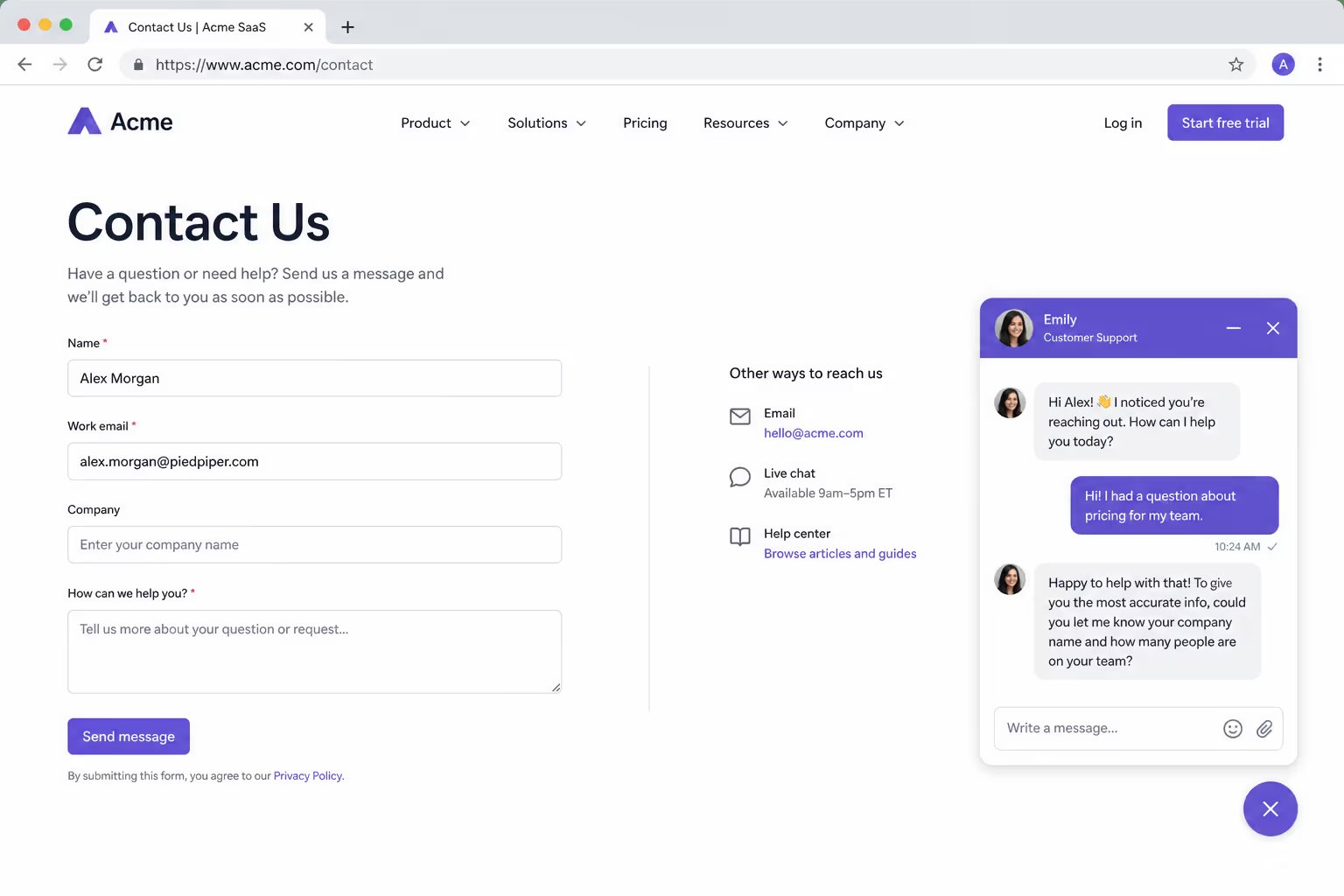
A half-filled form is a lead about to slip away. When a visitor starts typing into a field and then pauses for too long, or moves to leave with the form incomplete, a gentle nudge can rescue the conversion. I keep the message specific, something like "Stuck on the form? I can fill in the gaps for you." Form-abandonment proactive chat triggers convert well because they respond to a real moment of friction, not a guess.
Page and context proactive chat triggers
Where a visitor is tells you almost as much as what they are doing. The next rules use page context to decide both whether to speak and what to say.
Rule 10: Write a unique message for every high-value page
A generic "Need help?" wastes the moment. A checkout-page trigger should say something like "Stuck on payment options? I can help," while a pricing-page trigger might ask "Want help picking the right plan?" The page tells you what the visitor is trying to do, so the message should match it word for word. Tailored proactive chat triggers feel like a person who noticed where you are, not a bot reading a script.
Rule 11: Skip low-intent pages entirely
Not every page deserves a prompt. Your careers page, your privacy policy, and your blog archive rarely need proactive chat triggers, and firing there only trains visitors to ignore the widget. So I turn the triggers off on low-intent pages and protect the engagement rate for the pages that matter. Knowing where to stay silent is just as important as knowing where to speak.
Rule 12: Treat the cart page as priority one
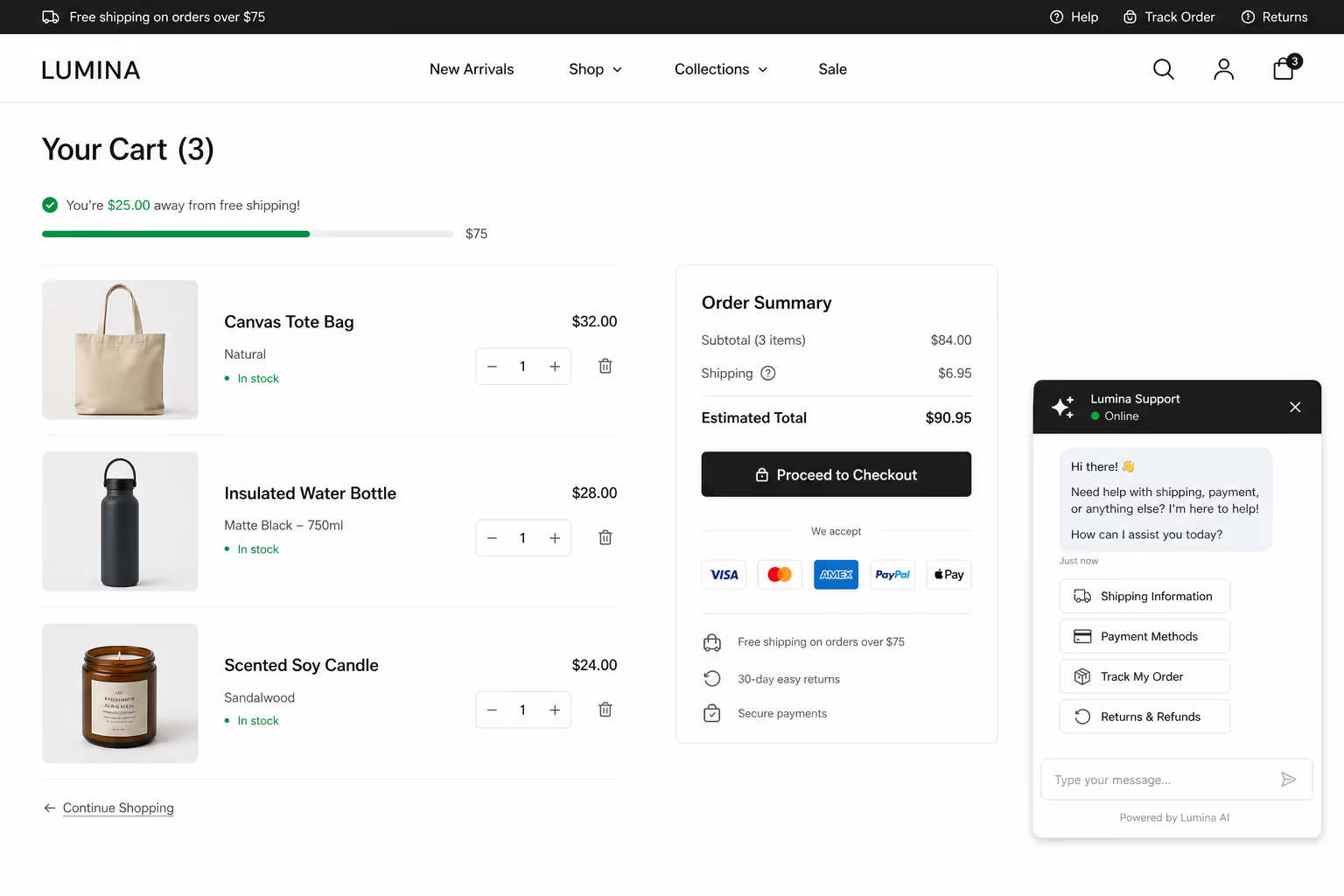
A visitor with items in the cart who has not checked out is the single best person to reach on your whole site. That trigger should always be active, always specific, and quick to fire. A short message addressing shipping cost, payment options, or a return policy doubt can be the difference between an abandoned cart and a sale. If you only set up one rule from this whole list, make it this cart-page trigger.
Set The Conditions Your Chat Waits For
These rules only work if your chat can hold back. In Poper you attach the condition to the widget first, then decide which pages get a prompt and which ones stay quiet.
Personalization proactive chat triggers
The best proactive chat triggers do not feel automated at all. They feel like someone noticed you. That is the job of personalization.
Rule 13: Use the visitor data you already have
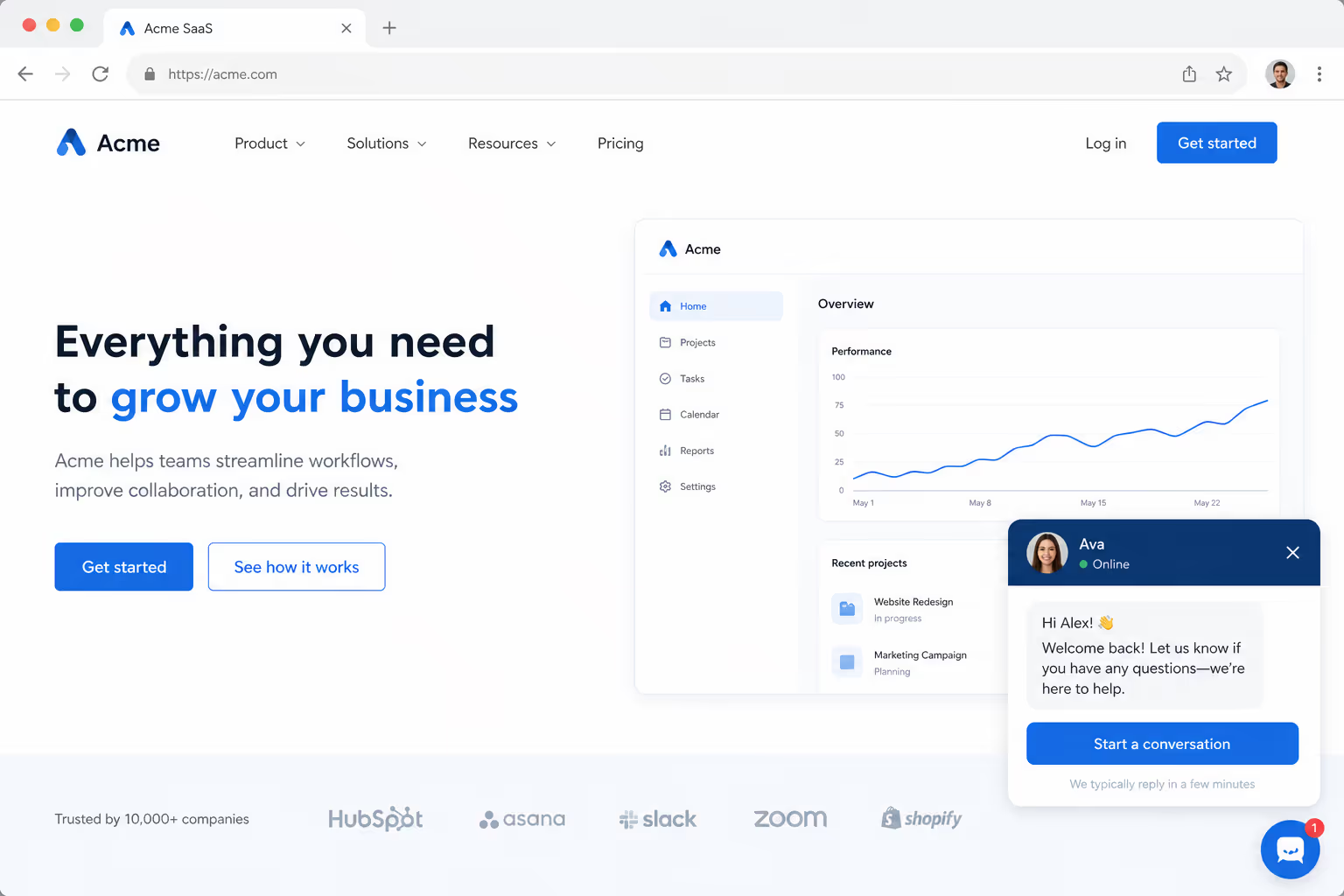
You already know more than you use. A returning customer should never see a "Welcome, first time here?" message, and a logged-in user can be greeted by name. Tie your proactive chat triggers to the data in front of you, such as login status, past purchases, or visit count, so the prompt reflects who the person actually is. Relevance is what earns the reply.
Rule 14: Adapt the message to the traffic source
Where a visitor came from tells you what they want. Someone who clicked a Google Ad for a specific product is there for that product, so the trigger should mention it by name. A visitor from a comparison article wants help deciding. When proactive chat triggers read the referral source and adjust the opening line, the conversation starts already pointed in the right direction.
Rule 15: Respect a no
This is the rule most teams forget, and it matters most. If a visitor closes your chat once, do not reopen it. If they ignore one proactive message, do not send a second. Proactive chat triggers earn trust by respecting a "no," and a quiet chat widget is far better than an annoying one. This single rule of restraint is what keeps every other rule on the helpful side of the line.
Common Mistakes That Make Proactive Chat Triggers Annoying
Even with good rules, a few habits will undo your work. The first is firing on every page with the same text. That trains visitors to ignore the widget completely. The second is triggering too fast, before the person has any context for a question.
The third mistake is ignoring mobile. A chat window that covers half a small screen is not helpful, it is a roadblock, so test your proactive chat triggers on a real phone before launch. The fourth is forgetting to actually answer. There is no point triggering a chat at the perfect moment if the reply takes ten minutes. The 2026 Ringly report notes that 80% of live chats are answered within 40 seconds, and that is the bar your team should aim for once a trigger fires.
One more thing worth measuring: satisfaction. A LiveChat study found that 94% of customers who were proactively invited into a chat reported being satisfied with the experience. That number only holds if the invitation was relevant and the follow-up was fast. Sloppy proactive chat triggers will pull it down quickly.
How Poper helps you set up proactive chat triggers
I will be direct about what we build. Poper offers an All-in-One Chat widget that connects WhatsApp, Messenger, Slack, Telegram, and more behind a single button, and it pairs with our advanced targeting engine. That combination is what makes the 15 rules above possible without any code.
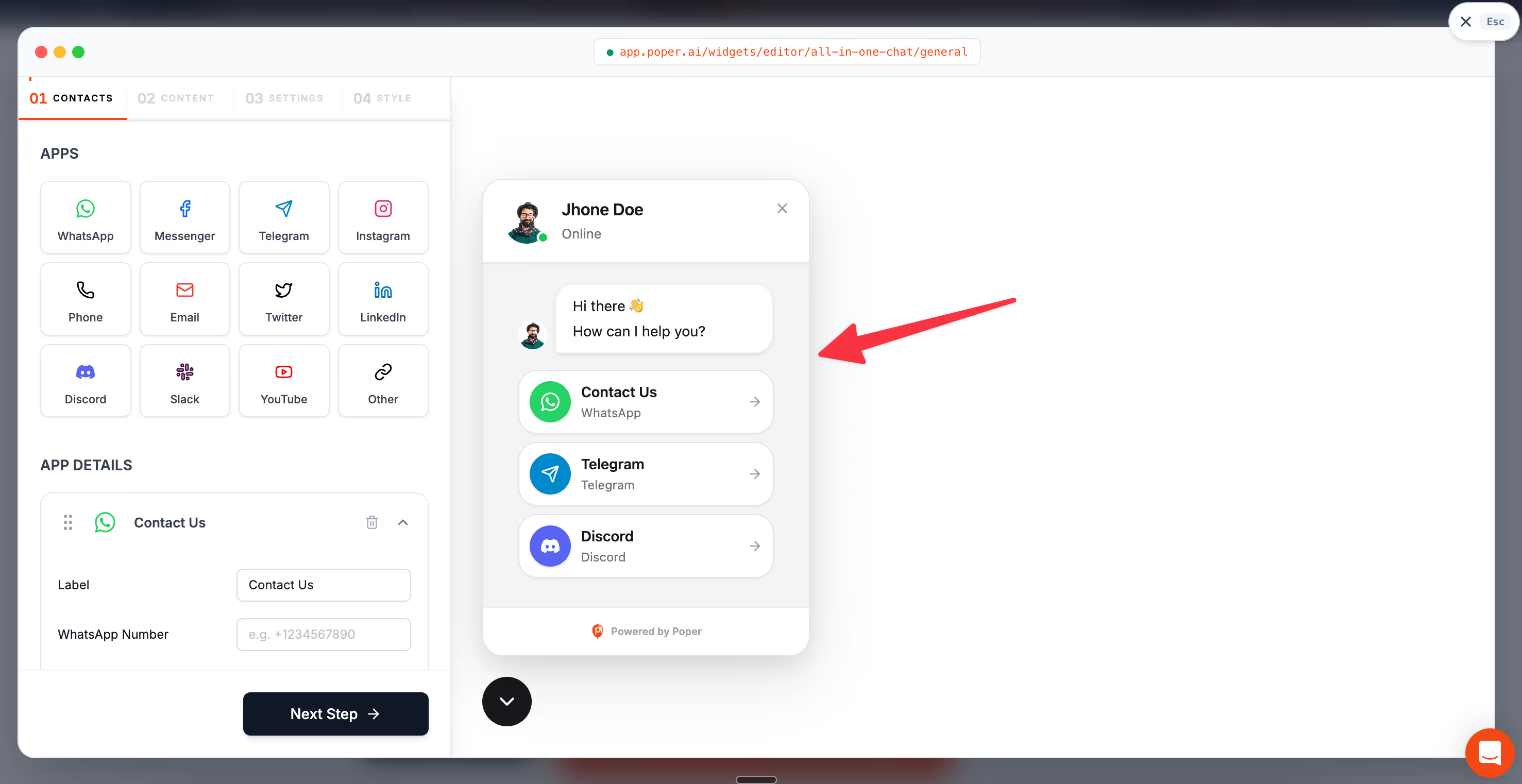
With Poper, you can run A/B tests to see which proactive chat triggers actually convert, instead of guessing. Everything embeds on WordPress, Shopify, Webflow, Wix, or any other platform in under two minutes.
So here is my closing thought. Proactive chat triggers are not about talking more. They are about talking at the right time, to the right person, with something genuinely useful to say. Start with two or three high-intent rules from this list, watch the data, and add more only when each one earns its place. Do that, and your chat widget becomes a helpful guide instead of background noise.
References
Find The Prompt Your Visitors Accept
Rule 15 says respect a no. The other fourteen are worth testing rather than assuming. Run two versions of a proactive prompt against each other in Poper, read the conversion dashboard, and keep the timing your own visitors respond to.
Start Free With PoperFree plan, no credit card required.


