
In the bustling world of online interaction, where each click is a coveted treasure, the art of re-engagement stands as a beacon for those who have strayed away from the path of active engagement. It's here, in the nuanced dance of capturing lost attention, that inactivity re-engagement popups emerge as both a strategy and a solution.
"To re-engage is to rekindle a conversation that was never truly finished,"
A sentiment that captures the essence of these popups. They are not merely tools but bridges—designed to span the gap between past interaction and future engagement.
Understanding Inactivity Re-engagement Popups
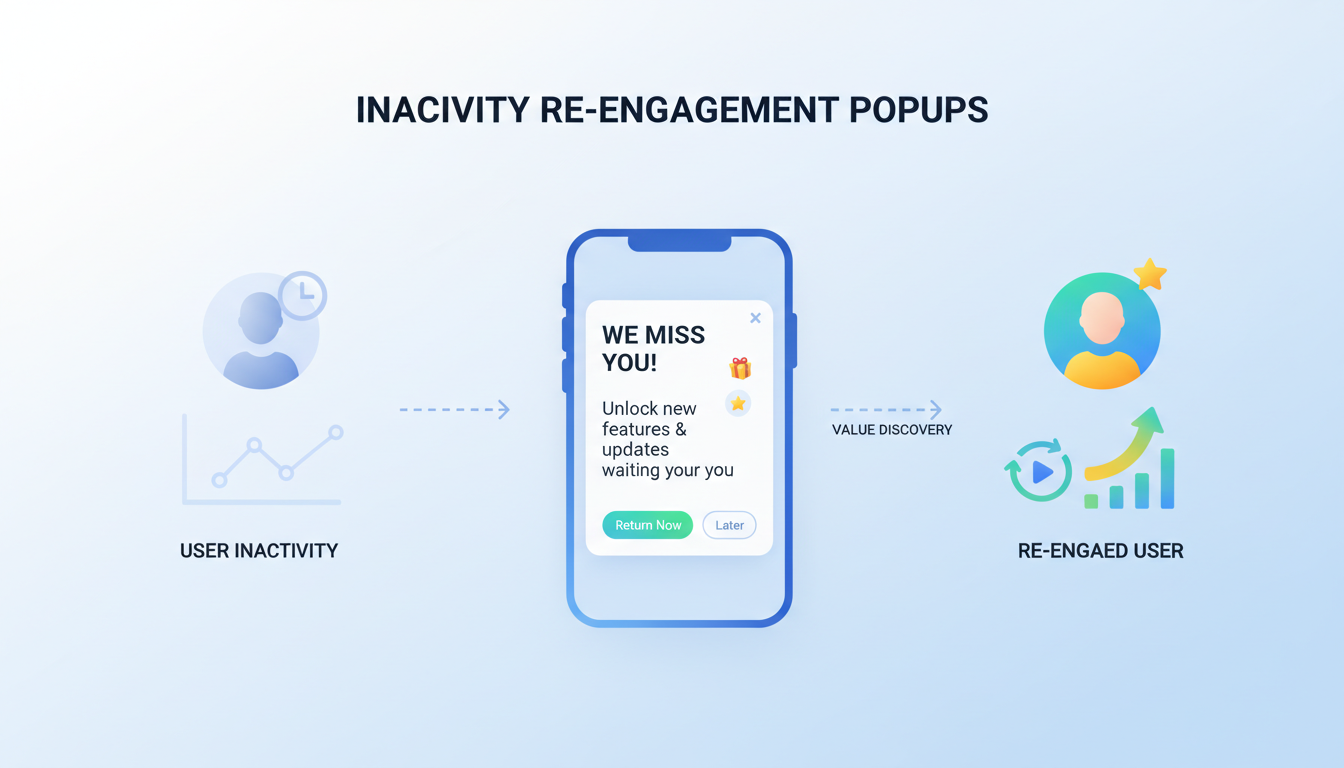
At their core, inactivity re-engagement popups are a digital tap on the shoulder, a subtle reminder that there’s still value to be found in returning. These popups specifically target users who have shown a lapse in interaction, aiming to recapture their attention with tailored messages that resonate on a personal level.
The Significance of Winning Back Inactive Users
The journey to re-engage inactive users is more than a pursuit of numbers; it's about reigniting the spark of interest. Each inactive user represents not just a missed opportunity but a potential advocate waiting to be awakened. By effectively deploying inactivity re-engagement popups, businesses can transform passive observers into active participants.
The Basics of Inactivity Re-engagement Popups
Understanding the Core of Inactivity Re-engagement Popups
Before diving into the intricate strategies and design principles, it's crucial to establish a foundational understanding of what inactivity re-engagement popups are and their primary purpose.
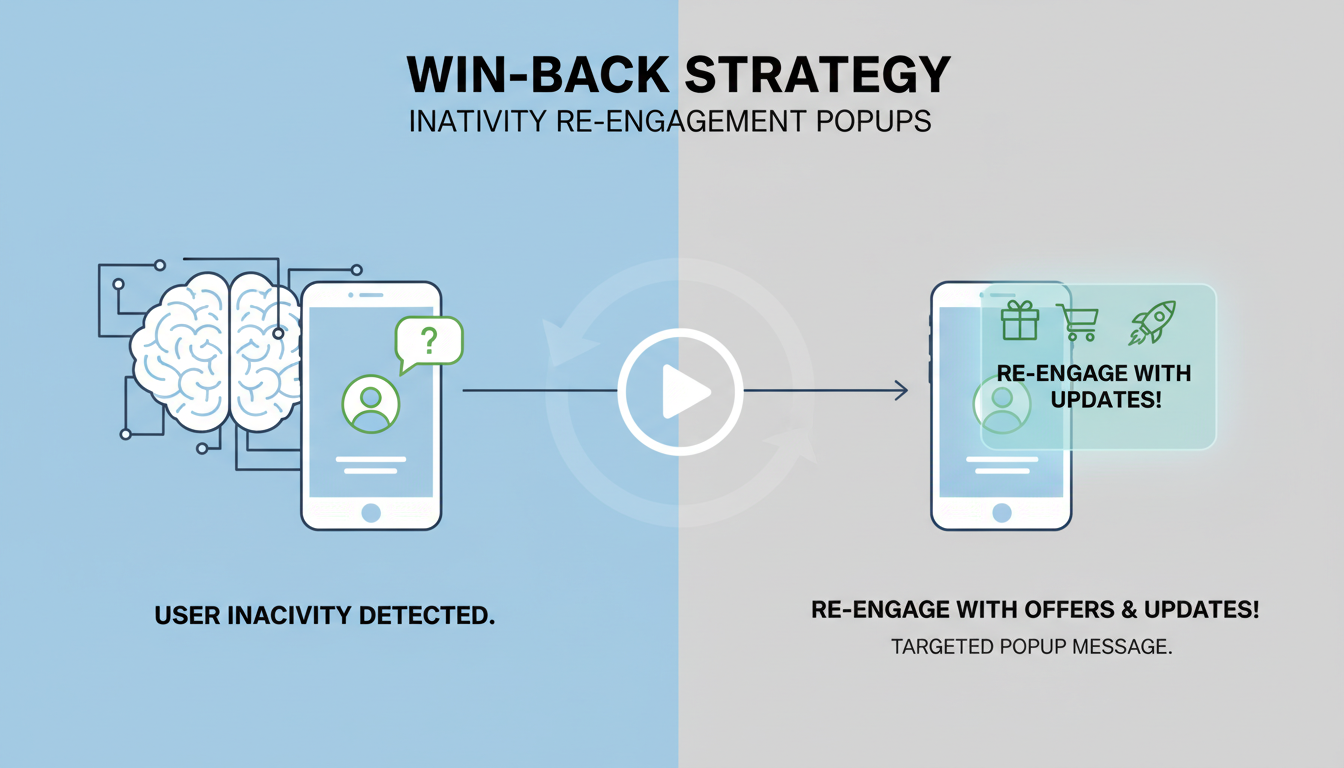
Definition and Purpose: These are targeted messages designed to appear to users who have shown a decrease in engagement with a website or application. Their aim is to capture attention and rekindle interest, encouraging users to re-engage with content, services, or offers.
Distinguishing Features: What sets inactivity re-engagement popups apart from other types of popups is their targeted nature. They are not generic broadcasts but tailored messages aiming to resonate with users based on their past interactions and behaviors.
The Critical Importance of Re-engaging Inactive Users
Understanding why re-engaging inactive users is pivotal can illuminate the value of these popups within a broader digital marketing strategy.
Reviving Lost Opportunities: Each inactive user represents a potential revenue source, brand advocate, or community member that has gone dormant. Re-engagement popups serve to reawaken these opportunities, turning potential losses into gains.
Enhancing User Experience: By personalizing messages based on user behavior, these popups can improve the overall user experience, making users feel seen and valued rather than just another number.
Leveraging MECE for a Structured Approach
Adopting the Mutually Exclusive, Collectively Exhaustive (MECE) framework ensures that every aspect of inactivity re-engagement popups is explored without overlap, providing a clear, organized, and comprehensive analysis.
Mutually Exclusive: Each section and sub-section of our exploration will focus on a distinct aspect of inactivity re-engagement popups, ensuring clarity and focus in our discussion.
Collectively Exhaustive: Together, these sections will cover the entirety of the topic, leaving no relevant area unexplored, from the psychological principles behind user inactivity to the technical implementation of re-engagement campaigns.
Set The Inactivity Trigger In Poper
Poper watches for the exact pause this section describes: no scrolling, no mouse movement, no clicks. When a visitor goes quiet, your re-engagement popup fires on its own, and there is no code to write.
Build Your Popup FreeFree plan, no credit card required.Making Your Inactivity Re-engagement Popup with Poper
Creating an inactivity re-engagement popup using Poper.ai involves a series of steps that are designed to be intuitive and user-friendly. Here’s a step-by-step guide based on the screenshots you’ve provided:
Step 1: Log In to Poper.ai
Sign in to your Poper.ai account and open your dashboard. Click “New Popup” to start creating your inactivity re-engagement popup.
Step 2: Choose a Template
Browse templates under Re-engagement, Exit Intent, or Lead Generation. Choose a layout designed to capture attention when users stop interacting.
OR
Start from scratch using Poper’s drag-and-drop editor for full creative control.
OR
Use Poper AI to generate a customized inactivity popup based on your prompt (e.g., “Create a popup to re-engage inactive visitors with an offer”).
Step 3: Customize the Design
Design your popup to feel timely, helpful, and motivating.
Background colors: Use attention-grabbing but non-intrusive colors that align with your brand.
Graphics: Add icons or visuals that convey urgency, reminders, or value (e.g., clocks, gifts, notifications).
Messaging:
- Headline examples:
- “Still There? Don’t Miss This!”
- “Before You Go…”
- “We’d Love to Have You Back”
- Supporting text:
- “You’ve been inactive—here’s something special to get you started again.”
- “Continue where you left off and enjoy an exclusive benefit.”
- Headline examples:
Call-to-action buttons:
- “Continue Browsing”
- “Resume Now”
- “Claim Offer”
Step 4: Add Interactive Elements
Increase engagement and motivation with interactive features such as:
Email capture (to follow up with inactive users)
Discount or reward reveals
Spin-the-wheel incentives (e.g., unlock a discount or bonus)
Scratch cards revealing limited-time offers or perks
These elements help re-ignite interest and make returning feel rewarding.
Step 5: Configure Display Rules
Set smart rules so the popup appears at the right moment.
Triggers:
- User inactivity (no mouse movement or scrolling for a set time)
- Exit intent
- After a delay
User inactivity (no mouse movement or scrolling for a set time)
Exit intent
After a delay
Placement:
- Product pages
- Pricing pages
- Blog posts
- Checkout or form pages
Product pages
Pricing pages
Blog posts
Checkout or form pages
Target areas where users are most likely to drop off.
Step 6: Publish Your Popup
Preview your popup on both desktop and mobile to ensure it looks great everywhere. Once ready, click Publish.
Use Poper.ai’s analytics dashboard to track:
Impressions
Engagement
Conversions
Recovered users
Optimize based on performance data.
Step 7: A/B Test
Run A/B tests to find the most effective version by experimenting with:
Headlines
Popup timing
CTA text
Incentives or offers
Remember, the key to a successful inactivity re-engagement popup is to make it as relevant and non-intrusive as possible. With Poper.ai, you have the flexibility to create popups that can gently nudge inactive users back to activity with personalized messages and offers.
Crafting an inactivity re-engagement popup that effectively recaptures the attention of disengaged users involves a blend of art and science. It requires an understanding of design principles, user psychology, and technical considerations.
Key Design Principles
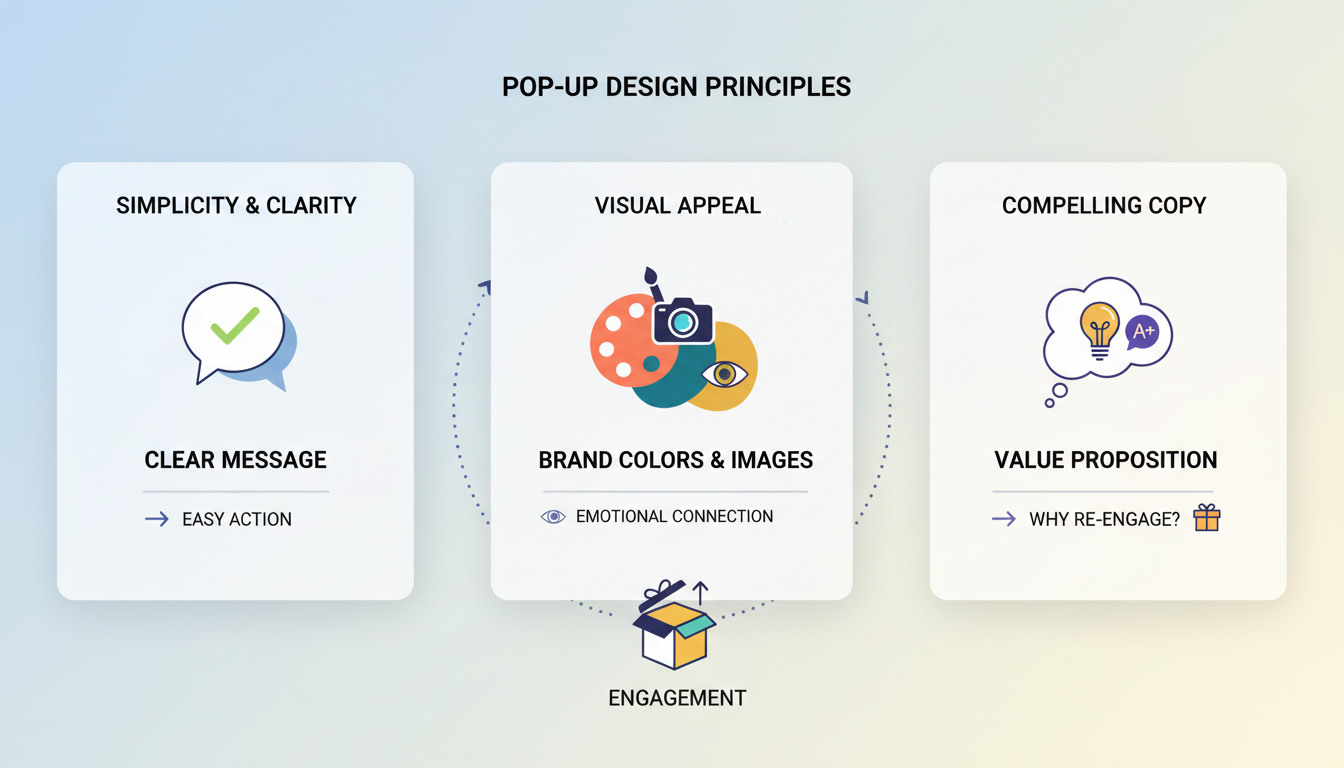
An effective popup design is not just about aesthetics; it's about creating an immediate connection with the user. Here are essential elements to consider:
Simplicity and Clarity: The message should be straightforward, avoiding any confusion about what is being offered or what action the user should take. A clear, concise message increases the likelihood of re-engagement.
Visual Appeal: Colors and Images: Use visually appealing colors and images that align with your brand but also stand out on the page. The right visuals can trigger emotional responses, making the popup more engaging.
Creating Compelling Copy: The text of your popup is your direct communication line with the user. It should be compelling, personalized, and convey a clear value proposition. Why should the user re-engage? What’s in it for them?
Technical Considerations
The design of your popup goes hand-in-hand with technical aspects that ensure it delivers the right message at the right time, without hindering the user experience.
Timing and Triggers: Determine the optimal timing for your popup to appear based on user behavior. Too soon, and you risk annoying the user; too late, and they may already have left. Triggers based on inactivity or specific actions can help in timing your message perfectly.
Responsiveness and Mobile Optimization: With the increasing use of mobile devices to access websites and applications, ensuring your popup looks great and functions well on all screen sizes is crucial. A responsive design ensures that your re-engagement efforts reach users regardless of the device they are using.
Integration with Website Design: The popup should feel like a natural part of the website rather than an intrusive element. This means it should align with the site’s overall design theme, loading smoothly without causing delays or affecting the user's ability to navigate the site.
Types of Re-engagement Messages
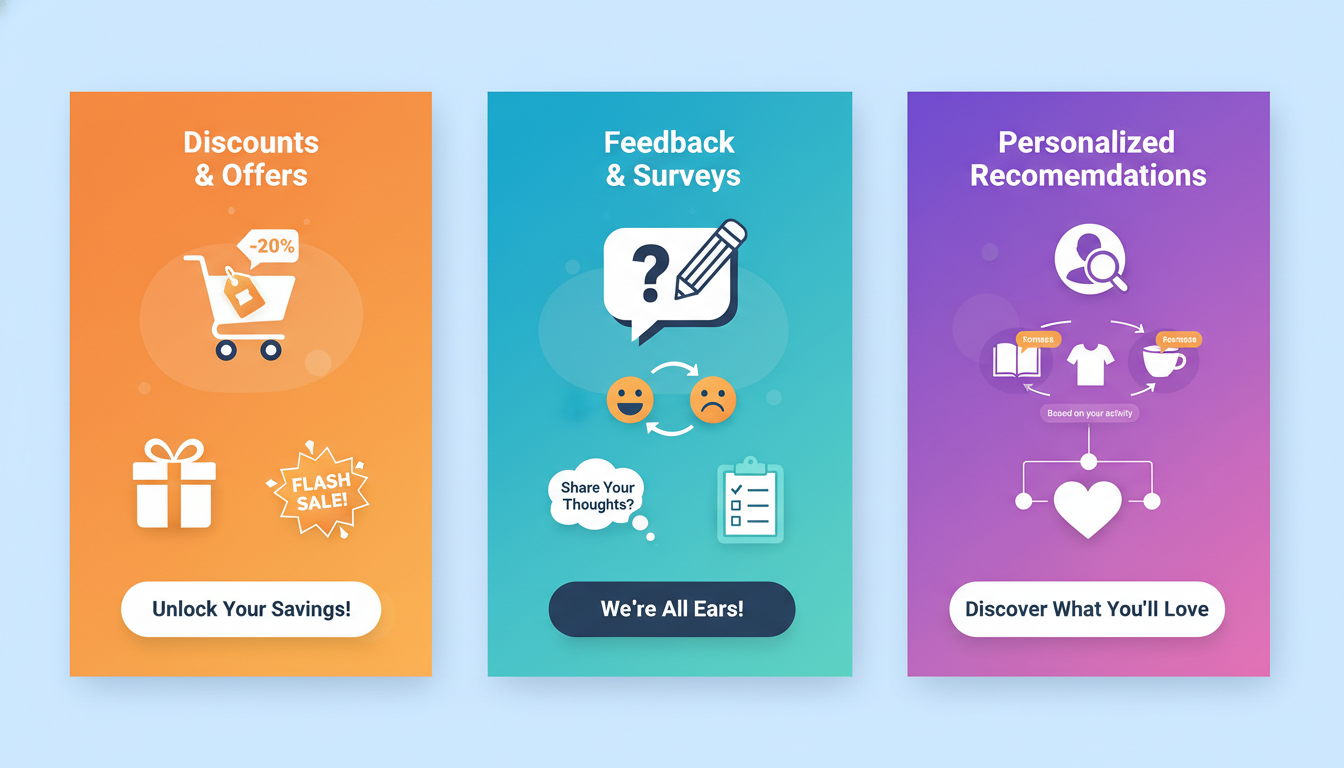
The message you choose to convey in your popup should directly appeal to the reason behind a user's inactivity. Here are a few types of messages that can be effective:
Discounts and Special Offers: Who doesn't love a good deal? Offering a special discount or promotion can be a powerful incentive for users to re-engage, especially if price was a barrier before.
Feedback and Surveys: Sometimes, users disengage because their expectations weren't met. Inviting them to share their feedback can provide valuable insights for improvement and make them feel valued, potentially rekindling their interest.
Personalized Recommendations: Use data on past interactions to offer personalized content or product recommendations. Showing users what they're missing helps remind them of the value your platform provides, encouraging them to return.
Turn These Message Types Into A Live Popup
Pick the message that fits your idle visitors, then let Poper handle the timing. The inactivity trigger waits out the quiet stretch and shows the offer while the tab is still open.
Setting Up and Testing
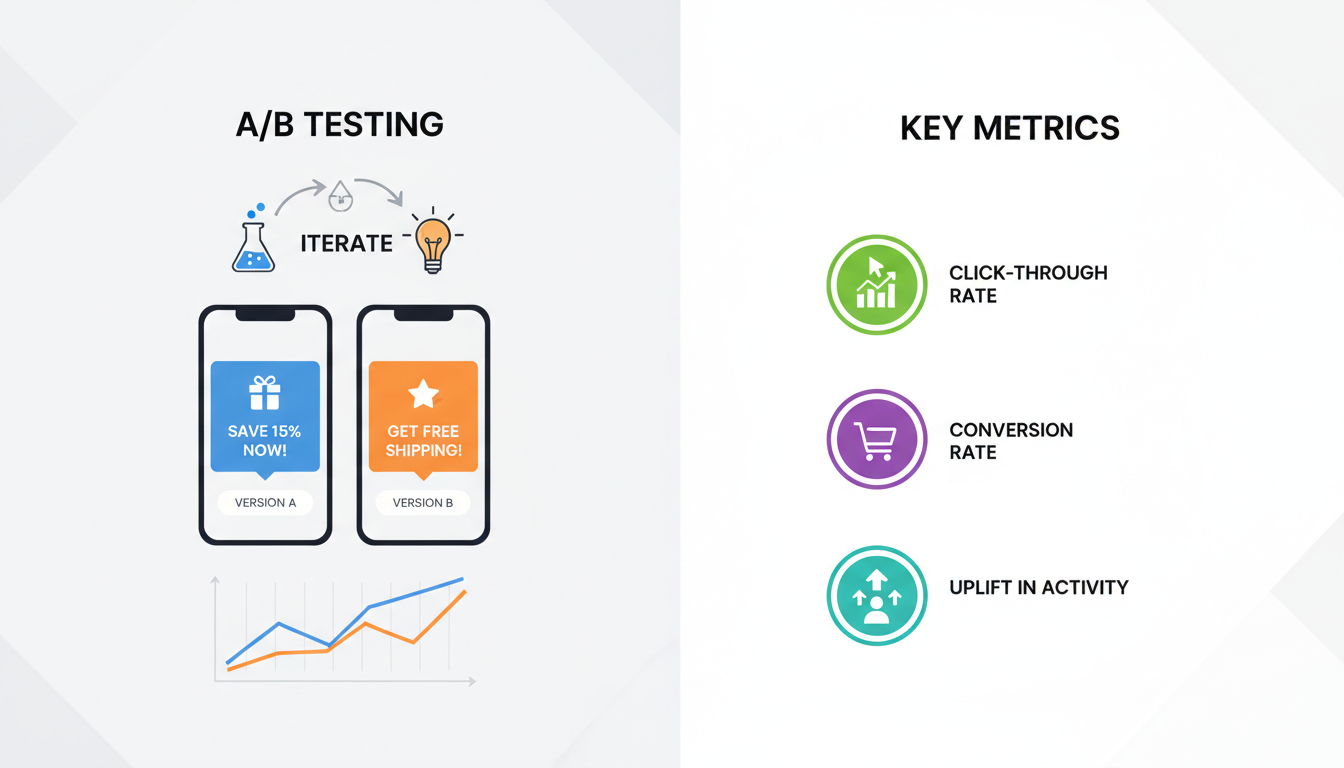
Once you've selected your tool, setting up your popup involves configuring the design, message, and triggers based on the strategy you've developed. But the work doesn't stop there; testing is crucial to ensure your popups perform as intended.
A/B Testing for Optimal Results: Implement A/B testing to compare different versions of your popups to see which designs, messages, and triggers most effectively re-engage users. This iterative process helps refine your approach based on real user data.
Measuring Engagement: Key Metrics: To gauge the success of your re-engagement efforts, track key metrics such as click-through rates, conversion rates, and any uplift in user activity post-engagement. These metrics provide insight into what's working and what needs adjustment.
Legal and Ethical Considerations
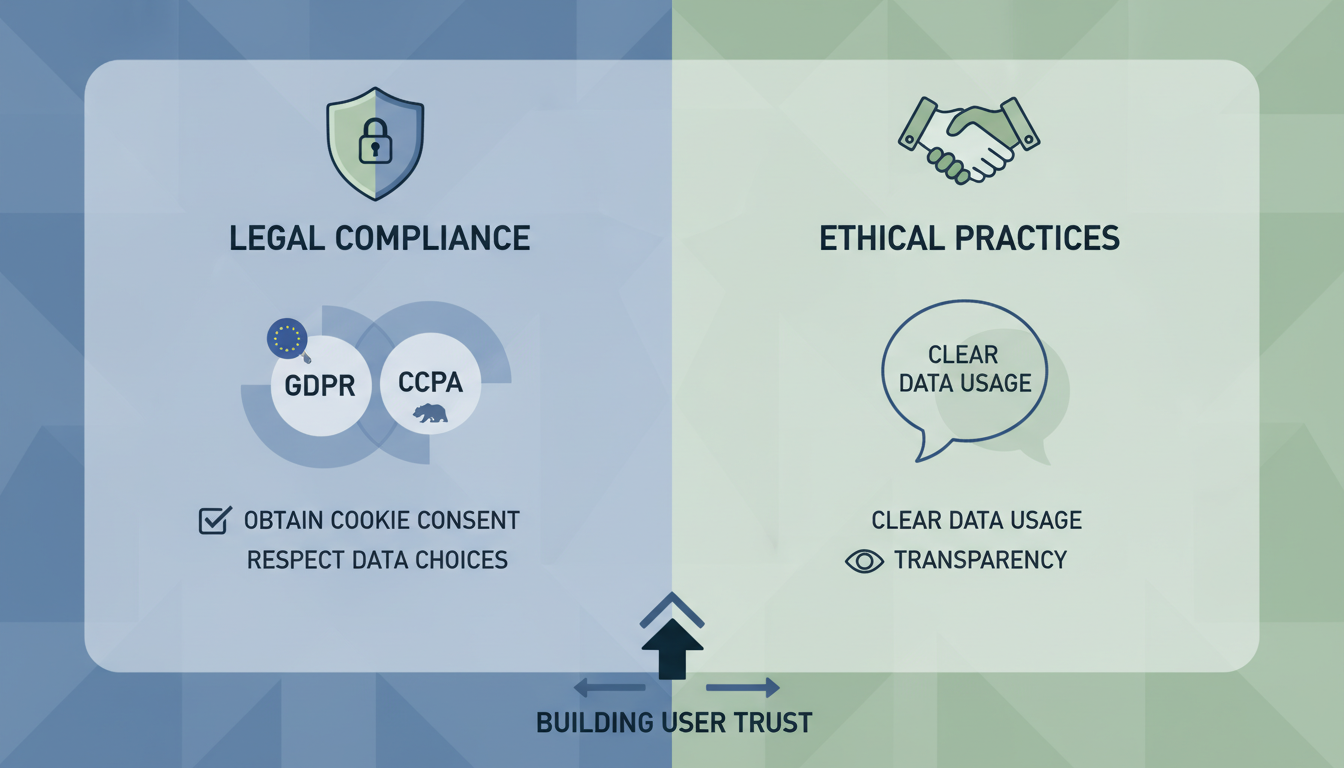
In your quest to re-engage inactive users, it's also vital to navigate the legal and ethical landscape responsibly.
Ensuring Compliance with Privacy Laws: Adhere to data protection and privacy laws relevant to your audience's location, such as GDPR in Europe or CCPA in California. This includes obtaining consent for cookies and respecting users' choices regarding data collection and use.
Best Practices for User Consent: Beyond legal compliance, employing best practices for user consent helps build trust with your audience. Clearly communicate what data you're collecting and how it will be used, ensuring transparency and fostering a positive user experience.
Advanced Techniques
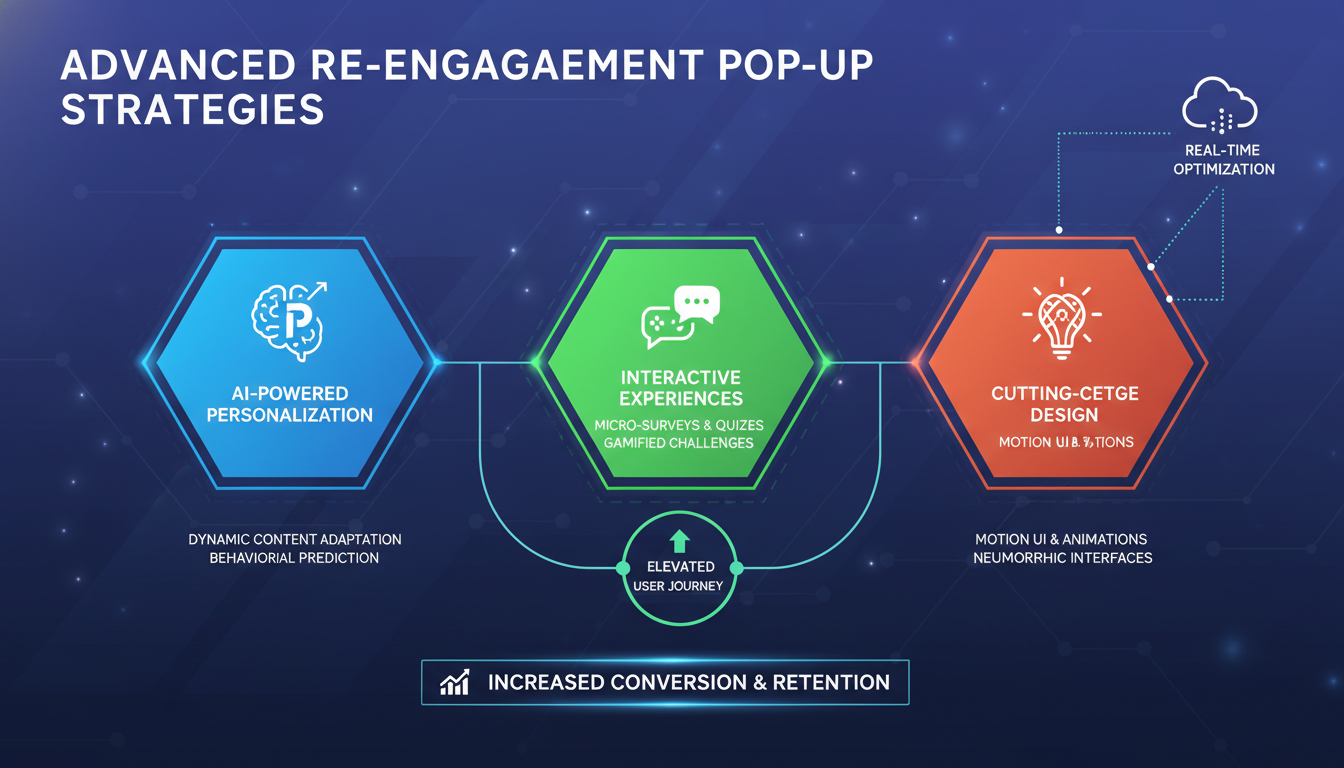
To elevate your inactivity re-engagement popup strategy, incorporating advanced techniques can provide a competitive edge. These approaches leverage cutting-edge technology and innovative design principles to create more engaging, interactive, and personalized user experiences.
Gamification and Interactivity
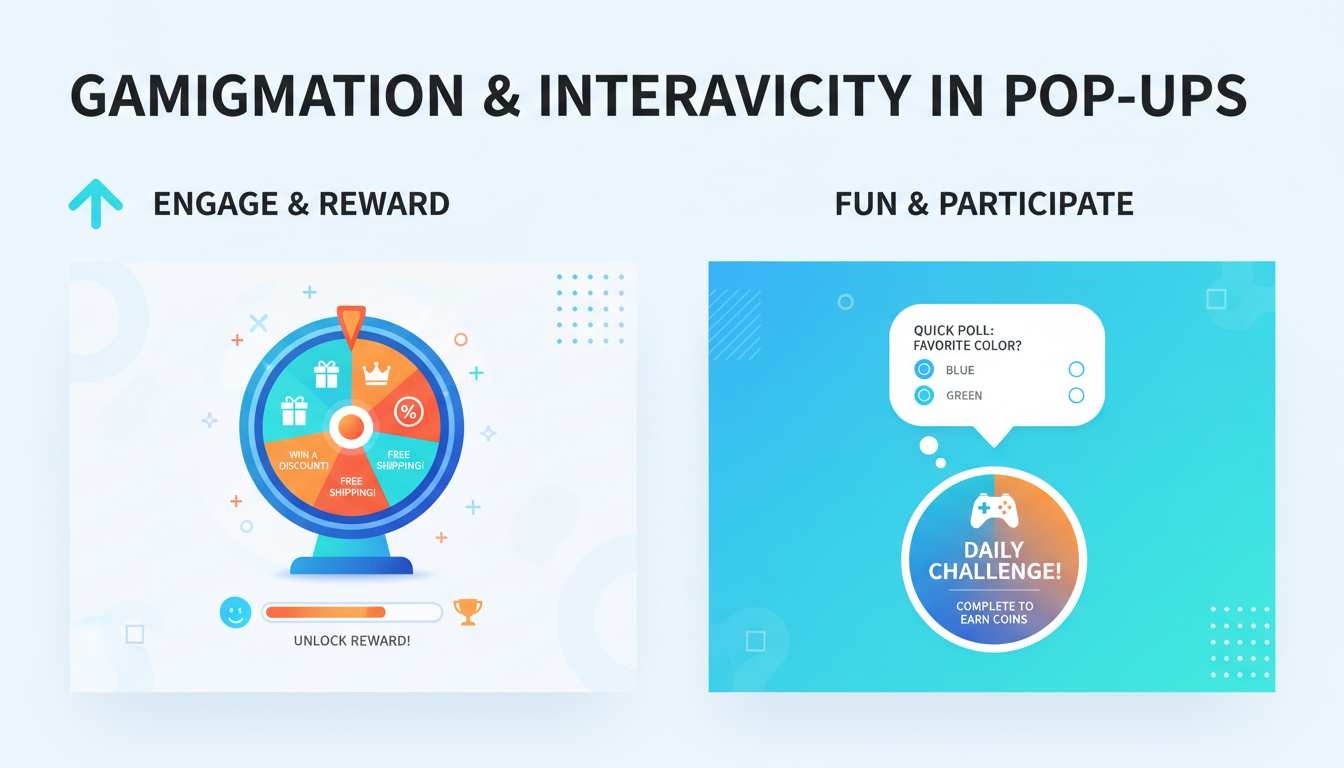
Integrating elements of gamification and interactivity into your popups can significantly increase engagement levels by making the re-engagement process fun and rewarding.
Implementing Game Elements: Including game-like elements such as quizzes, spin-to-win wheels, or progress bars in your popups can captivate users' attention. These features encourage participation, making the act of re-engagement enjoyable rather than a chore.
Examples of Interactive Popups: Showcase successful examples where brands have used interactive popups to re-engage users. From simple polls to more complex games, these examples can serve as inspiration for designing popups that stand out and deliver results.
Leveraging AI and Machine Learning
Artificial intelligence (AI) and machine learning (ML) technologies offer powerful ways to personalize re-engagement efforts at scale, predicting user behavior and tailoring messages for maximum relevance.
Predictive Analytics for User Behavior: Utilize AI to analyze user behavior patterns and predict when a user is likely to become inactive. This preemptive approach allows for timely re-engagement efforts, tailored to each user's unique journey.
Personalization at Scale: AI and ML enable the personalization of popup messages for individual users based on their past interactions, preferences, and behavior. This level of personalization ensures that each re-engagement message feels relevant and valuable, increasing the likelihood of reactivation.
Pitfalls to Avoid
While inactivity re-engagement popups offer significant benefits, there are common pitfalls that can undermine their effectiveness. Awareness and avoidance of these pitfalls are key to a successful re-engagement strategy.
Common Mistakes
Overloading Users with Information: Avoid overwhelming users with too much information or too many choices in your popups. Simplicity and clarity are paramount to ensuring your message is understood and acted upon.
Neglecting User Experience: Ensure that your popups do not disrupt the user experience or deter from the site's content. Popups should be designed to complement the user's journey, not interrupt it.
Overcoming Resistance
Strategies for Reducing Annoyance: Implement best practices such as timing your popups wisely, allowing easy dismissal, and ensuring relevance to minimize user annoyance and resistance.
Encouraging Positive Interactions: Focus on creating positive, rewarding experiences through your popups. Whether through valuable offers, engaging content, or interactive elements, aim to leave users with a positive impression.
Conclusion
Revitalizing user engagement through inactivity re-engagement popups represents a blend of art, science, and strategic thinking. As we've explored, from understanding the basics to leveraging advanced techniques and navigating potential pitfalls, the key to success lies in a tailored, user-centric approach. This journey through the multifaceted world of re-engagement popups highlights the importance of personalization, timing, and the user experience in crafting effective campaigns.
Recap of Key Takeaways
Personalization is Paramount: Tailoring messages to the specific interests and behaviors of your audience segments can significantly enhance the effectiveness of your re-engagement efforts.
Timing and Presentation Matter: The success of a popup campaign often hinges on its timing and how well it integrates with the overall user experience, avoiding disruption while capturing attention.
Leverage Technology for Impact: Utilizing advanced techniques like AI for predictive analytics and personalization at scale can transform your re-engagement strategies, making them more relevant and effective.
Learn from Real-World Successes: Case studies provide valuable insights into what works, offering inspiration and practical guidance for your own re-engagement campaigns.
Avoid Common Pitfalls: Recognizing and avoiding common mistakes, like overwhelming users or negatively impacting the user experience, is crucial for a positive outcome.
The Future of Inactivity Re-engagement Popups
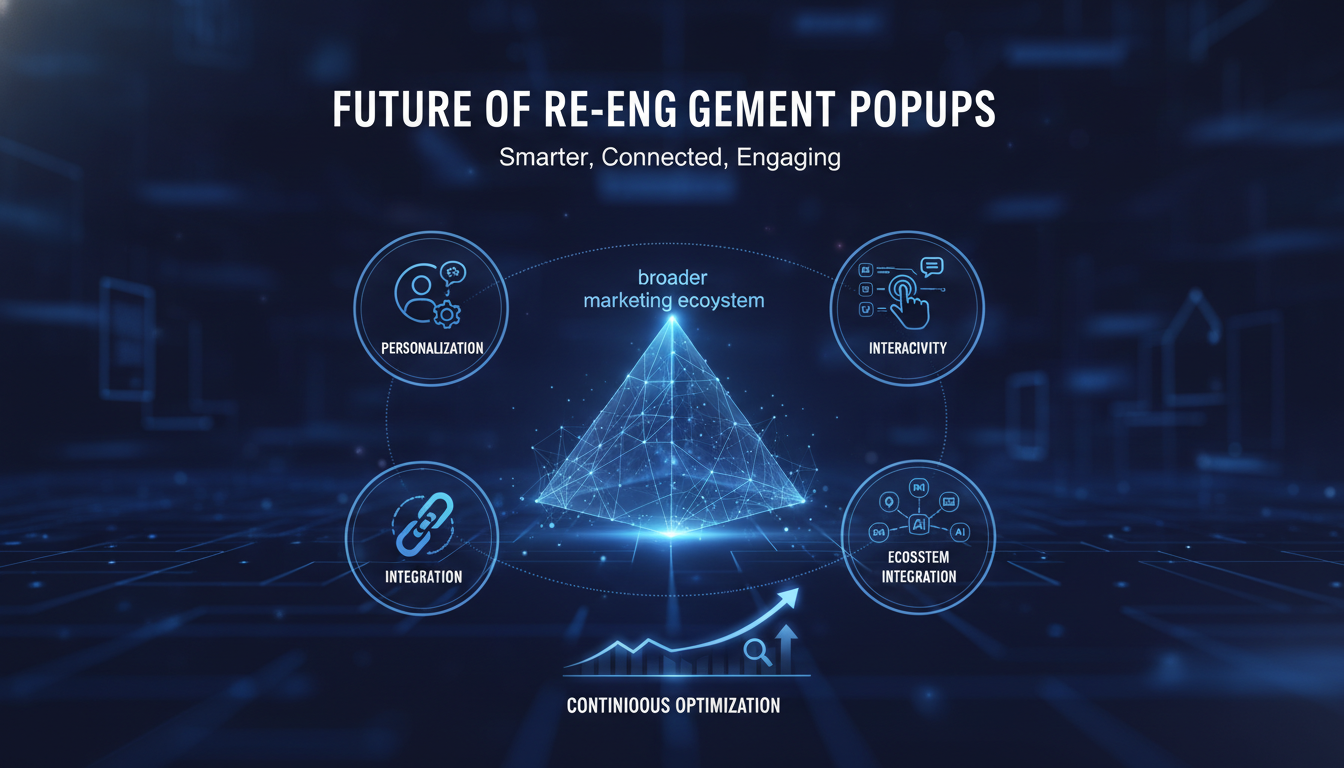
As technology evolves and user expectations rise, the future of inactivity re-engagement popups will likely see even greater personalization, interactivity, and integration with broader marketing ecosystems. Staying abreast of these trends and continuously testing and refining your approach will be key to maintaining engagement and driving success.
FAQs
What is the ideal frequency for displaying re-engagement popups?
The ideal frequency depends on your audience and the context of your site but generally, it's best to limit popups to avoid overwhelming users. Use behavior-based triggers to determine the right timing for each user.
How do I ensure my popups do not drive users away?
Focus on providing value and ensuring a seamless user experience. Make sure popups are easy to dismiss and relevant to the user's interests to minimize annoyance.
Can inactivity popups genuinely recover lost users?
Yes, when executed well, inactivity re-engagement popups can effectively recover users who have disengaged. Personalization and relevance are key to their success.
How do I measure the success of my re-engagement efforts?
Key metrics include increased user engagement rates, conversion rates, and reduced churn. A/B testing can also provide insights into what works best for your audience.
What should I do if my re-engagement popups are not performing well?
Analyze your campaign's performance data to identify potential issues. Consider adjusting the timing, message, or design of your popups based on user feedback and A/B testing results.
Win Back Your Quiet Visitors
You have the design principles, the message types, and the pitfalls to dodge. Poper supplies the mechanism: build the popup, set the idle window on the inactivity trigger, and publish it with one snippet.
Create Your Free AccountFree plan, no credit card required.


