
A founder I work with shipped a genuinely good iOS app last year and then spent nine months confused about why nobody was downloading it. His retention was healthy. His crash rate was near zero. His product page had eleven Apple App Store reviews. Eleven. I opened his competitor's listing on the same screen and it had over four thousand. That was the whole story, and once he saw it side by side he stopped blaming the algorithm.
We spent the next quarter fixing exactly one thing, and I want to walk you through it, because how to get more Apple App Store reviews is a question I get almost every week now. The good news is that it is a solvable, mechanical problem. The bad news is that most of the advice floating around either breaks Apple's rules or annoys your users into a one star rating. I will show you what actually worked for us.
Why Apple App Store Reviews Decide Whether You Get Installed
People do not download apps the way they used to. They land on your product page, glance at the star rating, read two or three lines of the top review, and decide in about six seconds. According to Apptentive data cited across app marketing research, roughly 79% of users read at least one review before downloading an app, and that share climbs for paid apps. Your Apple App Store reviews are doing the selling long before your screenshots get a look.

The rating threshold matters more than the raw count. In AppTweak's app store review research, 90% of apps that Apple featured editorially carried a rating of 4.0 stars or higher, and apps sitting above 4.5 stars see roughly three times the installs of lower rated peers. Drop below 3.5 and visibility on your own keywords falls off a cliff. So Apple App Store reviews are not a vanity metric. They are a ranking input and a conversion input at the same time.
There is a recency effect too. Apple weighs the volume, quality, and freshness of Apple App Store reviews when it decides where you sit in search results. Two hundred reviews from 2023 will not carry you. That is why the goal is never a one-off review drive. The goal is a steady drip of Apple App Store reviews arriving every week from real customers.
Read the Rules Before You Read the Tactics
Before anything else, I want to be blunt about the line you cannot cross. Apple's App Review Guidelines prohibit manipulating Apple App Store reviews with paid, incentivized, filtered, or fake feedback, and they prohibit using third-party services that do it for you. The stated penalty is removal from the Apple Developer Program. That is not a slap on the wrist, that is your business.

The same guidelines say you cannot gate features behind a review. You are not allowed to lock a level, a coupon, or a premium screen behind "rate us five stars." Every guide that tells you to trade a discount for Apple App Store reviews is telling you to gamble your account.
Apple also decides how you are allowed to ask. Since the platform standardized review prompts, the only sanctioned way to request Apple App Store reviews inside your app is the native rating API, and Apple limits it to three prompts per user per 365 days.
Custom "do you love our app?" dialogs that push people to the store are not permitted. Read Apple's own page on ratings, reviews, and responses once, all the way through, before you write a line of code.
So the honest version of how to get more Apple App Store reviews is this: you get three sanctioned asks a year per user, plus every channel you own outside the app. Everything below is about spending those asks well and building the outside channels properly.
How to Get More Apple App Store Reviews by Fixing Your Timing
Most teams fire the review prompt on second app launch. That is the worst possible moment. The user has done nothing yet, feels nothing yet, and now a modal is in their face. You just burned one of three chances and taught them to dismiss you.

We moved the prompt to what I call the win moment. For a fitness app that is the third completed workout. For an invoicing app it is the first invoice marked paid. For a photo app it is the second export. The rule is simple: ask right after the user has felt the product work, not before. When we moved a client's prompt from launch count to first successful export, their weekly Apple App Store reviews went from two or three to just under thirty.
Timing has a second half, which is spacing. Even though Apple allows three prompts a year, hitting the cap fast is a mistake. I space them at least ninety days apart and I never prompt during a session where the user hit an error, a failed payment, or a sync conflict. Nothing generates one star Apple App Store reviews faster than asking for love thirty seconds after you lost someone's data.
Apple's in-app prompt keeps people in the flow instead of bouncing them to the store, and teams that use it typically see several times more responses than a link out. If you are still deep-linking users to your store page to leave Apple App Store reviews, that alone is probably costing you the majority of your potential responses.
Send Unhappy Users Somewhere Else First
Here is the part most teams skip. Before you ask for Apple App Store reviews, find out how the person feels. A single in-app question, something like "how is the app working for you so far," splits your audience into two very different groups.
Happy users get the native review prompt. Unhappy users get a support form, a reply from a human, and a fix. This is not review filtering, and the distinction matters legally and ethically.

You are not blocking anyone from leaving Apple App Store reviews, you are choosing who you proactively interrupt with a prompt. Anyone can still open the App Store and rate you one star at any time. What you are doing is making sure the person you tap on the shoulder is the person having a good day.
When we added that one question in front of the prompt for a client, their average rating on new Apple App Store reviews moved from 3.9 to 4.6 inside two months. We did not suppress a single negative review. We just stopped inviting people into the store while they were frustrated.
Use Your Website, Not Just Your App
Your app is only one surface. Your website, your email list, and your support inbox reach the same customers, and none of them are capped at three asks a year. This is where we picked up most of the extra volume.

The setup I use looks like this. On the site, I embed the existing Apple App Store reviews as live social proof so visitors see real ratings instead of marketing copy. Poper's Apple App Store Reviews widget pulls your live listing feedback onto any page in about two minutes with no code, which does two jobs at once: it lifts your download conversion rate, and it quietly shows existing users that leaving Apple App Store reviews is a normal thing people do here.

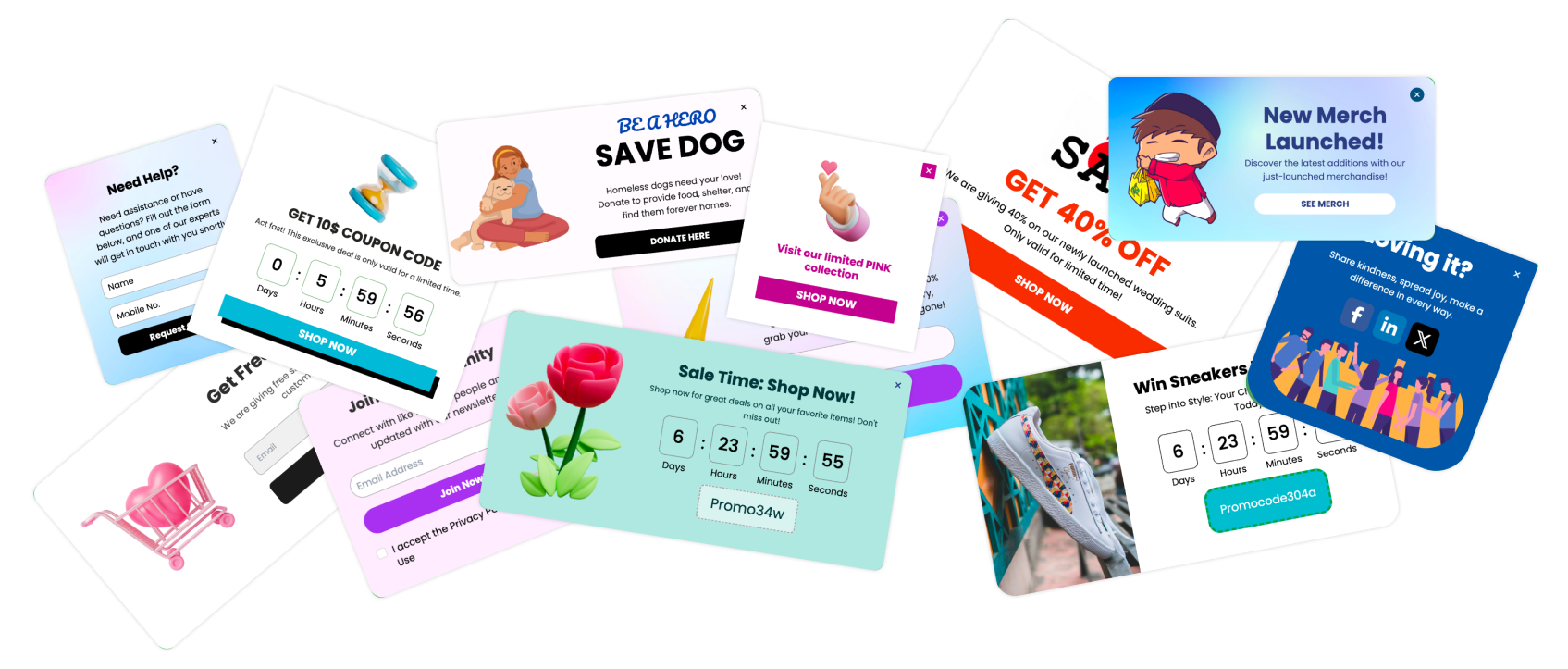
Then I add a targeted popup for returning visitors who are already logged in, pointing them to the store listing with a short, human ask. Poper's targeting rules let me show that only to people who have visited more than twice, only on desktop or only on iOS, so I am not begging first-time visitors for Apple App Store reviews they have no basis to write. Pair it with an NPS or one-question survey and you get the same happy path split that works inside the app.
Here is how the channels compare in practice, based on what I see across the accounts I help run.
| Channel | Ask Limit | Typical Response | Best Used For |
|---|---|---|---|
| Native in-app rating prompt | 3 per user per year | Highest | Capturing Apple App Store reviews at the win moment |
| Website popup or widget (Poper) | Unlimited, rule based | Medium | Reaching logged-in users and lifting install conversion |
| Lifecycle email to active users | Unlimited, use sparingly | Low to medium | Re-asking power users who skipped the prompt |
| Support ticket follow-up | Per resolved ticket | Highest quality | Turning a rescued customer into a detailed review |
That last row is underrated. A customer whose problem you just solved writes the most specific, most persuasive Apple App Store reviews you will ever get. I ask on every ticket that closes with a thank you.
Reply to Every Review, Especially the Bad Ones
Apple lets you respond publicly to Apple App Store reviews from App Store Connect, and almost nobody uses it well. A calm, specific reply to a two star review does three things: it often gets the rating revised upward, it shows every future reader that a human is home, and it feeds Apple's sentiment signals.
My rule is a reply within 48 hours on anything under four stars, and a short thank you on the glowing ones. Do not paste a template. Name the actual bug, say when the fix ships, and follow up when it does. Teams that treat Apple App Store reviews as a support channel rather than a scoreboard end up with better ratings without doing anything clever.
What I Would Do in the Next 30 Days
If you want a plan you can start on Monday, this is the order I would run it in.
Move your review prompt to a genuine win moment and cap it at one ask per ninety days.
Add a one-question sentiment check in front of the prompt so only happy users see it.
Embed your live Apple App Store reviews on your website and landing pages for social proof.
Turn on a targeted popup for returning logged-in visitors asking for a review.
Reply to every review under four stars within 48 hours, starting with the oldest.
None of it is glamorous, and all of it compounds. The founder I mentioned at the start went from eleven Apple App Store reviews to over four hundred in seven months, with an average of 4.7, and he never paid for a single one. His install conversion roughly doubled on the way there.
That is really the whole answer to how to get more Apple App Store reviews. Ask real customers, ask them at the right moment, give unhappy people a better door to walk through, and use every surface you own instead of leaning on three in-app prompts a year. Do that consistently and your Apple App Store reviews stop being something you worry about and start being the thing that sells for you.