I have a soft spot for the humble FAQ page, and I know that sounds a little strange. Most teams treat it as the page they build last, fill with a few obvious questions, and then forget. But every time we dig into support tickets or search data, the same truth shows up.
A good FAQ page quietly does the work of a full-time support rep and a patient SEO all at once. That is why I want to share the FAQ page best practices we actually use, not the tired checklist you have read a hundred times.
So let me walk you through it like we are sitting together looking at your site. We will cover what to put on the page, how to structure it, and the small FAQ page best practices that turn a boring list into something your customers genuinely rely on.
Why Your FAQ Page Is Doing More Work Than You Think
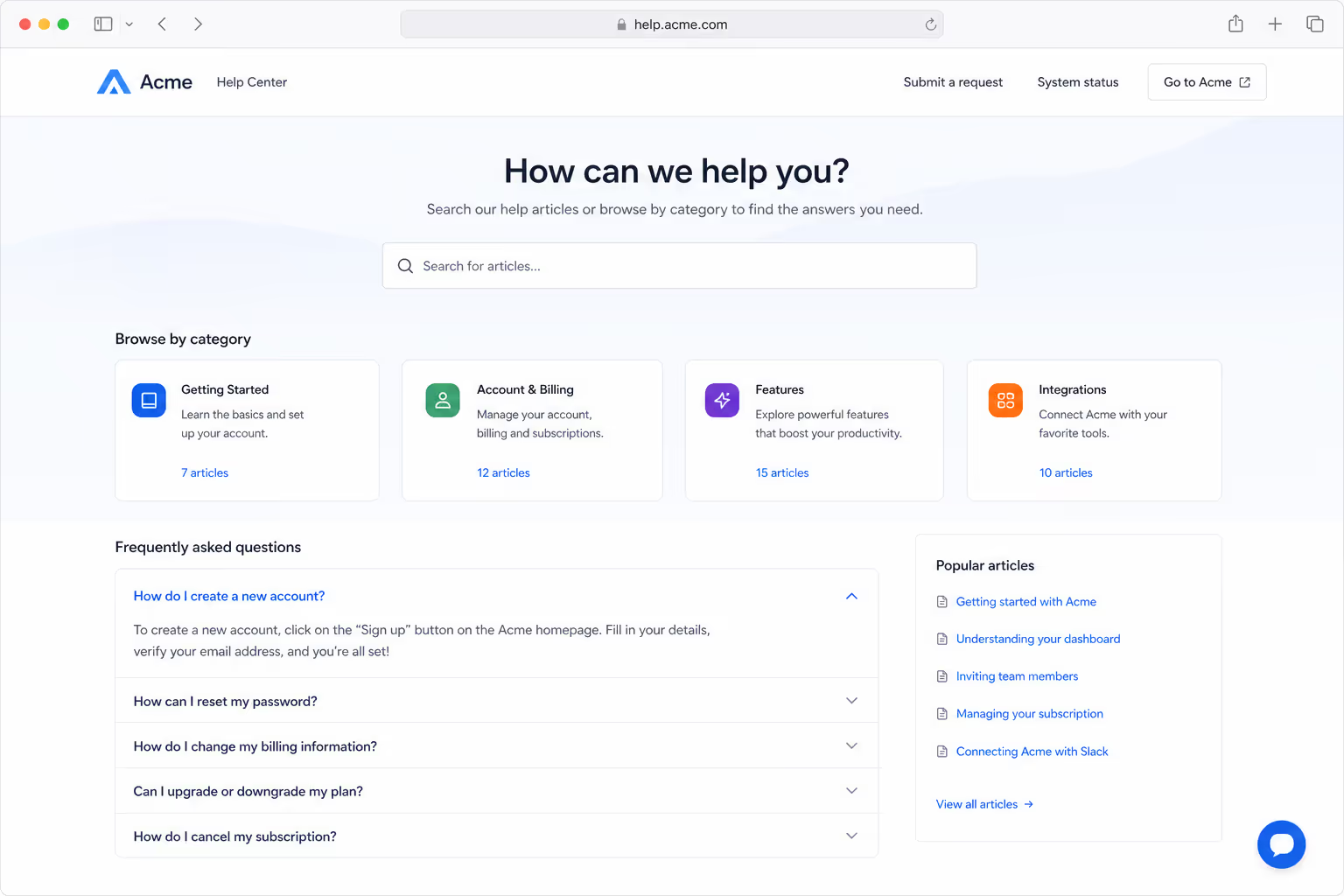
Here is the part that surprises people. Your customers want to help themselves. In recent research, around 67% of customers said they prefer solving issues on their own before ever contacting a human. A strong FAQ page is the first place they look.
That preference is not small talk, it shows up in the numbers. HubSpot reports that roughly 70% of customers expect a company website to offer some kind of self-service option. When you follow real FAQ page best practices, you are meeting an expectation most visitors already have.
The payoff is concrete. Companies that invest in self-service content can see support inquiries drop by up to 70% after rollout, according to a self-service report from Document360. Every question your FAQ page answers well is a ticket your team never has to touch.
Start With Real Questions, Not the Ones You Wish People Asked
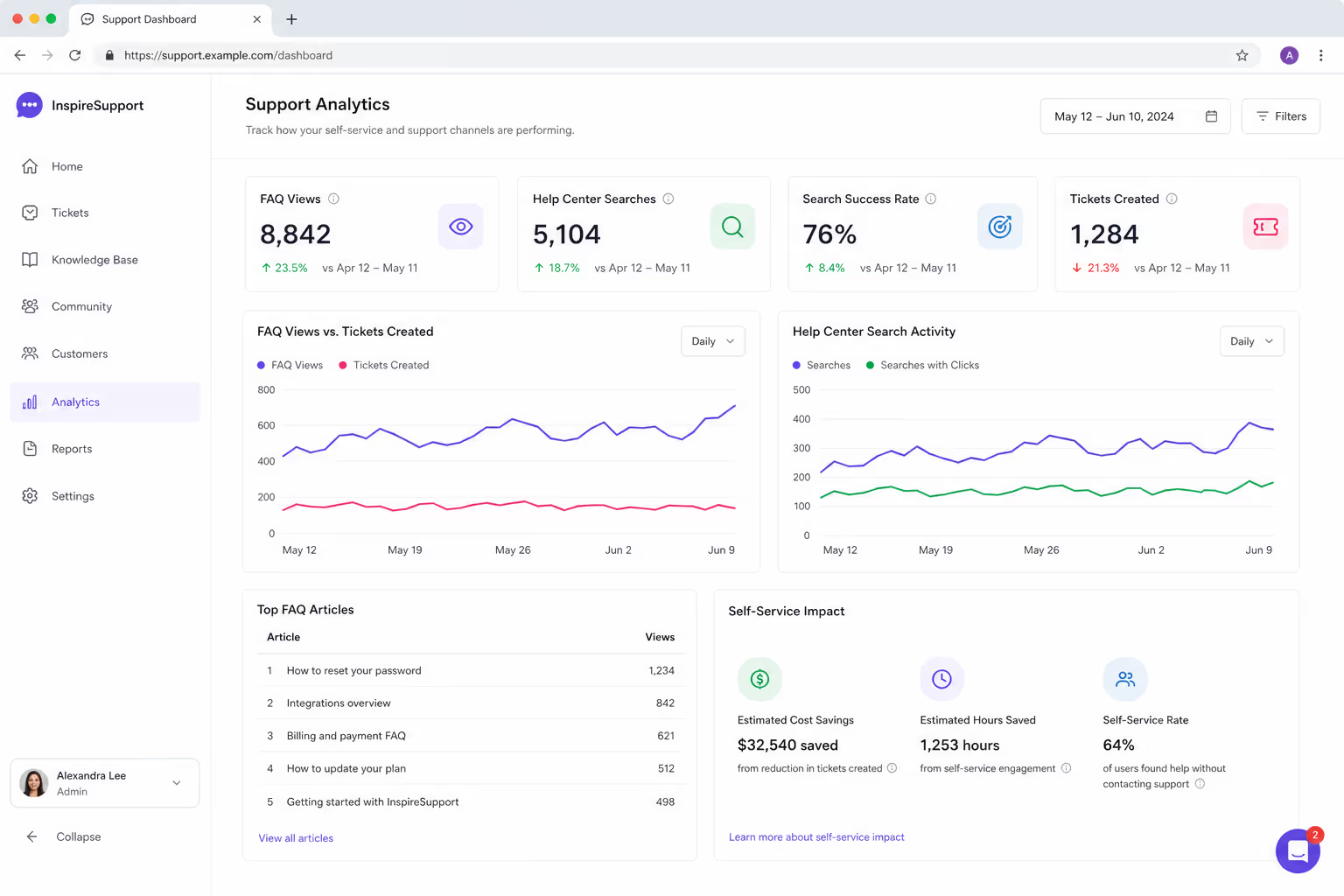
The biggest mistake I see breaks the very first of our FAQ page best practices. Teams write the questions they want to answer, like "Why are we the best choice?" Real people never type that. They ask about shipping times, refunds, cancellation, and whether a feature actually exists.
So pull your questions from where they really live. Read your support inbox, your live chat logs, and your sales calls. Check the "People also ask" box on Google for your topic. Those sources hand you the exact wording customers use, which is the heart of FAQ page best practices that actually convert.
Quality here is not optional. In one survey, only 37% of people said they even try self-service because so many FAQ pages feel inaccurate or incomplete. Answer the real questions fully, and you beat most of your competitors on trust alone.
FAQ Page Best Practices for Structure and Layout
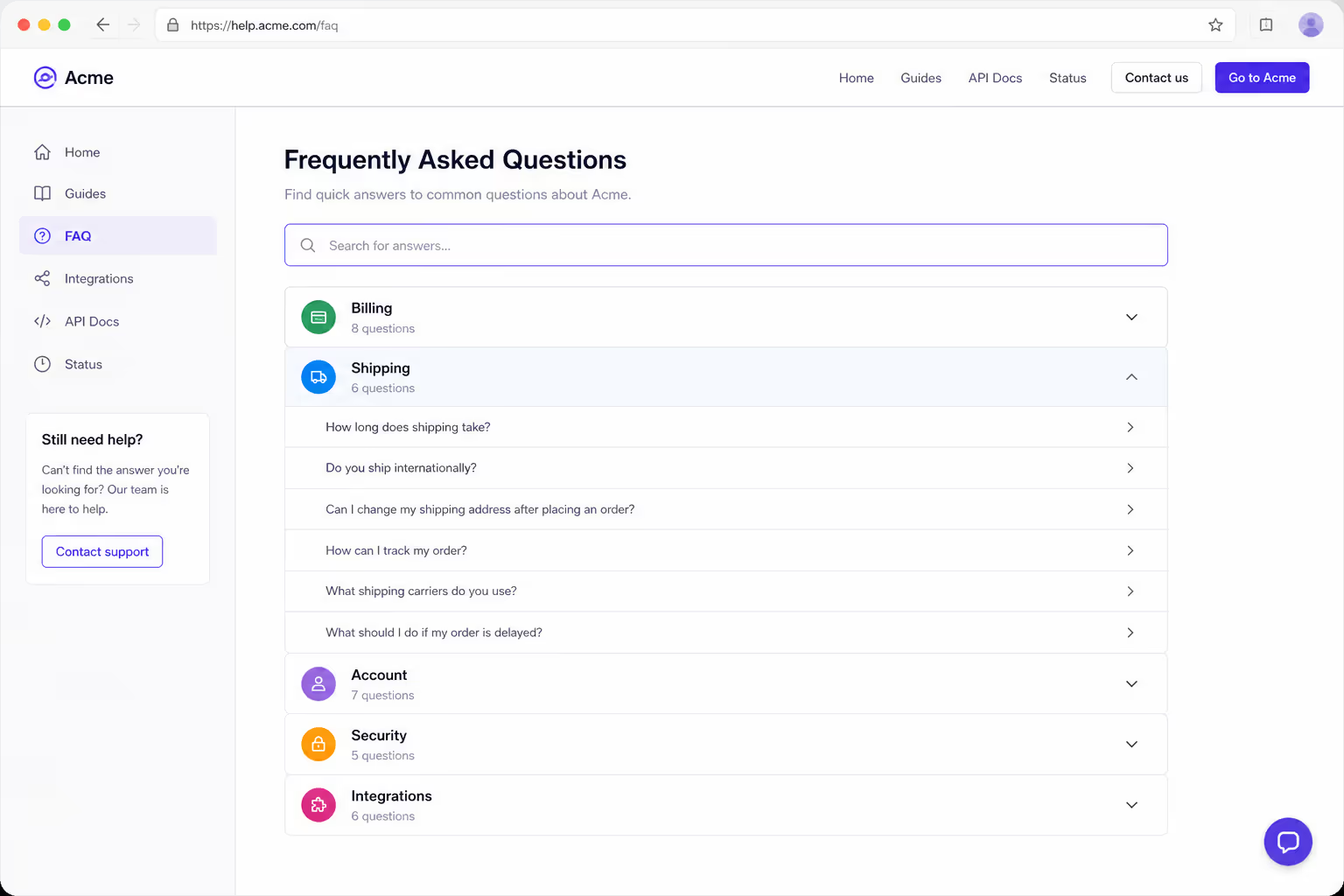
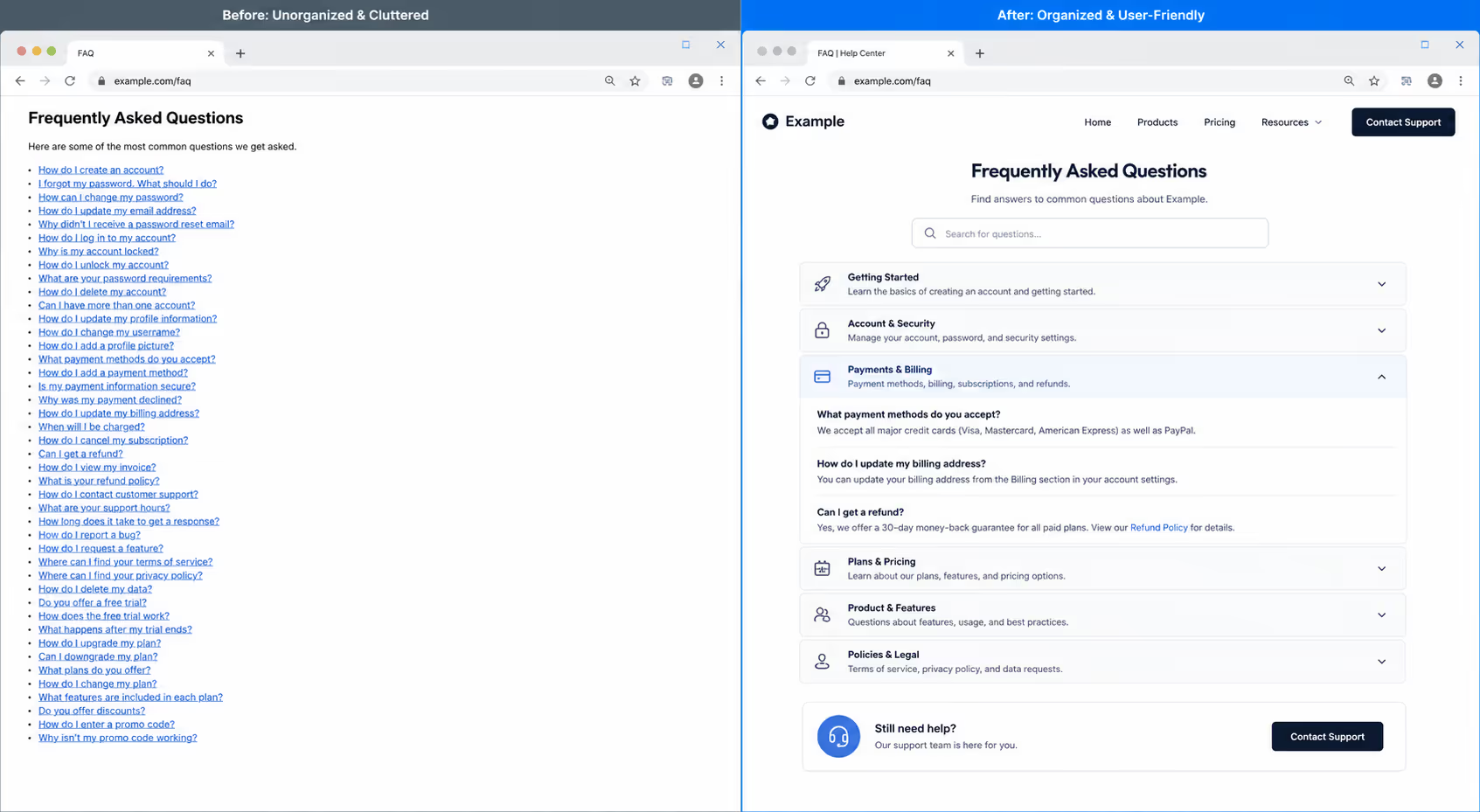
Once you have the right questions, structure decides whether anyone can find them. A wall of 40 questions in one long list is almost as useless as no page at all. Good FAQ page best practices group questions into clear categories, like Billing, Shipping, and Account, so a visitor can jump straight to their topic.
An accordion layout helps here, where each question expands to reveal its answer on tap. It keeps the page short and scannable, which matters even more on a phone. Add a small search box at the top if you have more than a dozen questions, so people can type instead of scroll.
Here is a simple before and after that captures the FAQ page best practices we care about most.
| Habit | Weak FAQ Page | Strong FAQ Page |
|---|---|---|
| Questions | Marketing questions nobody asks | Real questions from support and chat |
| Layout | One long flat list | Grouped categories with an accordion |
| Answers | Vague and full of jargon | Short, plain, and specific |
| Search | No way to search | Search box for quick lookups |
| Next step | Dead end | Clear link to a human |
Write Answers Like a Human, Not a Legal Team
The tone of your answers is where a lot of FAQ pages quietly fail. Long, hedged, jargon-heavy answers make people feel more confused, not less. One of my favorite FAQ page best practices is simple: answer the question in the first sentence, then add detail only if it helps.
Keep each answer short and specific. If a refund takes five to seven business days, say exactly that. If a feature is not available yet, say so plainly instead of dodging. Honesty in an answer builds more trust than any polished sales line, and it is one of the FAQ page best practices that keeps people coming back.
Write the way you would explain it to a friend across a table. Simple words, active voice, and no corporate fog. That plain style is not dumbing things down, it is respect for the reader's time.
The SEO Side of FAQ Page Best Practices
A great FAQ page earns traffic, not just deflects tickets. Because your questions match how people search, the page naturally lines up with real queries. That is why FAQ page best practices and good SEO tend to point in the same direction.
Add FAQ schema markup to your page so search engines can read the question and answer pairs directly. Google now limits the old FAQ rich result to authoritative government and health sites, so the fancy dropdown in results is mostly gone. Even so, the structured data still helps you show up in featured snippets and "People also ask" boxes.
There is a newer reason to care. AI answer tools now pull heavily from clean question and answer content. A schema guide notes that Google AI Overviews and large language models increasingly source answers from FAQ schema. Following FAQ page best practices with proper markup gives your brand a real shot at being the answer an AI reads aloud.
Always Keep a Door Open to a Real Person
Self-service is powerful, but it should never feel like a trap. In one study, 49% of customers named not being able to reach a human as their top frustration with automated help. A dead-end FAQ page creates exactly that feeling.
So close every category with an easy path forward. A short line like "Still stuck? Chat with us" and a visible button respects the people your FAQ page could not fully help. This is one of the FAQ page best practices that turns a decent page into one customers actually thank you for.
Building Your FAQ Page in Poper Without Code
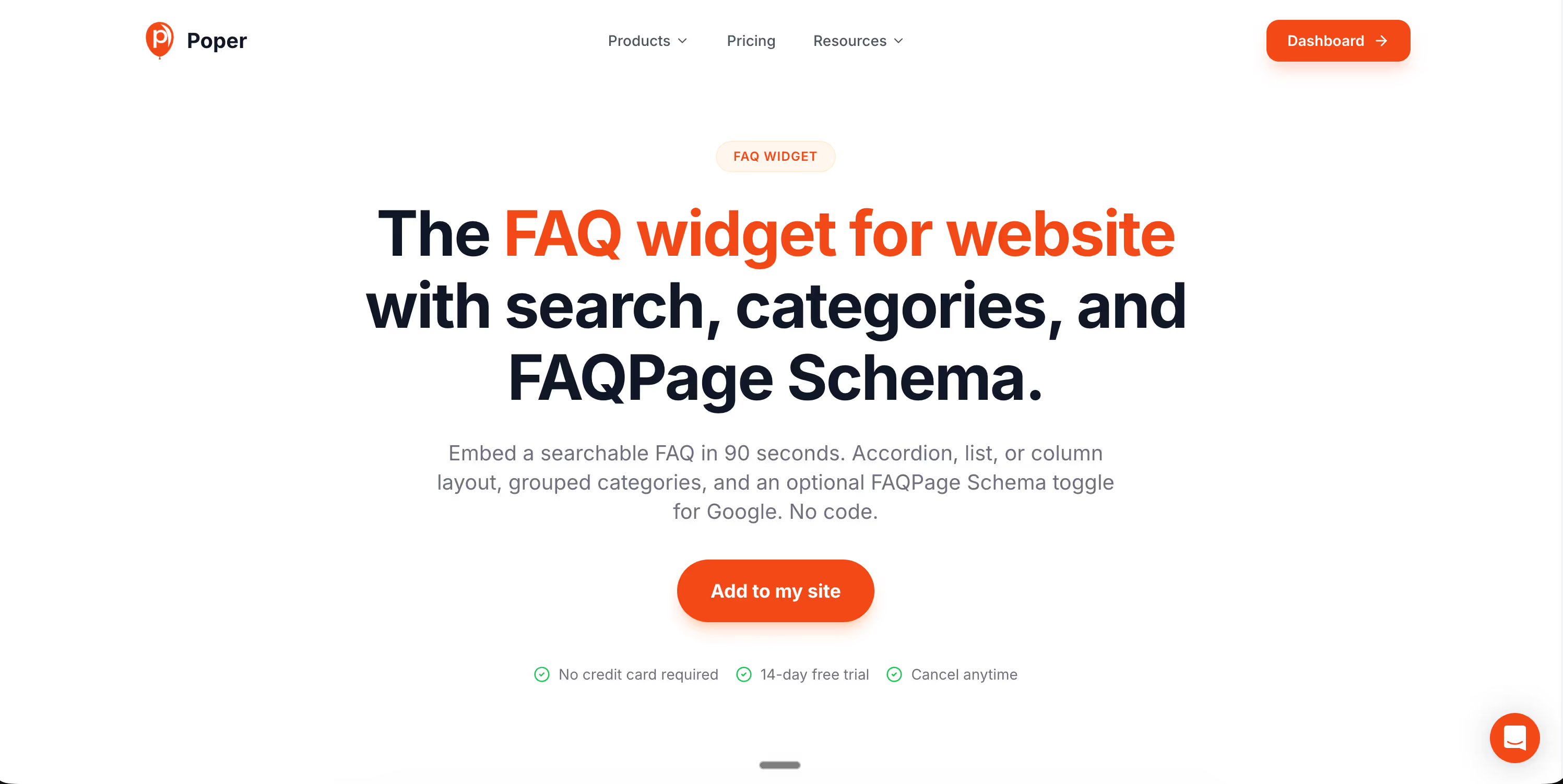
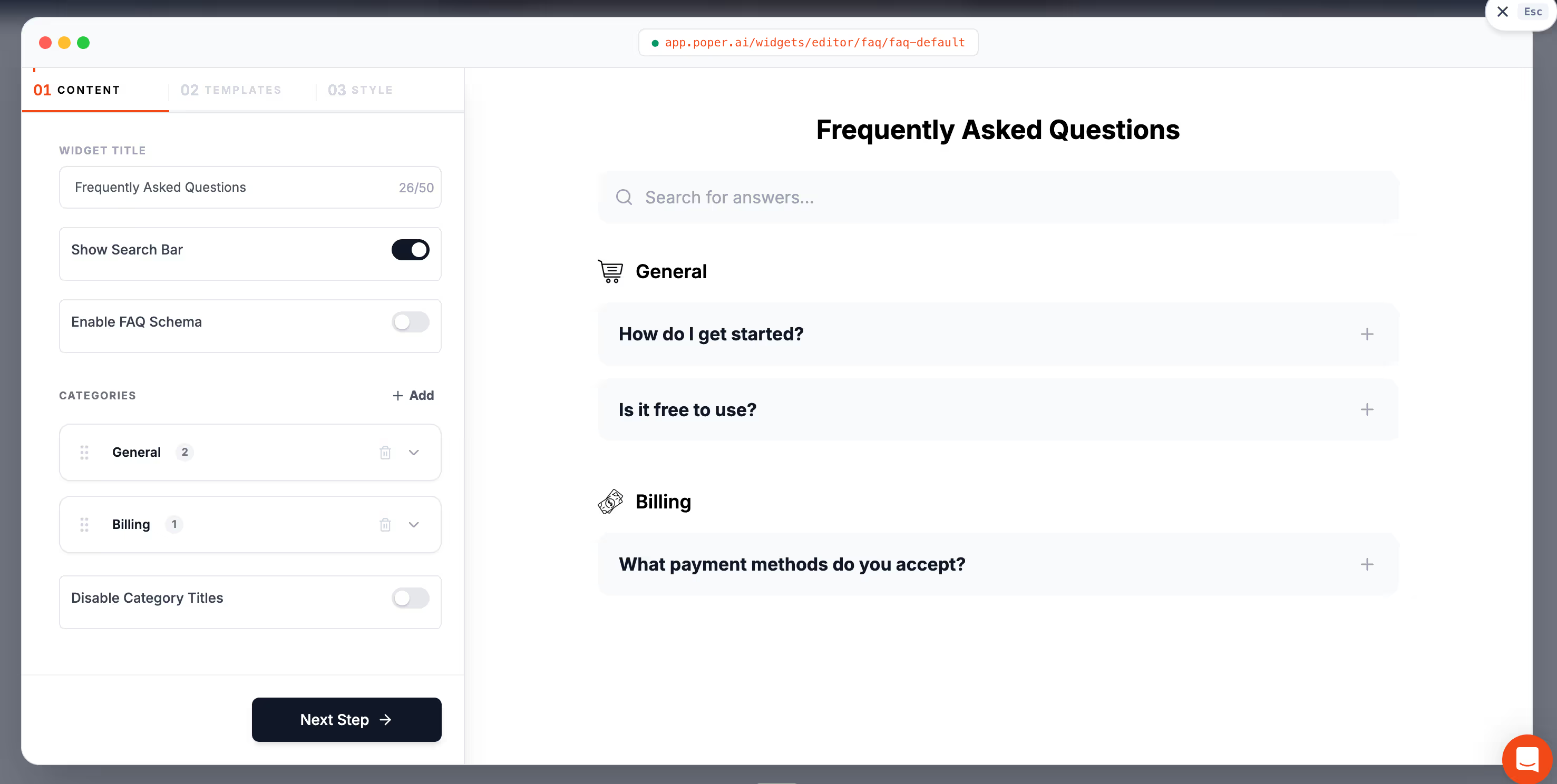
You can put all of these FAQ page best practices into place today, even without a developer. Our no-code FAQ widget gives you a clean accordion layout, category grouping, and a search box out of the box, and it embeds on any site in under two minutes.
If you want to go deeper on the search side, our guide on whether FAQ accordions hurt SEO clears up a myth that scares a lot of teams away from collapsible answers. Pair that with the FAQ page best practices above, and you have a page that saves your support team hours and earns you search visibility at the same time.
The takeaway is the one I started with. Your FAQ page is not an afterthought, it is one of the hardest working pages on your whole site. Treat it with real care, follow these FAQ page best practices, and it will quietly answer questions, build trust, and bring in traffic long after you hit publish.