

The default way to embed a GitHub Gist on a website is one line of script, and that one line is also the reason your page can feel slow. The Gist embed loads a render-blocking script that pulls in code, styles, and markup before the browser can finish painting. For a single snippet that is fine.
For a tutorial with ten of them, it is a measurable drag. This guide covers five ways to embed a Gist, starting with the fastest and what each one costs you.
Quick Take: For clean, fast code blocks, a hosted widget like Poper's Code Snippet beats the native Gist script. Keep the native embed for one or two live snippets, reach for a plugin for convenience, and lazy-load anything below the fold.
Why the default embed slows pages down
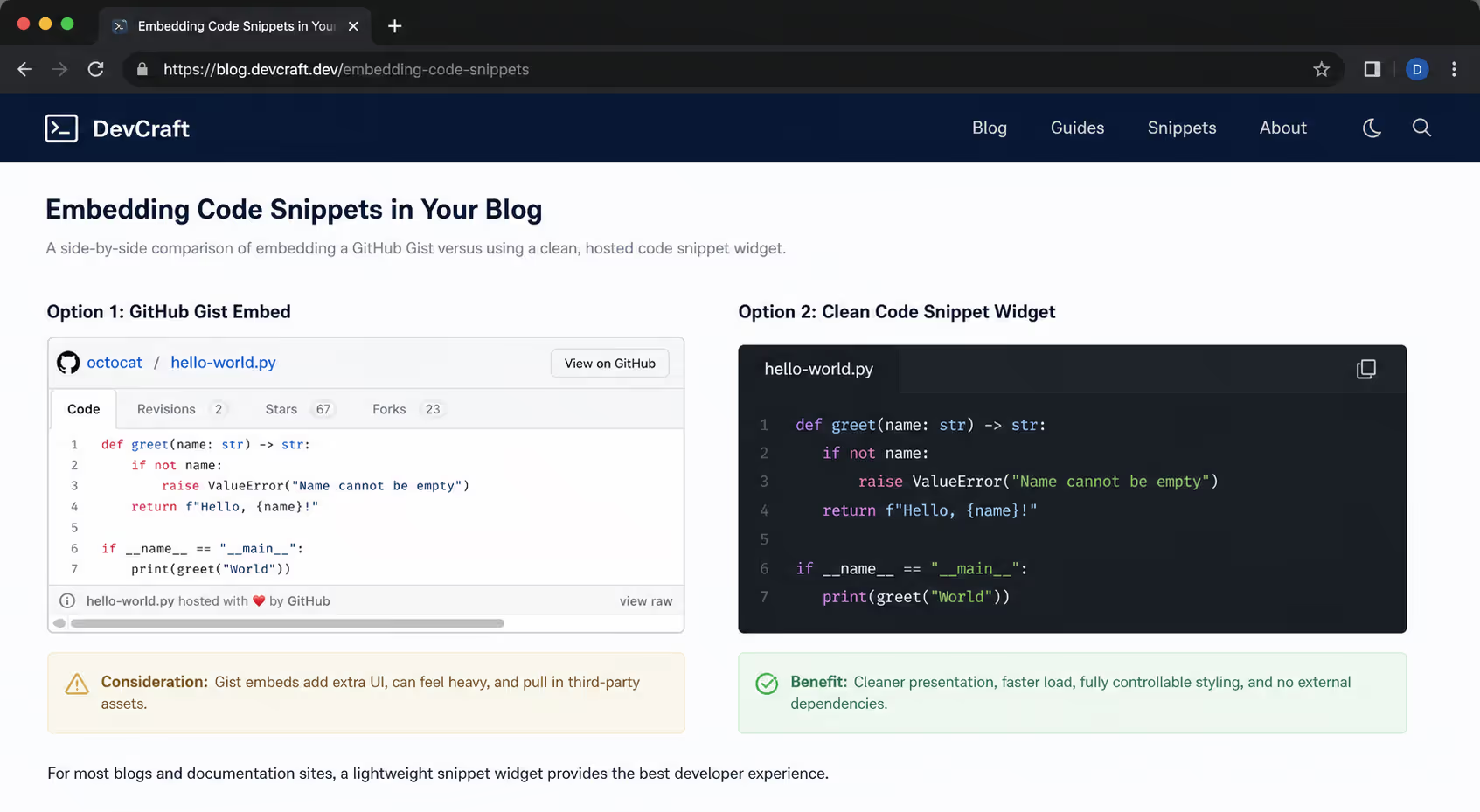
A Gist embed is a <script> tag that writes the snippet into the page after load. Because it is not asynchronous, the browser waits on it, and each additional embed adds another blocking request.
That cost lands hardest on mobile, which now drives around 70% of all web visits and already converts at only 2% against 3.4% on desktop, per Contentsquare's Digital Experience Benchmark. Slower mobile pages widen exactly the gap you are trying to close.
The fix is not to avoid Gists. It is to match the method to how many you have and where they sit on the page.
The five methods, compared
Each approach trades convenience against page speed. Here is the full picture before the steps.
| Method | How you do it | Performance | Best for |
|---|---|---|---|
| Poper Code Snippet widget | Paste your code into Poper's hosted widget and drop in one lightweight embed | Fastest, no render-blocking Gist script | Clean, copyable snippets with a copy button |
| Native Gist script | Paste the <script> embed into an HTML block | Render-blocking, one request per Gist | One or two snippets, live updates |
| CMS plugin | Jetpack shortcode or EmbedPress URL embed | Same script under the hood, easier to manage | Non-technical WordPress editors |
| Lazy-loaded embed | Wrap the embed and defer it until it scrolls into view | Off-screen Gists stop blocking first paint | Long posts with many snippets |
| Static highlighted block | Paste the code into a highlighter instead | No external script, but manual styling | Code that does not need to stay live |
Method 1: Poper's Code Snippet widget
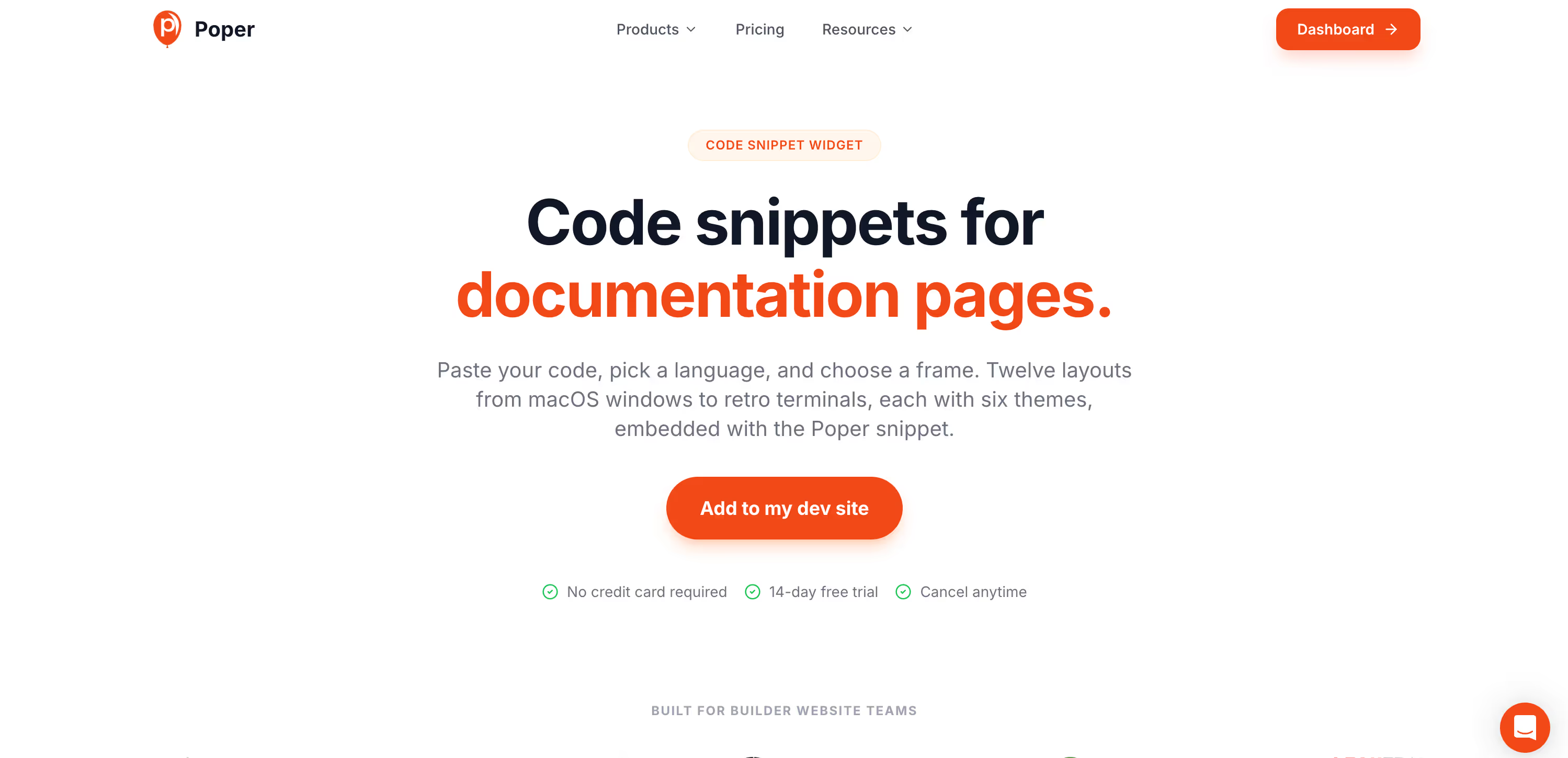
The fastest, cleanest way to put a code block on a page is to skip the Gist script altogether and use a hosted widget. Poper's Code Snippet widget renders a syntax-highlighted block with a built-in copy button and no render-blocking embed, so it loads without the per-Gist request that drags the native script down.
Paste your code into the Code Snippet widget and pick the language for highlighting.
Drop the single lightweight embed onto any page - no
<script>that blocks first paint.Readers get a clean block with one-click copy, and you control the styling end to end.
You give up the live-update link back to GitHub, so reach for the native script below when a snippet truly needs to stay in sync. For everything else - which is most code on most pages - the widget is the faster default.
Method 2: The native Gist script
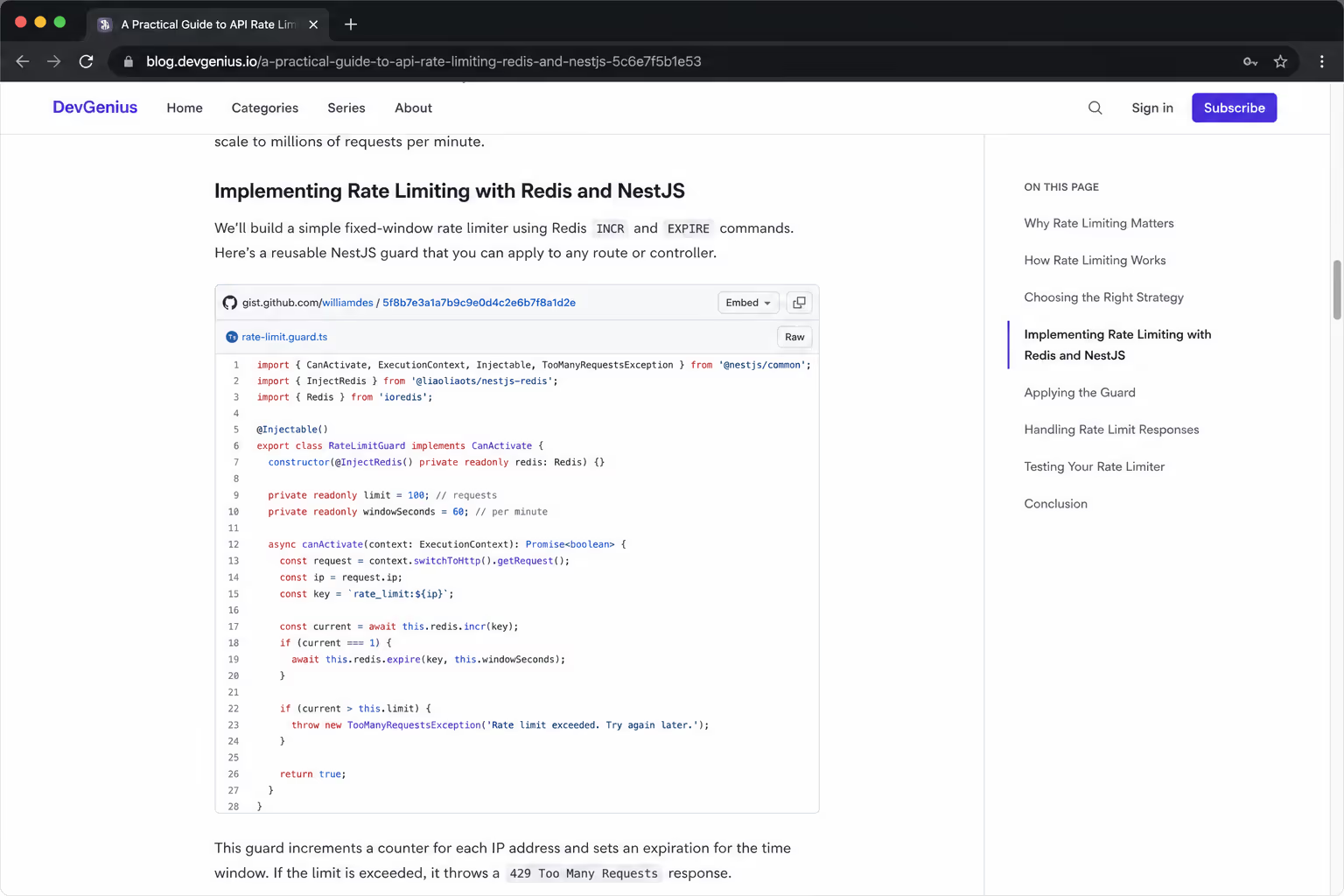
This is the canonical way to embed a GitHub Gist on a website. Open the Gist, copy the embed snippet, and drop it into a raw HTML block - in WordPress that is the Gutenberg Custom HTML block. The upside is that the embed stays live: edit the Gist once and every page showing it updates automatically.
The downside is the blocking script. Keep this method for pages with one or two Gists, where the single request is not worth optimizing away.
Method 3: A CMS plugin
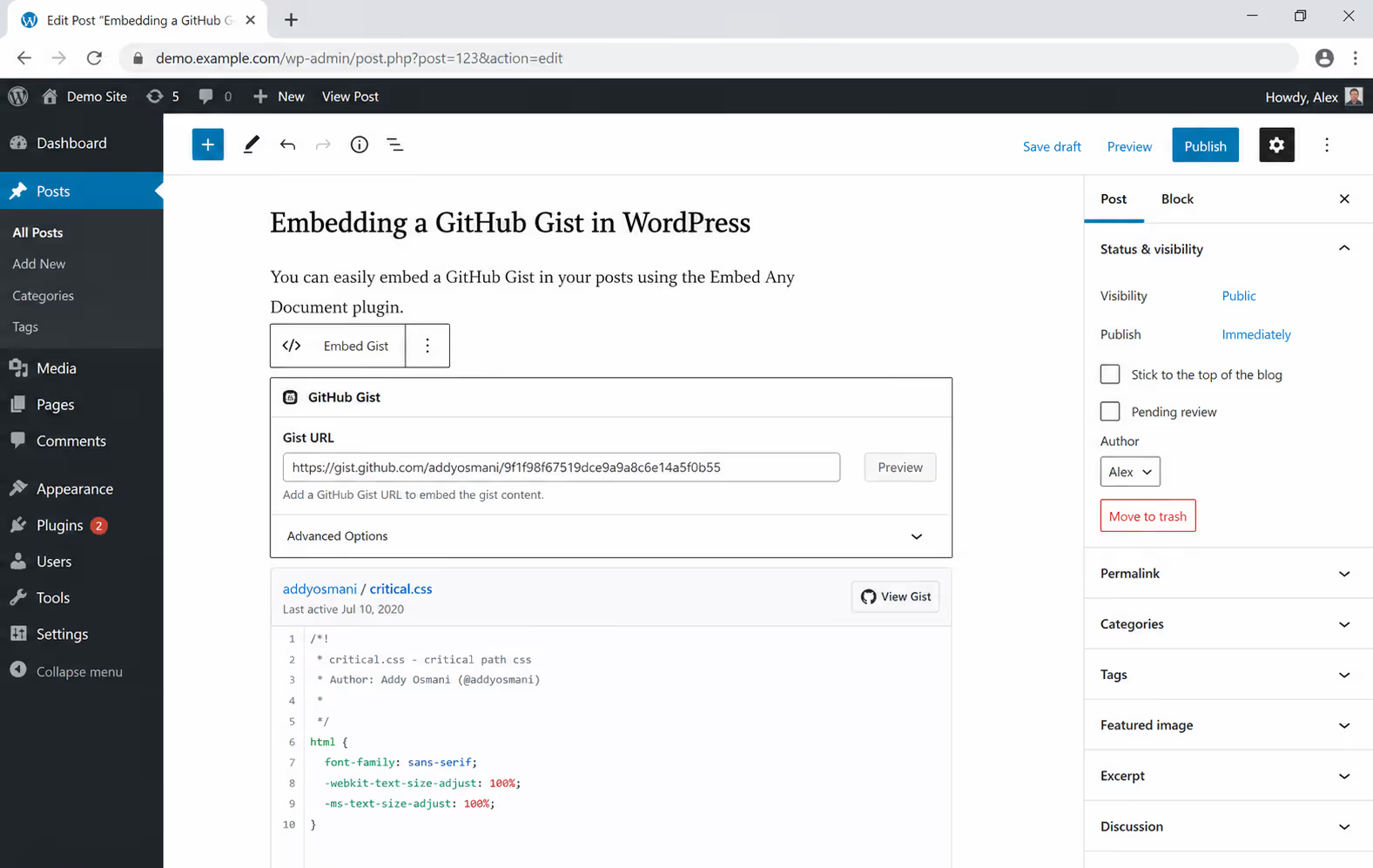
If you do not want to touch HTML, a plugin wraps the same embed in a friendlier interface. Jetpack's shortcode embeds let you paste a Gist URL and have it render, and EmbedPress does the same from a plain URL. WordPress does not support Gist oEmbeds out of the box, which is why these plugins exist in the first place.
Use Jetpack if you already run it, and enable its shortcode embed feature.
Use EmbedPress for URL-based embedding across many content types, not just Gists.
Remember the performance profile is the same as the native script, since plugins load that script underneath.
Method 4: Lazy-load the embeds
When a post has many snippets, the win is deferring the ones nobody has scrolled to yet. Lazy loading sends only the code needed up front and loads the rest as elements approach the viewport, which is a core browser performance technique.
The cheapest Gist on the page is the one that never loads because the reader never scrolled to it.
Practically, wrap each embed and trigger it with an IntersectionObserver as it nears the screen, or use a lazy-load script or plugin that handles deferred iframes and scripts for you. Above-the-fold snippets still load immediately; everything below waits its turn. On a long tutorial, this alone can pull your first paint back to where it should be.
Method 5: Skip the embed entirely
The most basic fast option is not to embed a Gist at all. If the code does not need to update live, paste it into a static, highlighted block instead. There is no external request and no blocking script. The trade is that you lose the single-source-of-truth benefit and have to handle styling yourself - which is exactly the manual work the Poper widget in Method 1 removes.
Which one is best?
If the live-update feature is not what you are after, and you mostly want clean, fast, copyable code, a hosted widget beats wrestling with Gist scripts - which is why Poper's Code Snippet widget leads this list. It covers the static-block method with a copy button and zero markup work.
For the wider question of getting code onto a page at all, our guide on how to embed code snippets in a blog post lays out all five methods, with Gists as one of them, so you can see where the embed fits against the alternatives.
Conclusion
To embed a GitHub Gist on a website well, decide based on volume and freshness, not habit. For clean, fast, copyable code, default to a hosted widget like Poper's. One or two snippets that must stay live: the native script is fine.
A WordPress editor who avoids code: a plugin. A long post full of examples: lazy-load them. Code that never changes: a static block works too. Match the method to the page and your Gists will inform readers without slowing them down.



