
I want to start with a small confession. For years, I picked chat tools the same way most people do. I looked up a "top 10" list, saw a familiar brand name, and signed up. It took me a long time to realize that approach is backwards. The question is not which brand is loudest. The question is what job you need the widget to do.
I am going to walk you through the best live chat widgets the way my team actually thinks about them. We will compare them by use case, not by brand. By the end, you should know exactly which type of chat widget fits your site, and you will be able to set it up without a long sales call.
Why "The Best Live Chat Widgets" is the wrong thing to search
Here is the thing I learned the hard way. A widget that is perfect for a busy support team can be a poor fit for a solo founder. A tool built for high volume sales chat can feel heavy on a small blog. When people search for the best live chat widgets, they assume one winner exists. It does not.
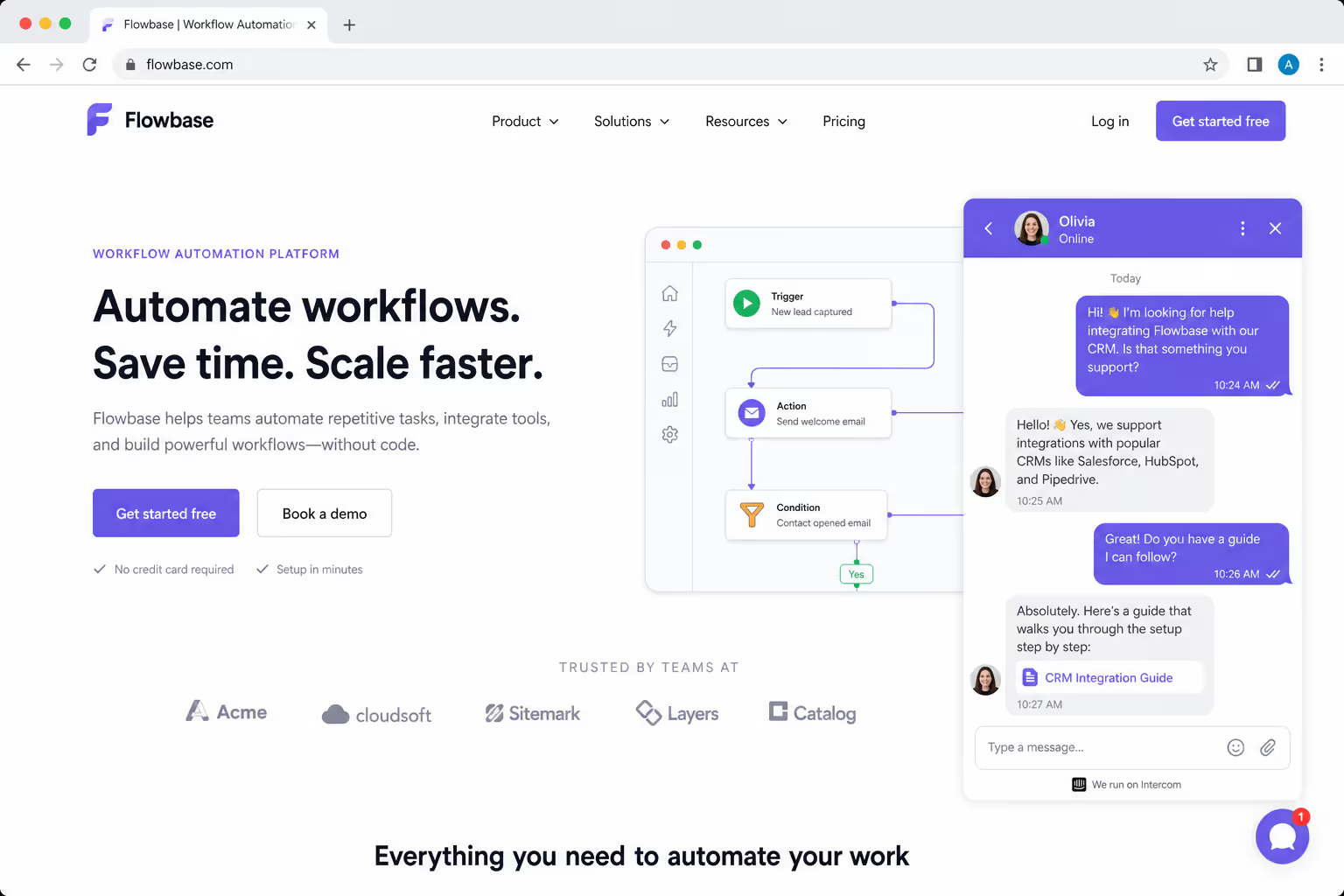
The data backs this up. A LiveChat report found that adding live chat to a website usually lifts conversions by around 20%, and that chat users are roughly 2.8 times more likely to convert. But that lift only shows up when the widget matches the visitor's intent. A slow, mismatched tool can actually hurt you, because 82% of customers abandon a chat if they wait too long, according to recent response time research from LiveChatAI.
So instead of asking which tool is best overall, I ask a simpler question. What is this visitor trying to do, and which of the best live chat widgets answers that fastest?
Add A Chat Button Without A Sales Call
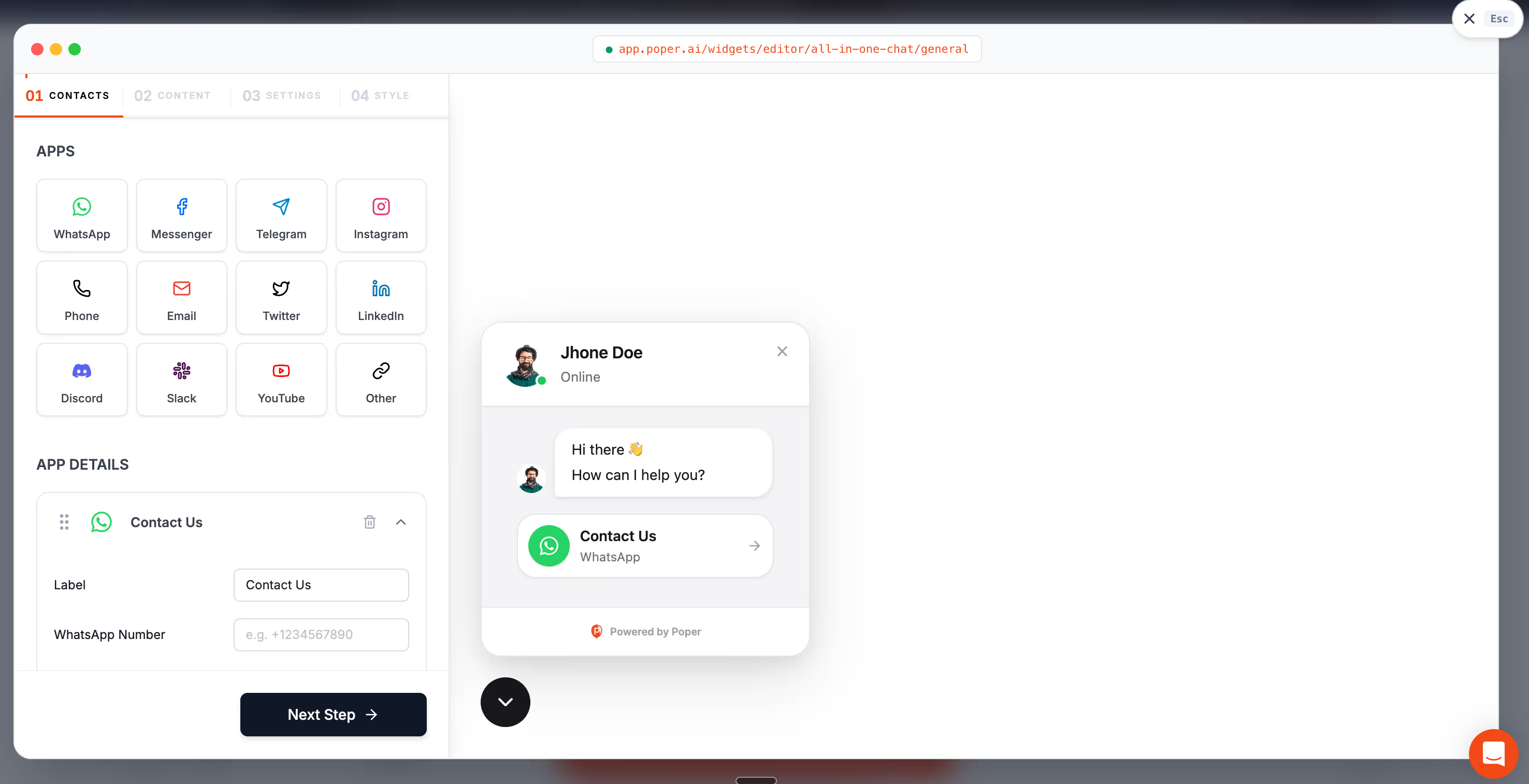
If setup time is what keeps stalling your shortlist, Poper's All in One Chat widget is one option worth trying. It puts WhatsApp, Messenger, Slack, and Telegram behind a single button, and it goes live with one script tag.
<script id="poper-js-script" data-account-id="YOUR_ACCOUNT_ID" src="https://app.poper.ai/share/poper.js" defer></script>How I compare Live Chat widgets by Use Case
My team uses three filters before we ever look at a feature list. First, who is on the other side of the chat: a sales rep, a support agent, an automated bot, or nobody at all. Second, where the conversation should land: an inbox, WhatsApp, Slack, or a help desk. Third, how much setup time we are willing to spend.
Those three filters turn a vague hunt for the best live chat widgets into a clear shortlist. Below is the same table we use internally. It maps twelve common use cases to the kind of widget that wins, so you can find your row and move on.
The 12 Best Live Chat Widgets, compared by use case
| # | Use case | Widget type that wins | Why it fits |
|---|---|---|---|
| 1 | Solo founder who checks messages on a phone | WhatsApp or all-in-one chat button | Chats route to an app you already watch, so nothing gets missed |
| 2 | Ecommerce store recovering lost carts | Proactive sales chat widget | Triggers on exit intent or idle time to catch buyers before they leave |
| 3 | SaaS product needing qualified demos | Routing chat with lead forms | Sends hot leads straight to a calendar or sales rep |
| 4 | Small support team with steady volume | Help desk chat with ticketing | Turns chats into tickets so nothing slips through |
| 5 | High-traffic site with repeat questions | AI chatbot widget | Deflects common questions before a human is needed |
| 6 | Local business taking bookings | Chat plus appointment widget | Moves visitors from a question to a booked slot |
| 7 | Agency managing many client sites | Multi-channel chat hub | One inbox for WhatsApp, Messenger, Slack, and Telegram |
| 8 | Blog or content site with light contact needs | Simple contact chat button | Low setup, no agent schedule to manage |
| 9 | Global store serving many timezones | Async chat with offline capture | Collects the message and replies when an agent is online |
| 10 | Team that lives inside Slack | Slack-connected chat widget | Replies happen in Slack, with zero new tools to learn |
| 11 | Brand worried about page speed | Lightweight embeddable chat widget | Loads fast and does not drag down Core Web Vitals |
| 12 | Regulated industry needing records | Compliant chat with transcripts | Stores history for audits and quality review |
Notice that none of those rows name a brand. That is on purpose. Once you know your row, picking between specific tools becomes a five-minute job instead of a week of demos.
Use cases 1 and 7: When chat should follow you, not the other way around
If you are a founder or a small team, the best live chat widgets are the ones that route conversations into apps you already check. An all-in-one chat button that connects WhatsApp, Messenger, Slack, and Telegram means a visitor message lands on your phone, not in a dashboard you forget to open. This single change fixed our response time more than any feature ever did.
Speed matters here because expectations are brutal. A study summarized by LiveChatAI found that 90% of customers want a reply within ten minutes, and that response time is the strongest predictor of chat satisfaction, beating both resolution quality and agent friendliness.
Use cases 2 and 3: Chat as a Sales Engine
For stores and SaaS products, the best live chat widgets behave like a quiet salesperson. They appear at the right moment, ask a useful question, and pass the lead along. A 2026 Nextiva analysis reported that 79% of companies say live chat helped increase loyalty, revenue, and sales, and that chat resolutions cost roughly $5 each versus $25 for a phone call.
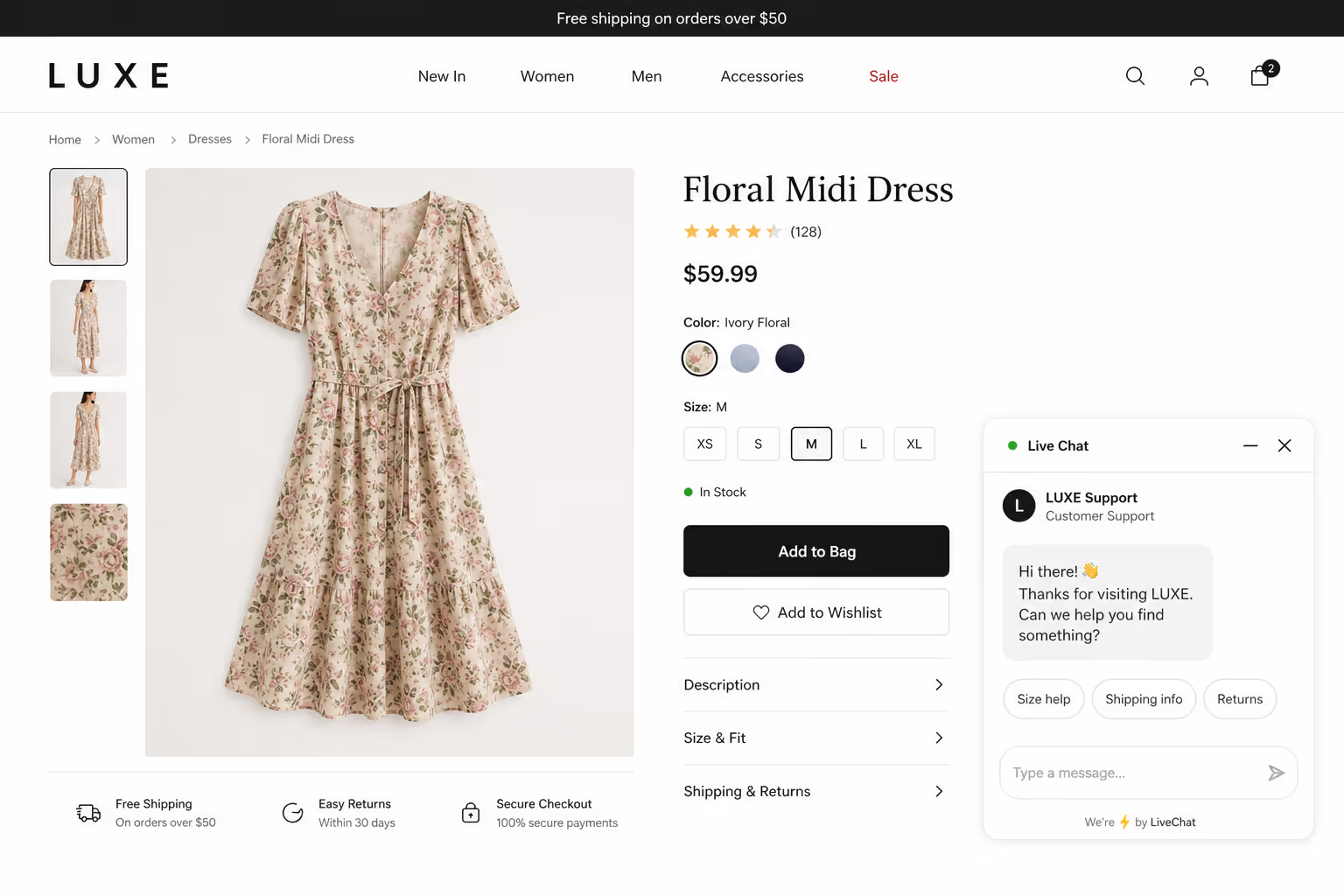
The trick is timing. A proactive sales widget that fires on exit intent or after a visitor stalls on a pricing page tends to win, while a widget that pops up the second someone lands often gets dismissed.
Use cases 4, 5, and 12: Chat as a Support Backbone
When support volume is steady, the best live chat widgets connect to a help desk or ticket system so no question disappears. Add an AI chatbot layer and you deflect the repeat questions automatically.
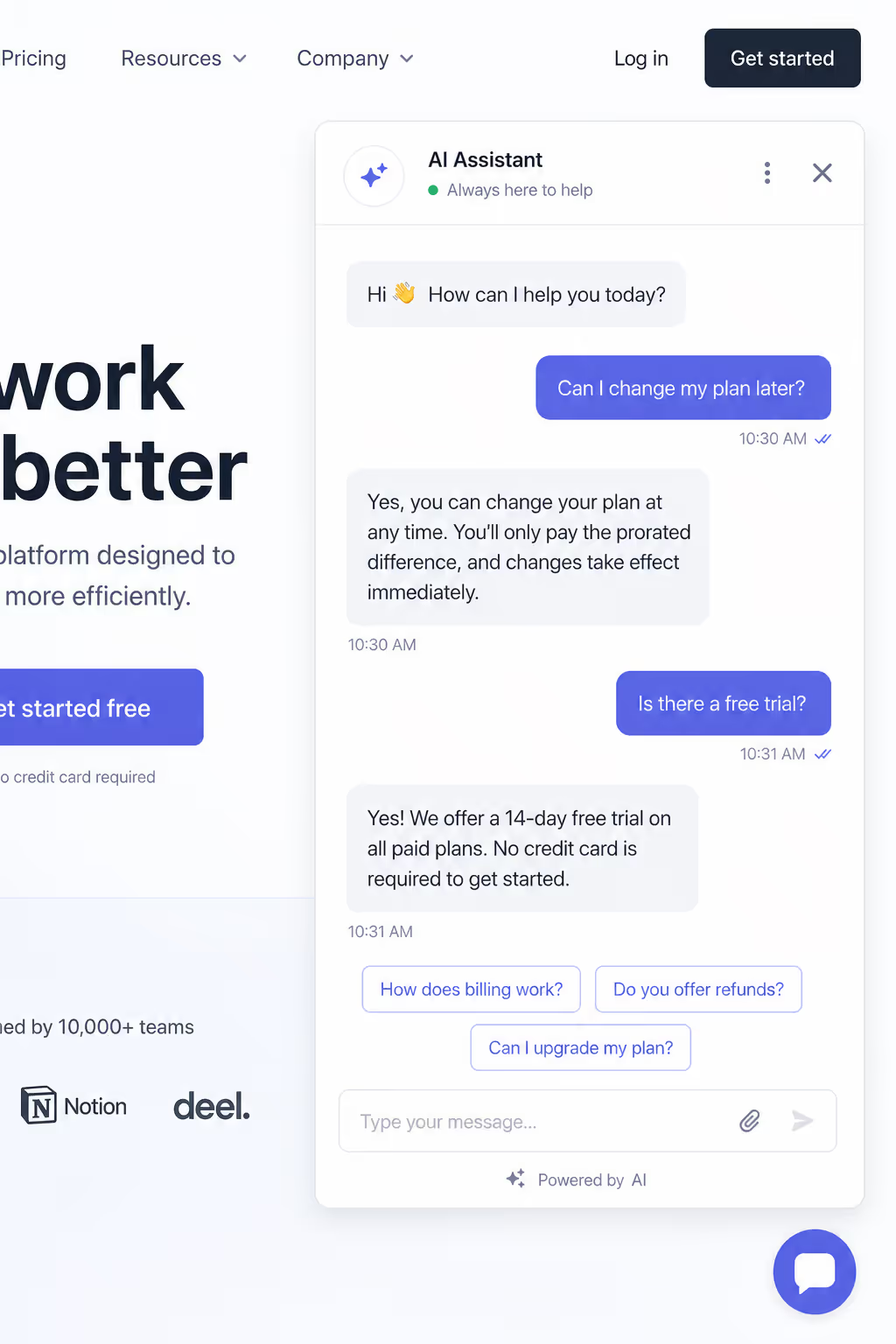
Which-50's recent benchmark data shows live chat already earns an 82% satisfaction score, higher than both email and phone, so a well-built support widget protects a number you do not want to lose.
Match Your Row, Then Get The Widget Live
Once you know which use case in the table describes your site, the setup is short. This is what it looks like with Poper's All in One Chat widget.
Set Up Chat FreeWorks on WordPress, Shopify, Webflow, Wix, or plain HTML.- 1Pick the channels you actually answer on, such as WhatsApp, Messenger, Slack, or Telegram.
- 2Set the button position, colors, and which pages it shows on.
- 3Paste the Poper snippet into your site and the chat button is live.
What the 2026 data says about Live Chat
I always pressure test my advice against fresh numbers, because chat behavior shifts fast. The picture in 2026 is consistent. Customers want speed, they reward it, and they punish delay.
A Freshworks customer service benchmark report and related 2026 industry data point to the same gap. Top ecommerce brands now reply in twelve to thirty seconds, yet the average first response across industries sits closer to a minute and a half. The brands that close that gap with the best live chat widgets are the ones quietly winning conversions.
This is why I keep steering people away from brand-first thinking. The best live chat widgets in 2026 are not defined by a logo. They are defined by how fast they connect a visitor to an answer, and how little friction they add to your day.
How to pick your live chat widget without overthinking it
Let me make this practical. Find your row in the table above. Confirm who answers the chat and where the conversation should land. Then choose the lightest tool that satisfies both. That is the whole method, and it consistently surfaces the best live chat widgets for a given site.
One more piece of advice. Do not chase every feature. A widget with fifty settings you never touch is not better than a focused one. The best live chat widgets feel invisible to your visitor and effortless for your team.
A simpler path with Poper
This is where I will be honest about what we build. Poper offers an All-in-One Chat widget that bundles WhatsApp, Messenger, Slack, Telegram, and more behind a single button. It covers several of the rows above at once, and it embeds on WordPress, Shopify, Webflow, Wix, or any site in under two minutes with no code.
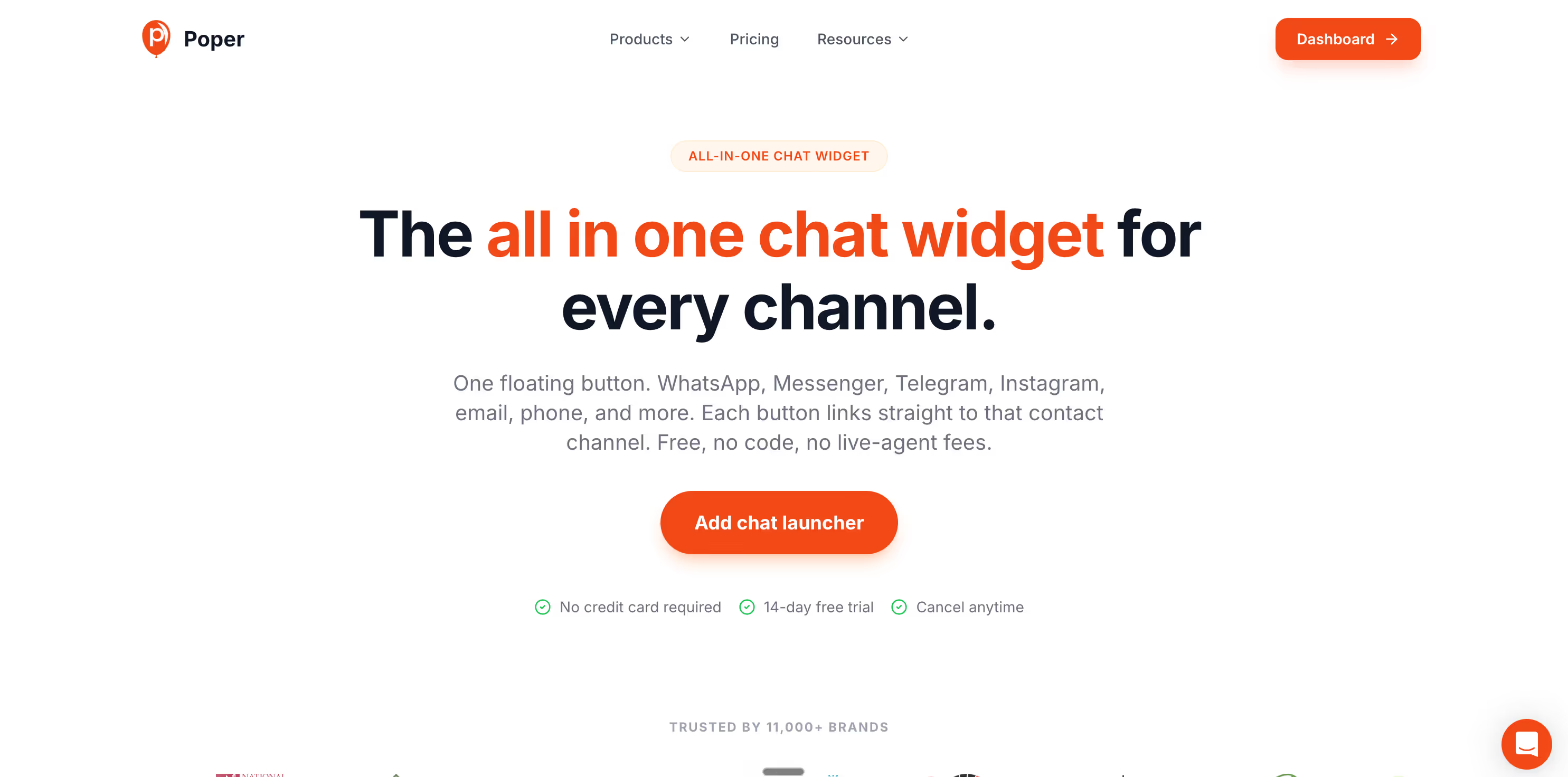
If you want to pair chat with other engagement tools, Poper also includes appointment booking, forms, and proactive popups, so you can match more than one use case from the table without stacking five separate tools. For many teams, that combination is the most realistic version of the best live chat widgets, because it removes the integration headache entirely.
So here is my closing thought. Stop searching for a single champion. Pick the use case that describes you, choose the widget that serves it, and ship it today. The best live chat widgets are simply the ones already answering your visitors while your competitors are still comparing brand names.
Get A Chat Button Answering Today
You do not need a week of demos to start replying faster. If your row calls for a multi channel button that routes messages to the apps you already check, Poper's All in One Chat covers it, and appointment booking, forms, and popups sit in the same account.
Start With Poper FreeFree plan, no credit card required.


