
A few years ago, my team booked every demo call by email. Someone would suggest a time, the other person would counter, and three messages later we still had nothing on the calendar. One week we counted the back and forth and realized we had spent almost a full workday just agreeing on times. That was the moment we went looking for the best appointment booking software we could find, and honestly, it changed how the whole business runs.
I want to walk you through how I think about the best appointment booking software for a small business. I will not hand you a shallow list and call it a day. Instead, we will look at what these tools actually need to do, then dig deep into each one: real pricing, the issues users complain about, and the honest pros and cons. By the end you should know which tool fits your business, not just which brand is loudest.
What the Best Appointment Booking Software Really Does for a Small Business
Let me start with why this matters so much. The best appointment booking software is not a luxury anymore, it is something your customers quietly expect. According to 2026 data compiled by Zippia, 70% of consumers prefer to book appointments online rather than call, and 94% of people are more likely to choose a provider that offers online booking. If you still take bookings by phone, you are losing people before they ever speak to you.
The timing data makes the case even stronger. Zippia also reports that 34% of appointments are scheduled outside working hours, and businesses with 24/7 online booking see roughly a 37% increase in bookings compared to manual scheduling. A phone line cannot answer at 9pm on a Sunday, but the best appointment booking software can. It sells your time while you sleep.
Yet plenty of owners have not made the switch. The 2026 review from Zapier notes that over 40% of small businesses still rely on manual scheduling. That gap is your opportunity. Adopting good booking software is one of the simplest ways to look more professional than competitors who are still trading emails.
The Features That Separate the Best Appointment Booking Software From the Rest
Before we compare tools, I want to be clear about what I am grading them on. A flashy interface means nothing if the core jobs are weak. When I test the best appointment booking software, I look at five things first, and each one exists for a concrete reason that affects your bookings directly.
The first is calendar sync, and the reason is simple: a tool that does not connect to Google Calendar, Outlook, or Apple Calendar in real time will eventually double book you, and one double booking can cost a client for good. The second is automated reminders, which matter because automated SMS and email reminders cut no-show rates by anywhere from 30% to 90% depending on the business, according to scheduling research summarized by Capterra i. Reminders are the feature that pays for the software by itself.
The third feature is payments, and the reasoning is about cash flow: the best appointment booking software lets a client pay or leave a deposit at the moment they book, which turns a soft promise into real commitment. The fourth is branding, because a booking page that carries your logo and colors builds far more trust than a generic link, and trust is what gets the booking finished. The fifth is fair pricing, especially a real free plan, because you should be able to prove the tool works before you ever pay for it.
Add A Booking Widget Without Sending People Away
Poper's appointment booking widget runs inside your own pages, so a visitor picks a time where they are already reading instead of clicking through to a separate scheduling link. Install is one script tag, then you place the widget from the dashboard.
<script id="poper-js-script" data-account-id="YOUR_ACCOUNT_ID" src="https://app.poper.ai/share/poper.js" defer></script>The 7 best appointment booking software tools, ranked and reviewed
Now to the part you came for. I have ranked the seven best appointment booking software tools from 1 to 7 for a typical small business, and below the table I dig into each one with its real pricing, the issues users actually report, and a plain pros and cons read. Use the table for a fast scan, then read the deep dive on your shortlist.
| Rank | Tool | Free plan | Paid from | Best for |
|---|---|---|---|---|
| 1 | Poper | Yes, real free plan | Low, starts cheap | Small businesses that want booking embedded on their own site |
| 2 | Calendly | Yes, one event type | About $10 per user, monthly | Solo consultants and quick demo calls |
| 3 | Acuity Scheduling | No, trial only | About $20 per month | Established service businesses and salons |
| 4 | SimplyBook.me | Yes, 50 bookings a month | About $9.90 per month | Clinics and wellness practices needing intake forms |
| 5 | SuperSaaS | Yes, 50 appointments | About $8 per month | Classes, rentals, and complex multi-resource schedules |
| 6 | Setmore | Yes, generous | About $5 per user, billed yearly | Small teams on a tight budget |
| 7 | Appointlet | Yes, generous | About $8 per user, monthly | Sales teams that want a clean, simple booking link |
1. Poper, My Rank 1 Pick for the Best Appointment Booking Software
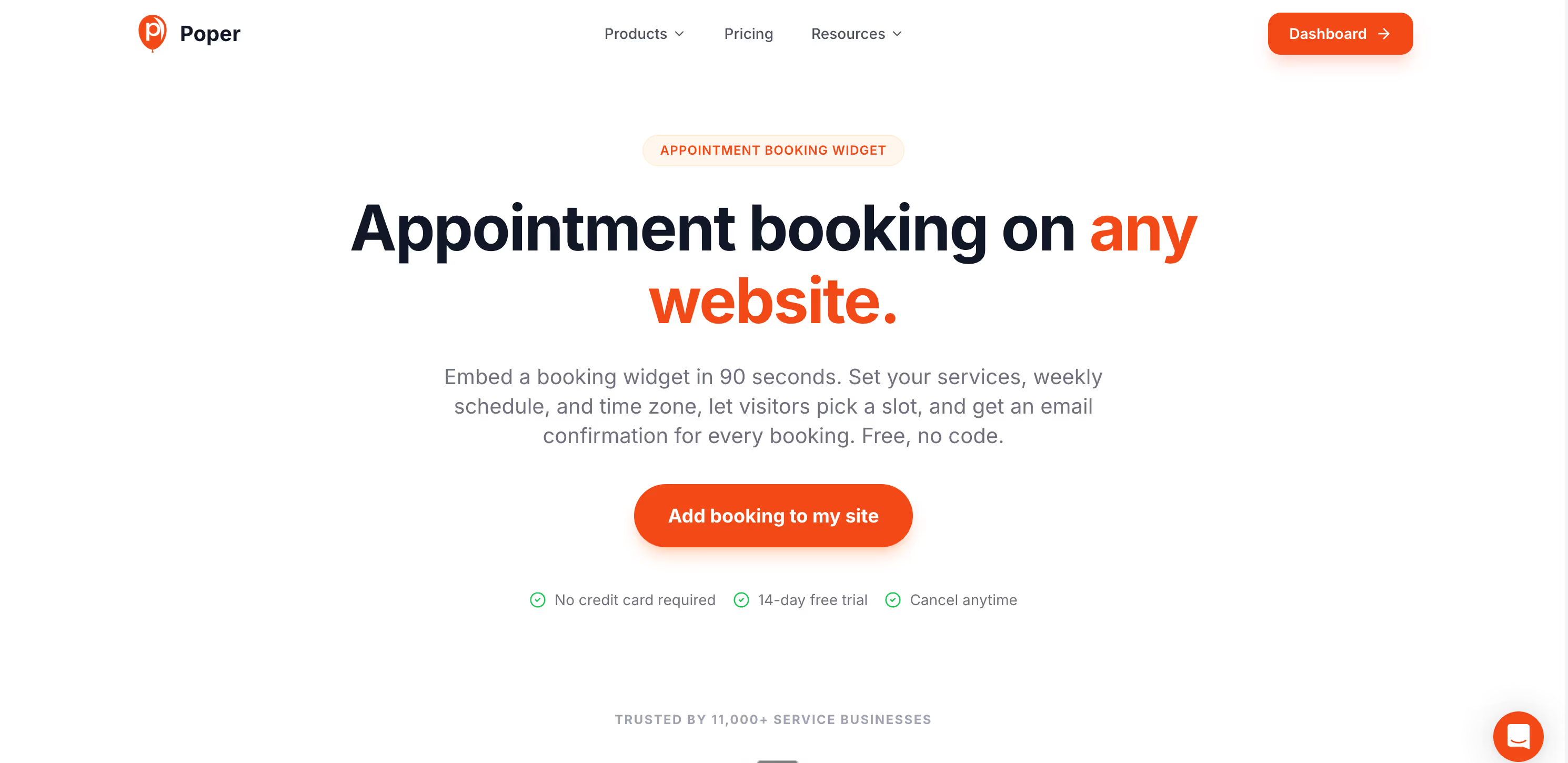
Poper takes the top spot as the best appointment booking software because it solves the one problem every other tool ignores. Poper is an AI-powered engagement platform, and its Appointment Booking widget keeps the booking on your own website instead of sending the visitor off to a separate scheduling link. That is the difference between capturing a warm visitor and losing them on the way to another tab.
On pricing, Poper offers a real free plan you can run without a card, and the paid tiers start low, so the best appointment booking software here does not punish you for growing. You can drop the widget onto any page in under two minutes, with no code, on WordPress, Shopify, Webflow, Wix, or Squarespace.
The pros are clear: on-site booking, deposits to cut no-shows, full brand control, and smart targeting rules that surface the booking prompt at the right moment. The honest con is that Poper is not a deep clinical scheduling suite with hundreds of staff calendars and HIPAA workflows, so a large hospital should look elsewhere. For the everyday small business, though, Poper is the best appointment booking software to start with.
2. Calendly, The Simple Favorite
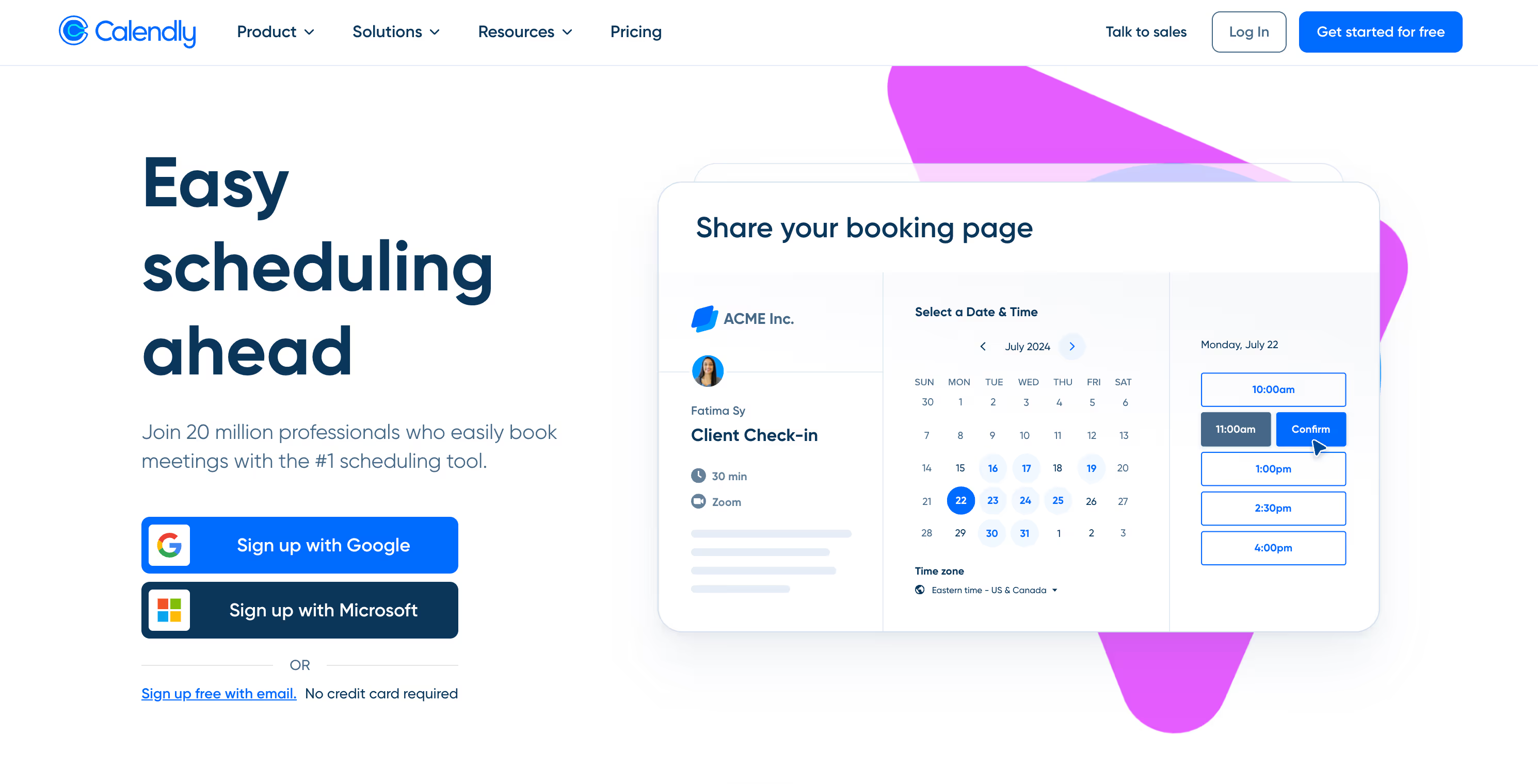
Calendly is the name everyone knows, and it earns rank 2 on this best appointment booking software list because it is genuinely easy and reliable for one job: scheduling a meeting between two people. For solo consultants and demo calls, it is hard to beat.
Pricing starts with a free plan, but that plan is tight, limited to one active event type, one connected calendar, and no automated reminders. Paid plans begin around $10 per user each month, and G2 reviewers in 2026 note that the price can climb steeply for teams since it is charged per seat. Reminders, workflows, and most integrations sit behind those paid tiers.
The pros are a clean interface, fast setup, and a 4.6 to 4.7 star rating across G2 and Capterra. The cons that users report most often are the restrictive free tier, per-seat pricing that adds up, support that feels slow on billing or technical issues, and occasional calendar syncing problems that break links. Calendly is excellent, but it is a scheduling link, not the best appointment booking software for keeping people on your site.
3. Acuity Scheduling, the Polished Pick for Established Businesses
Acuity Scheduling, now part of Squarespace, lands at rank 3 among the best appointment booking software options. It is polished, capable, and well suited to established service businesses and salons that need intake forms, packages, and class scheduling in one place.
On pricing, Acuity has no permanent free plan, only a trial, and paid plans run from about $20 to $61 a month across Starter, Standard, and Premium. The catch is real: SMS reminders, packages, group scheduling, and gift certificates all require the $34 Standard plan, which is roughly a 70% jump from Starter.
The pros are strong service-business features and a mature product. The cons users raise are loud, though. Research.com reports that 37% of reviewers feel negative about Acuity's value for money, with many saying they feel nickeled and dimed for features they consider basic. Support is email only, with no phone or live chat, and the admin dashboard looks dated. For owners who want the best appointment booking software without surprise upcharges, that pricing model is a real drawback.
4. SimplyBook.me, Built for Clinics and Wellness
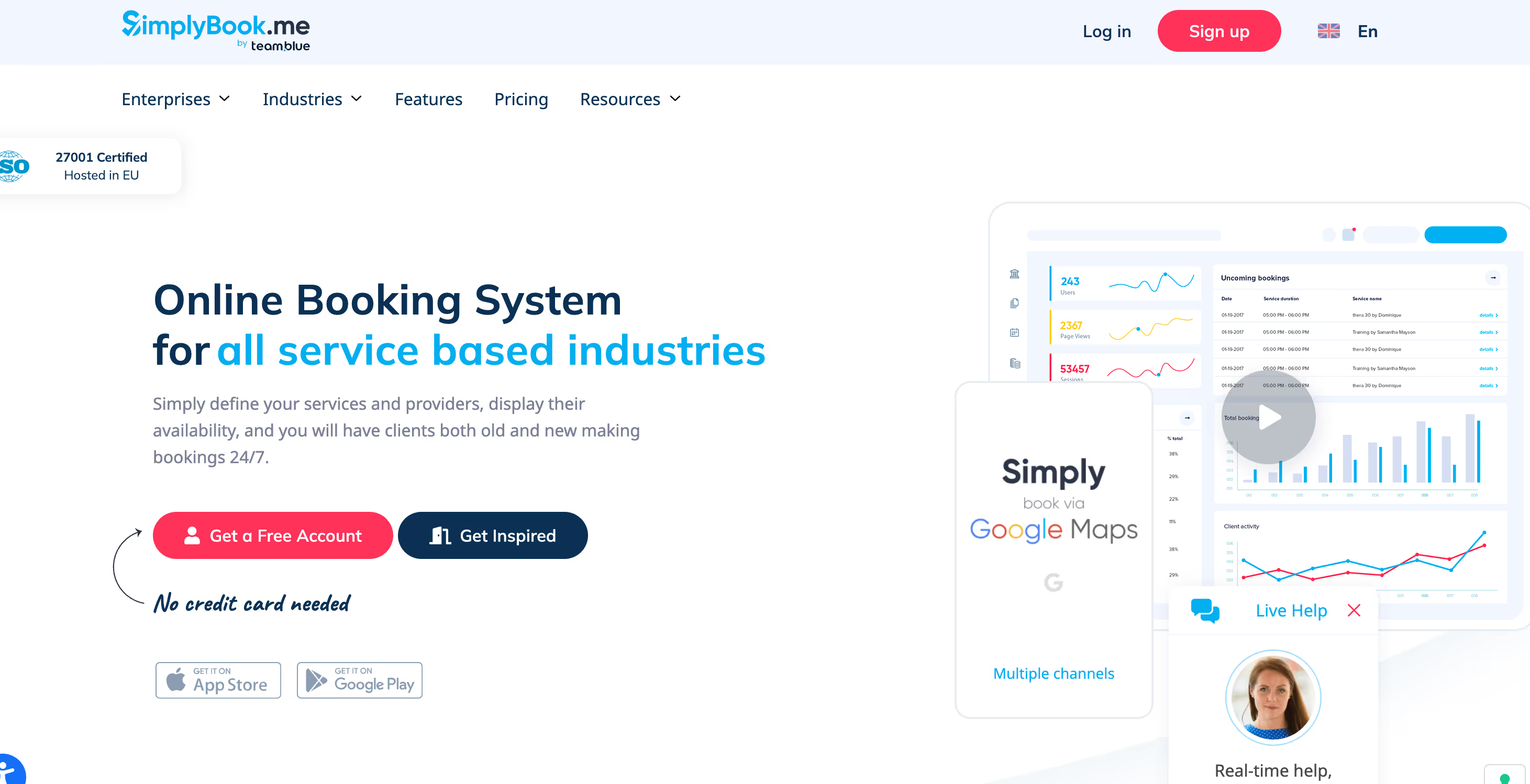
SimplyBook.me ranks 4 on this best appointment booking software list and shines for medical, beauty, and wellness practices because of its intake forms, compliance options, and deep customization. If your booking flow is genuinely complex, it has a feature for it.
Pricing is tiered and starts with a free plan capped at 50 bookings a month, with paid plans from about $9.90 to $59.90 a month. Cost scales on three things at once: monthly booking volume, the number of custom features you switch on, and how many service providers you manage. Add-ons like payments, coupons, and classes can push the real bill well above the headline price.
The pros include genuinely helpful live-chat support and an excellent price-to-performance ratio once it is set up. The cons users mention are a steep learning curve, a setup process that can overwhelm new owners, and email notifications that are sometimes inconsistent. SimplyBook.me is powerful, but it asks for patience before it behaves like the best appointment booking software for you.
5. SuperSaaS, The Choice For Complex Schedules
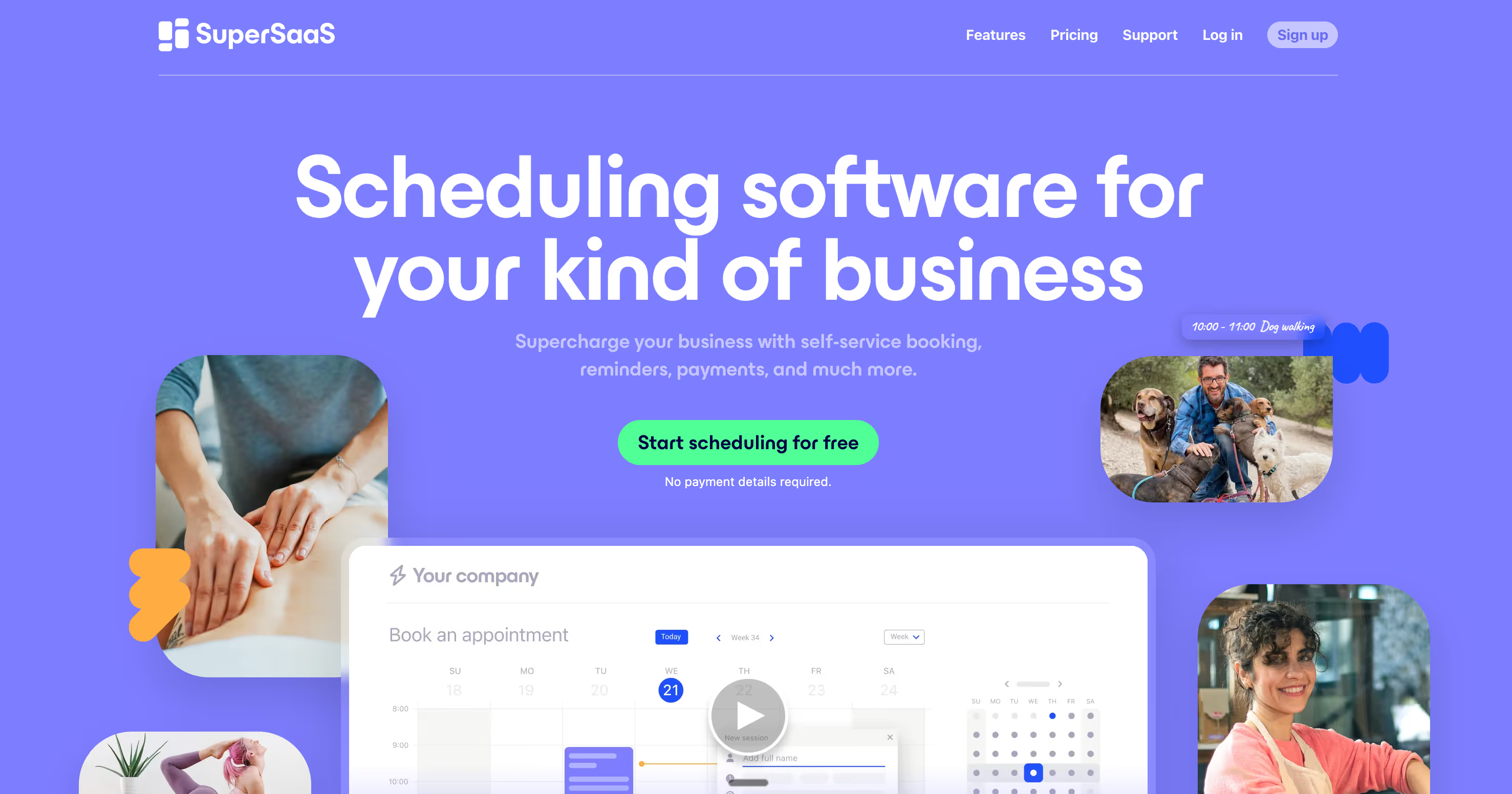
SuperSaaS earns rank 5 as the specialist among the best appointment booking software tools. When your scheduling is not a simple one-to-one call, when you book group classes, equipment rentals, or multiple resources at once, SuperSaaS handles logic that most rivals cannot.
Pricing is friendly. A free version covers up to 50 appointments, and paid plans start around $8 a month with unlimited registered users and unlimited schedules. For a small business on a budget that still needs real complexity, that is rare value.
The pros are deep customization, conditional booking logic, fair pricing, and quick support. The cons are just as real: reviewers describe the interface as outdated, almost a 2000s look, native integrations are limited so you lean on third-party connectors, and the initial setup takes a serious time investment. SuperSaaS is the best appointment booking software for complexity, not for owners who want something modern and instant.
Book Meetings Where Your Visitors Already Are
If you are weighing the options above against how much setup you want to do, here is what the Poper booking widget actually gives you.
6. Setmore, the Budget Team Pick
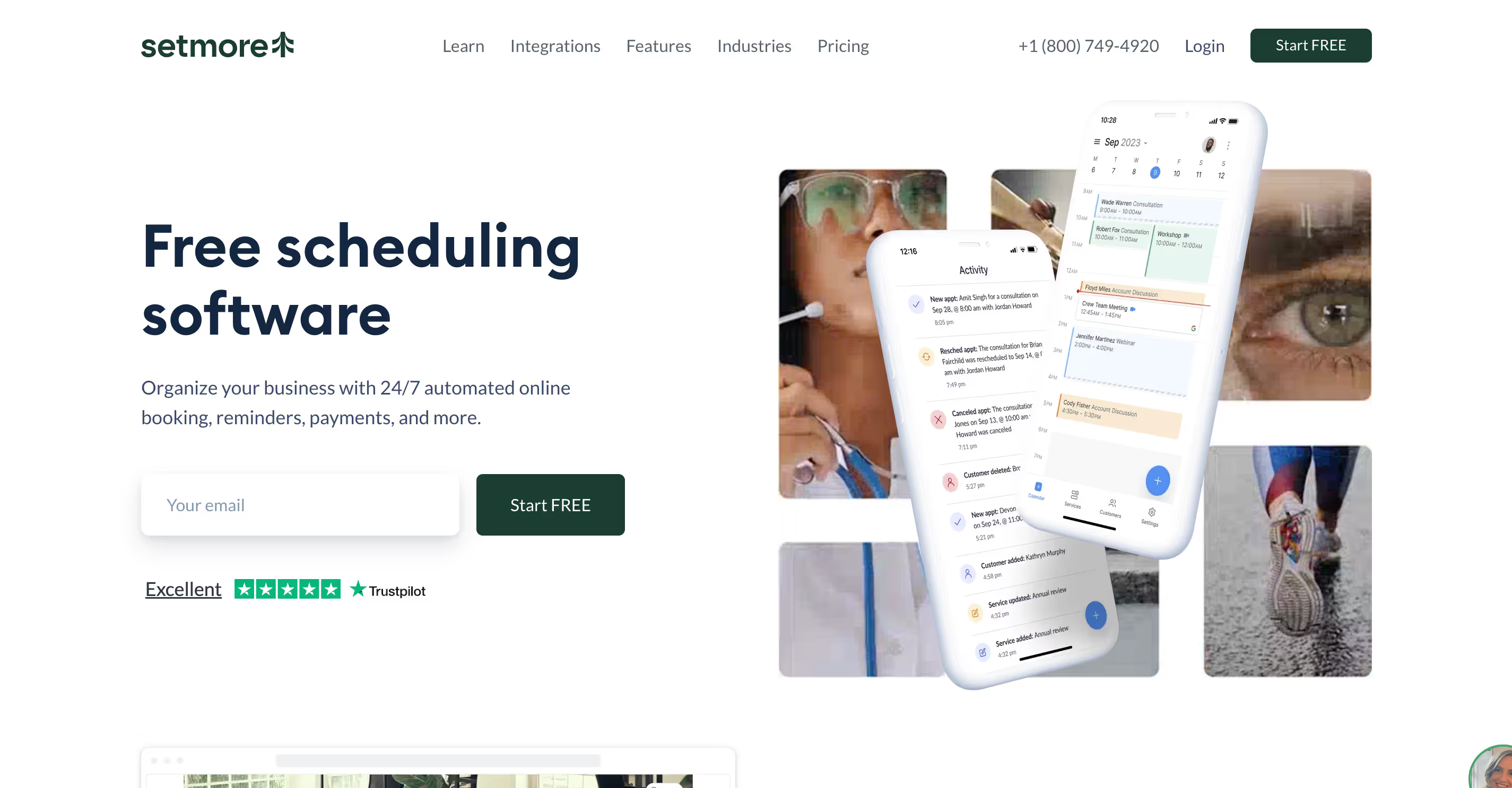
Setmore sits at rank 6 as the value option on this best appointment booking software list. It is easy to use, around 93% of reviewers say it is simple to set up, and its free plan suits many solo owners for years without a bill.
Paid pricing is about $5 per user each month billed yearly, though it rises to roughly $12 per user if you pay monthly. Key features such as SMS reminders, recurring appointments, two-way calendar sync, and Google review requests need a paid plan.
The pros are a low entry price and a friendly interface. The cons that show up again and again are a Google Calendar sync that drops and needs reconnecting, per-user costs that add up fast as the team grows, limited customization, and no packages or memberships, which is a deal-breaker for businesses that sell bundles. Setmore is affordable, but those sync complaints keep it from being the best appointment booking software for a growing team.
7. Appointlet, the Clean and Simple Link
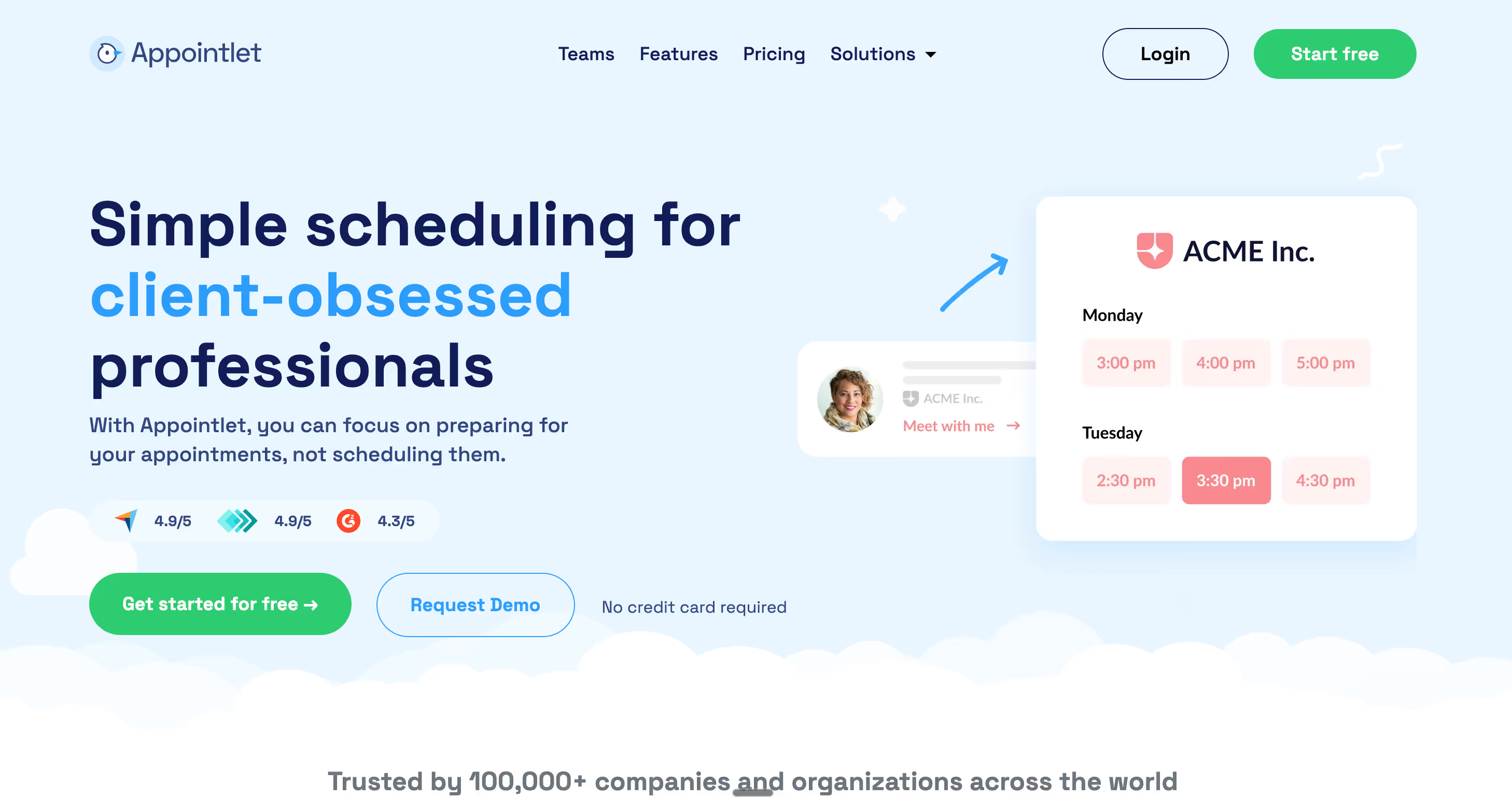
Appointlet rounds out the best appointment booking software list at rank 7. It is not a weak tool, it simply does less, and that is the point: it offers one of the cleanest dashboards and client-facing calendars of any option here.
Pricing is straightforward. There is a generous free plan that includes automated email and SMS notifications, integrations, and unlimited appointments, then a Premium plan at roughly $8 to $10 per member each month, and an Enterprise quote above that. There is no middle tier, so you jump straight from free to Premium.
The pros are a tidy interface, solid time-zone handling, and fast, knowledgeable support. The cons are the reason it ranks last: basic reporting and analytics, limited booking-page customization, fewer integrations than rivals, and no API access at all. For a sales team that just wants a clean link, Appointlet is fine, but it is not the best appointment booking software for owners who want depth.
Calendly alternatives worth a real look
Most people searching for the best appointment booking software start with Calendly and then wonder if something fits better. That instinct is correct. Calendly is excellent at scheduling a meeting between two people, but small businesses often need more than that.
My top Calendly alternative is Poper, and the reason is simple. Calendly hands your visitor a link that pulls them off your site, while Poper keeps the booking on your own page so you never lose the moment of intent. If you take payments at booking, SimplyBook.me and Acuity are stronger alternatives because their payment flows feel native. If your pain is cost, Setmore and SuperSaaS both undercut Calendly. And if you book classes or rentable resources, SuperSaaS is built for exactly that complexity.
How To Choose the Best Appointment Booking Software for Your Business
Let me make this practical. When a friend asks me to recommend the best appointment booking software, I ask them three quick questions before naming anything.
First, what are you booking? A one-to-one consultation points to Calendly or Poper, while group sessions or rentals point toward SuperSaaS. Second, do you need to collect money upfront? If yes, prioritize tools with strong native payments and deposit support, because deposits are proven to reduce no-shows. Third, how much does the booking page need to look like your brand? If brand trust matters, avoid tools that stamp their own name all over the page.
One more piece of advice. Do not over buy. The best appointment booking software is the one your customers actually finish booking on, not the one with the longest feature list. Capterra's 2026 research found that small businesses save 5 to 10 hours a week just by automating scheduling, and you capture that saving with a simple tool just as well as a complex one. Start free, watch how your customers behave, and upgrade only when a real limit gets in your way.
Why Poper Is My Rank 1 Pick for the Best Appointment Booking Software
I have saved my strongest recommendation for last. After digging into the pricing and the user complaints of every tool above, one pattern stands out: almost all of them send your customer away to book, and then charge more as you grow. Poper does neither. It keeps the booking on your own website, so you capture the visitor while their interest is still high.
With Poper you can drop an appointment booking widget onto any page in under two minutes, with no code, on WordPress, Shopify, Webflow, Wix, or Squarespace. You get a real free plan to start, deposits to cut no-shows, and a booking page that carries your brand instead of someone else's. You can also use the targeting rules to show a booking prompt at the right moment, such as after a visitor scrolls through your services page or shows exit intent.
So here is my honest advice. Try Poper first. Add the widget to your site today, keep it on the free plan, and watch how many more visitors book once the friction is gone. The best appointment booking software is the one that removes every excuse a customer has not to book, and for most small businesses that tool is Poper. Start now, let the bookings come in, and focus on the work that actually grew the business in the first place.
References
Test A Booking Flow On Your Own Traffic This Week
A shortlist only takes you so far. Create a free Poper account, add the appointment booking widget to the page where people already ask you for time, and watch how the slots fill before you commit budget to any scheduler.
Create Your Free Poper AccountFree plan, no credit card required.


