
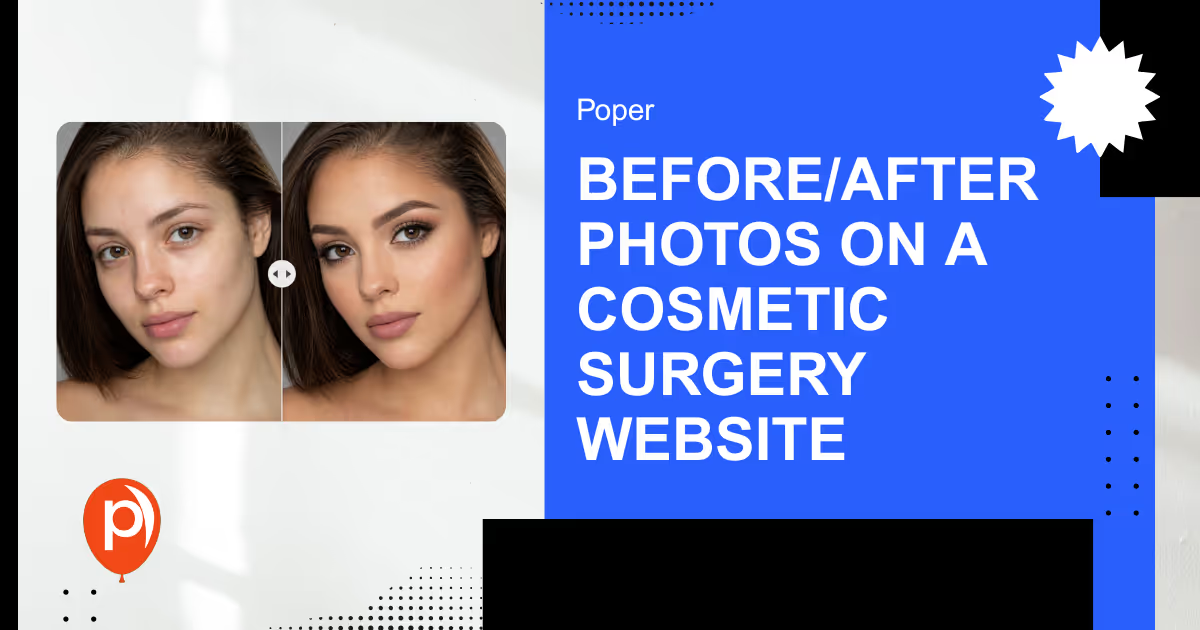
Before after photos are the single most persuasive asset on a cosmetic surgery website, patients consistently rank visual proof above any written claim a practice can make. They are also the fastest way to land a HIPAA violation that can cost tens of thousands of dollars per image.1 That tension is the whole problem: the content that sells your practice is also protected health information, and most clinics publish it wrong.
Quick Take: Before/after photos drive consultations, but each image is PHI. Get written marketing authorization, store the photos outside the medical record, and display them as a draggable slider.
Why Before/After Photos Decide the Sale
Patients shopping for a surgeon do not trust adjectives. They trust evidence. A before after photo on a cosmetic surgery website is the closest thing to proof a prospect can get before booking.
The numbers back this up. High-quality clinical photography lifts conversion, most users prefer a draggable before/after slider over two static images, and real patient content outperforms stock imagery every time.
Search behavior compounds the effect — procedure-plus-location queries convert at a higher rate than generic terms, because the searcher already knows the exact result they want to see.
So the asset works. The risk is that the same asset is regulated.
Embed A Draggable Before After Slider In Minutes
Poper's before after slider turns a pair of images into one comparison a visitor can drag. Build it in the editor, then paste a single script tag into your site template. Which images you publish stays entirely your call: the widget only controls how the pair is displayed.
<script id="poper-js-script" data-account-id="YOUR_ACCOUNT_ID" src="https://app.poper.ai/share/poper.js" defer></script>The Compliance Side Most Clinics Get Wrong

An identifiable before/after image is protected health information under HIPAA — full stop. Under the HIPAA Privacy Rule, using or disclosing PHI for marketing generally requires the patient's separate written authorization, distinct from the surgical consent they already signed.2
Consent to treatment is not consent to publish. A patient who agreed to surgery has not agreed to appear on your cosmetic surgery website. Bundling the two into one form is the most common mistake — and an expensive one. Enforcement has tightened, with HHS civil penalties running from $100 to $50,000 per violation depending on the level of negligence.1
The two documents do different jobs. This is the split that keeps a clinic out of trouble:
| Dimension | Surgical consent | Marketing photo authorization |
|---|---|---|
| Purpose | Permission to perform the procedure | Permission to publish identifiable images |
| Required by | Standard of care | HIPAA marketing rule |
| Scope named | Clinical risks and outcomes | Specific channels: website, social, ads |
| Revocable | Before the procedure | At any time, in writing |
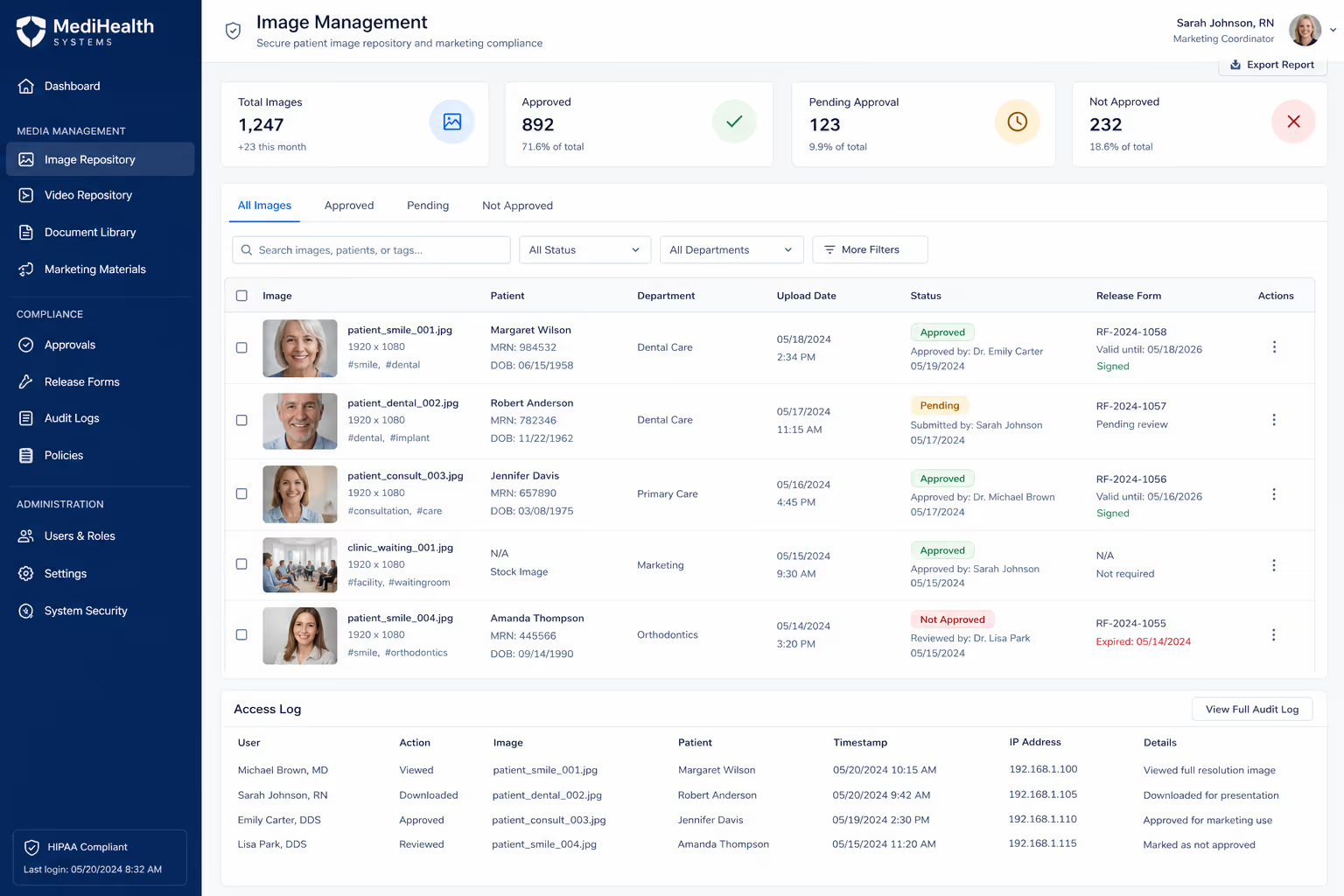
| Where stored | Medical record | Separate marketing repository with access logs |
A Pre-Publish Checklist for Every Image
Run every before/after photo through the same gate before it touches your cosmetic surgery website. The HIPAA Privacy Rule's authorization and minimum-necessary principles translate into a repeatable flow — separate clinical images from marketing assets, and watermark the copies you have cleared to publish.2 Build that flow once and run every image through it:
Collect a separate marketing authorization that names the website, social platforms, and paid ads by name.
De-identify where the result still reads — crop faces, tattoos, and birthmarks when the procedure does not require them.
Store authorized images outside the medical record, in a repository with access logs.
Watermark the marketing copy as authorized so staff never grab an unapproved file.
Record the revocation path, because a patient can withdraw consent at any time.
The photo that wins you a consultation and the photo that triggers a fine are the same photo — the only difference is the paperwork behind it.
How To Display the Photos so They Convert
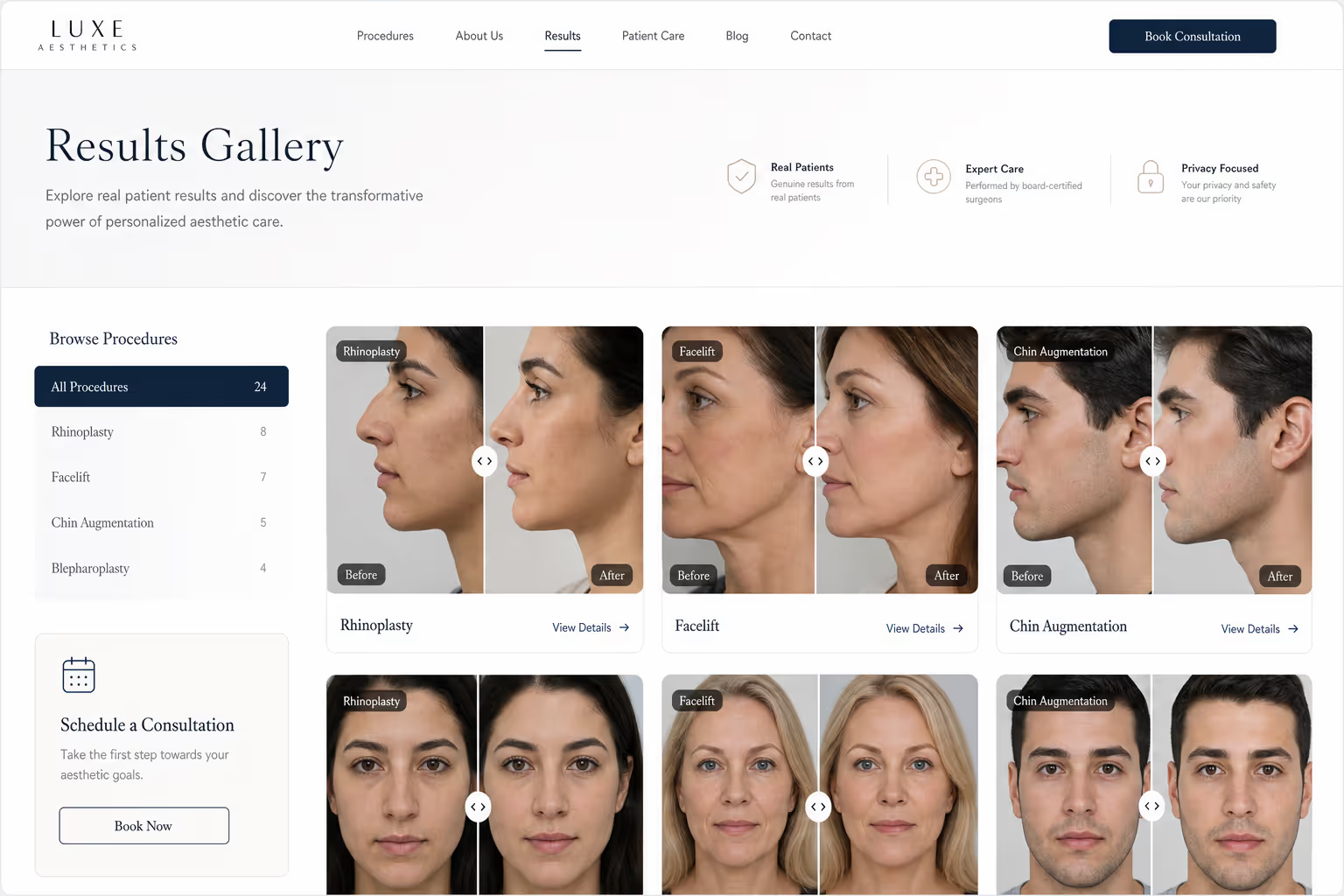
Authorization gets the image online. Presentation decides whether it sells. Two static thumbnails sitting side by side ask the visitor to do the comparing — a draggable slider does it for them, and that single interaction is why most visitors engage with it far more than with a static pair.
Display rules that hold up on a cosmetic surgery website:
Use consistent lighting, angle, and framing across the pair — mismatched shots read as manipulation.
Never edit the result; retouching an outcome is both a trust problem and a regulatory one.
Group sliders by procedure so a rhinoplasty prospect is not scrolling past body work.
Keep images light — visitors abandon a slow clinic site within seconds, so compress before upload.
Three Places A Slider Earns Its Space
The slider is a drag handle laid over two images. You pick the pair, the labels, and the spot on the page, and you can swap the images later without touching your theme.
Where the Gallery Belongs on the Page
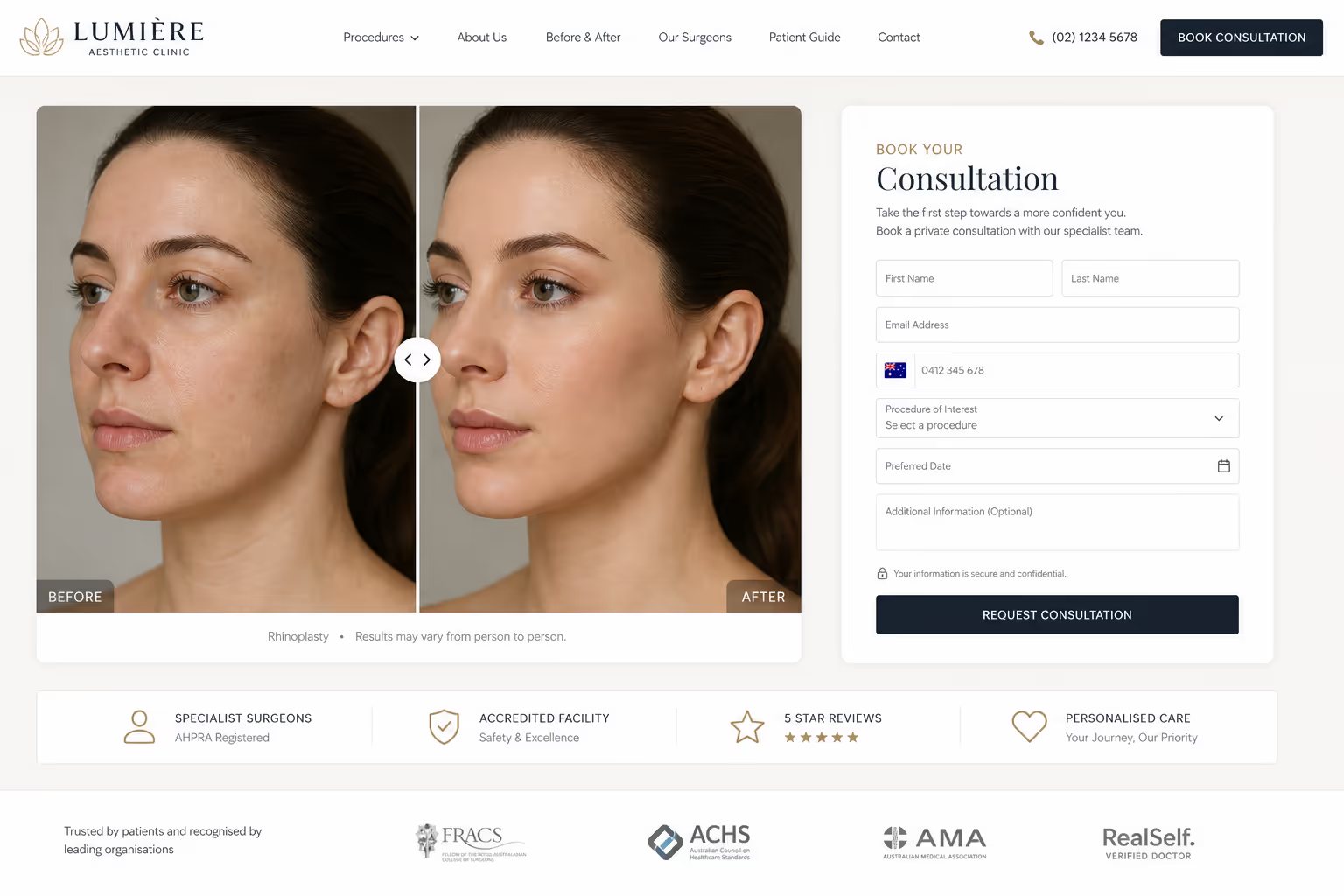
Placement changes how hard the gallery works. A before after photo buried in a footer earns nothing — the same image above the consultation form earns a booking. Map the gallery to where doubt peaks on a cosmetic surgery website.
Three placements that consistently pull their weight:
On each procedure page, directly under the description, so the proof sits beside the claim.
Beside the consultation form, where a hesitating visitor needs one last reason to commit.
On a dedicated results page that procedure-plus-location searches can land on — the query type that signals the highest intent to book.
Keep one rule across all three: every image in view must trace back to a signed marketing authorization. Mixing one unapproved photo into an approved gallery exposes the whole page.
What This Means for Your Stack
You do not need a developer to ship a compliant gallery. Poper's no-code Before-After Slider widget drops a draggable comparison onto any cosmetic surgery website in minutes, which is the format the data says patients prefer.

Pair it with real before-after slider examples to model the layout, and add a Trust Badges widget near the gallery to reinforce that the work is documented and consented. The compliance still lives in your authorization process — the widget just renders the approved result the way that converts.
The Bottom Line
Before after photos are the highest-leverage content on a cosmetic surgery website, and they are also the easiest way to invite a HIPAA penalty. Treat every image as PHI, collect a marketing authorization that is separate from surgical consent, store the files apart from the medical record, and display the approved pairs as a slider rather than static thumbnails. Done in that order, the same asset that exposes you becomes the one that books the consultation.
Sources
U.S. Department of Health & Human Services (HHS), "Health Information Privacy (HIPAA Guidance)". https://www.hhs.gov/hipaa/index.html
U.S. Department of Health & Human Services (HHS), "Summary of the HIPAA Privacy Rule". https://www.hhs.gov/hipaa/for-professionals/privacy/laws-regulations/index.html
Put Your Best Pairs Behind One Drag Handle
Once you have decided which images belong on the site, Poper turns each pair into a draggable comparison you can drop on any page. Build it in the drag and drop editor, embed it with one snippet, and update the images whenever the gallery changes.
Create Your Free AccountFree plan, no credit card required.


