
Background music on a website is one of the few design choices that browser makers actively fight you on. Chrome, Safari, and Firefox all block audio that autoplays with sound, not as a bug, but as policy, because the data on how users react is that one-sided. If the platforms your visitors use have decided background music on a website is hostile by default, that should tell you most of what you need to know before you add it.
Quick Take: Background music on a website almost always hurts, it raises bounce, breaks accessibility, and slows the page. The rare exceptions are silent by default and fully under the visitor's control.
Why Background Music on a Website Usually Backfires
The core problem is consent. A visitor did not ask for sound, so background music on a website arrives as an ambush, and an ambush is a reason to leave, not stay. People browsing at work, in a quiet room, or next to a sleeping child reach for the back button before they reach for the volume.
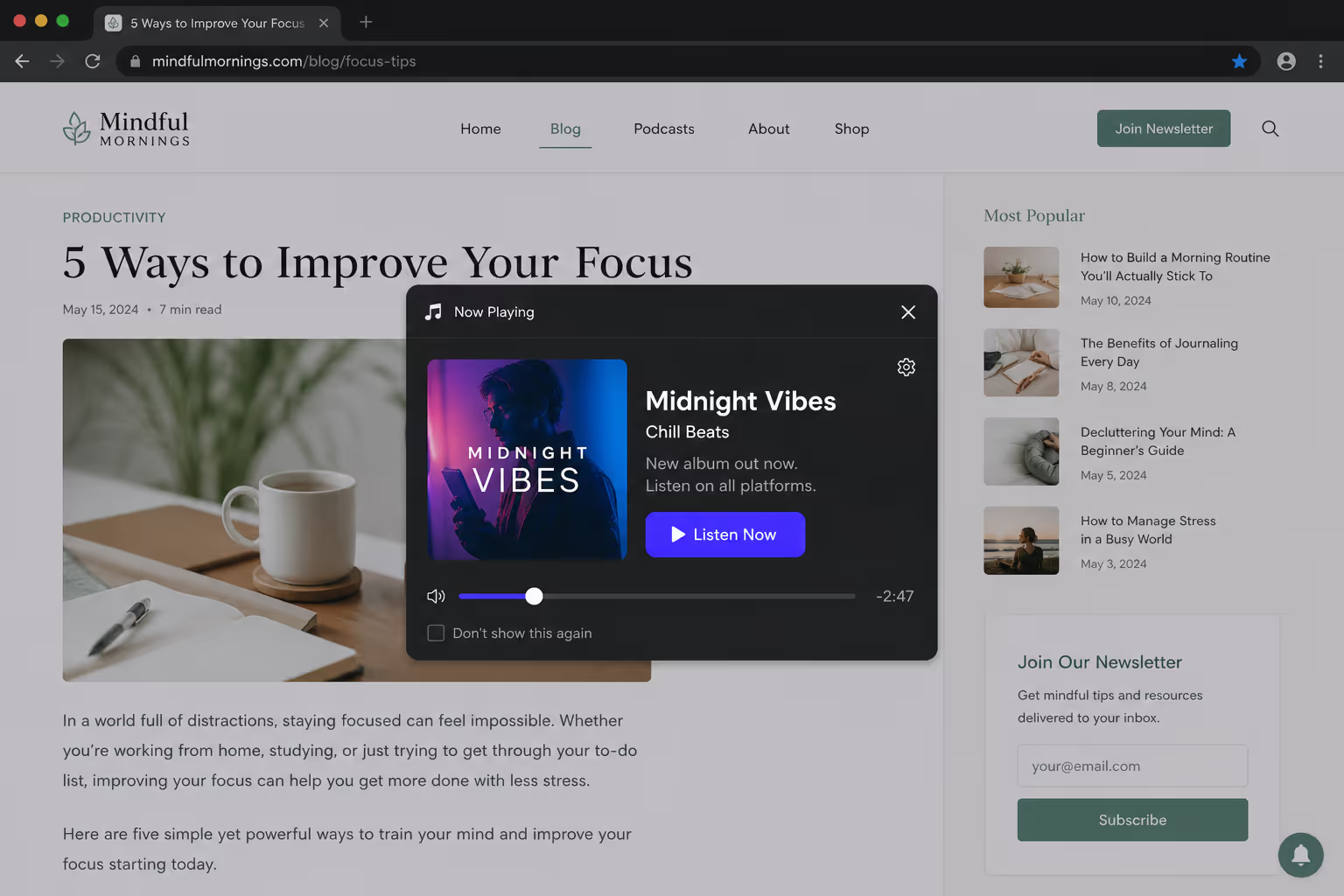
The browsers codified this. Modern autoplay policies block audio that starts with sound unless the user has interacted with the page first, which means most attempts at background music on a website simply fail to play and leave you debugging a feature you should not have shipped.
It also costs you speed. An audio file is weight, and weight is conversions — a page-speed roundup found that 53% of mobile visitors abandon a site that takes more than three seconds to load. An unrequested soundtrack spends that budget on something the visitor never asked for.
The Accessibility Problem You Cannot Wave Away
Background music on a website is not just annoying, for some people it is disabling. Unexpected audio competes with screen readers, so a blind visitor using text-to-speech hears your music layered over the content they came for. For people with cognitive disabilities, sudden sound is disorienting.
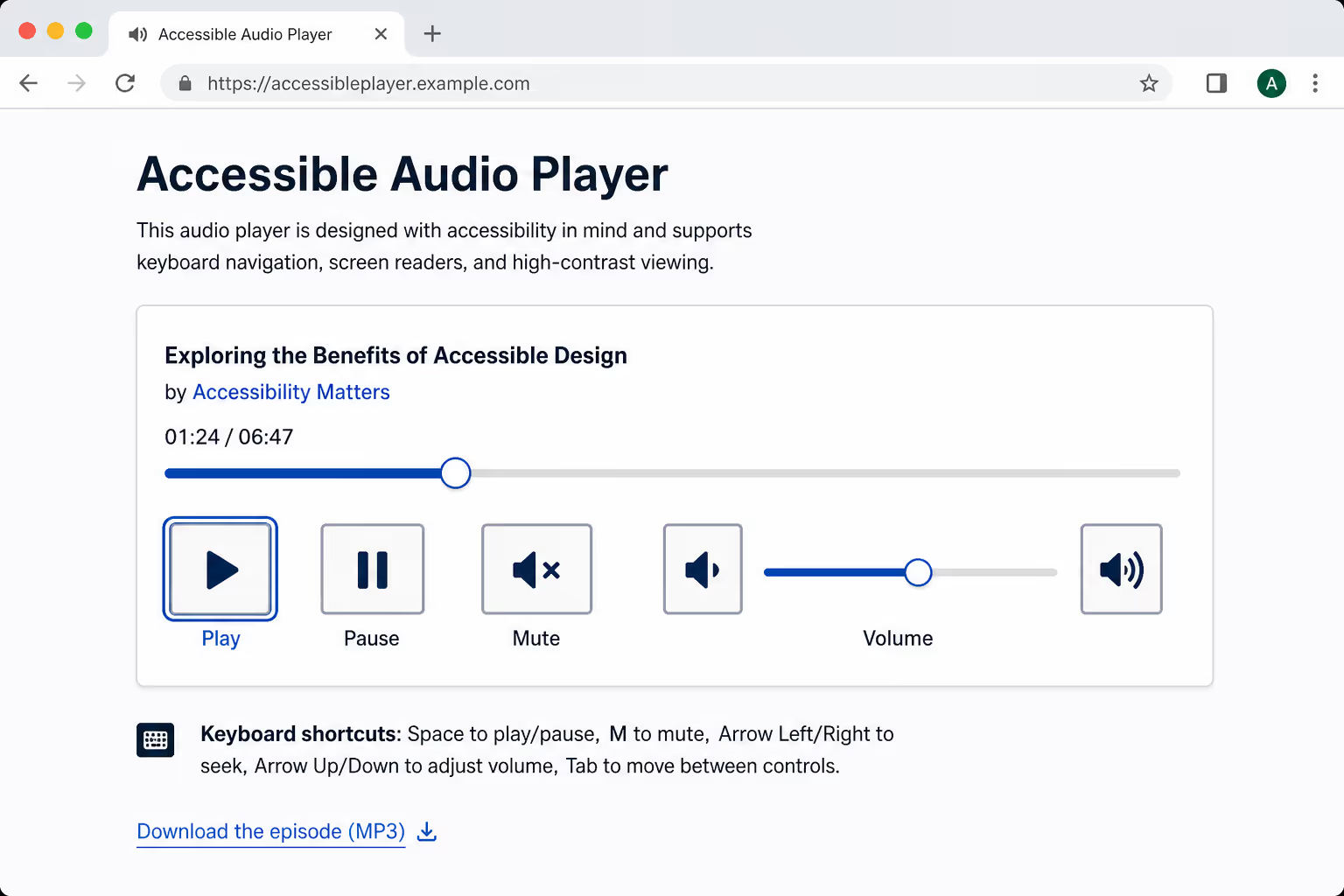
This is written into the standard. WCAG Success Criterion 1.4.2, Audio Control, requires that any audio playing for more than three seconds must offer a clear way to pause or stop it, or a volume control independent of the system. Ship it without that, and you are not just losing visitors, you are out of compliance.
If your background music on a website cannot be stopped in one click, it is not a design feature, it is an accessibility defect with a soundtrack.
The Rare Cases Where Background Music on a Website Works
There are real exceptions, they are just narrow. Background music on a website can work when the experience itself is the point and the visitor expects sound.
An interactive brand microsite or product launch built as an immersive experience.
A game or interactive story where audio is core to the medium.
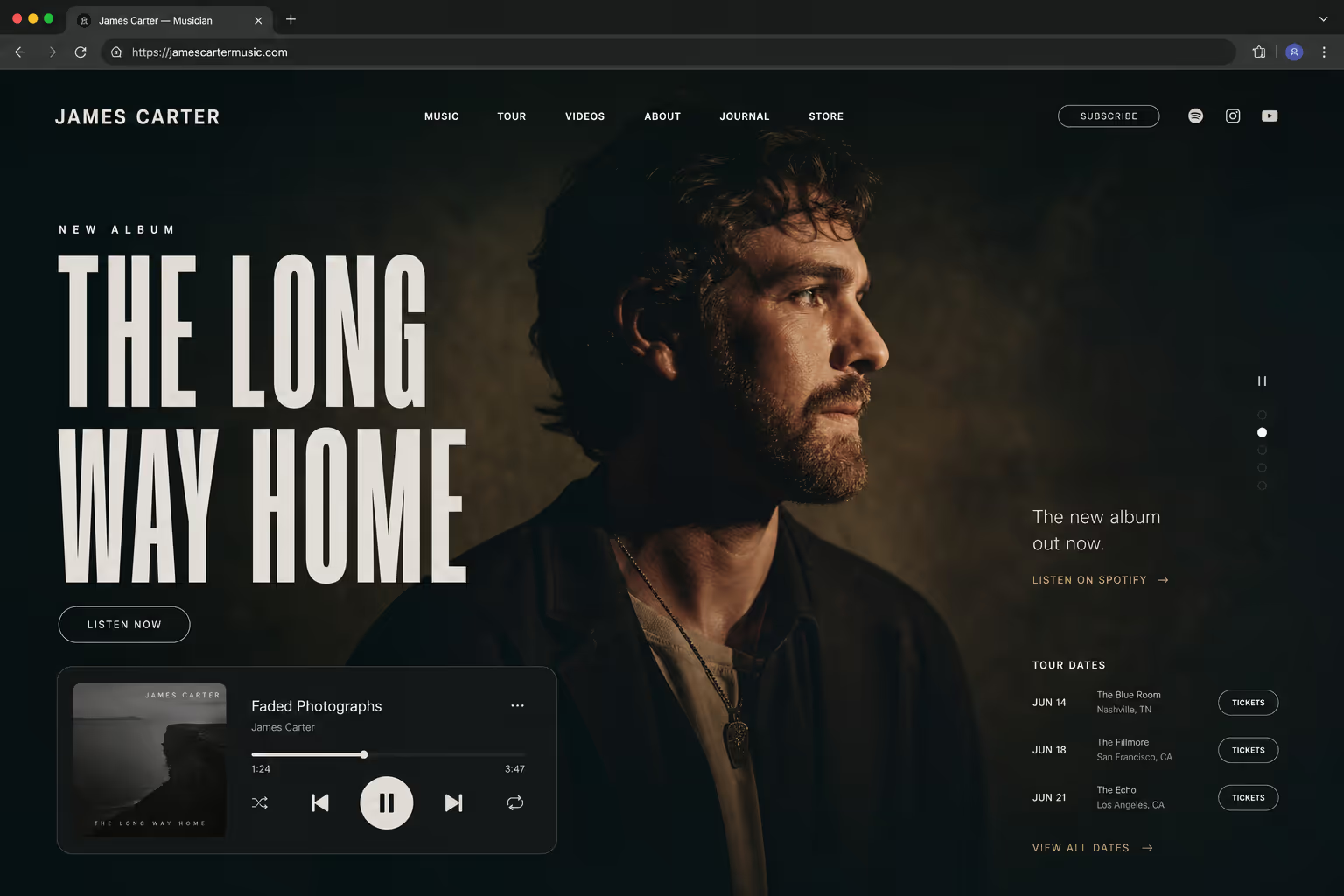
A musician's or audio creator's page, where hearing the work is the entire reason to visit.
An art or film portfolio designed as a deliberate, full-screen moment.
Even then, the rules do not bend, they tighten. The audio stays silent until the visitor opts in, a control is always visible, and the page still loads fast without it.
Hurts Versus Helps: The Honest Comparison
Here is the line I draw when a client insists on background music on a website. If the idea lands in the right column, it stays. If it lands left, it goes.
| Factor | Hurts (the default) | Helps (the exception) |
|---|---|---|
| Trigger | Autoplays with sound | Silent until the visitor opts in |
| Control | No visible mute or stop | Persistent, obvious toggle |
| Context | A standard content or sales page | An immersive experience or audio creator |
| Accessibility | Conflicts with screen readers | Meets WCAG 1.4.2 audio control |
| Performance | Heavy file blocks page load | Lazy-loaded, compressed, optional |
If You Must Add Audio, Do It on the Visitor’s Terms
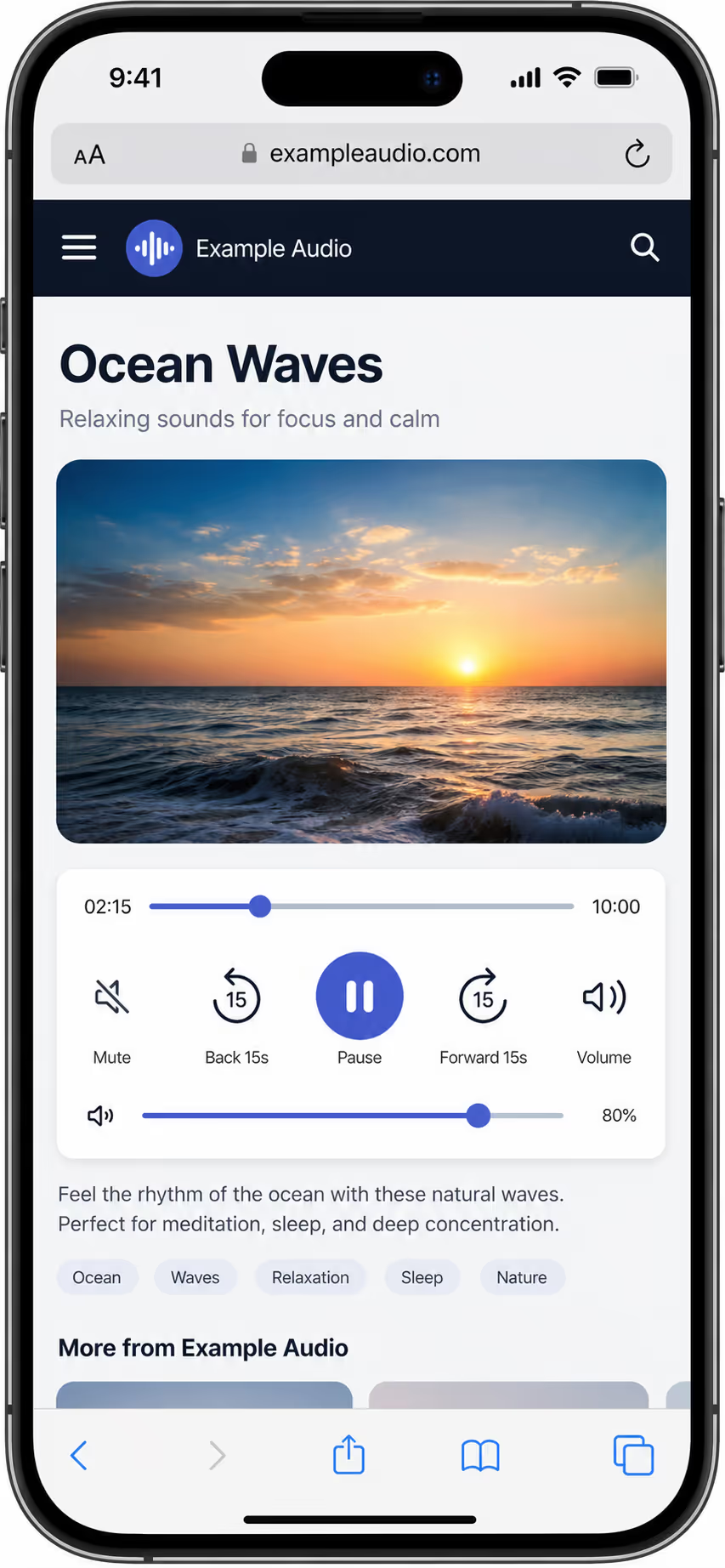
When background music on a website genuinely fits, ship it defensively. The visitor decides everything; the page never decides for them.
Default to silence, the visitor presses play, the page never autoplays sound.
Keep a mute and pause control visible at all times, not buried in a menu.
Lazy-load and compress the file so the audio never delays the first paint.
Remember the choice, if a visitor mutes once, do not make them do it on every page.
This is the same principle that governs all web audio in 2026: roughly 79% of Americans aged 12 and over already listen to online audio every month, and they listen on their own terms, when they choose to. Audio that ignores that choice fights a habit you cannot win against.
What This Means for Your Stack
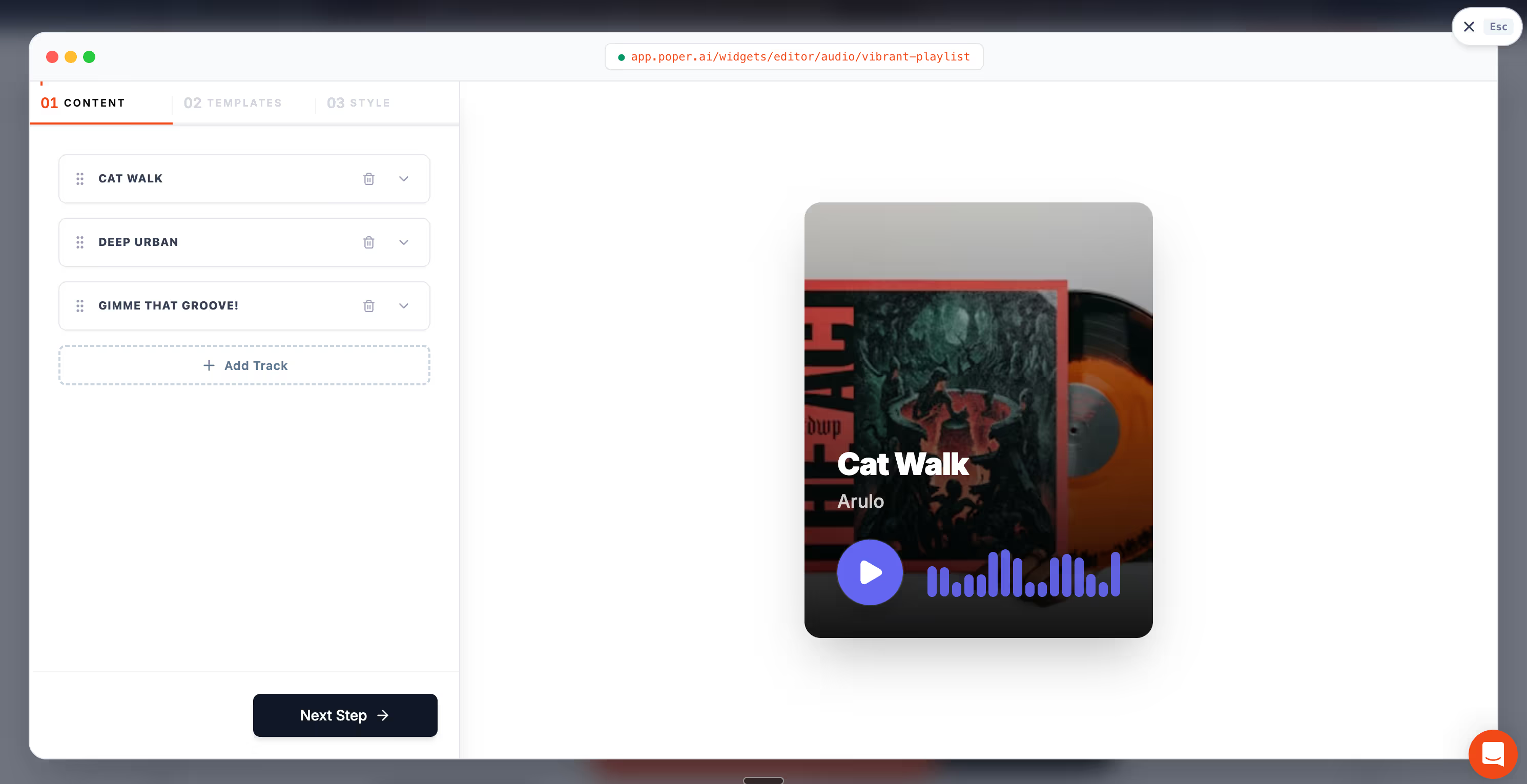
If you have a legitimate case for on-page audio, a creator page, a microsite, a sample, skip the autoplay hack and use a player the visitor controls. Poper's Audio widget is opt-in by design: it never autoplays with sound, it lazy-loads, and it ships a clear play and pause control, which keeps you on the right side of both WCAG and your bounce rate. It runs the same on WordPress, Shopify, Webflow, Wix, and Squarespace.
For the mechanics of hosting and embedding the file itself, our guide on how to embed audio on a website walks through the options without the autoplay trap.
Conclusion
Background music on a website is a solution looking for a problem on almost every page that has it. It raises bounce, breaks accessibility, and slows the load, and the browsers block it for exactly those reasons.
The rare exceptions, immersive experiences and audio creators, earn it only by staying silent until the visitor asks and giving them a control they can always reach. If your audio cannot pass that test, the best background music on a website is none at all.



