
Most advice about audio for landing pages is wrong in the same direction: it assumes more media equals more conversions. It does not. Audio can lift a landing page when it shortens the path to a decision, and it can tank the same page when it slows the load or hijacks the visitor's attention. The difference is not the audio itself. It is where you put it, whether it autoplays, and what it costs you in page speed.
Quick Take: Audio for landing pages works only when the visitor chooses to press play and the file does not slow the page. Autoplay with sound and heavy embeds tank conversions - every time.
Why Audio on Landing Pages Is Tempting in the First Place
Listening is now mainstream behavior. Edison Research's Infinite Dial study found that about 79% of Americans aged 12 and over, roughly 228 million people, listen to online audio every month.1 Marketers see that number and reasonably ask whether audio belongs on the page where conversions actually happen.
The instinct is not crazy. Rich media does move pages: a HubSpot dataset reported that 38.6% of marketers rank video as the single most effective element for boosting landing page conversions, but the same guidance is blunt that it should autoplay without sound.2 That caveat is the whole story for audio.
When Audio for Landing Pages Lifts Conversions
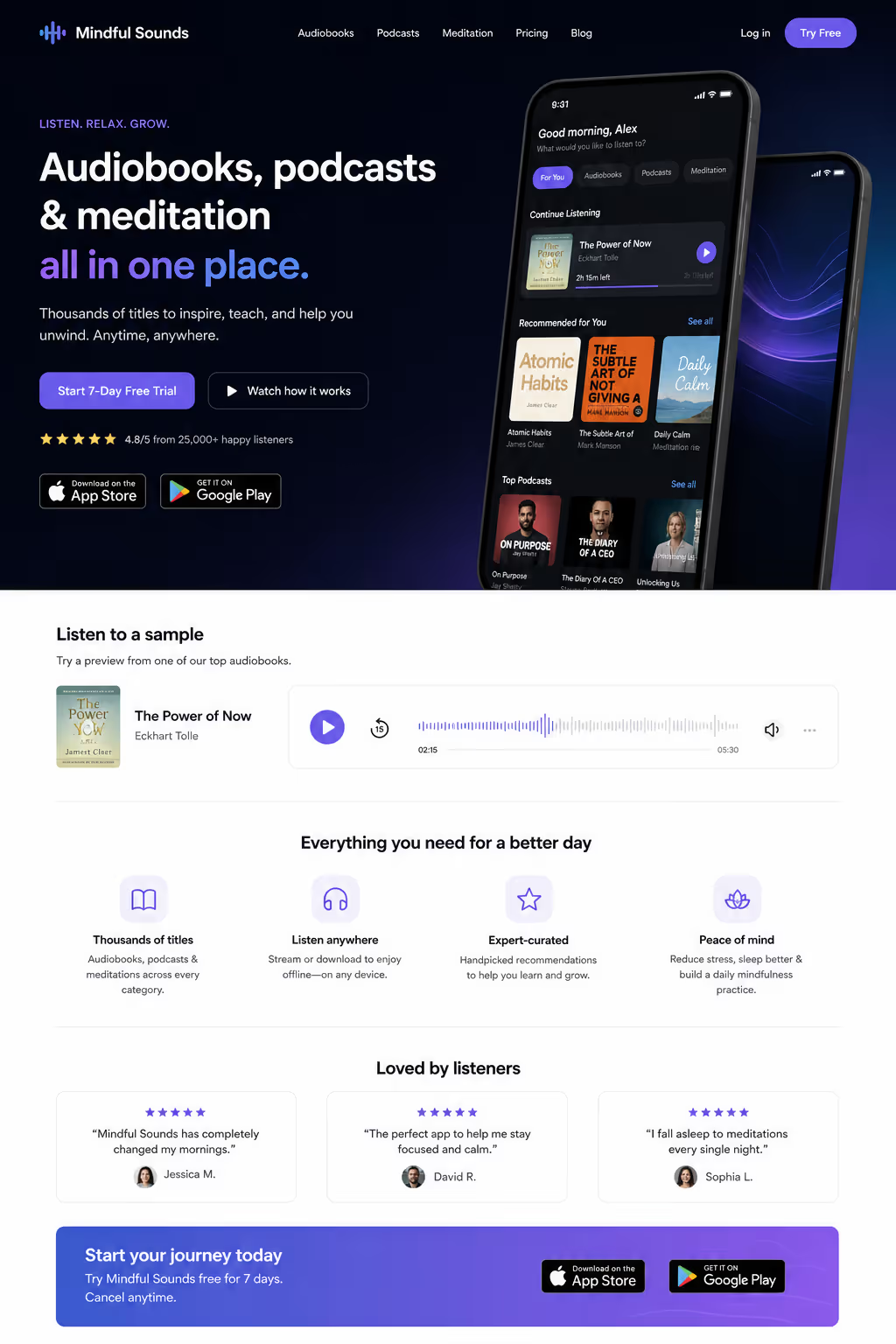
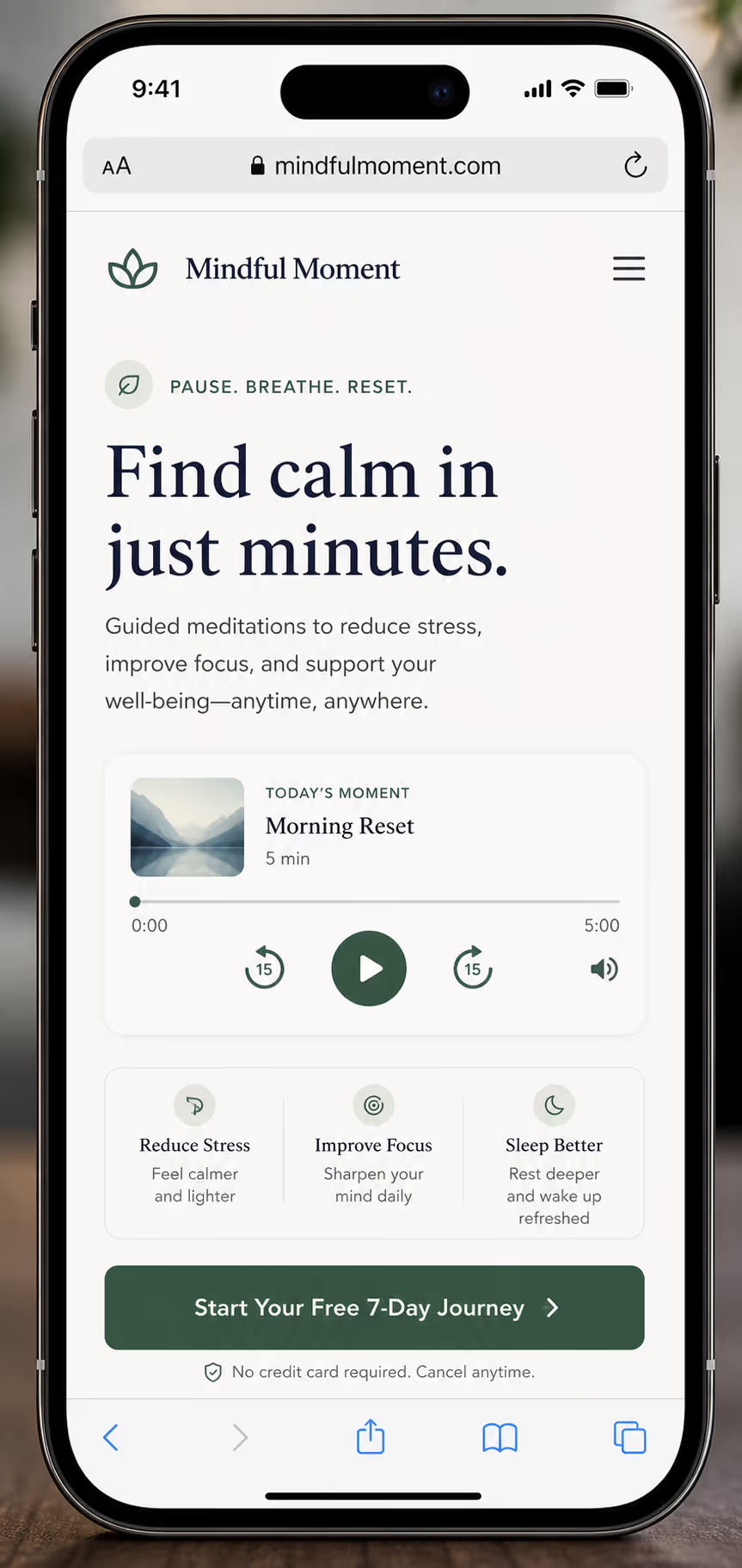
Audio helps when it removes a step from the decision. If the product is audio, a podcast, a meditation app, a music course, an audiobook, a sample on the landing page lets the visitor experience the thing before they commit. That is not decoration; it is proof.
Use on-page audio in these cases:
The product itself is audio and a sample replaces a leap of faith.
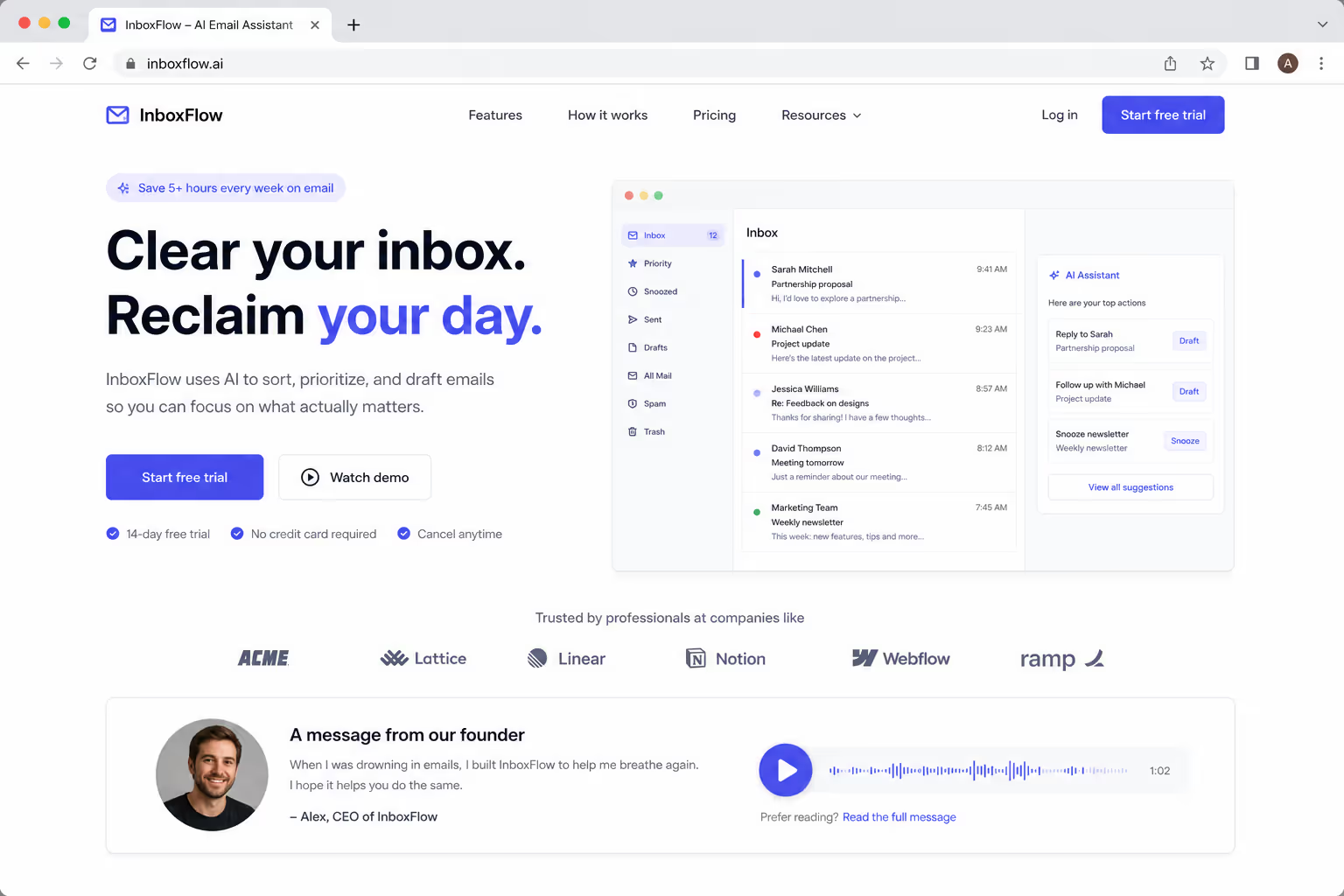
A short founder voice note adds trust on a high-consideration offer.
An optional testimonial clip sits below the fold for visitors who want more.
The common thread, the visitor presses play. Opt-in audio respects attention, and attention is the currency the whole page runs on.
When Audio for Landing Pages Tanks Conversions
Two patterns kill pages. The first is autoplay with sound. The second is weight.
Autoplay with sound is so reliably hated that every modern browser blocks it by default. It ambushes the visitor, embarrasses anyone browsing at work, and sends them straight to the back button. There is no A/B test worth running here, the platforms already ran it for you.
If your audio for landing pages plays before the visitor asks for it, you are not adding media, you are adding a reason to leave.
Weight is the quieter killer. A heavy audio embed competes with everything else for the first paint, and landing pages live or die on speed. Analysis by NitroPack with Google found that a 0.1-second load-time improvement lifted conversions by up to 10.1%, and Portent's 2024 data showed pages loading in one second convert about three times higher than those loading in five.3 Drop a 2 MB player at the top of the page and you spend that advantage before the visitor reads a word.
The Decision Table I Use
Before adding audio for landing pages, I run the page through this grid. If it does not land in the "lift" column, the audio comes off.
| Factor | Lifts conversions | Tanks conversions |
|---|---|---|
| Trigger | Visitor presses play | Autoplays with sound |
| Relevance | Product is audio or voice adds trust | Audio is unrelated to the offer |
| Placement | Below the hero, optional | Blocks the headline and CTA |
| Weight | Lazy-loaded, compressed file | Heavy iframe at the top of the page |
| Control | Clear play, pause, and volume | No way to stop it |
How To Add Audio Without Paying the Speed Tax
If the page passes the table, ship the audio defensively. The median landing page converts at just 6.6% across industries, according to Unbounce's benchmark report, so there is no margin to waste on a slow player.4 Three rules keep on-page audio cheap:
Never autoplay with sound, make the visitor press play.
Lazy-load the player with
loading="lazy"so it waits until the visitor scrolls near it.Compress the file: 96 kbps mono for voice is plenty, and a fraction of the size of 320 kbps stereo.
Keep the player below the hero. The headline and the primary call to action should own the first screen, audio is a supporting actor, never the lead.
What This Means for Your Stack
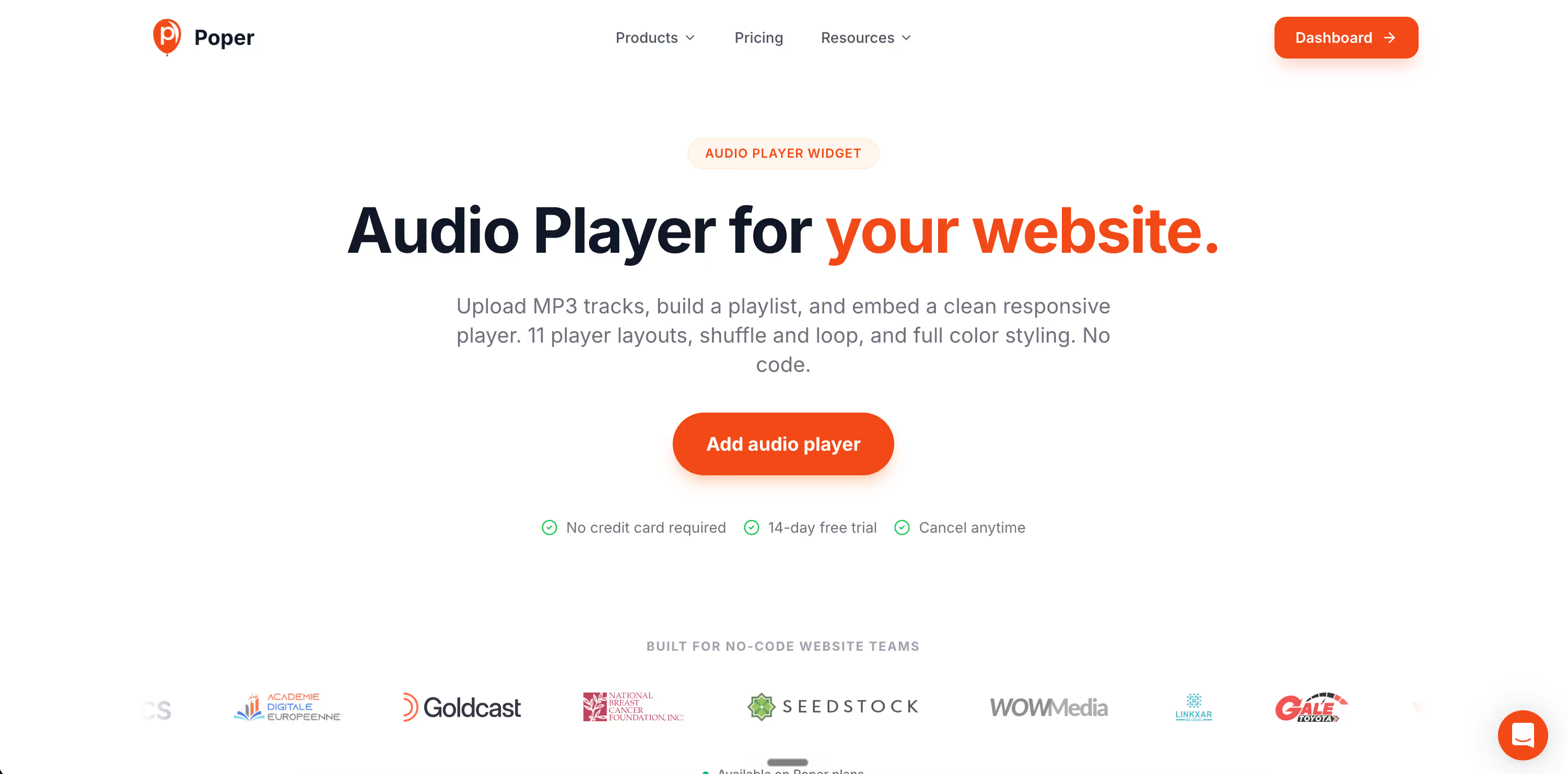
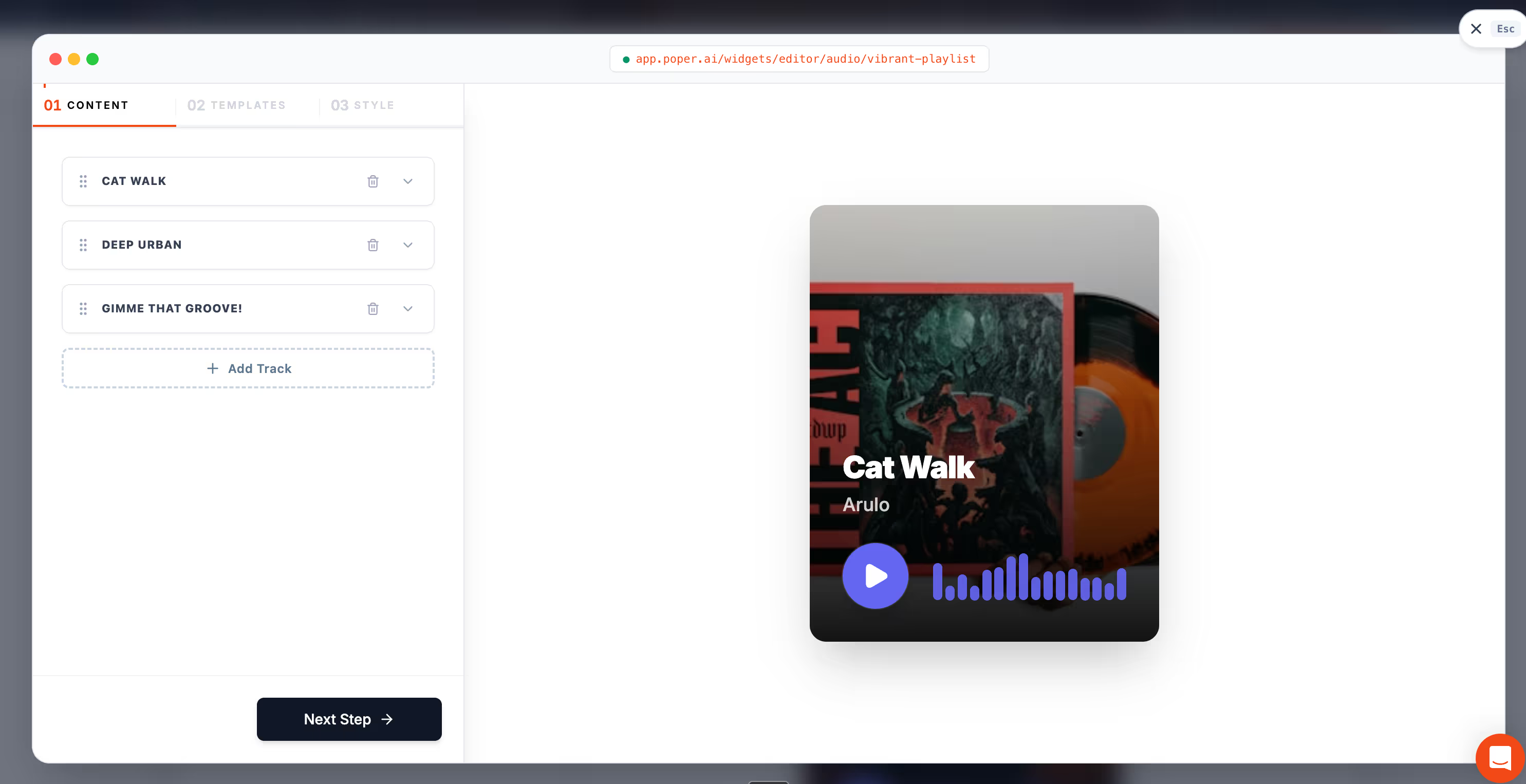
If you want on-page audio without hand-tuning bitrates and iframes, this is where Poper fits. Poper's Audio widget drops a play-on-click player onto any page with no code, lazy-loads by default, and never autoplays with sound, so it stays on the "lift" side of the table by design. It runs the same way on WordPress, Shopify, Webflow, Wix, and Squarespace.
Pair it with the embedding mechanics in our guide on how to embed audio on a website if you want to compare the raw HTML5, SoundCloud, and Spotify routes before you commit.
The Bottom Line
Audio for landing pages is neither a growth hack nor a curse, it is a tool with one correct setting. Let the visitor choose to play it, keep it relevant to the offer, place it below the hero, and keep the file light.
Do that and audio earns conversions. Autoplay it or bloat the page, and the same audio quietly drains the page dry. The audio is not the variable. Your restraint is.



